


 Home
Homefolk 2.0



Helps TikTok sellers, brands, MCNs, and TAPs discover winning products and find creators.

HelpLook is an AI-powered all-in-one knowledge base tool that helps businesses quickly build knowledge bases, help centers, and...

Your AI Workspace

302.AI is an enterprise-grade AI resource platform with pay-as-you-go pricing, API access to a full range of AI models, and ready-to-use online applications.

剧火AI — AI Screenwriter + Director, a One-Person Short Drama Studio In one sentence, what is it?
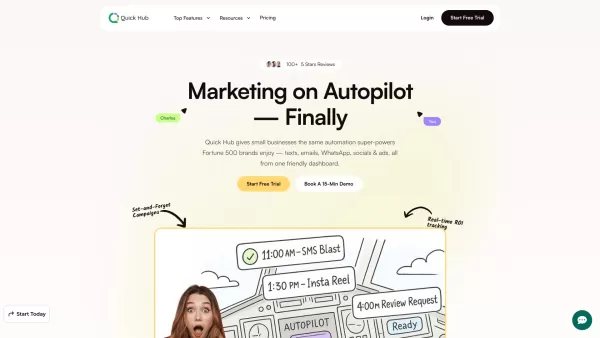
What is Quick Hub? Quick Hub empowers small business owners and marketing teams by automating their marketing with AI-driven social media, customer engagement, and promotional workflows. It provides small businesses with the same advanced automation
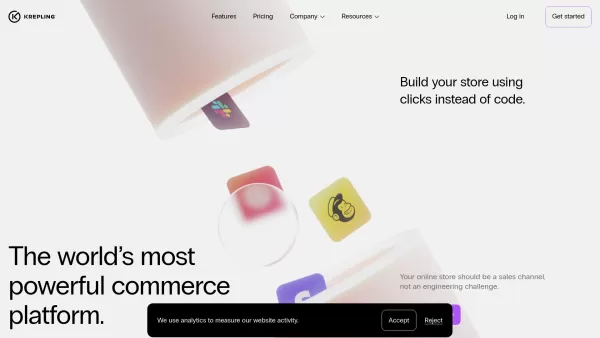
What is Krepling?Krepling is an all-in-one cloud commerce platform that empowers entrepreneurs and businesses to launch and grow their digital operations. This innovative solution combines website building, hosting, and business management tools into
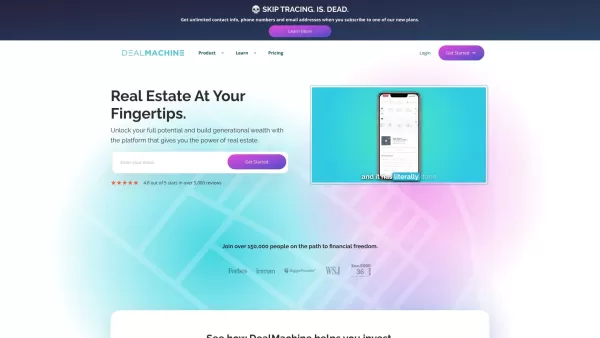
Imagine you're on a quest to conquer the real estate world. Now, picture having a trusty sidekick by your side, guiding you through the maze of lead generation, skip tracing, and direct mail marketing. That sidekick is DealMachine, an all-in-one platform
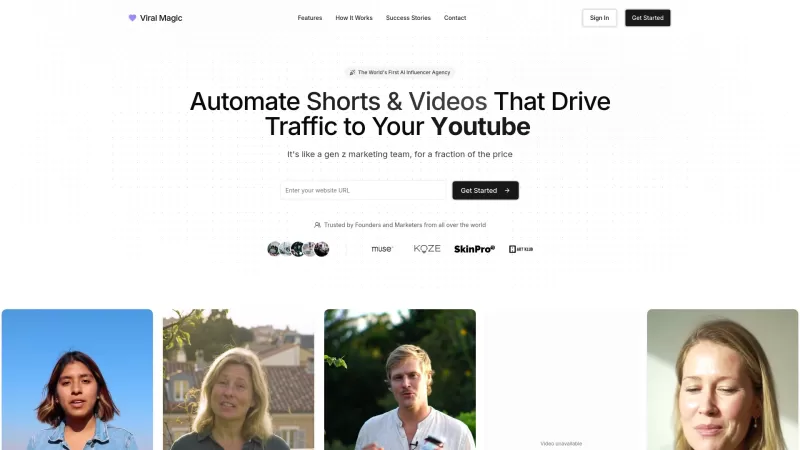
Ever wondered how to make your brand go viral without breaking a sweat? Enter Viral Magic AI, your go-to AI-driven influencer marketing agency. This isn't just another tool; it's like having a team of digital wizards at your fingertips, ready to catapult your brand's presence across various platform
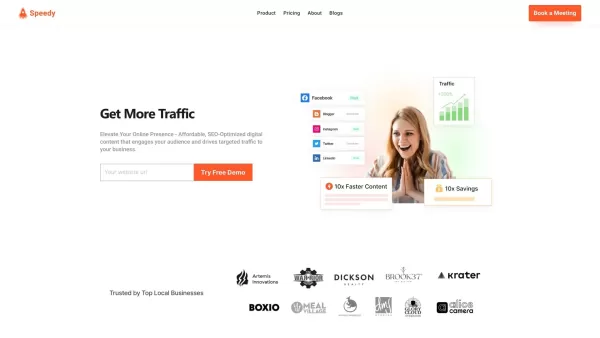
What is Speedy?SpeedyBrand transforms content marketing with AI, enabling businesses to generate high-quality, personalized, and SEO-optimized blogs and social media posts. It adapts to your brand's unique tone, providing efficient content creation t
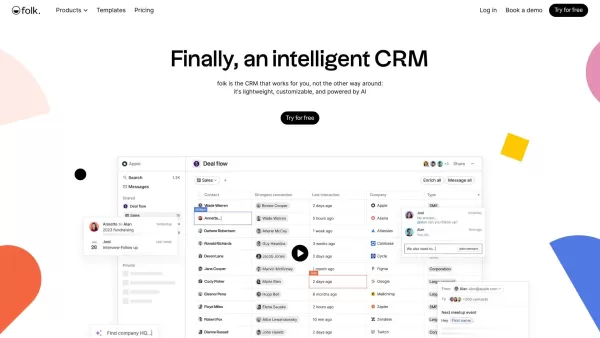
folk 2.0 Product Information
What Is Folk 2.0?
Folk is a customer relationship management (CRM) solution designed to foster meaningful client relationships. It integrates seamlessly with LinkedIn, Gmail, and Outlook, allowing users to effortlessly import leads and contact information. The platform also offers advanced search and filtering, contact management, and account-level data visualization, streamlining sales and marketing processes. This helps teams stay organized, track interactions, and ensure timely follow-ups, ultimately enhancing outreach and sales efficiency.
Who Will Use Folk 2.0?
- Sales teams
- Marketing teams
- Agencies
- Recruiters
- Client relationship managers
- Small to medium-sized enterprises (SMEs)
How to Use Folk 2.0?
- Step 1: Sign up on the Folk website or log into your account.
- Step 2: Integrate your email accounts, calendars, and other applications.
- Step 3: Import contacts from LinkedIn, Gmail, and Outlook.
- Step 4: Use the advanced search and filtering options to organize your contacts.
- Step 5: Add notes and track the history of interactions with your contacts.
- Step 6: Visualize account-level data by linking people and companies.
- Step 7: Leverage CRM features for marketing campaigns and client follow-ups.
Platform
- Web
Folk 2.0's Core Features & Benefits
The Core Features
- Integration with LinkedIn, Gmail, and Outlook
- Advanced search and filtering options
- Contact management
- Notes and history tracking
- Account-level data visualization
The Benefits
- Streamlined client relationship management
- Enhanced team collaboration
- Efficient contact organization
- Improved outreach and sales processes
- Comprehensive account insights
Folk 2.0's Main Use Cases & Applications
- Contact management for sales teams
- Marketing automation for campaigns
- Recruitment and talent acquisition
- Client relationship management
- Account-based marketing (ABM) initiatives
Folk 2.0's Pros & Cons
The Pros
Easy to set up and customize with spreadsheet-like templates
Integrates with thousands of tools for unified data
AI-powered suggestions for next best actions and automated outreach
Facilitates team collaboration with shared pipelines and roles
Chrome extension for quick lead capture and enrichment
FAQs of Folk 2.0
What platforms is Folk available on?
Folk is available on the web.
Can I integrate Folk with my email accounts?
Yes, Folk integrates with Gmail, Outlook, and other email providers.
How do I import contacts into Folk?
You can import contacts from LinkedIn, Gmail, Outlook, or via CSV/XLS files.
Can I cancel my subscription at any time?
Yes, you can cancel your plan at any time through the settings section.
Can I manage multiple workspaces on Folk?
Yes, you can have multiple workspaces, and billing is calculated per workspace.
How can I track interactions with my contacts?
You can add notes and track past interactions in the notes and history section.
Does Folk offer any marketing automation features?
Yes, Folk includes tools for marketing campaigns and automation.
How can I visualize account-level data?
By linking people and companies, you can see all linked individuals in the company profiles.
Is there a demo available for Folk?
Yes, you can request a demo on the Folk website.
What kind of support does Folk offer?
Folk offers help and support through quick how-to videos and articles.
Folk 2.0 Company Information
folk 2.0 Screenshot
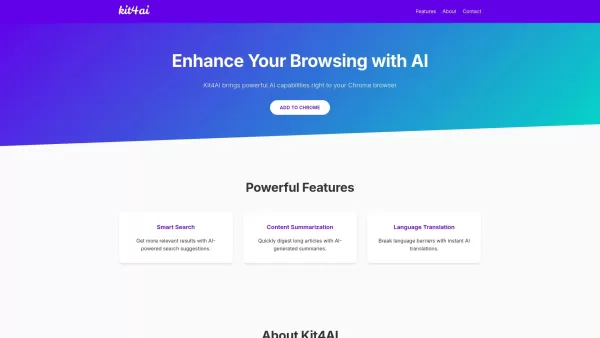
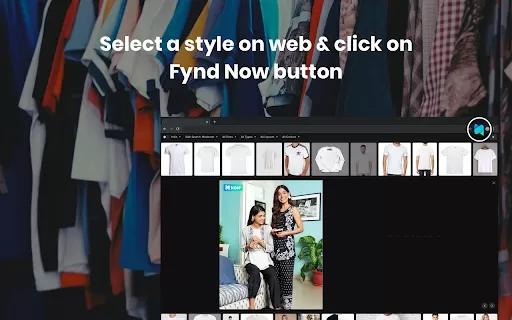

2026 Latest Best Top-rated AI Motion Capture Cleanup Tools for Character Animation are here on XIX.AI! This curated list includes powerful, game-changing solutions that go through real-world tests to deliver flawless results. Get a free vs paid comparison and see how they boost your animation workflow efficiency. Explore now to discover your perfect tool for smoother character creation!
 10 tools
 xix.ai

2026 Latest Best Top-rated AI Layout Review Tools for Faster Interface Design are here on XIX.AI. This curated list features powerful game-changing options that go through real-world tests to deliver accurate feedback, helping you boost productivity and overcome design challenges. Get a free vs paid comparison and discover your perfect tool to streamline workflow today. Explore now!
9 tools
xix.ai

2026 Latest Best Top-rated AI Internal Link Auditors for Large Editorial Sites and Programmatic SEO Pages, curated by XIX.AI. These powerful tools offer game-changing efficiency to identify weak links, boost content rankings, and streamline SEO workflows. Get a free vs paid comparison along with real-world tests and weekly updated rankings. Explore now to Unlock your AI edge.
10 tools
xix.ai

2026 Latest Best Top-Rated AI Comic Coloring Tools Curated for Fast Episode Production! XIX.AI provides powerful game-changing solutions that boost creativity and streamline workflows significantly. Get a free vs paid comparison, see real-world tests, and access weekly updated rankings to help you find the perfect must-try tool. Explore now to unlock your AI edge in comic production.
9 tools
xix.ai
2026 Latest Best Top-Rated AI Transcript Tools for Client Call Notes! XIX.AI has curated a powerful, game-changing collection of must-try tools that go through real-world tests to deliver accurate, detailed notes. You can compare free and paid options side by side and see how they boost your productivity. Explore now to discover your perfect tool and unlock your AI edge in client communication!
10 tools
xix.ai

2026 Latest Best Top-rated AI Dubbing Platforms for Multilingual Shorts, Tutorials, and Product Walkthroughs! XIX.AI curates a powerful game-changing collection after rigorous real-world tests and weekly updated rankings. You’ll find must-try options that boost productivity significantly, helping you create high-quality content faster without wasting time. Explore now to discover your perfect tool and unlock your AI edge.
9 tools
xix.ai


