


 首页
首页


帮助 TikTok 卖家/品牌/MCN/TAP 选爆品、找达人

HelpLook 以一套AI驱动的知识库一体化工具,帮助企业快速搭建知识库、帮助中心与企

你的AI工作台

302.AI是企业级AI资源平台,按用量付费,全模型API接入,应用在线使用

剧火AI — AI编剧+导演,一人短剧工作室 一句话说清楚它是什么: 剧火AI 是一个 AI 驱动的
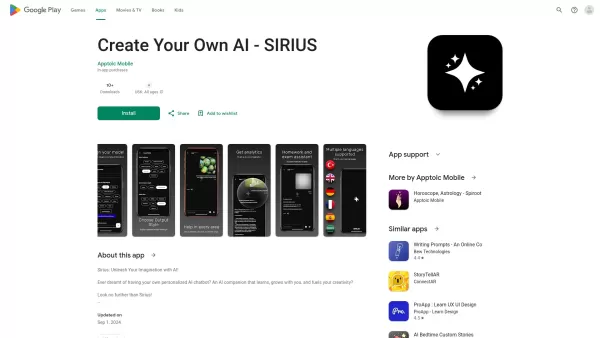
有没有想过拥有一个随时准备聊天和激励您的创意伙伴会是什么样?那是小天狼星AI发挥作用的地方。这不仅仅是任何聊天机器人;这是您可定制的伴侣,旨在向您学习并激发您的创造力。
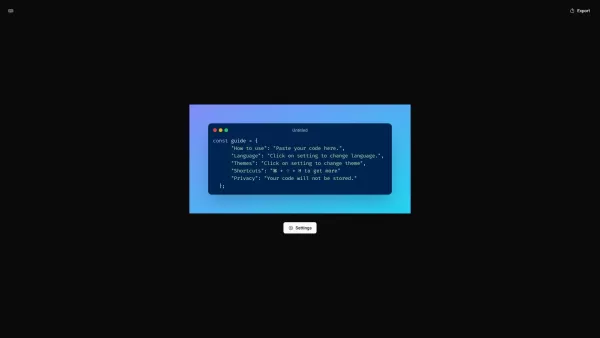
CodeScreenshot 是什么?将您的代码片段转化为极具视觉冲击力的可共享图片如何使用CodeScreenshot ?使用我们直观的工具,轻松将代码转换成专业的截图。只需粘贴您的代码,选择您喜欢的语法高亮主题,即可立即生成可用于相机的视觉效果。CodeScreenshot核心功能安全的代码截图工具你的代码永远不会被存储或保存--我们在每次转换时都会优先考虑隐私和安全问题。自定义设置使用不同的
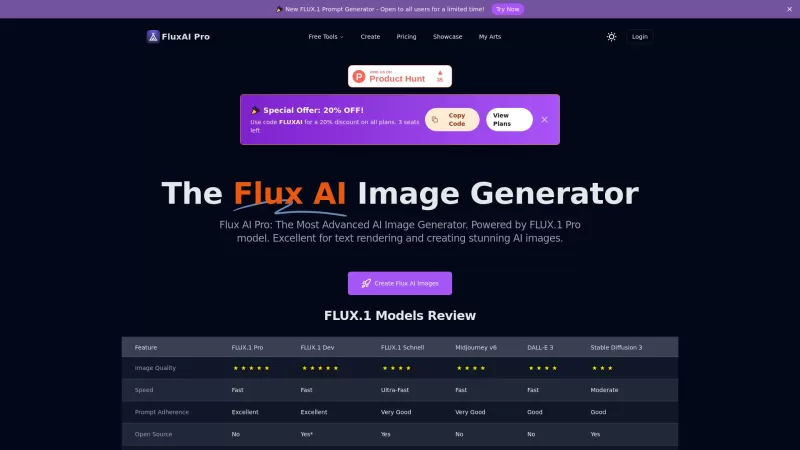
Flux AI Pro是一个令人兴奋的平台,它将AI图像生成的魔力直接带到您的指尖。它是由创新的助手提供的。
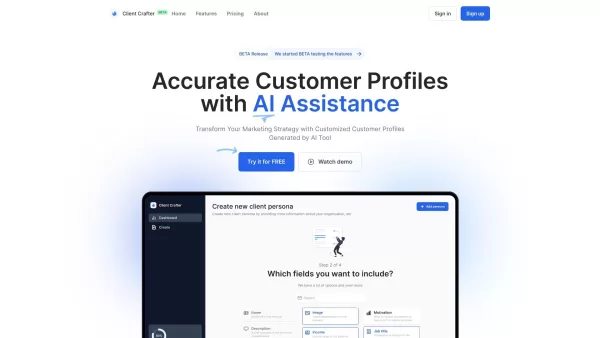
有没有想过如何在没有猜测的情况下查明您的理想客户?输入客户Crafter,这是一个改变游戏规则的企业,希望钉牢目标受众。这种漂亮的服务利用AI来制作详细的个性化客户资料
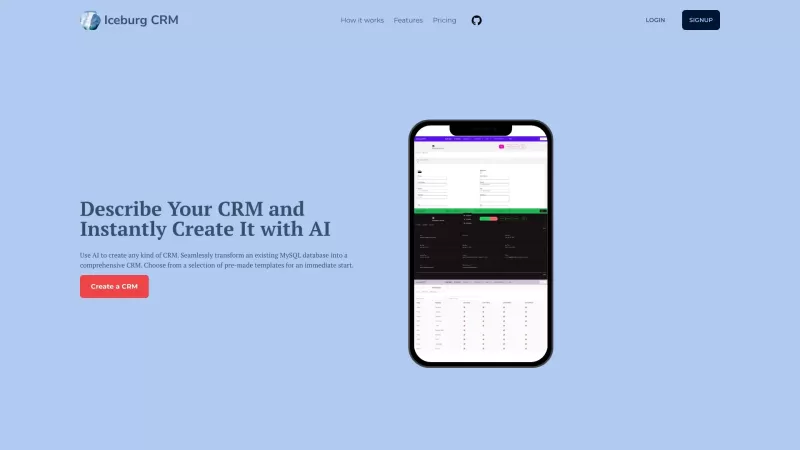
Iceburg CRM不仅仅是一种工具。这是客户关系管理的革命。想象一下,不仅是现成的CRM,而且还可以量身定制,以适应您的独特业务需求,例如手套。这就是Iceburg CRM提供的 - 使用AI T的力量
iListen.ai - Chrome Extension产品信息
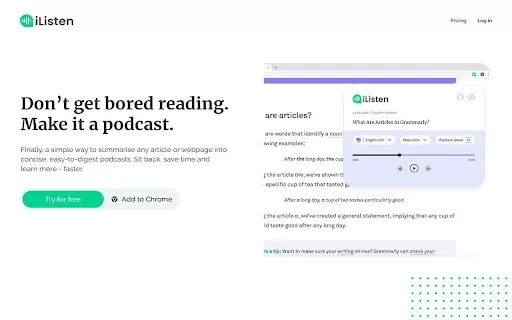
Ever wished you could have someone read the latest articles or webpages to you in a neat, easy-to-follow podcast? Well, that's where iListen.ai comes in—a nifty AI Chrome extension that turns any webpage into a concise podcast summary. It's like having your own personal narrator on demand!
How to Use iListen.ai AI Chrome Extension?
Getting started with iListen.ai is as simple as pie. Just install the Chrome extension and you're ready to go. Whenever you land on a webpage you want to hear rather than read, hit that iListen.ai button and let the magic happen. It'll whip up a podcast summary faster than you can say "play."iListen.ai AI Chrome Extension's Core Features
Fully Customizable Summaries
Ever wanted to tweak how your summaries sound? With iListen.ai, you can customize the summaries to your heart's content. Adjust the length, choose the voice—make it yours!
Podcast Library for Storing Summaries
No need to listen right away. iListen.ai lets you save those summaries in a personal podcast library. You can come back and listen whenever you're ready, whether you're on a commute or just chilling at home.
Browser Extension for Summarizing Webpages
The beauty of iListen.ai is that it's right there in your browser. No need to switch apps or tabs—just a quick click and you're turning any webpage into an audio treat.
iListen.ai AI Chrome Extension's Use Cases
Customizing Audio Length and Voice Preferences
Want a quick 5-minute summary or a more detailed 15-minute one? iListen.ai lets you decide. Plus, you can pick the voice that speaks to you—literally. Whether you prefer a soothing tone or something more energetic, the choice is yours.
Storing and Listening to Audio Summaries from the App
Save your favorite summaries and listen to them whenever you want. Whether you're multitasking or just relaxing, your podcast library is always at your fingertips.
FAQ from iListen.ai
- How can I customize the audio length?
- You can adjust the audio length to your preference within the iListen.ai settings. Whether you want a quick summary or a more in-depth one, just tweak the settings to fit your needs.
iListen.ai - Chrome Extension截图

2026 年最新最佳顶级评分 AI 旋律创作工具,助力歌曲草稿创作!XIX.AI 精心策划了一套极具影响力且经过严格真实世界测试的变革性合集,旨在提供最佳的创作体验。您可以找到详细的免费与付费版对比、精准的排名以及必试选项,这些工具旨在帮助您轻松创作出令人惊艳的歌曲草稿,并显著提升您的创意生产力。立即探索,发现您的完美工具!
 8 个工具
8 个工具
 xix.ai

2026年最新、最受好评的AI面试模拟训练工具现已登陆XIX.AI!这份精心精选的合集收录了功能强大、具有革命性意义的工具,它们均经过严格的实际测试,能够提供精准的反馈。 您将看到免费版与付费版的对比分析以及详细排名,助您挑选出必试之选,从而提升自信并精进技能。立即探索,发现助您面试成功的完美工具!
12 个工具
xix.ai

2026年最新最佳、评价最高的AI风格转换工具,助您开展创意实验!XIX.AI精心甄选了一系列功能强大、颠覆性的必试工具,这些工具经过实际测试和严格排名,可带来卓越的效果。这些顶级解决方案通过加速内容创作并释放无限创意潜能,帮助创作者显著提升工作效率。 立即探索,找到最适合您的工具,今天就开始创作吧!
9 个工具
xix.ai

2026年最新、最受欢迎的视觉叙事AI对话气泡工具现已登陆XIX.AI!这份精心精选的合集汇集了功能强大、具有颠覆性的工具,可帮助创作者提升工作效率并突破创作瓶颈。 获取免费版与付费版的对比分析,查看实际测试结果,并查阅最新排行榜,找到最适合打造引人入胜的视觉叙事的必试解决方案。立即探索,发现您的理想工具!
10 个工具
xix.ai

2026年最新高评分最佳AI会议摘要工具,助您清晰追踪决策并轻松跟进。这份精心筛选的清单展示了功能强大、具有颠覆性的解决方案,它们通过自动化会议记录、识别关键行动项以及简化所有项目中的团队协调,显著提升工作效率。 获取免费版与付费版的对比分析,以及实际测试报告和每周更新的排行榜,助您找到最适合的工具。立即探索,释放您的AI优势!
9 个工具
xix.ai

2026年最新、最优秀且评分最高的AI数据清洗工具,可快速处理缺失值与重复数据问题。这份精心挑选的清单展示了那些功能强大、能带来颠覆性变革的解决方案,可显著提升工作效率。所有候选工具都经过了严格的实际应用测试,以确保其稳定性。您可以获取免费版与付费版的对比信息,找出最符合您需求的必备工具。即刻访问XIX.AI,开启您的AI优势之旅。
11 个工具
xix.ai


