


 Home
HomeType.AI - Chrome Extension
Transform speech into email instructions.



Helps TikTok sellers, brands, MCNs, and TAPs discover winning products and find creators.

HelpLook is an AI-powered all-in-one knowledge base tool that helps businesses quickly build knowledge bases, help centers, and...

Your AI Workspace

302.AI is an enterprise-grade AI resource platform with pay-as-you-go pricing, API access to a full range of AI models, and ready-to-use online applications.

剧火AI — AI Screenwriter + Director, a One-Person Short Drama Studio In one sentence, what is it?
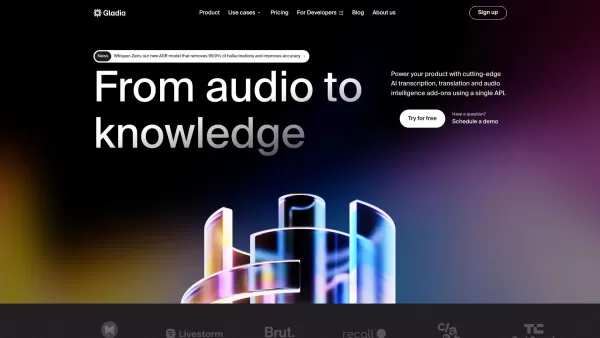
What is Gladia? Gladia offers an AI-driven Speech-to-Text API that delivers transcription, translation, and audio intelligence capabilities. It leverages an enhanced version of OpenAI's Whisper model for fast, precise, and scalable conversion of audi
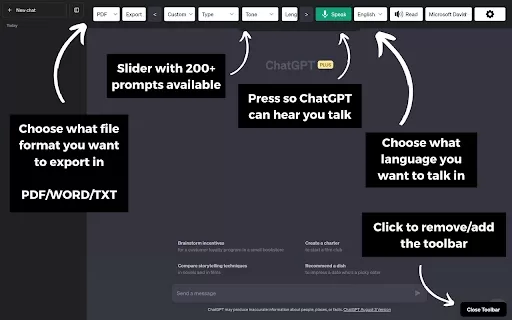
What is the ChatGPT Toolbar Companion Chrome Extension? The ChatGPT Toolbar Companion is a Chrome extension that elevates your ChatGPT interactions. It provides numerous features such as powerful prompts, text-to-speech, speech-to-text, auto-continue
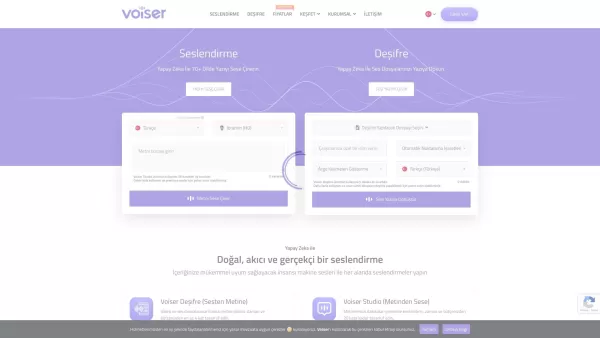
What is Voiser? Voiser is an advanced AI-powered tool that transforms written text into lifelike speech and converts audio files into accurate text. With over 550 voice options across 75+ languages, i

Ever stumbled upon a video or audio file and wished you could quickly turn it into text? That's where Sonix AI comes into play. It's a slick online tool designed to transform your spoken words into written text with surprising accuracy. It's not just a tr

What is the Transkriptor AI Chrome Extension? Transkriptor is a browser extension that uses AI for fast and secure speech-to-text conversion, handling all audio and video formats. It transforms your recordings into written text, with capabilities lik
Type.AI - Chrome Extension Product Information
Ever found yourself staring at a blank email draft, struggling to find the right words? Enter Type.AI, the Chrome extension that turns your spoken words into polished emails. It's like having a personal assistant who can take your ramblings and turn them into professional correspondence. With Type.AI, you can dictate your email instructions, and voilà, your email is ready to send. It's a game-changer for those of us who prefer talking over typing, or just need a little help getting started.
How to Use Type.AI Chrome Extension?
Using Type.AI is as easy as talking to a friend. Just open the extension, and start speaking your email instructions. Whether you need a quick reply or a detailed message, Type.AI listens and crafts your email for you. It's that simple!Core Features of Type.AI Chrome Extension
Speech-to-Text Functionality The heart of Type.AI lies in its speech-to-text capability. This feature lets you convert your spoken words into written text effortlessly. No more fumbling with the keyboard—just speak, and let Type.AI do the rest.Use Cases for Type.AI Chrome Extension
Generating Emails Through Voice Commands Imagine being able to draft emails while you're on the go, or multitasking. With Type.AI, you can generate emails just by speaking your instructions. It's perfect for busy professionals or anyone who wants to streamline their email communication.FAQ from Type.AI
- Is the Generated Content Customizable?
- Absolutely! Type.AI allows you to tweak and customize the generated content to fit your exact needs. Whether it's adjusting the tone, adding specific details, or making any other changes, you're in control.
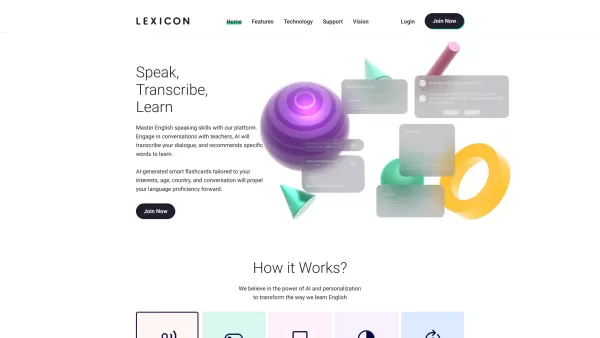
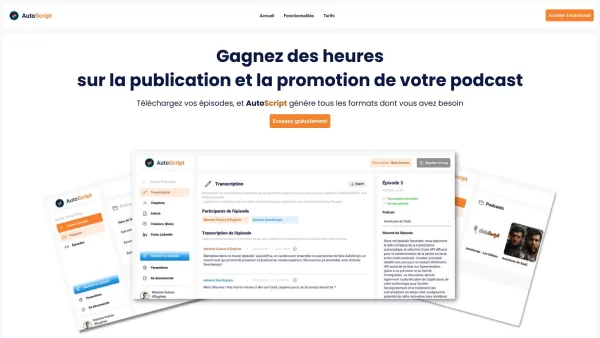
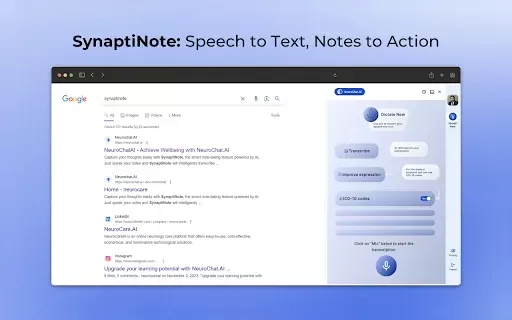
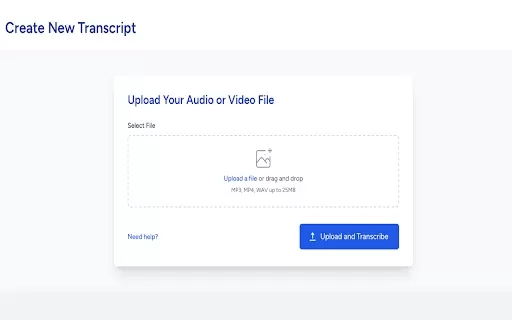
Type.AI - Chrome Extension Screenshot
2026 Latest Best Top-rated AI Systematic Review Tools for Screening Abstracts, Datasets, and Citation Networks are curated by XIX.AI through rigorous real-world tests. These powerful game-changing tools offer a free vs paid comparison to help researchers boost productivity significantly. Explore now to discover your perfect tool for accelerating scientific research.
 9 tools
 xix.ai

2026 Latest Best Top-rated AI Multilingual Voice Tools for Global Content are here on XIX.AI! This curated list features powerful, game-changing options that deliver flawless speech in dozens of languages, perfect for creating high-quality content fast and boosting writing efficiency across global markets. Get a free vs paid comparison along with real-world tests and our updated weekly rankings to help you find the must-try tool that suits your needs. Explore now to unlock your AI edge!
10 tools
xix.ai

2026 Latest Best Top-rated AI Persona Builders help you turn valuable CRM data into actionable customer profiles quickly. This curated list showcases powerful, game-changing tools that go through real-world tests to deliver accurate insights. Get a free vs paid comparison and discover which option suits your needs best. XIX.AI is also included in this must-try selection. Explore now to Unlock your AI edge!
9 tools
xix.ai

2026 Latest Best Top-rated AI SQL Analysis Tools for Business Intelligence Teams! XIX.AI has curated a powerful, game-changing collection that goes through rigorous real-world tests. You’ll find a free vs paid comparison, detailed rankings, and in-depth insights to help you boost productivity significantly. Must-try options are available to unlock your AI edge. Explore now!
11 tools
xix.ai

2026 Latest Best Top-rated AI Batch Background Removal Tools for Catalog Images are curated by XIX.AI for quick, powerful removal of backgrounds from multiple images at once. These tools offer real-world tests and free vs paid comparison to help you find the most efficient solution that boosts your productivity significantly. Must-try options are regularly updated weekly. Explore now to Discover your perfect tool and Unlock your AI edge.
14 tools
xix.ai

2026 Latest Best Top-Rated AI Academic Writing Helpers for Students & Researchers! XIX.AI has curated a powerful, game-changing collection of tools that undergo real-world tests to boost writing efficiency significantly. You’ll find detailed free vs paid comparison, weekly updated rankings, and insights on how these tools can help refine abstracts, structure papers, and overcome common academic writing challenges. Must-try for anyone aiming to unlock their AI edge in academic work. Explore now!
8 tools
xix.ai


この拡張機能を試してみましたが、すごく便利ですね!特に日本語で考えごとをしながら話し、それを自然な英語のメールに変えてくれるのがいい。ただ、あまりに文章がきれいすぎると「私らしさ」がなくなるかも?😅 音声認識の精度がもう少し高まるといいなと思いました。


