


 Home
HomeTranskriptor - Chrome Extension
Secure AI Speech-to-Text Extension



Helps TikTok sellers, brands, MCNs, and TAPs discover winning products and find creators.

HelpLook is an AI-powered all-in-one knowledge base tool that helps businesses quickly build knowledge bases, help centers, and...

Your AI Workspace

302.AI is an enterprise-grade AI resource platform with pay-as-you-go pricing, API access to a full range of AI models, and ready-to-use online applications.

剧火AI — AI Screenwriter + Director, a One-Person Short Drama Studio In one sentence, what is it?
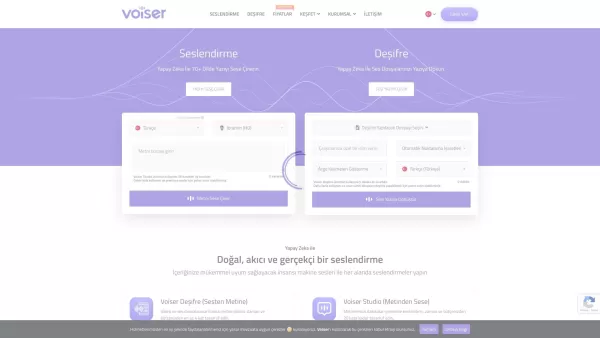
What is Voiser? Voiser is an advanced AI-powered tool that transforms written text into lifelike speech and converts audio files into accurate text. With over 550 voice options across 75+ languages, i
What is Gladia? Gladia offers an AI-driven Speech-to-Text API that delivers transcription, translation, and audio intelligence capabilities. It leverages an enhanced version of OpenAI's Whisper model for fast, precise, and scalable conversion of audi
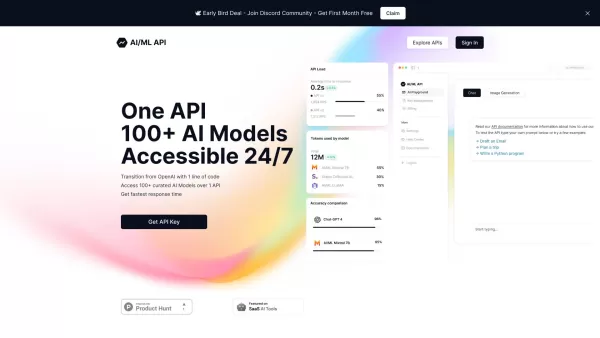
Ever wondered how to streamline your development process with AI? One API is your go-to solution, offering a gateway to over 100 AI models through a single, easy-to-use API. It's like having a Swiss Army knife for AI in your tech toolkit, ensuring you're
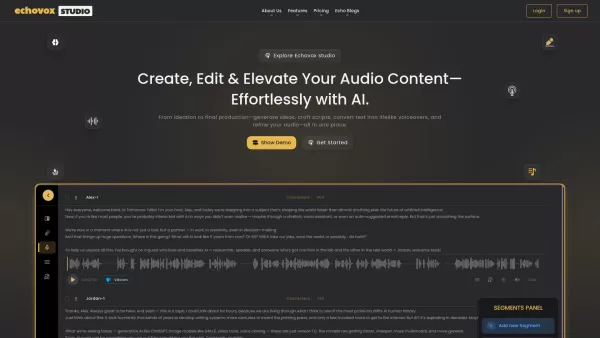
What is Echovox Studio? Echovox Studio is an AI-driven audio content creation workflow that transforms your ideas into professionally polished audio in minutes. This all-in-one platform supports idea generation, research, and audio production using c
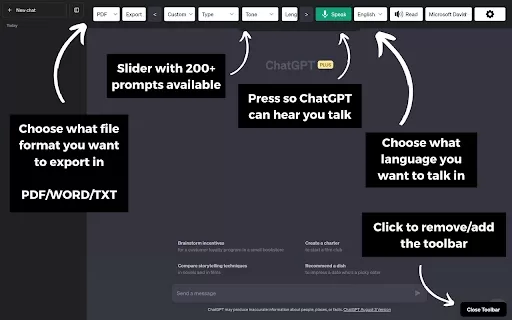
What is the ChatGPT Toolbar Companion Chrome Extension? The ChatGPT Toolbar Companion is a Chrome extension that elevates your ChatGPT interactions. It provides numerous features such as powerful prompts, text-to-speech, speech-to-text, auto-continue
Transkriptor - Chrome Extension Product Information
What is the Transkriptor AI Chrome Extension?
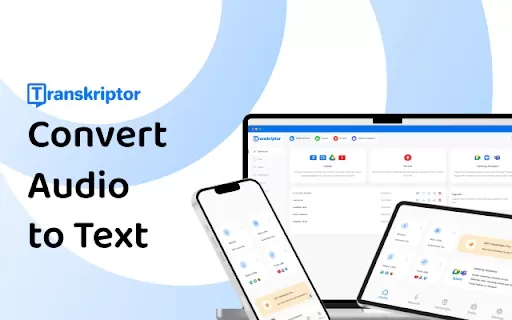
Transkriptor is a browser extension that uses AI for fast and secure speech-to-text conversion, handling all audio and video formats. It transforms your recordings into written text, with capabilities like creating subtitles, automating meeting notes, and translating content into more than 100 languages. Access it through the mobile app or Chrome extension, and integrate it with tools like Zoom, Microsoft Teams, and Google Meet.
How to Use the Transkriptor AI Chrome Extension
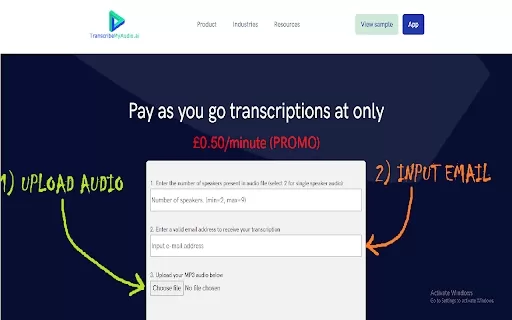
1. Create a Transkriptor account. 2. On the dashboard, upload an audio file, record directly, or paste a web link to your media. 3. You'll receive the finished transcription via email. 4. Make edits in the provided text editor and download the final file in your chosen format (SRT, TXT, or Word).
Transkriptor AI Chrome Extension's Core Features
AI-Powered Transcription
Subtitle Generation
Meeting Note Automation
Transcription in 100+ Languages
Remote & Collaborative Editing
Transcribe from a Link
Multiple Speaker Recognition
Transkriptor AI Chrome Extension's Use Cases
Transcribing Meetings, Lectures, and Interviews
Generating Subtitles for Video Content
Creating Accessible Content for the Hearing Impaired
Converting Audio Notes to Text for Legal and Medical Fields
FAQ from Transkriptor
How accurate is Transkriptor?
What file formats does Transkriptor support?
Does Transkriptor offer a free trial?
Can Transkriptor transcribe audio from links?
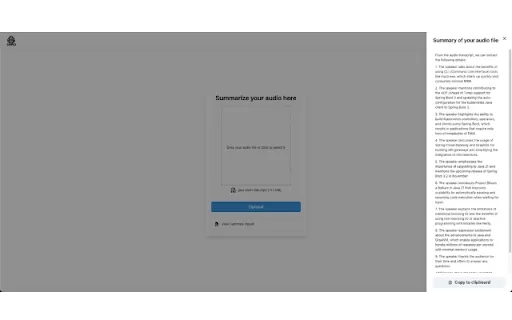
Transkriptor - Chrome Extension Screenshot

2026 Latest Top-rated AI Illustration Tools: Our curated list features the best powerfully designed tools for creating stunning editorial scenes and eye-catching cover art quickly. Each option has gone through rigorous real-world tests, offering a free vs paid comparison to help you find the perfect match for your workflow. Try these must-try solutions today to unlock your AI edge and boost your creative productivity. Explore now at XIX.AI.
 10 tools
 xix.ai

2026 Latest Top-Rated Best AI Tutors for Exam Prep are here on XIX.AI! Our curated list features powerful game-changing tools that offer free vs paid comparison, real-world tests, and weekly updated rankings. They help boost your writing efficiency, simplify complex topic learning, and unlock your academic potential. Explore now to Discover your perfect exam prep tool and Start creating today to Unlock your AI edge!
10 tools
xix.ai

2026 Latest Best Top-Rated AI Budget Planning Tools for Personal Money Management are here on XIX.AI! This curated collection features powerful, game-changing solutions that help you conduct real-world tests, understand spending habits, and create personalized plans to boost productivity. Enjoy a free vs paid comparison along with detailed rankings. Must-try tools designed to simplify money management and unlock your AI edge. Explore now!
11 tools
xix.ai

2026 Latest Best Top-Rated AI Sleep Tracking Assistants curated for ultimate recovery. This fully updated weekly guide features powerful tools that deliver real-world tests, free vs paid comparison, and detailed rankings to help you find the must-try solution that boosts sleep quality and supports better bedtime habits. Explore now at XIX.AI to Unlock your AI edge.
10 tools
xix.ai

2026 Latest Best Top-Rated AI SQL Copilots for Product and Revenue Analytics! XIX.AI has curated a powerful, game-changing collection of must-try tools that undergo real-world tests through weekly updated rankings. These tools help users boost productivity significantly by accelerating data analysis, streamlining complex queries, and generating accurate insights to drive smarter business decisions. Explore now to Discover your perfect tool for unlocking your AI edge!
14 tools
xix.ai

2026 Latest Best Top-Rated AI Homework Helpers That Teach Core Concepts Not Just Answers Powerful Tools for Students Must-Try Curated List Weekly Updated Free vs Paid Comparison Real-World Tests Accurate Rankings to Help You Unlock Your Full Learning Potential Explore now to Discover your perfect tool for smarter studying.
10 tools
xix.ai


This extension is a lifesaver! I use it for transcribing meetings and lectures. Super accurate and fast, handles all audio formats. Security is a big plus. Highly recommend! 🎤📝
Oye, este Transkriptor en Chrome es una pasada. 🎧 Me ahorra un montón de tiempo convirtiendo llamadas y vídeos en texto al instante. Es súper útil para tomar notas de reuniones o clases, aunque a veces se lía un poco con acentos fuertes. En general, muy recomendado para evitar teclear.


