


 Home
HomeSubito Beta



Helps TikTok sellers, brands, MCNs, and TAPs discover winning products and find creators.

HelpLook is an AI-powered all-in-one knowledge base tool that helps businesses quickly build knowledge bases, help centers, and...

Your AI Workspace

302.AI is an enterprise-grade AI resource platform with pay-as-you-go pricing, API access to a full range of AI models, and ready-to-use online applications.

剧火AI — AI Screenwriter + Director, a One-Person Short Drama Studio In one sentence, what is it?
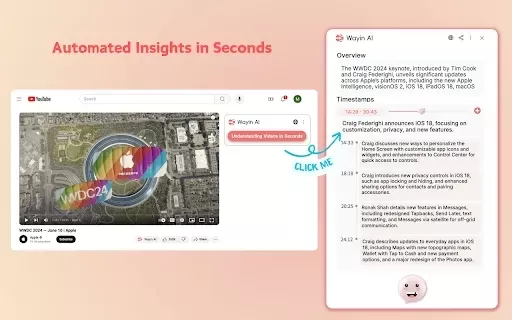
What is Wayin AI?Wayin AI is a robust tool that helps you understand videos quickly and effectively. Using advanced AI, it generates summaries of YouTube content so you can grasp the key points without watching the full video. This solution is ideal

What is NOA?NOA Tech provides innovative technology solutions to enhance your business productivity. Utilizing advanced AI tools and custom automation, we identify operational bottlenecks, implement automation strategies, and empower your team to con

What is Servant AI?Servant AI functions as your intelligent virtual assistant, integrating a wide array of tools and resources to simplify your daily tasks. Whether you're looking to erase backgrounds from photos, craft polished email signatures, or
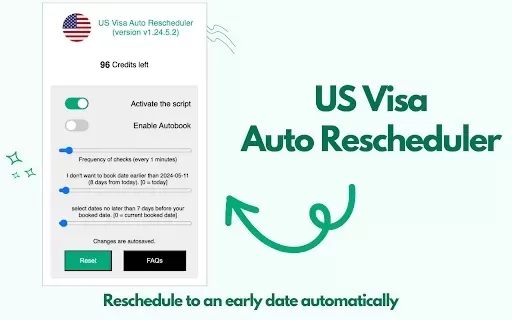
What is US Visa Slots Auto Check and Reschedule?This Chrome extension automatically monitors the availability of US visa appointments and can reschedule your appointment to an earlier date when slots become available. It provides real-time updates an
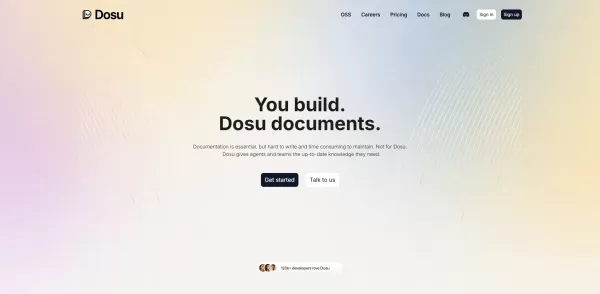
What is Dosu?Dosu is an intelligent AI assistant that uses machine learning to simplify and automate user workflows. It handles repetitive activities, organizes emails, schedules appointments, and delivers tailored support. By utilizing natural langu
Subito Beta Product Information
What is Subito Beta?
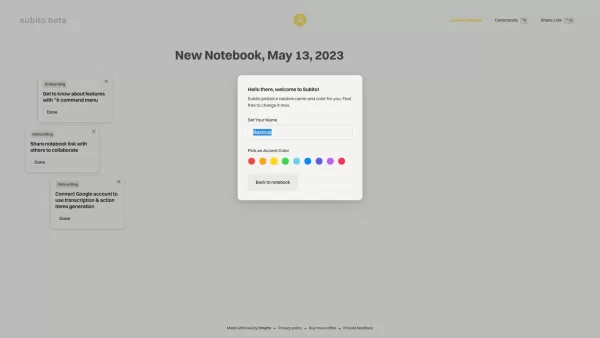
Subito Beta is a task management tool that lets you effortlessly create, organize, and prioritize your work. Its intuitive interface allows you to add deadlines, set reminders, and sort tasks by project or priority. By centralizing your workflow, Subito helps boost productivity and keeps you on track. You can personalize your workspace with different themes and notification settings to match your preferences and style.
Who is Subito Beta for?
- Working Professionals
- Students
- Freelancers
- Teams & Groups
How to use Subito Beta
- Step 1: Sign up for an account on the Subito website.
- Step 2: Log in and create your first task.
- Step 3: Assign deadlines and categorize your task.
- Step 4: Set up reminders to stay on top of due dates.
- Step 5: Review your progress and update tasks as needed.
Platform
- Web
- iOS
- Android
Subito Beta's Core Features & Benefits
Core Features
- Task Creation
- Smart Reminders
- Progress Tracking
- Task Categorization
- Customizable Interface
Key Benefits
- Boosts Productivity
- Improves Organization
- User-Friendly Design
- Adapts to Your Needs
Main Use Cases & Applications
- Project Management
- Personal Task Tracking
- Team Collaboration
FAQs for Subito Beta
How do I create a new task?
To create a new task, simply click the 'Add Task' button on your main dashboard.
Can I access Subito on mobile?
Yes, Subito offers dedicated mobile apps for both Android and iOS.
Is there a free version of Subito?
Yes, Subito provides a free plan with essential features.
How do I set reminders for tasks?
You can set reminders when creating or editing a task.
Can I collaborate with others?
Yes, tasks can be shared with team members for seamless collaboration.
What if I forget my password?
Use the 'Forgot Password' link on the login page to reset it.
Are my tasks saved automatically?
Yes, all your tasks are saved automatically as you work.
Can I customize the interface?
Yes, you can customize themes and layout options in Subito.
Do I need an internet connection to use Subito?
An internet connection is required for syncing and real-time updates.
What platforms does Subito support?
Subito is available on Web, Android, and iOS platforms.
Subito Beta Company Information
Subito Beta Screenshot
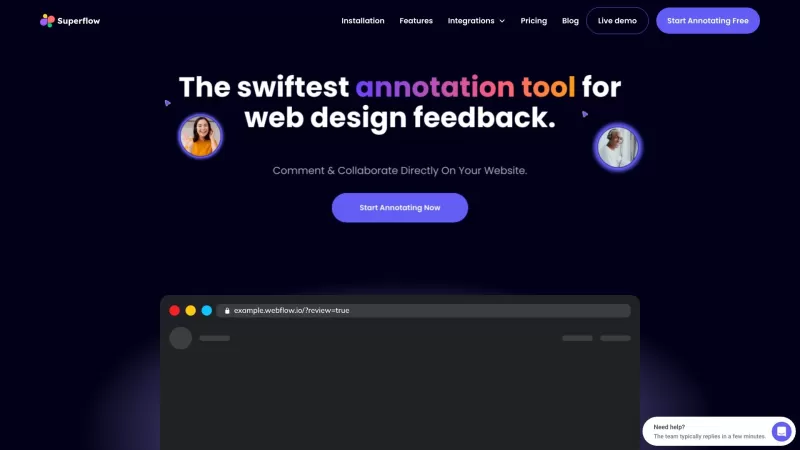
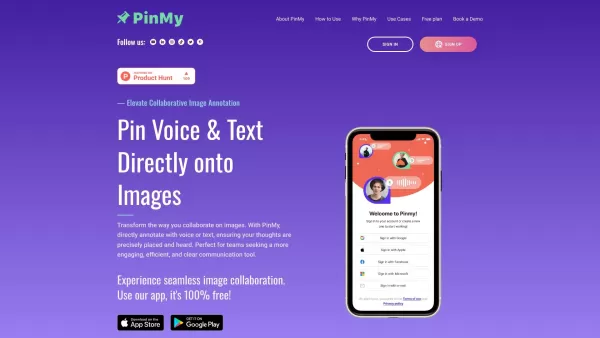
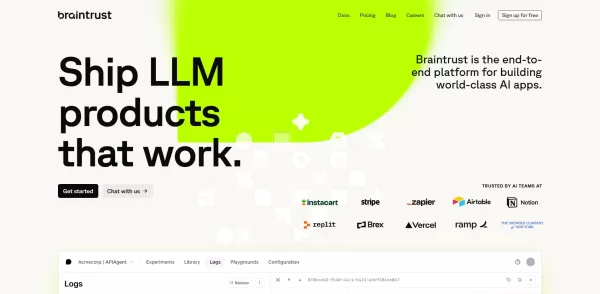
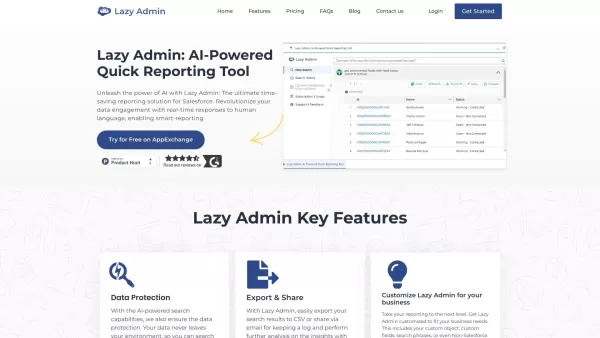

2026 Latest Best Top-rated AI screen recording editors for product demo videos are here on XIX.AI! This curated list features powerful, game-changing tools that help you create professional-quality demos fast, boost writing efficiency, and deliver seamless results. Get a free vs paid comparison, see real-world tests, and check our updated weekly rankings. Explore now to discover your perfect tool and unlock your AI edge!
 9 tools
 xix.ai

2026 Latest Best Top-Rated AI Logo Drafting Tools for Early Brand Concepts! This curated list features powerful game-changing solutions that help entrepreneurs and creatives quickly create professional logo designs, boost branding efficiency, and stay ahead in the competitive market. XIX.AI offers a free vs paid comparison along with real-world tests and weekly updated rankings to help you find the perfect tool. Explore now to Unlock your AI edge!
9 tools
xix.ai

2026 Latest Best Top-Rated AI Short-Form Video Hook Generators for Reels and Shorts are here on XIX.AI! This curated collection features powerful, game-changing tools that go through rigorous real-world tests to deliver must-try content ideas fast. You’ll also find a detailed free vs paid comparison along with updated weekly rankings. Explore now to discover your perfect tool and boost your creativity instantly!
10 tools
xix.ai

2026 Latest Best Top-rated AI Browser Automation Tools for Web Operations are here on XIX.AI! This curated list features powerful, game-changing solutions that help boost productivity dramatically through real-world tests and strict rankings. We also provide a free vs paid comparison to help you choose the perfect option for streamlining web tasks, enhancing automation efficiency, and unlocking your AI edge. Explore now!
9 tools
xix.ai

2026 Latest Best Top-Rated AI Wellness Tools for Sleep and Habit Tracking! XIX.AI curates a powerful, game-changing collection of must-try tools that offer real-world tests and detailed free vs paid comparison. These top-rated solutions help users boost sleep quality, monitor daily habits effectively, and unlock significant productivity improvements. Explore now to Discover your perfect tool and Start creating today to Unlock your AI edge!
11 tools
xix.ai

2026 Latest Best Top-rated AI Vendor Due Diligence Platforms for Procurement Reviews and Risk Screening! This curated list features powerful game-changing tools that go through rigorous real-world tests to deliver accurate rankings. You’ll find a free vs paid comparison, helping you identify the must-try solutions that boost procurement efficiency and cut risks. Backed by XIX.AI, it’s updated weekly. Explore now to discover your perfect tool for smarter sourcing! 238 characters
10 tools
xix.ai


