


 Home
HomeScreenSnap - Record and Annotate Screens
ScreenSnap: Screen Recording & Annotation Tool



Helps TikTok sellers, brands, MCNs, and TAPs discover winning products and find creators.

HelpLook is an AI-powered all-in-one knowledge base tool that helps businesses quickly build knowledge bases, help centers, and...

Your AI Workspace

302.AI is an enterprise-grade AI resource platform with pay-as-you-go pricing, API access to a full range of AI models, and ready-to-use online applications.

剧火AI — AI Screenwriter + Director, a One-Person Short Drama Studio In one sentence, what is it?
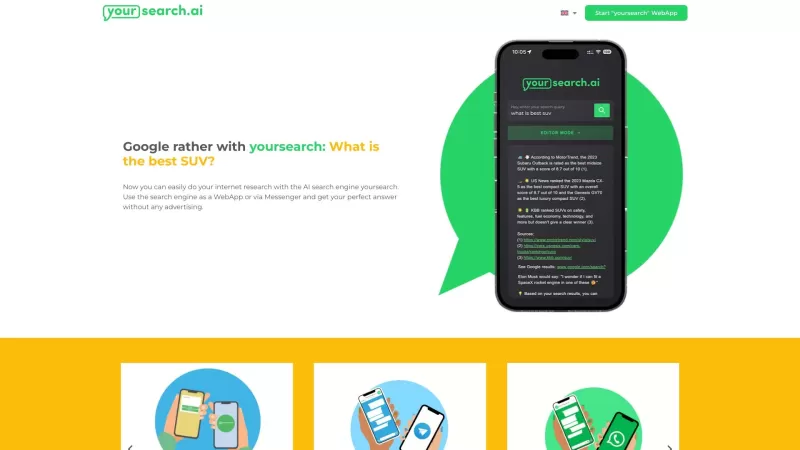
Ever find yourself lost in the endless sea of search results, bombarded by ads and irrelevant information? Well, that's where yoursearch.ai comes in, and it's a game-changer. This AI-powered search engine is like having a personal research assistant, deli
Ever stumbled upon Makeasite and wondered what it's all about? Well, let me break it down for you. Makeasite is this nifty platform where you can whip up a website just by throwing a few prompts at it. It's like magic, but for web design! Once you've got
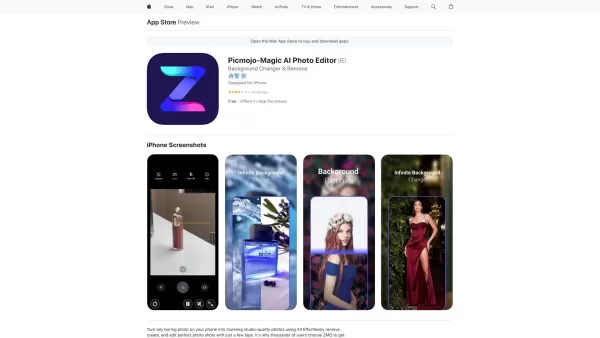
Picmojo: Transforming Ordinary Photos into Professional Headshots Ever found yourself staring at a photo that just doesn’t quite measure up? Maybe the lighting’s off, the background’s distracting, or the outfit looks a little… off. Enter Picmojo—an AI-powered photo editor designed to turn even the
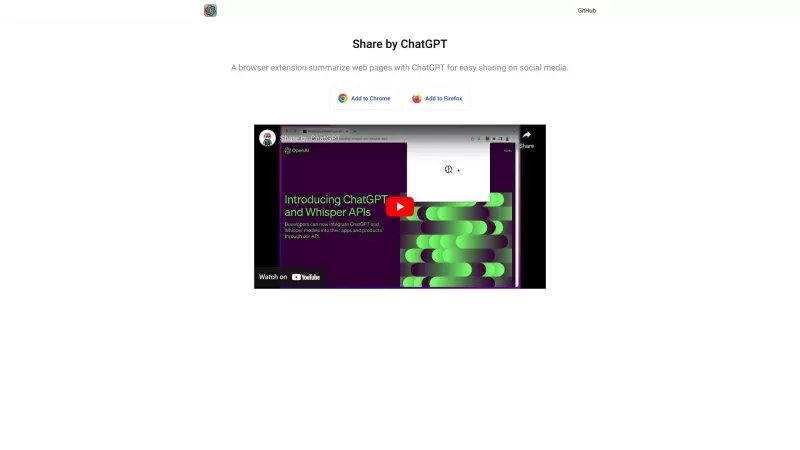
Ever stumbled upon a gem of an article online but found it too long to share with your friends or followers? Enter Share by ChatGPT, a nifty browser extension that's here to save the day. It uses the power of ChatGPT to whip up concise summaries of web pa
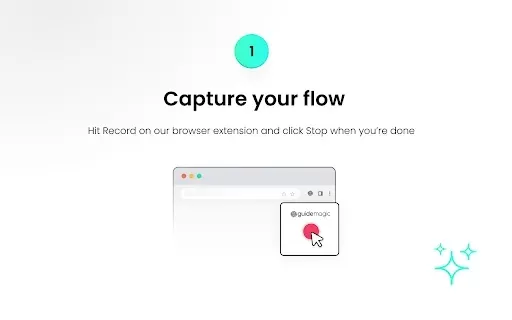
What is GuideMagic - Step-by-Step Instructions Maker?GuideMagic is an AI-powered Chrome extension built to simplify the creation of detailed guides, instructional videos, and complete tutorials. By tracking your on-screen actions, it produces clean a
ScreenSnap - Record and Annotate Screens Product Information
What is ScreenSnap - Record and Annotate Screens?
ScreenSnap is a user-friendly tool for effortlessly recording your screen. Add annotations, make edits, and share your videos seamlessly. This privacy-focused solution supports unlimited recording, making it perfect for tutorials, presentations, and quick screen captures. With a simple interface, you can begin recording in seconds. Built-in editing tools let you highlight and annotate key parts of your video. Easily share your results with colleagues or students to improve communication and collaboration.
Who uses ScreenSnap - Record and Annotate Screens?
- Teachers and Instructors
- Corporate Trainers
- Content Developers
- Business Experts
How to use ScreenSnap - Record and Annotate Screens
- Step 1: Install the ScreenSnap extension from the Chrome Web Store
- Step 2: Click the ScreenSnap icon in your browser toolbar
- Step 3: Select to record your full screen or a specific application window
- Step 4: Press the 'Start Recording' button
- Step 5: Annotate your screen in real-time during the recording
- Step 6: Click stop when done and save your video
Platform
- Chrome
ScreenSnap - Record and Annotate Screens's Core Features & Benefits
The Core Features
- Screen Recording
- Live Video Annotation
- Integrated Editing Tools
- Privacy-First Design
The Benefits
- Better Communication
- Simple Sharing
- Fast Video Production
- Intuitive User Interface
ScreenSnap - Record and Annotate Screens's Main Use Cases & Applications
- Educational Tutorials
- Software Demonstrations
- Employee Training
- Quick Visual Feedback
ScreenSnap - Record and Annotate Screens FAQs
How do I start a recording?
Click the ScreenSnap icon and select your recording area.
Can I edit my recordings?
Yes, ScreenSnap comes with integrated editing tools.
Is ScreenSnap free?
Yes, ScreenSnap is a free Chrome extension.
Where are my recordings saved?
Recordings can be saved to your device or shared online.
Can I annotate while recording?
Yes, you can add annotations live during your recording.
Does it work on other platforms?
ScreenSnap is designed specifically for the Chrome browser.
What types of videos can I create?
Create tutorials, product demos, reviews, and other video content.
Can I record audio during my screen capture?
Yes, you can record both audio and video simultaneously.
Can I share my recordings?
Yes, you can quickly share recordings using shareable links.
Is my privacy protected while using ScreenSnap?
Yes, ScreenSnap is designed with user privacy as a priority.
ScreenSnap - Record and Annotate Screens Company Information
Website:
https://chromewebstore.google.com/detail/screensnap-record-and-ann/glcojhgmmkgplgaigjnepgmfcklchfflCompany Name:
ScreenSnapSupport Email:
NAFacebook:
NAX(Twitter):
NAYouTube:
NAInstagram:
NATiktok:
NALinkedIn:
NA
ScreenSnap - Record and Annotate Screens Screenshot


2026 Latest Best Top-Rated AI Melody Writing Tools for Song Drafts! XIX.AI has curated a highly powerful game-changing collection that goes through rigorous real-world tests to deliver the best writing experience. You can find detailed free vs paid comparisons, accurate rankings, and must-try options designed to help you create stunning song drafts effortlessly and boost your creative productivity significantly. Explore now to discover your perfect tool!
 8 tools
 xix.ai

2026 Latest Best Top-rated AI Conversation Trainer Tools for Interview Practice are here on XIX.AI! This curated collection features powerful, game-changing tools that go through rigorous real-world tests to deliver accurate feedback. You’ll find a free vs paid comparison and detailed rankings to help you choose the must-try option that boosts your confidence and skills. Explore now to Discover your perfect tool for interview success!
12 tools
xix.ai

2026 Latest Best Top-rated AI Style Transfer Tools for Creative Experiments! XIX.AI has curated a powerful, game-changing collection of must-try tools that deliver exceptional results through real-world tests and rigorous rankings. These top solutions help creatives boost productivity significantly by accelerating content creation and unlocking endless creative possibilities. Explore now to discover your perfect tool and start creating today!
9 tools
xix.ai

2026 Latest Best Top-Rated AI Dialogue Bubble Tools for Visual Storytelling are here on XIX.AI! This curated collection features powerful, game-changing tools that help creators boost productivity and overcome creative bottlenecks. Get a free vs paid comparison, see real-world tests, and check the latest rankings to find the must-try solutions perfect for crafting engaging visual narratives. Explore now to discover your ideal tool!
10 tools
xix.ai

2026 Latest Top-Rated Best AI Meeting Summary Tools for Clear Decision Tracking and Effortless Follow-Ups. This curated list showcases powerful, game-changing solutions that boost productivity dramatically by automating meeting notes, identifying key action items, and streamlining team coordination across all projects. Get a free vs paid comparison along with real-world tests and weekly updated rankings to help you find the perfect tool. Explore now to unlock your AI edge!
9 tools
xix.ai

2026 Latest Best Top-rated AI Data Cleaning Tools for quick fixing of missing values and duplicates. This curated list showcases powerful, game-changing solutions that boost productivity significantly. Each option has undergone rigorous real-world tests to ensure reliability. Get a free vs paid comparison and discover the must-try tool that fits your needs best. Explore now at XIX.AI to Unlock your AI edge.
11 tools
xix.ai


