


 Home
HomeRestorePhotos



Helps TikTok sellers, brands, MCNs, and TAPs discover winning products and find creators.

HelpLook is an AI-powered all-in-one knowledge base tool that helps businesses quickly build knowledge bases, help centers, and...

Your AI Workspace

302.AI is an enterprise-grade AI resource platform with pay-as-you-go pricing, API access to a full range of AI models, and ready-to-use online applications.

剧火AI — AI Screenwriter + Director, a One-Person Short Drama Studio In one sentence, what is it?

What is iFoto?iFoto is an AI-powered online photo editor that helps you enhance images with ease. It provides intelligent features including background removal, outfit changes, and virtual model fitting, empowering e-commerce businesses to upgrade th
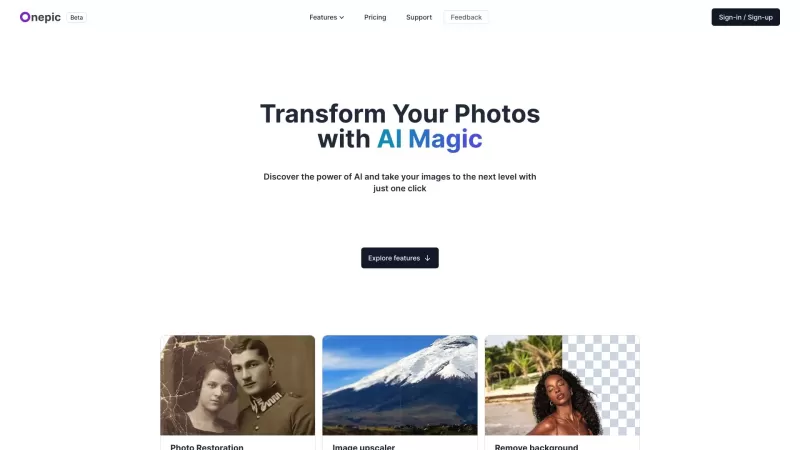
Ever wanted to give your photos a stunning makeover? That's where OnepicAI steps in, transforming your ordinary images into something extraordinary with its AI-powered photo enhancement magic. It's not just about making your photos look better; it's about
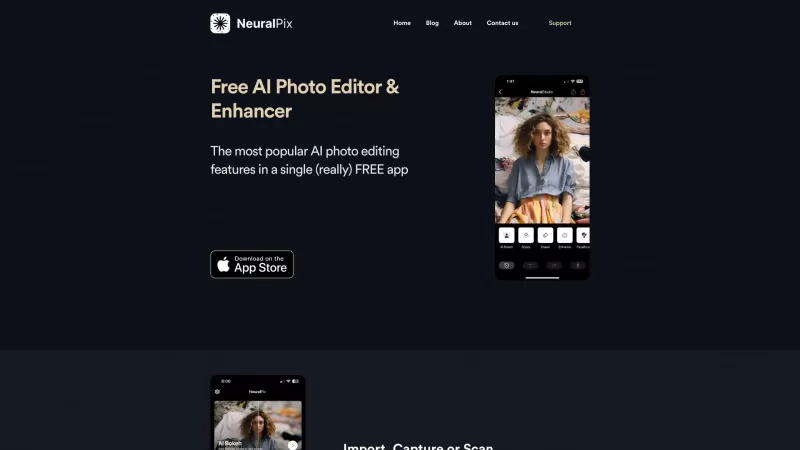
Ever wished you had a magic wand to transform your photos? Well, the Free AI Photo Enhancer & Editor app is pretty much that! It's your go-to free app that packs a punch with all the most popular AI photo enhancement features you could dream of. Whether y
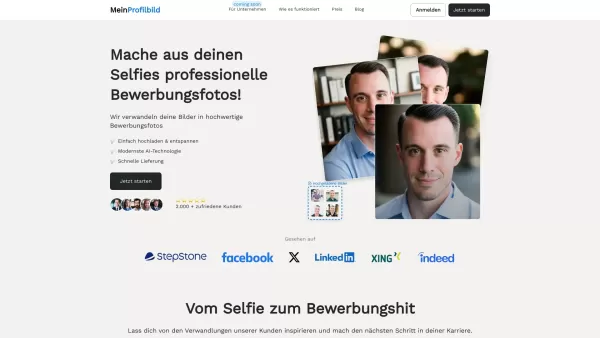
What is MeinProfilbild.de?MeinProfilbild.de uses sophisticated AI to transform user-uploaded selfies into professional, high-quality application photos. The service is straightforward and efficient: upload your selfie, and the AI enhances it to meet

VanceAI isn't just another tool in the vast sea of photo editing software—it's a powerhouse that's revolutionizing the way we enhance our images. As the world's leading provider of AI photo enhancement and editing tools, VanceAI offers a suite of one-clic
RestorePhotos Product Information
What Is RestorePhotos?
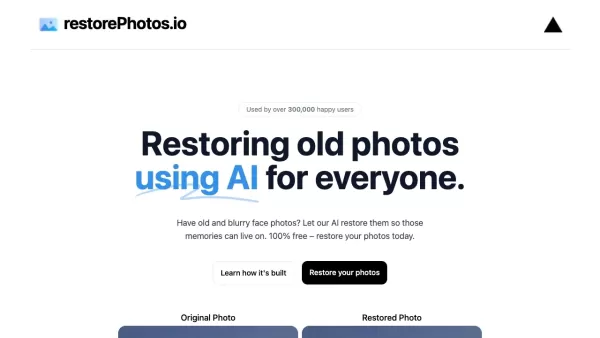
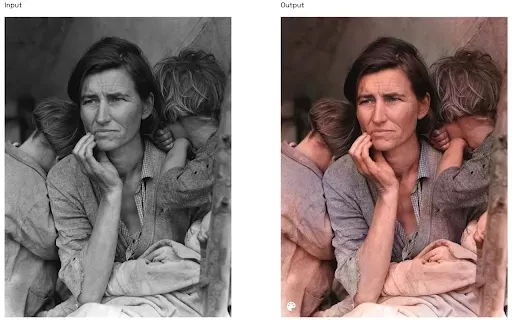
RestorePhotos.io is a free, AI-powered tool that breathes new life into old and blurry face photos. Using advanced artificial intelligence, it enhances and restores the details of your cherished memories, ensuring they remain vibrant and clear. With a simple, intuitive interface, users can upload photos and let the AI work its magic. Whether you want to preserve family heritage or revive old digital images, RestorePhotos.io offers a seamless solution accessible to everyone.
Who Uses RestorePhotos?
- Family historians
- Photographers
- Individuals with old family photos
- Social media enthusiasts
- Genealogy researchers
How to Use RestorePhotos?
- Step 1: Visit https://www.restorephotos.io.
- Step 2: Sign in with your Google account.
- Step 3: Upload the old or blurry photo you want to restore.
- Step 4: Allow the AI to process and restore your photo.
- Step 5: Download the enhanced photo.
Platform
- Web
RestorePhotos' Core Features and Benefits
The Core Features
- AI Photo Restoration
- Simple Upload and Download
- Supports Various Image Formats
- Free to Use
The Benefits
- Enhances Details in Old Photos
- Revives Memories with Improved Clarity
- Easy to Use, No Technical Skills Required
- 100% Free Service
RestorePhotos' Main Use Cases and Applications
- Restoring Family Portraits
- Reviving Old School Photos
- Enhancing Archival Images
- Fixing Blurry Digital Pictures
RestorePhotos' Pros and Cons
The Pros
Uses AI to restore and enhance old photos with high quality.
Free to use, making photo restoration accessible to everyone.
Trusted by a large user base with over 869,000 users.
Powered by reliable technologies like Vercel and Replicate.
Open-source stack available for instant deployment.
The Cons
RestorePhotos' Pricing
Free Plan | No |
|---|---|
Free Trial Details | |
Pricing Model | Paid |
Credit Card Required? | No |
Paid From | |
Lifetime Plan | No |
Billing Frequency |
Discount:
Use code "BF60" at checkout for 60% off all plans.
For the latest prices, please visit: https://www.restorephotos.io
FAQs About RestorePhotos
How Much Does RestorePhotos.io Cost?
RestorePhotos.io is completely free to use.
What Types of Photos Can I Restore?
You can restore any old or blurry face photos.
Do I Need to Create an Account?
Yes, you need to sign in with a Google account.
How Many Photos Can I Restore Per Day?
You can restore up to 2 photos per day for free.
What Image Formats Are Supported?
Supported formats include JPEG, PNG, and TIFF.
How Long Does the Restoration Process Take?
The restoration process typically takes a few seconds to complete.
Can I Download the Restored Photo?
Yes, you can download the restored photo once the process is completed.
Is My Photo Data Secure?
Yes, your photo data is processed securely.
Do the Restored Photos Have Watermarks?
No, the restored photos do not have watermarks.
Can I Restore More Than 2 Photos a Day?
As of now, you can restore up to 2 photos per day. For more, you'll have to wait for the next day.
RestorePhotos Company Information
Website:
https://www.restorephotos.ioCompany Name:
RestorePhotos.ioSupport Email:
Facebook:
https://www.facebook.com/restorephotosX (Twitter):
https://twitter.com/nutlopeYouTube:
https://www.youtube.com/channel/restorephotosInstagram:
https://www.instagram.com/restorephotosTikTok:
https://www.tiktok.com/tag/restorephotosLinkedIn:
NA
RestorePhotos Screenshot
2026 Latest Best AI Landing Page Copy Tools for SaaS A/B Tests, Pricing Pages, and Demo Conversion are here on XIX.AI. This curated list of top-rated tools offers powerful game-changing solutions to boost content quality, improve writing efficiency, and enhance overall productivity. We conduct real-world tests and provide a free vs paid comparison along with weekly updated rankings. Must-try options help you break through creation bottlenecks. Explore now to discover your perfect tool and unlock your AI edge!
 8 tools
 xix.ai
2026 Latest Best Excel AI tools for cash flow planning and expense control are here on XIX.AI’s top-rated curated list. These powerful game-changing solutions help you boost productivity significantly through real-world tests and rigorous rankings. Get a free vs paid comparison to find the perfect fit for your needs. Explore now to unlock your AI edge in financial management.
9 tools
xix.ai
2026 Latest Best Top-Rated AI Prompt Management Tools for Teams are curated by XIX.AI here. This weekly updated guide features powerful game-changing solutions that boost team productivity significantly through real-world tests and detailed rankings. Get a free vs paid comparison to help you choose the perfect tool. Explore now to Unlock your AI edge.
9 tools
xix.ai
2026 Latest Best Top-rated AI Lyric Idea Tools for Music Composition are here on XIX.AI! This curated collection features powerful game-changing options that go through real-world tests to deliver high-quality lyric concepts fast, helping users boost creativity and streamline their music creation process. Get a free vs paid comparison overview too. Explore now to Discover your perfect tool!
16 tools
xix.ai

2026 Latest Best Top-Rated AI Character Sheet Tools for Comic Worldbuilding are here on XIX.AI! This curated list features powerful, game-changing options that have undergone rigorous real-world tests. You’ll find a free vs paid comparison along with weekly updated rankings to help you discover the must-try tools that boost your creativity and streamline worldbuilding tasks. Explore now to Unlock your AI edge!
13 tools
xix.ai
2026 Latest Best n8n AI Automation Tools for Internal Ops, Data Sync, and Multi-Step Agent Flows are here! XIX.AI has curated a top-rated list of powerful game-changing tools that boost productivity across all work tasks. Each entry goes through rigorous real-world tests to ensure reliability, with detailed free vs paid comparison and weekly updated rankings. Must-try options help you unlock your AI edge and streamline workflows effortlessly. Explore now to discover your perfect tool!
11 tools
xix.ai


