


 Home
HomeVance AI Background Remover
VanceAI: Top AI Photo Enhancement


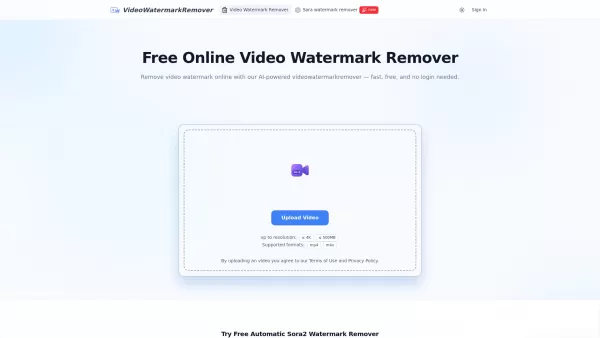
What is VideoWatermarkRemover AI? VideoWatermarkRemover is a free, AI-powered online tool that quickly and easily removes watermarks from videos. It supports popular formats like MP4, MOV, and AVI, and can detect and erase both static and moving wate
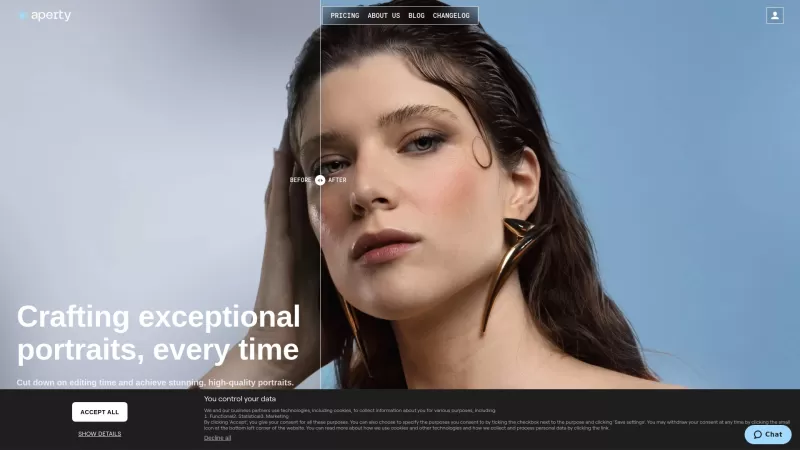
Ever wondered how photographers manage to make those portraits look so effortlessly stunning? Enter Aperty, a game-changer for portrait photographers. This isn't just another photo editor; it's your secret weapon to whip up high-quality portraits without
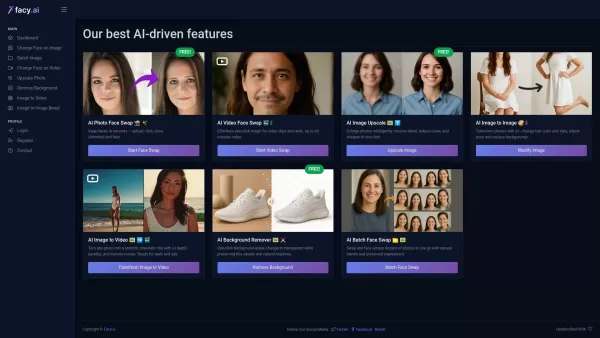
What is FACY AI - Face Swap Photos & Videos?FACY AI revolutionizes digital content creation with its cutting-edge artificial intelligence platform. This powerful toolset enables users to transform their visual content through photo and video manipula
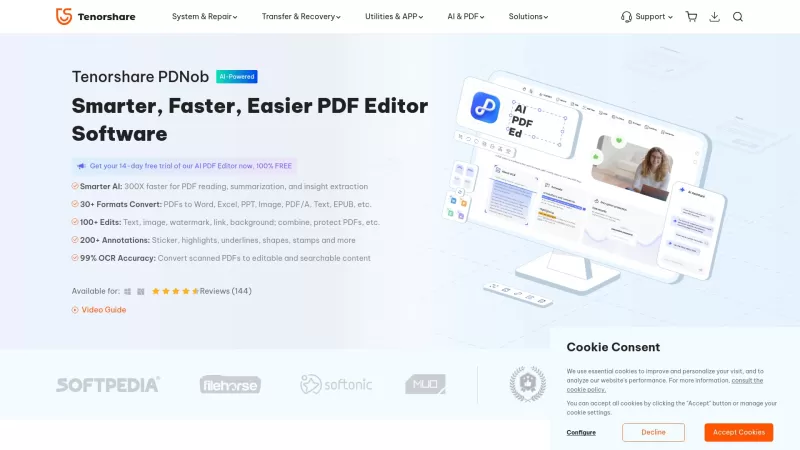
PDNob PDF Editor is a versatile software designed for editing, converting, and managing PDF files on both Windows and Mac platforms. It utilizes advanced AI technology to streamline PDF editing tasks, including text and image modifications, PDF format con
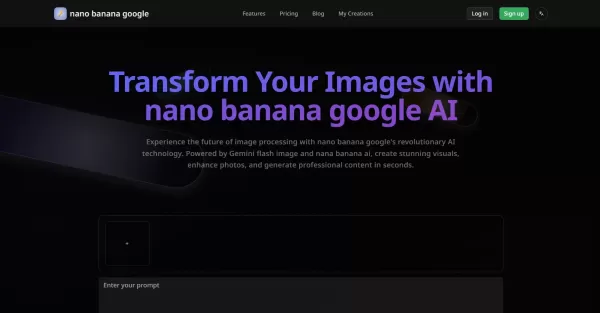
What is nano banana google?Nano Banana Google is an AI-powered image processing platform that uses Gemini Flash image technology and advanced deep learning from Nana Banana AI. It creates high-quality images from text, enables one-click style transfe
Vance AI Background Remover Product Information
VanceAI isn't just another tool in the vast sea of photo editing software—it's a powerhouse that's revolutionizing the way we enhance our images. As the world's leading provider of AI photo enhancement and editing tools, VanceAI offers a suite of one-click solutions that can transform your photos in ways you never thought possible. From enhancing and upscaling to sharpening, denoising, and, of course, background removal, VanceAI has got you covered.
How to Use Vance AI Background Remover?
Getting started with VanceAI is a breeze. Just upload your photo and choose the AI tool that suits your needs—whether it's the image enhancer, upscaler, denoiser, or the background remover. Hit the 'Start Now' button, and watch as VanceAI's sophisticated AI algorithms work their magic, automatically enhancing and editing your photo. Once it's done, you can download your newly enhanced image or keep tweaking it with other AI tools. It's that simple!
Vance AI Background Remover's Core Features
VanceAI isn't just about background removal. It's a full suite of tools designed to make your photos pop. Here's a rundown of what you can expect:
- AI Enhancing: Boost the overall quality of your images.
- AI Upscaling: Enlarge your images without losing quality.
- AI Sharpening: Make your images crisp and clear.
- AI Denoising: Remove unwanted noise from your photos.
- Background Removal: Effortlessly remove backgrounds from your images.
- Old Photo Restoration: Bring old memories back to life.
- Photo Colorization: Add color to black and white photos.
- Portrait Retouching: Enhance portraits with professional touches.
- Image Compression: Reduce file size without sacrificing quality.
- Batch Processing: Edit multiple images at once.
- Real-time Preview: See changes as you make them.
Vance AI Background Remover's Use Cases
Whether you're a professional or a hobbyist, VanceAI has something for everyone:
- E-commerce Product Photography: Enhance product images, remove backgrounds, and optimize image quality to boost sales. It's a game-changer for e-commerce.
- Graphic Design: Create stunning, high-resolution images for websites, banners, blogs, or any graphic design project. VanceAI makes it easy to achieve professional results.
- Photography: Improve image quality, remove noise, and enhance details in your professional photography. It's like having a darkroom in your pocket.
- Printing: Optimize image quality for printing, remove artifacts, and enhance details. Your prints will look better than ever.
FAQ from Vance AI Background Remover
- What is VanceAI?
- VanceAI is a leading provider of AI-powered photo enhancement and editing tools, offering a range of one-click solutions to improve your images.
- How do I use VanceAI?
- Upload your photo, select the desired AI tool, click 'Start Now,' and let VanceAI's algorithms enhance your image. You can then download or further edit your photo.
- What are the core features of VanceAI?
- VanceAI offers AI enhancing, upscaling, sharpening, denoising, background removal, old photo restoration, photo colorization, portrait retouching, image compression, batch processing, and real-time preview.
- What are the use cases for VanceAI?
- VanceAI is perfect for e-commerce product photography, graphic design, professional photography, and printing, helping to enhance and optimize images for various purposes.
For any support, customer service, or refund inquiries, you can reach out to VanceAI via their contact page at the contact us page.
VanceAI Technology, the company behind Vance AI Background Remover, is dedicated to providing top-notch AI solutions. Learn more about them on the about us page.
To log in to your VanceAI account, visit the login page.
Interested in VanceAI's pricing? Check out the details at the pricing page.
Stay connected with VanceAI on social media:
- Facebook: VanceAI on Facebook
- YouTube: VanceAI on YouTube
- LinkedIn: VanceAI on LinkedIn
Vance AI Background Remover Screenshot

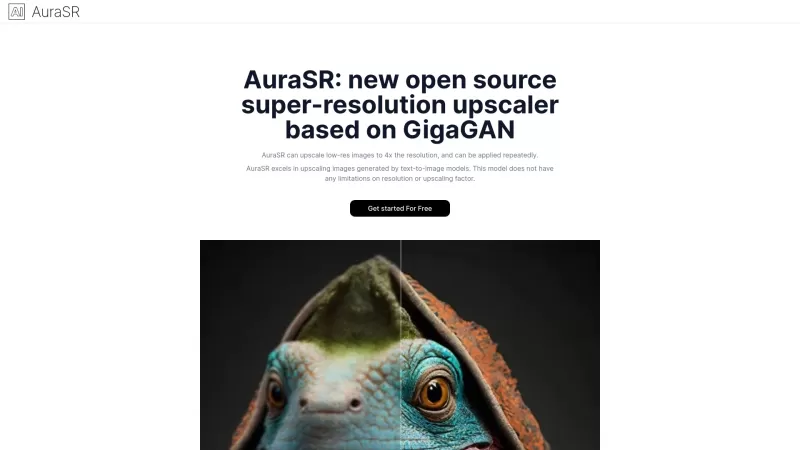
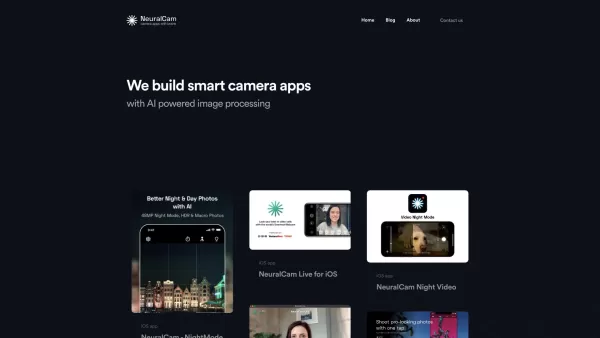
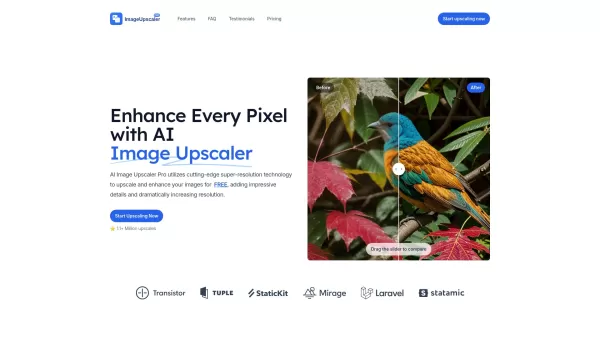

Discover the 2026 latest best AI tools to enhance smiles and whiten teeth in portraits. Explore our expertly curated, top-rated selection for flawless, natural-looking portrait edits. Get free vs paid comparisons, see real-world test results, and unlock your photo perfection. Start creating stunning portraits today with XIX.AI.
 10 tools
 xix.ai

Discover the 2026 best AI body contouring tools. Explore our top-rated, curated rankings at XIX.AI for powerful image editing and virtual slimming. Compare free vs paid options with real-world tests. Find your perfect beauty enhancement solution today
10 tools
xix.ai

Discover the 2026 latest, top-rated lineup of AI skin correction tools for photos. Our curated best & must-try comparison highlights powerful options for perfect skin smoothing and tone enhancement. Get free vs paid insights with weekly updated rankings. Unlock your AI editing edge at XIX.AI.
10 tools
xix.ai

2026 Latest: Discover our expertly curated list of the best AI portrait retouching tools. Compare top-rated, game-changing options with free vs paid insights and real-world tests to effortlessly enhance your beauty photos. Get weekly updated rankings to unlock your perfect AI editing edge on XIX.AI.
10 tools
xix.ai

2026 Latest Selection of Top AI Tools for Natural Photo Enhancement. Discover the best AI photo editors that smartly beautify images, refine skin texture, and perfect lighting for stunning yet natural results. Our weekly updated ranking compares paid vs free options based on real-world tests. Explore these game-changing tools now on XIX.AI.
10 tools
xix.ai


VanceAI Background Remover is a game-changer! 😍 I tried it on a tricky photo with messy hair, and it nailed the cutout in seconds. Super easy to use, but I wish it had batch processing for my bulk edits. Still, it’s a lifesaver for quick social media posts!
Vance AI Background Remover is a lifesaver! It's so easy to use, just one click and boom, the background is gone. Perfect for my product photos, but sometimes it struggles with complex backgrounds. Still, a must-have for quick edits! 💪
Vance AI 배경 제거 기능 정말 좋아요! 한 번 클릭하면 배경이 사라져서 제품 사진 편집에 딱이에요. 다만, 복잡한 배경에서는 조금 어려움을 겪을 때가 있어요. 그래도 빠른 편집에는 필수죠! 👍
O Vance AI Background Remover é incrível! Com apenas um clique, o fundo desaparece. Perfeito para minhas fotos de produtos, mas às vezes luta com fundos complexos. Ainda assim, é essencial para edições rápidas! 💪
¡El Vance AI Background Remover es un salvavidas! Es tan fácil de usar, solo un clic y ¡pum!, el fondo desaparece. Perfecto para mis fotos de productos, pero a veces tiene problemas con fondos complejos. Aún así, es imprescindible para ediciones rápidas! 💪


