


 Home
HomejpgHi.com Magic Image Upscale
AI Image Upscaling | HD & Lossless



Helps TikTok sellers, brands, MCNs, and TAPs discover winning products and find creators.

HelpLook is an AI-powered all-in-one knowledge base tool that helps businesses quickly build knowledge bases, help centers, and...

Your AI Workspace

302.AI is an enterprise-grade AI resource platform with pay-as-you-go pricing, API access to a full range of AI models, and ready-to-use online applications.

剧火AI — AI Screenwriter + Director, a One-Person Short Drama Studio In one sentence, what is it?

What is iFoto?iFoto is an AI-powered online photo editor that helps you enhance images with ease. It provides intelligent features including background removal, outfit changes, and virtual model fitting, empowering e-commerce businesses to upgrade th
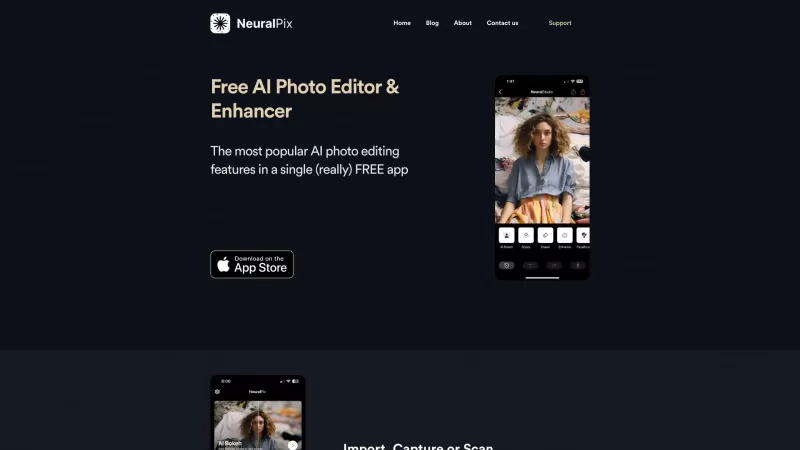
Ever wished you had a magic wand to transform your photos? Well, the Free AI Photo Enhancer & Editor app is pretty much that! It's your go-to free app that packs a punch with all the most popular AI photo enhancement features you could dream of. Whether y
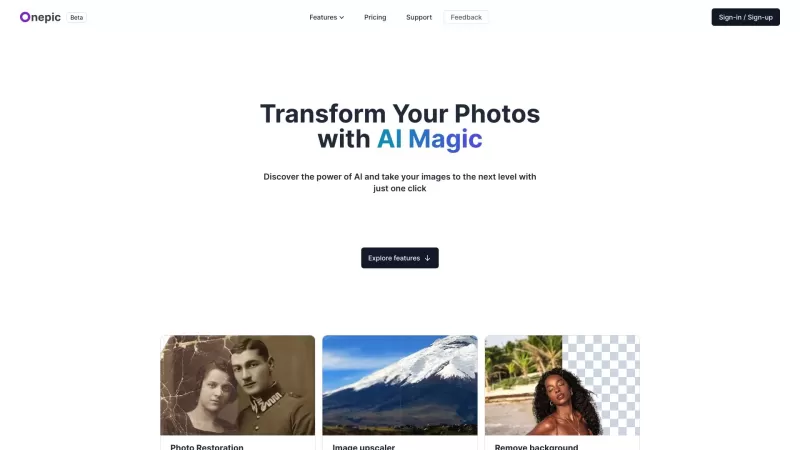
Ever wanted to give your photos a stunning makeover? That's where OnepicAI steps in, transforming your ordinary images into something extraordinary with its AI-powered photo enhancement magic. It's not just about making your photos look better; it's about
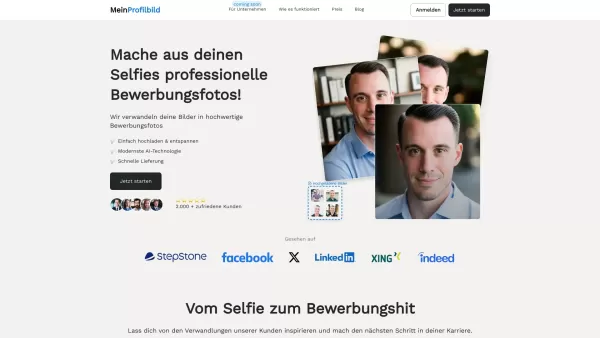
What is MeinProfilbild.de?MeinProfilbild.de uses sophisticated AI to transform user-uploaded selfies into professional, high-quality application photos. The service is straightforward and efficient: upload your selfie, and the AI enhances it to meet

VanceAI isn't just another tool in the vast sea of photo editing software—it's a powerhouse that's revolutionizing the way we enhance our images. As the world's leading provider of AI photo enhancement and editing tools, VanceAI offers a suite of one-clic
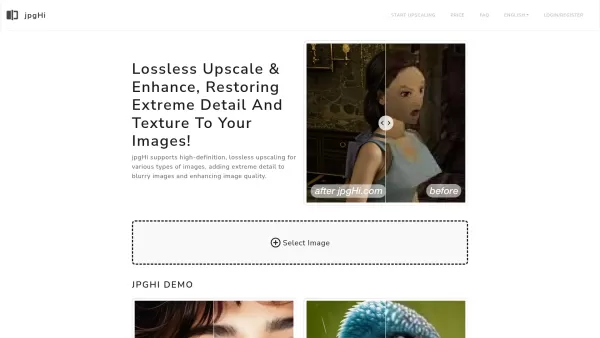
jpgHi.com Magic Image Upscale Product Information
What is jpgHi.com Magic Image Upscaler?
jpgHi.com uses cutting-edge technology to intelligently enlarge your images while maintaining their original quality. With an intuitive and easy-to-use interface, anyone can effortlessly improve the clarity and definition of their photos. Powered by sophisticated AI algorithms, jpgHi transforms low-resolution pictures into stunning, high-definition visuals. It's an ideal tool for businesses looking for professional-grade marketing assets and for individuals wanting to enhance their personal photo collections, all without needing any technical expertise.
Who is jpgHi.com Magic Image Upscaler for?
- Photographers
- Graphic Designers
- Social Media Managers
- Content Creators
- Marketing Professionals
How to use the jpgHi.com Magic Image Upscaler
- Step 1: Go to the jpgHi website.
- Step 2: Upload the image you want to enhance.
- Step 3: Select your preferred upscaling level.
- Step 4: Initiate the process and wait for the AI to work its magic.
- Step 5: Download your new, high-quality image.
Platform
- Web
- iOS
- Android
jpgHi.com Magic Image Upscaler's Core Features & Benefits
The Core Features
- Lossless image upscaling
- User-friendly interface
- Fast processing speeds
- Support for multiple image formats
The Benefits
- Recovers intricate details
- Boosts overall image clarity
- Elevates the quality of marketing materials
- Perfect for both personal and professional projects
jpgHi.com Magic Image Upscaler's Main Use Cases & Applications
- Upscaling product photos for online stores
- Refining personal and family photographs
- Creating crisp, high-definition graphics for social media posts
jpgHi.com Magic Image Upscaler's Pros & Cons
The Pros
Delivers high-definition, lossless image enlargement up to 16x the original size
Leverages advanced AI models and powerful cloud GPU servers for superior results
Works with a wide range of image types, from photographs to digital art
Excels at restoring fine details like hair strands, skin texture, and fabric patterns
Provides flexible free and premium plans to suit various budgets
Ensures user privacy by automatically deleting data immediately after processing
The Cons
At very high upscaling levels, the AI might generate details not present in the original image
Processing times can be lengthy for maximum upscaling (e.g., 30-60 minutes for 16x)
Due to significant server costs, refunds are not available once processing has begun
The free plan includes slower processing and adds a watermark to outputs
jpgHi.com Magic Image Upscaler's Pricing
Has free plan | YES |
|---|---|
Free trial details | |
Pricing model | Freemium |
Is credit card required | No |
Paid from | 36 ¥ |
Has lifetime plan | No |
Billing frequency | Monthly |
Details of Pricing Plan
Free Version
0 ¥
- 5 tokens per month
- Standard processing speed
- Images include a watermark
180 tokens
36 ¥
- Valid for 1 month
- Priority processing
500 tokens
90 ¥
- Valid for 6 months
- Priority processing
1200 tokens
180 ¥
- Valid for 12 months
- Priority processing
- Early access to new features
Discount:
500 tokens: ¥90 (originally ¥120); 1200 tokens: ¥180 (originally ¥300)
For the most current pricing, please visit: https://jpghi.com
FAQs of jpgHi.com Magic Image Upscaler
What image formats does jpgHi support?
jpgHi supports popular formats such as JPG, PNG, and others.
Is there a limit to the number of images I can enhance?
Free users have a monthly limit, while paid subscriptions offer greater allowances.
Can jpgHi be used on mobile devices?
Yes, jpgHi is fully accessible via mobile web browsers on iOS and Android.
What is lossless upscaling?
Lossless upscaling increases an image's dimensions without sacrificing its original quality.
How long does it take to process an image?
Processing time varies by image size and selected options but is generally quick.
What is the maximum image size jpgHi can process?
jpgHi can process images with dimensions up to several thousand pixels.
Can I share enhanced images directly from jpgHi?
After downloading your enhanced image, you can share it on any platform you choose.
Is jpgHi suitable for professional use?
Absolutely, jpgHi is trusted by professionals to prepare images for publication and design work.
Does jpgHi add a watermark?
Watermarks are applied to images processed under the free plan.
Is there a subscription fee for using jpgHi?
jpgHi operates on a freemium model, with a free tier and optional paid subscriptions for advanced features.
jpgHi.com Magic Image Upscaler Company Information
jpgHi.com Magic Image Upscale Screenshot
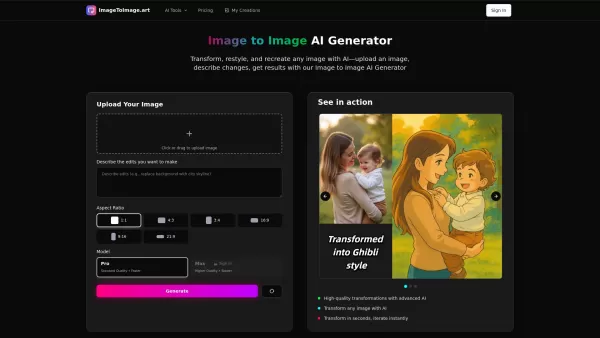
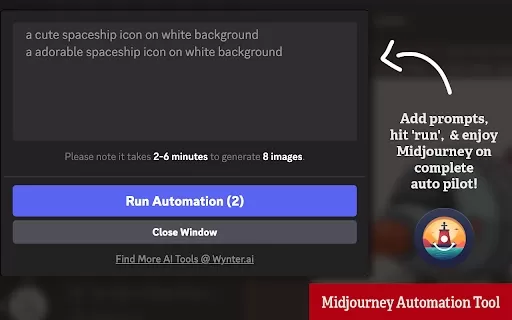

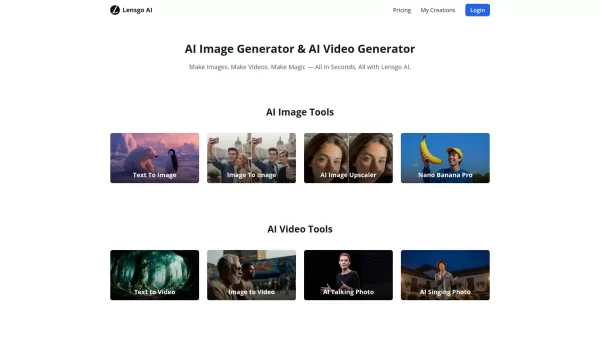
Discover the 2026 latest top-rated AI image upscalers curated for photographers. Our weekly updated rankings feature powerful, game-changing tools that restore pixelated photos with zero detail loss. Compare free vs paid options and unlock your perfect AI edge at XIX.AI.
 10 tools
 xix.ai


