


 Home
HomeHitPaw Video Enhancer
AI Video Enhancer for High-Quality Resolution


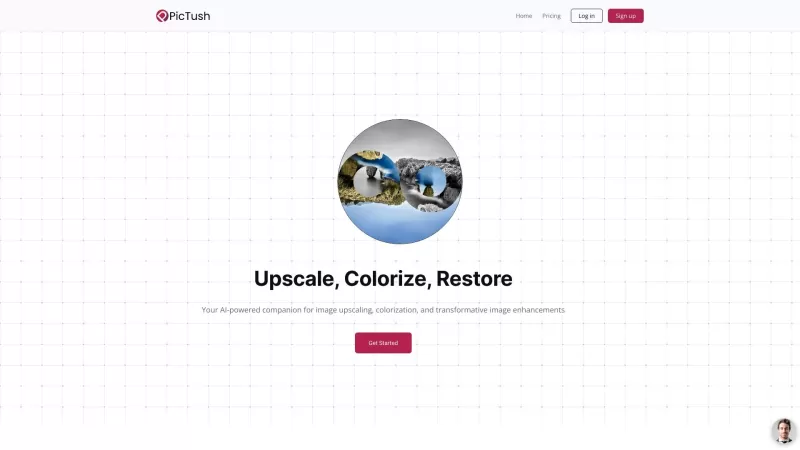
Ever stumbled upon a photo that just screams for a bit of magic? That's where Pictush comes into play. This AI-powered sidekick isn't just another tool; it's a visual revolution! Pictush uses cutting-edge technology to upscale, colorize, and enhance your
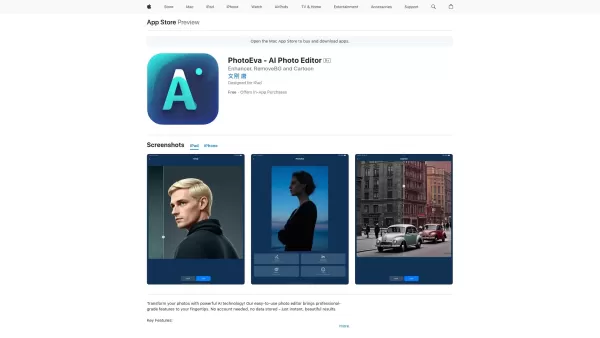
Ever stumbled upon a faded old photo and wished you could bring it back to life? Or perhaps you've wanted to jazz up your social media profiles with some pro-level edits? That's where PhotoEva comes into play. This AI-powered photo editing app is your go-
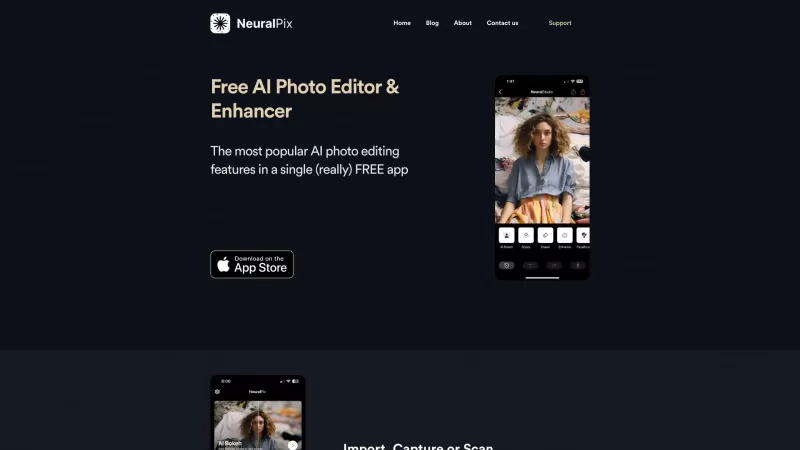
Ever wished you had a magic wand to transform your photos? Well, the Free AI Photo Enhancer & Editor app is pretty much that! It's your go-to free app that packs a punch with all the most popular AI photo enhancement features you could dream of. Whether y
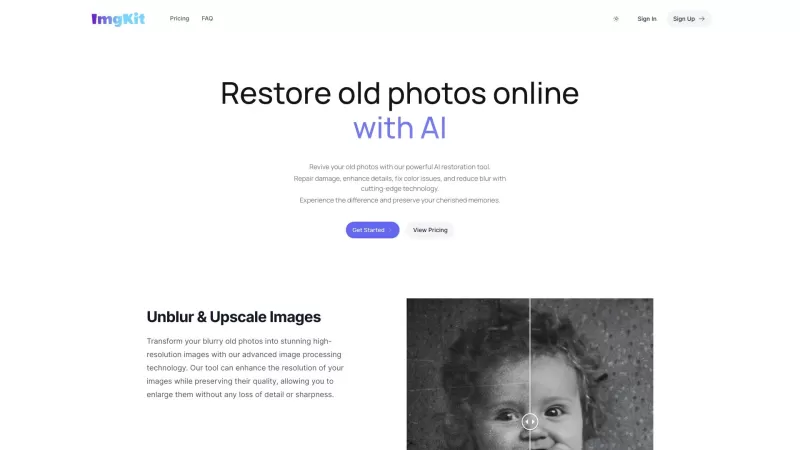
Ever stumbled upon an old family photo that's seen better days? You know, the ones with the faded colors, the scratches, and the blur that make you squint just to recognize your great-grandma? Well, fear not! With AI Old Photo Restoration Online - ImgKit,

Ever wanted to give your photos a stunning makeover? That's where OnepicAI steps in, transforming your ordinary images into something extraordinary with its AI-powered photo enhancement magic. It's not just about making your photos look better; it's about
HitPaw Video Enhancer Product Information
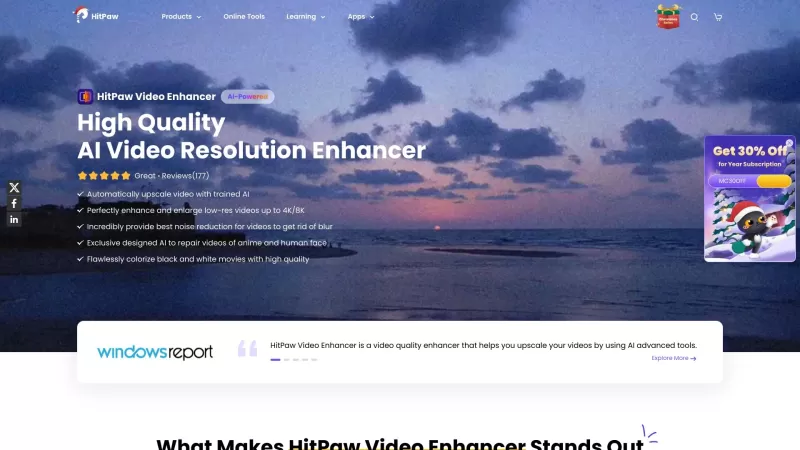
Ever found yourself staring at an old, grainy video and wishing you could breathe new life into it? Well, that's where HitPaw Video Enhancer comes into play. This isn't just any software; it's your AI-powered buddy that's all about making your videos look spectacular. Whether it's a cherished family clip or a piece of cinematic history, HitPaw Video Enhancer is here to upscale and enhance the resolution and overall quality, making those memories pop like never before.
How to Use HitPaw Video Enhancer?
Getting started with HitPaw Video Enhancer is a breeze. Just fire up the software, drag and drop your videos into it, and choose the right AI model based on what you're working with. You can preview the magic happening in real-time, and once you're satisfied, hit export to save your newly enhanced video. It's like giving your videos a high-tech facelift!
HitPaw Video Enhancer's Core Features
Automatic AI Upscaling
This feature automatically upscales your videos, making them sharper and more detailed. It's like magic, but with algorithms!
High-Quality AI Video Resolution Enhancement
Say goodbye to pixelated videos. HitPaw's AI works tirelessly to enhance the resolution, ensuring your videos look crisp and clear.
Noise Reduction for Clearer Videos
Ever had those annoying background noises in your videos? HitPaw's noise reduction feature cuts them out, leaving you with pristine audio and visuals.
AI Video Repair for Anime and Human Faces
If you're into anime or need to fix up faces in your videos, HitPaw's got you covered. It repairs and enhances these elements with precision.
Colorization of Black and White Movies
Imagine bringing color to those old black and white films. With HitPaw, you can do just that, adding a whole new dimension to classic movies.
HitPaw Video Enhancer's Use Cases
Upscale and Enhance Low-Res Videos
Got some old videos that look like they were shot through a foggy window? HitPaw can upscale them, making them look like they were shot yesterday.
Repair and Restore Damaged Videos
Whether it's scratches or missing frames, HitPaw can repair and restore your videos, bringing them back to life.
Convert Low-Resolution Videos to 4K
Transform your standard definition videos into stunning 4K masterpieces with just a few clicks.
Remove Noise and Blur from Videos
Say goodbye to the fuzziness and background noise. HitPaw sharpens your videos and clears up the sound, making them more enjoyable to watch.
Colorize Black and White Movies
Add color to those timeless black and white films, and watch them in a whole new light.
FAQ from HitPaw Video Enhancer
- What is the best video enhancer?
- HitPaw Video Enhancer stands out with its comprehensive AI-powered features designed to enhance and upscale your videos effectively.
- How can I improve my video to 4K?
- With HitPaw Video Enhancer, you can easily upscale your videos to 4K by selecting the appropriate AI model and letting the software do its magic.
- How can I increase the quality of a video using HitPaw Video Enhancer?
- By using the various AI-powered tools like upscaling, noise reduction, and resolution enhancement, you can significantly improve your video quality.
- How does HitPaw Video Enhancer work to unblur video?
- HitPaw's AI algorithms analyze and enhance the video, reducing blur and sharpening details to make your videos clearer.
- How does HitPaw Video Enhancer utilize AI upscale?
- The software uses advanced AI models to automatically upscale videos, improving resolution and detail with minimal effort from the user.
HitPaw Video Enhancer Support Email & Customer Service Contact & Refund Contact etc.
More Contact, visit the contact us page(https://www.hitpaw.com/contact-us.html)
HitPaw Video Enhancer Company
More about HitPaw Video Enhancer, Please visit the about us page(https://www.hitpaw.com/about.html).
HitPaw Video Enhancer Facebook
HitPaw Video Enhancer Facebook Link: https://www.facebook.com/hitpawofficial/
HitPaw Video Enhancer Youtube
HitPaw Video Enhancer Youtube Link: https://www.youtube.com/channel/UCQwRggaotgiMcPbiCOsJeBA/featured
HitPaw Video Enhancer Tiktok
HitPaw Video Enhancer Tiktok Link: https://www.tiktok.com/@hitpaw
HitPaw Video Enhancer Twitter
HitPaw Video Enhancer Twitter Link: https://twitter.com/HitPawofficial
HitPaw Video Enhancer Instagram
HitPaw Video Enhancer Instagram Link: https://www.instagram.com/hitpawofficial/
HitPaw Video Enhancer Screenshot


Discover the 2026 best AI data science mentors to master SQL, Pandas & ML workflows. Explore our top-rated, curated selection at XIX.AI for powerful, game-changing guidance. Compare free vs paid options with real-world insights. Unlock your data science mastery today.
 10 tools
 xix.ai

Discover the 2026 best AI flirting and conversation trainers on XIX.AI. Our curated, top-rated selection helps you build social charisma and confidence in real-time. Explore must-try, game-changing tools with free vs paid comparisons and weekly updated rankings. Unlock your social edge today.
10 tools
xix.ai

Discover the 2026 latest top-rated AI tools for automated unit testing. Our curated selection features powerful, game-changing solutions to generate Jest, PyTest & JUnit test cases instantly. Compare free vs paid options with real-world tests and weekly updated rankings on XIX.AI. Unlock your AI edge and boost development productivity today.
10 tools
xix.ai

Discover the 2026 best AI data visualization tools at XIX.AI. Our curated, top-rated selection helps you auto-generate powerful, interactive BI dashboards from raw files instantly. Compare free vs paid options with real-world tests and weekly updated rankings. Unlock your data's potential today.
10 tools
xix.ai

Discover the 2026 best AI branding kits for social media. XIX.AI's curated list features top-rated, game-changing tools to maintain perfectly consistent brand visuals across all channels. Compare free vs paid options with real-world tests. Unlock your brand's visual edge today.
10 tools
xix.ai

Discover the 2026 latest top-rated AI companion tools for immersive roleplay and connection. XIX.AI's curated guide features powerful, game-changing apps with weekly updated rankings, free vs. paid comparisons, and real-world tests. Find your perfect match and unlock meaningful digital companionship today.
10 tools
xix.ai


Just gave HitPaw Video Enhancer a try on some old family VHS footage... and wow, I'm honestly speechless! It's like magic watching those blurry faces and colors suddenly become so crisp and clear. The AI really nailed it without making everyone look like weird wax figures. Super impressed! 😲 Can't wait to restore my whole childhood archive now. The process was surprisingly simple too—I thought it'd be way more complicated. Totally recommended if you have old videos sitting around!
HitPaw Video Enhancer is a game-changer! 😍 Turned my blurry old family videos into crisp 4K gems. Super easy to use, even for a tech newbie like me. Only downside? It takes a bit to process longer clips, but the results are totally worth the wait!


