


 Home
HomeGrammar Check & Paraphrasing Tool
AI Grammar Check & Paraphrasing Tool | Multilingual


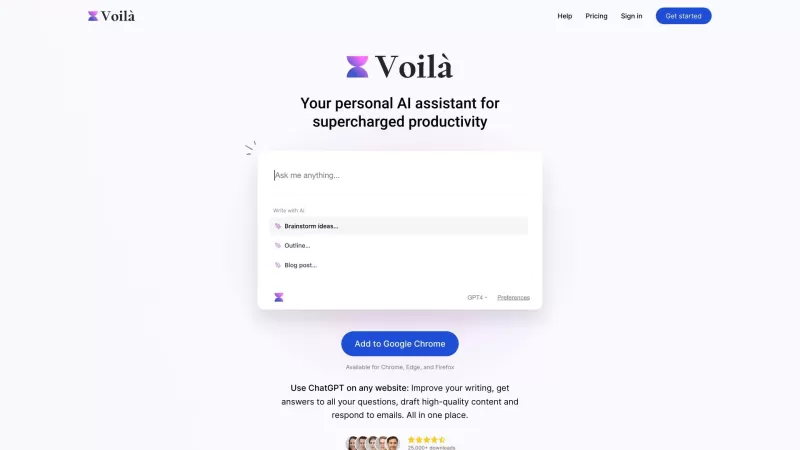
Ever wondered how to get a leg up in *Call of Duty: Mobile*? Well, redeem codes are your golden ticket to a whole bunch of in-game goodies. These codes can give you a sweet boost to your Weapon XP or Battle Pass XP, making it a breeze to level up your arsenal and unlock those coveted new weapons, at
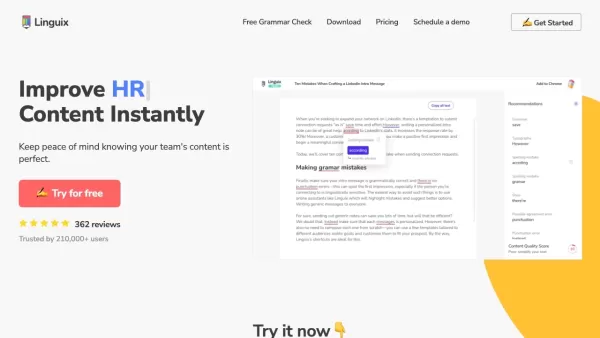
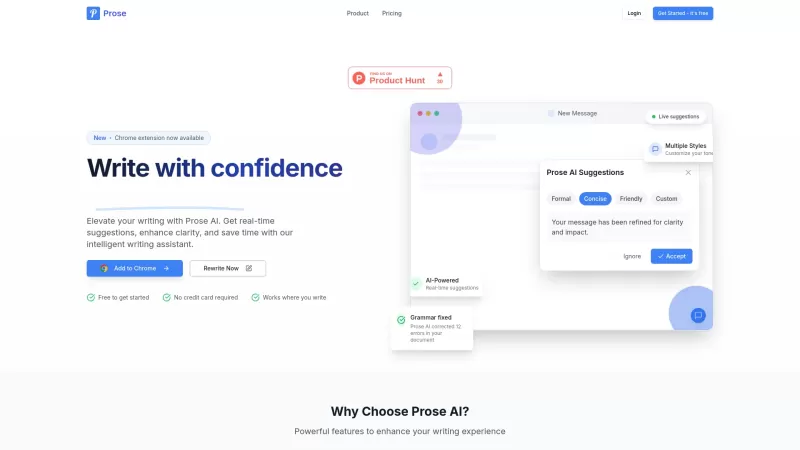
Ever find yourself staring at a blank screen, trying to craft the perfect email or nail that final paper? Enter Linguix, your new best friend in the world of writing. This free writing assistant isn't just another tool; it's like having a personal ed
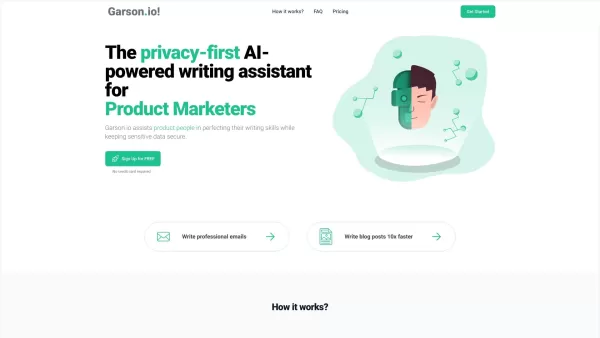
What is Garson.io? Garson.io offers a secure AI writing assistant specifically crafted for professionals who prioritize data privacy. This intelligent tool enhances your writing quality while maintaining strict confidentiality over sensitive informat
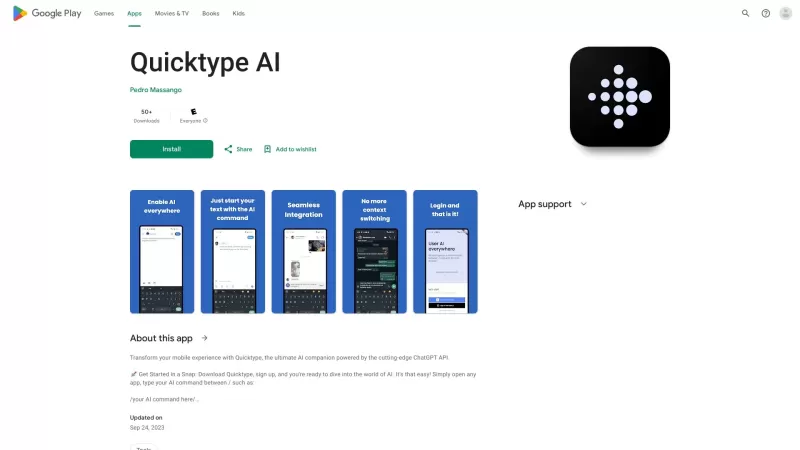
Ever found yourself juggling between different apps and tabs while trying to type something out? It's a real hassle, right? Well, let me introduce you to Elevate—an AI-powered tool designed to revolutionize your typing experience by cutting down on that annoying context switching. Imagine a world wh
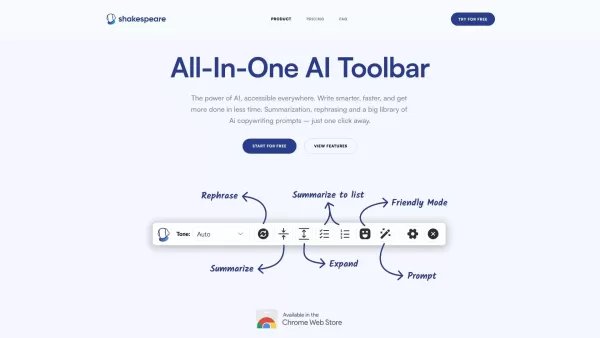
What is the Shakespeare AI Writing Toolbar?The Shakespeare Toolbar is a Chrome extension powered by AI that enhances your writing efficiency and quality. It provides tools for summarization, rewording, and other functions, helping you generate excell
Grammar Check & Paraphrasing Tool Product Information
What is our Grammar Check & Paraphrasing Tool?
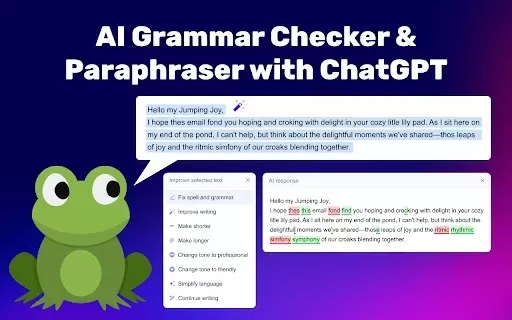
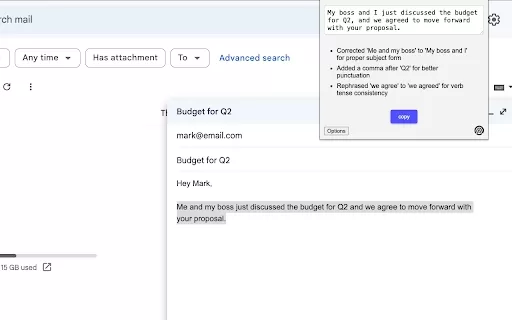
This tool helps you enhance your writing by identifying grammatical mistakes and offering better phrasing options. It uses advanced AI technology, powered by ChatGPT, to provide instant feedback in more than 50 languages, such as English, Spanish, German, and French. Whether you're writing an email, essay, or any other document, this extension is your all-in-one assistant for grammar checking and paraphrasing.
Who is the Grammar Check & Paraphrasing Tool for?
- Students
- Professionals
- Writers
- Educators
- Business Communicators
How to use the Grammar Check & Paraphrasing Tool
- Step 1: Add the extension from the Chrome Web Store.
- Step 2: Click the extension icon in your browser.
- Step 3: Paste your text into the input box.
- Step 4: Press the 'Check' button to start the grammar and paraphrasing analysis.
- Step 5: Go through the recommendations and apply the changes you prefer.
Platform
- Chrome
Grammar Check & Paraphrasing Tool: Core Features & Benefits
Core Features
- AI-driven grammar correction
- Smart paraphrasing recommendations
- Multi-language support
Benefits
- Makes your writing clearer
- Reduces editing time
- Boosts grammatical precision
Grammar Check & Paraphrasing Tool: Primary Use Cases & Applications
- Refining academic essays
- Perfecting professional emails
- Boosting creative writing quality
- Creating business reports
Grammar Check & Paraphrasing Tool FAQs
What languages does the tool support?
It works with more than 50 languages, including English, Spanish, German, French, and Italian.
Can I use this tool offline?
No, an active internet connection is required for its AI features.
How do I install the extension?
Simply install it from the Chrome Web Store.
What types of documents can I check?
You can review various documents, such as essays, emails, and reports.
Does it have a paraphrasing feature?
Yes, it provides smart rewording to enhance sentence flow.
Is there a limit to the text length I can check?
Yes, there’s usually a limit of about 2000 characters per check.
Can I provide feedback on the suggestions?
Yes, you can typically submit feedback on corrections.
Does it integrate with word processors?
No, it works mainly within Chrome and doesn't sync with external word processors.
Is this tool free to use?
Yes, it's free to download and use via the Chrome Web Store.
How accurate is the grammar check?
It's very reliable, using modern AI algorithms to detect errors.
Grammar Check & Paraphrasing Tool Company Details
Website:
https://5-letter-words.comCompany Name:
NASupport Email:
NAFacebook:
NAX(Twitter):
NAYouTube:
NAInstagram:
NATikTok:
NALinkedIn:
NA
Grammar Check & Paraphrasing Tool Screenshot
2026 Latest: Explore our top-rated AI script editing tools for screenwriters at XIX.AI. Discover powerful solutions to polish dialogue, refine structure, and elevate your screenplays. Get weekly updated rankings with free vs paid comparisons and real-world tests. Find your perfect writing assistant today
 10 tools
 xix.ai


