


 Home
HomeScriX: Audio to Text Transcription powered by ChatGPT
ScriX: AI Audio Transcription Tool



Helps TikTok sellers, brands, MCNs, and TAPs discover winning products and find creators.

HelpLook is an AI-powered all-in-one knowledge base tool that helps businesses quickly build knowledge bases, help centers, and...

Your AI Workspace

302.AI is an enterprise-grade AI resource platform with pay-as-you-go pricing, API access to a full range of AI models, and ready-to-use online applications.

剧火AI — AI Screenwriter + Director, a One-Person Short Drama Studio In one sentence, what is it?
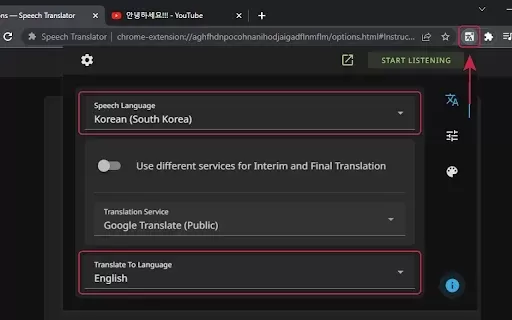
What is Speech Translator?Speech Translator leverages Google's advanced speech recognition to deliver real-time translation for videos, audio, and live streams. This tool bridges language gaps, enabling seamless conversations and fostering clearer un
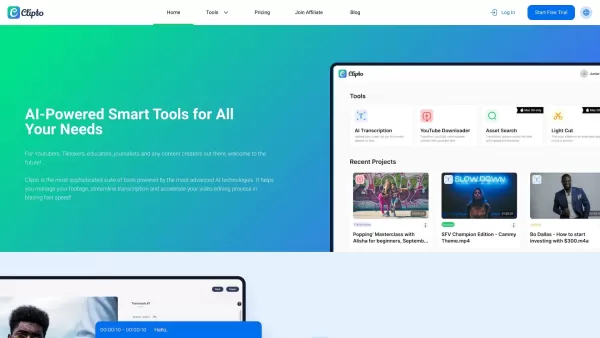
Ever wondered how to effortlessly turn your audio and video files into text? Enter Clipto, the powerhouse of AI transcription on the web. Imagine harnessing the same cutting-edge tech that fuels ChatGPT to convert your Zoom meetings, interviews, and
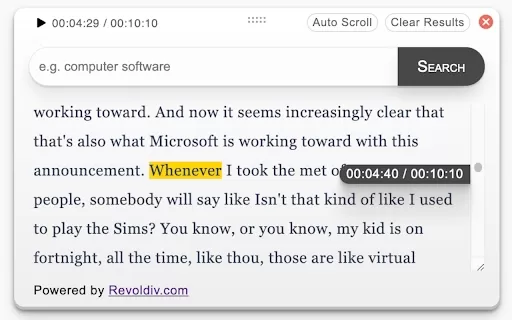
What is Revoldiv AI Chrome Extension? Revoldiv is a Chrome browser extension that instantly transcribes audio and video directly in your browser. It lets users follow along by reading live transcriptions and search for specific spoken words within po
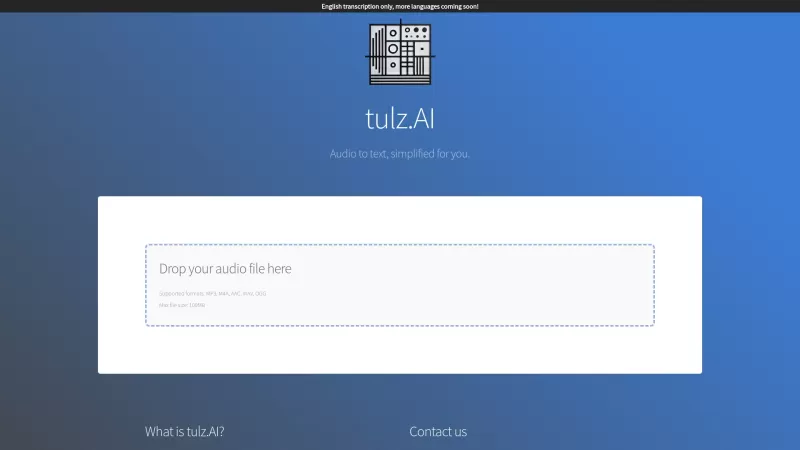
Ever found yourself needing to turn spoken words into written text? Well, let me introduce you to tulz.AI—an AI-powered service that's all about making audio transcription a breeze. Whether it's a podcast, a business meeting, or any other spoken content,
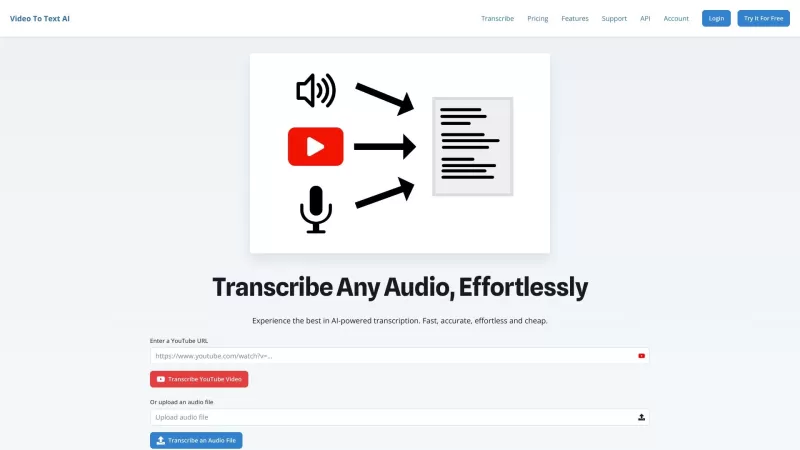
Ever found yourself in need of a quick and accurate transcription of a video or audio file? That's where Video To Text AI comes into play. It's a slick AI-powered tool designed to effortlessly convert your media into text. Whether you're juggling YouTube
ScriX: Audio to Text Transcription powered by ChatGPT Product Information
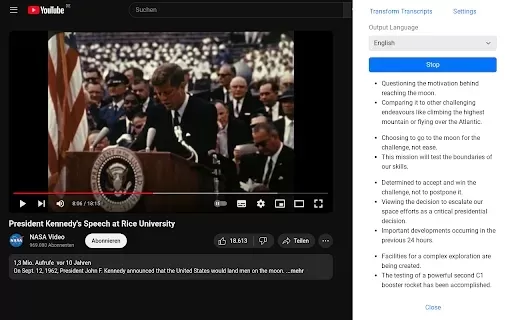
What is ScriX: AI-Powered Audio Transcription by ChatGPT?
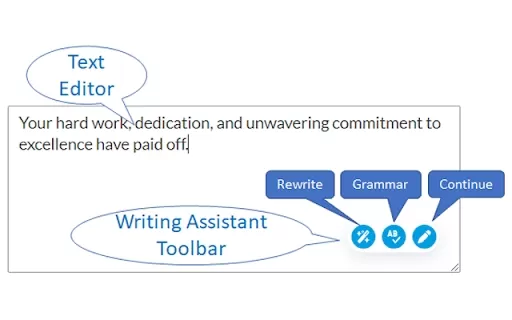
ScriX is an advanced AI transcription extension that converts spoken language into highly accurate written text. It easily handles voice memos, interviews, lectures, and more, providing editable transcripts you can share or use in various ways. Designed for individuals and teams, it streamlines transcription while safeguarding your data's privacy and security.
Who can benefit from ScriX?
- Students
- Researchers
- Professionals
- Podcasters
- Content Creators
How to use ScriX for transcription
- Step 1: Install the ScriX extension from the Chrome Web Store.
- Step 2: Open the ScriX tool in your Chrome browser.
- Step 3: Upload your audio file or record directly using the extension.
- Step 4: Click the 'Transcribe' button to begin processing.
- Step 5: Review and edit the generated text for accuracy.
- Step 6: Export or save your final transcript.
Platform
- Chrome
ScriX: Core Features & Benefits
The Core Features
- AI-powered transcription
- Multiple audio format support
- Real-time transcription
- Editable text output
- User-friendly interface
The Benefits
- Fast and accurate results
- Boosts productivity
- Easy editing and exporting
- Cost-effective solution
- Secure data handling
Main Use Cases & Applications
- Transcribing lectures and presentations
- Creating video subtitles
- Converting interviews to text
- Capturing meeting notes
- Generating podcast transcripts
Frequently Asked Questions
What audio formats does ScriX support?
ScriX supports common formats like MP3 and WAV, among others.
Is ScriX free to use?
ScriX offers a free version with premium features available for an enhanced experience.
Can I edit the transcribed text?
Yes, you can freely edit the text after transcription to ensure it's perfect.
Is my audio data secure with ScriX?
Absolutely. ScriX is built with a strong commitment to user privacy and data security.
Do I need an internet connection to use ScriX?
Yes, an active internet connection is required for the AI-powered transcription to function.
Can I use ScriX for longer audio files?
Yes, though processing time will depend on the file's length.
Does ScriX support multiple languages?
ScriX is currently optimized for English, with potential for more languages in future updates.
How do I contact customer support?
You can contact our support team via the email address listed on the official ScriX website.
Is there a mobile version of ScriX?
ScriX is currently available only as a Chrome browser extension.
How quickly can I get my audio transcribed?
Transcription is typically real-time or completes within minutes, depending on the audio length.
Company Information
ScriX: Audio to Text Transcription powered by ChatGPT Screenshot

2026 Latest Best Top-rated AI Style Transfer Tools for Creative Experiments! XIX.AI has curated a powerful, game-changing collection of must-try tools that deliver exceptional results through real-world tests and rigorous rankings. These top solutions help creatives boost productivity significantly by accelerating content creation and unlocking endless creative possibilities. Explore now to discover your perfect tool and start creating today!
 9 tools
 xix.ai

2026 Latest Best Top-Rated AI Dialogue Bubble Tools for Visual Storytelling are here on XIX.AI! This curated collection features powerful, game-changing tools that help creators boost productivity and overcome creative bottlenecks. Get a free vs paid comparison, see real-world tests, and check the latest rankings to find the must-try solutions perfect for crafting engaging visual narratives. Explore now to discover your ideal tool!
10 tools
xix.ai

2026 Latest Top-Rated Best AI Meeting Summary Tools for Clear Decision Tracking and Effortless Follow-Ups. This curated list showcases powerful, game-changing solutions that boost productivity dramatically by automating meeting notes, identifying key action items, and streamlining team coordination across all projects. Get a free vs paid comparison along with real-world tests and weekly updated rankings to help you find the perfect tool. Explore now to unlock your AI edge!
9 tools
xix.ai

2026 Latest Best Top-rated AI Data Cleaning Tools for quick fixing of missing values and duplicates. This curated list showcases powerful, game-changing solutions that boost productivity significantly. Each option has undergone rigorous real-world tests to ensure reliability. Get a free vs paid comparison and discover the must-try tool that fits your needs best. Explore now at XIX.AI to Unlock your AI edge.
11 tools
xix.ai

2026 Latest Best Top-Rated AI Creative Ideation Tools for Artists are curated by XIX.AI to help creators break through visual blocks and boost creativity instantly. These powerful game-changing tools offer real-world tests, detailed free vs paid comparison, and weekly updated rankings. Discover your perfect tool to accelerate content creation and unlock your AI edge today. Explore now!
14 tools
xix.ai

2026 Latest Best AI Beat Makers for TikTok Background Tracks, Reels Audio, and Creator Promo Music! XIX.AI has curated a top-rated list of powerful game-changing tools that go through real-world tests to deliver flawless music for every content need. You’ll find detailed free vs paid comparison data, weekly updated rankings, and must-try options to help you boost creativity and productivity. Explore now to discover your perfect tool!
11 tools
xix.ai


