


 Home
HomeClockwise: AI Calendar & Scheduling Assistant
AI Calendar Tool: Boost Team Productivity | Clockwise



Discover Plume AI: Your Ultimate Academic Writing AssistantAre you tired of struggling with your academic writing? Well, say hello to Plume AI, the innovative AI assistant that's here to revolutionize the way you write! Designed with students in mind, Plume AI harnesses the power of cutting-edge art
Ever found yourself in a meeting, scribbling away furiously, trying to catch every important point? Well, let me introduce you to Superpowered—an AI notetaker that's changing the game. This isn't just any AI tool; it's like having a super-efficient, silen
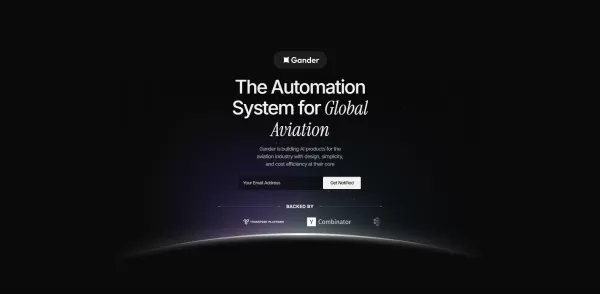
What is Gander AI?Gander AI utilizes advanced artificial intelligence to automate common tasks, boost efficiency, and deliver productivity-enhancing insights. It integrates into your workflow to handle scheduling, data entry, email communications, an
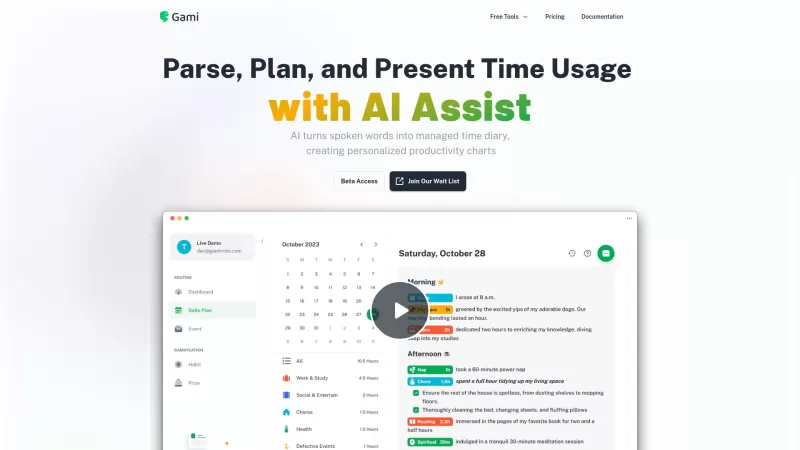
Ever felt like you're juggling too many tasks and losing track of time? Enter Gami—a nifty AI tool that's like a personal diary for your time management. It's not just about clocking hours; it's about understanding your day in a more natural, conversation
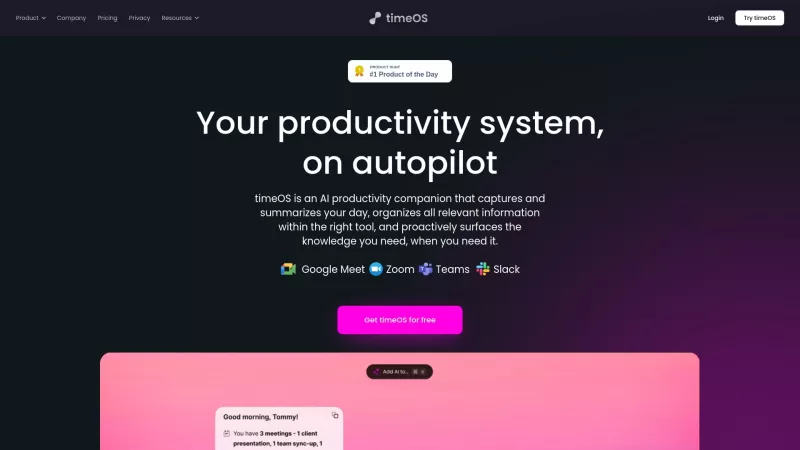
Ever felt like you're scrambling to get ready for your next meeting, sifting through emails and past notes, trying to piece together what you need? Enter timeOS, your new AI-powered best friend on your New Tab page, designed to streamline that chaos. This
Clockwise: AI Calendar & Scheduling Assistant Product Information
What is Clockwise: AI Calendar & Scheduling Assistant?
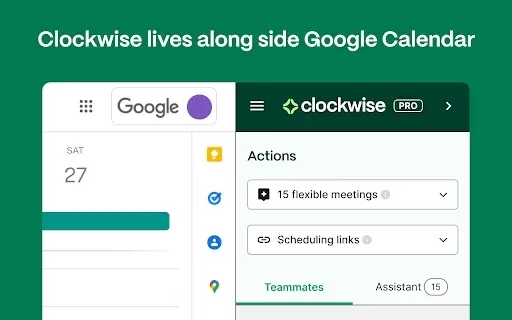
Clockwise is an AI-powered calendar assistant that transforms how people and teams manage their time. Using advanced algorithms, it automatically rearranges meetings and events to maximize productivity and create uninterrupted focus blocks. With capabilities like smart meeting rescheduling and intelligent calendar insights, Clockwise simplifies complex scheduling. Whether you're an individual organizing your day or a team improving collaboration, Clockwise helps you achieve more with less effort.
Who will use Clockwise: AI Calendar & Scheduling Assistant?
- Busy professionals
- Teams and collaborators
- Remote and hybrid workers
- Project managers
- Executives and leaders
How to use the Clockwise: AI Calendar & Scheduling Assistant?
- Step 1: Add the Clockwise extension from the Chrome Web Store.
- Step 2: Connect it to your Google Calendar.
- Step 3: Define your preferences for flexible meetings.
- Step 4: Let Clockwise analyze your calendar patterns.
- Step 5: Allow Clockwise to automatically optimize your daily schedule.
Platform
- Web
- Chrome browser
Clockwise: AI Calendar & Scheduling Assistant's Core Features & Benefits
The Core Features
- AI-powered intelligent scheduling
- Automatic calendar optimization
- Smart meeting rescheduling
- Focus time blocking
The Benefits
- Boosts daily productivity
- Minimizes scheduling conflicts
- Enables smarter time management
- Supports flexible work styles
Clockwise: AI Calendar & Scheduling Assistant's Main Use Cases & Applications
- Coordinating team meeting schedules
- Protecting time for deep work
- Managing personal and professional appointments
- Streamlining daily and weekly workflows
FAQs of Clockwise: AI Calendar & Scheduling Assistant
How does Clockwise improve my schedule?
Clockwise optimizes your calendar to carve out focused work time and enhance overall productivity.
Can Clockwise integrate with other calendar apps?
At this time, Clockwise primarily integrates with Google Calendar.
Is Clockwise free to use?
Clockwise provides both a free plan and premium subscription tiers.
What makes Clockwise different from other scheduling tools?
Its AI-driven automation smartly reschedules events and enables more efficient time management.
Can I customize my preferences in Clockwise?
Yes, you can customize settings for meeting types and flexible time blocks.
Will Clockwise work well for remote teams?
Yes, it is specifically designed to support distributed and remote teams.
How does Clockwise handle scheduling conflicts?
It automatically resolves overlaps by rescheduling events to maintain a smooth workflow.
Do I need to download any software for Clockwise?
No software download is needed; it's a lightweight Chrome extension.
Can Clockwise be used on mobile devices?
Its core functionality is currently optimized for web and Chrome browser use.
How can I get support for Clockwise?
Support is available through the official Clockwise website.
Clockwise: AI Calendar & Scheduling Assistant Company Information
Website:
https://www.getclockwise.comCompany Name:
ClockwiseSupport Email:
Facebook:
https://www.facebook.com/getclockwise/X(Twitter):
https://twitter.com/getclockwise?lang=enYouTube:
https://www.youtube.com/c/Clockwise-IncInstagram:
https://www.instagram.com/getclockwise/Tiktok:
NALinkedIn:
https://www.linkedin.com/company/clockwise-inc.
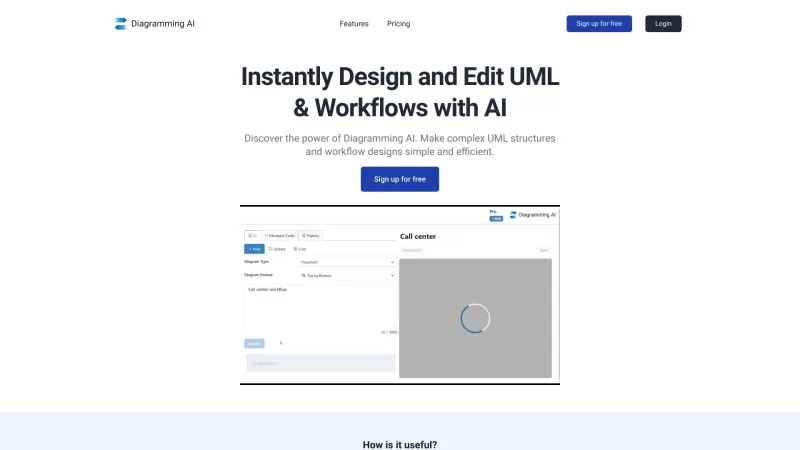
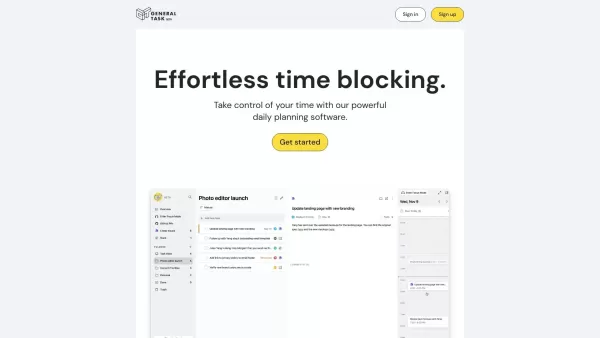
Clockwise: AI Calendar & Scheduling Assistant Screenshot


Discover the 2026 latest top-rated AI recruiting tools on XIX.AI. Our curated list features powerful, game-changing solutions for screening resumes and automating candidate interview scheduling. Compare free vs paid options with real-world tests and weekly updated rankings. Find your perfect hiring assistant and streamline your recruitment today!
 10 tools
 xix.ai

Discover the 2026 best AI personal wellness and focus coaches on XIX.AI. Our curated rankings feature top-rated, game-changing tools to manage burnout and boost mental energy. Compare free vs paid options with real-world insights. Unlock your path to peak productivity and well-being today.
10 tools
xix.ai

Discover the 2026 latest top-rated AI romantic chatbots for building genuine, long-term connections. Our curated list features powerful, consistent personalities, free vs paid comparisons, and real-world tests. Find your perfect companion and start building today at XIX.AI.
10 tools
xix.ai

Discover the 2026 best AI data science mentors to master SQL, Pandas & ML workflows. Explore our top-rated, curated selection at XIX.AI for powerful, game-changing guidance. Compare free vs paid options with real-world insights. Unlock your data science mastery today.
10 tools
xix.ai

Discover the 2026 best AI flirting and conversation trainers on XIX.AI. Our curated, top-rated selection helps you build social charisma and confidence in real-time. Explore must-try, game-changing tools with free vs paid comparisons and weekly updated rankings. Unlock your social edge today.
10 tools
xix.ai

Discover the 2026 latest top-rated AI tools for automated unit testing. Our curated selection features powerful, game-changing solutions to generate Jest, PyTest & JUnit test cases instantly. Compare free vs paid options with real-world tests and weekly updated rankings on XIX.AI. Unlock your AI edge and boost development productivity today.
10 tools
xix.ai


