


 Home
HomeAI Webcam Effects for Video Meetings
Webcam Effects: AI Blur, Backgrounds, Auto-Frame



Helps TikTok sellers, brands, MCNs, and TAPs discover winning products and find creators.

HelpLook is an AI-powered all-in-one knowledge base tool that helps businesses quickly build knowledge bases, help centers, and...

Your AI Workspace

302.AI is an enterprise-grade AI resource platform with pay-as-you-go pricing, API access to a full range of AI models, and ready-to-use online applications.

剧火AI — AI Screenwriter + Director, a One-Person Short Drama Studio In one sentence, what is it?
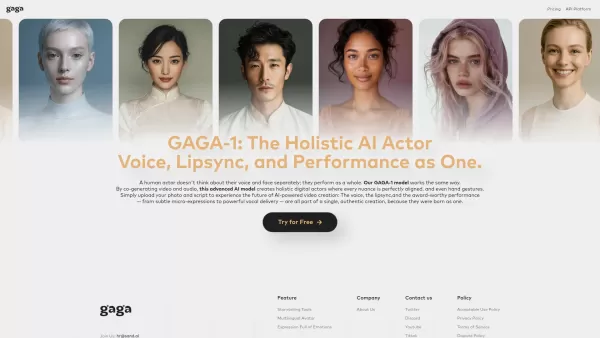
What is Gaga? Gaga is an AI Avatar Generator that produces realistic digital avatars and lifelike videos. It enables users to turn static photos into dynamic, expressive animations and generate AI avatars simply by typing a script. The advanced GAGA-
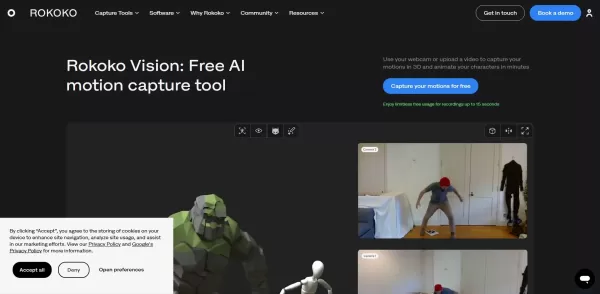
What is Rokoko Vision?Rokoko Vision gives creators cutting-edge motion capture technology, instantly transforming live human movement into digital animation. By harnessing AI, it automates the animation workflow, minimizing reliance on traditional te

What is Servant AI?Servant AI functions as your intelligent virtual assistant, integrating a wide array of tools and resources to simplify your daily tasks. Whether you're looking to erase backgrounds from photos, craft polished email signatures, or
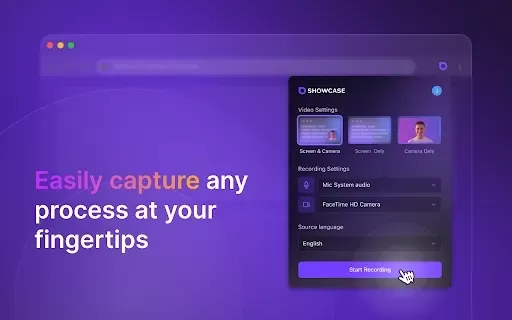
What is Showcase: Screen Recorder & Video Translator?Showcase Screen Recorder offers a versatile all-in-one solution for capturing your screen and translating video content. Ideal for creating software tutorials, comprehensive training manuals, and e
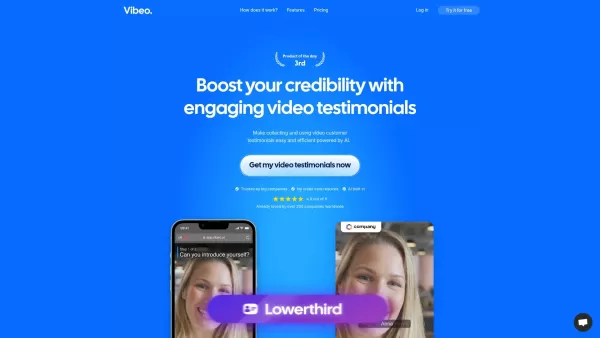
What is Vibeo?Vibeo.ai offers an intuitive platform for gathering video testimonials. It enables users to design custom campaigns, distribute submission links to customers for easy video recording, and leverage AI-powered tools to refine and polish t
AI Webcam Effects for Video Meetings Product Information
What are AI Webcam Effects for Video Meetings?
AI Webcam Effects use artificial intelligence to enhance your video calls. Features include background blur, virtual backgrounds, framing adjustments, and color correction, working seamlessly with platforms like Google Meet and Zoom. Ideal for professionals, content creators, and anyone wanting to upgrade their video presence, this tool helps you look your best online.
Who can benefit from AI Webcam Effects for Video Meetings?
- Professionals
- Content Creators
- Educators
- Consultants
- Telehealth Providers
How do I use AI Webcam Effects for Video Meetings?
- Step 1: Download and install the Webcam Effects extension from the Chrome Web Store.
- Step 2: Launch your video conferencing app (e.g., Google Meet, Zoom).
- Step 3: Click the Webcam Effects icon to access the tool.
- Step 4: Select your preferred effect (background blur, virtual background, color correction, etc.).
- Step 5: Customize the effect settings to your liking.
- Step 6: Save your settings and begin your video call to see the effects live.
Platform
- web
- chrome
AI Webcam Effects for Video Meetings Core Features & Benefits
The Core Features
- Background blur
- Virtual backgrounds
- Auto-framing
- Color correction
- Beautification
The Benefits
- Better video quality
- More professional look
- Customization options
- User-friendly
- Works with multiple platforms
AI Webcam Effects for Video Meetings Main Use Cases & Applications
- Video calls
- Online meetings
- Streaming
- Telehealth consultations
- Online education
AI Webcam Effects for Video Meetings Pros & Cons
The Pros
Delivers advanced AI-driven video enhancements like virtual backgrounds and background blur.
Compatible with major video platforms including Microsoft Teams and Google Meet.
Simple setup and configuration for all mainstream operating systems.
Boosts professionalism and appearance on video calls with real-time beautification.
Includes interactive features such as emoji and Giphy integration to increase engagement.
The Cons
No mention of being open-source.
Limited details on specific pricing plans beyond the website.
No dedicated mobile applications for iOS or Android noted.
No access to community or support forums like Discord or Telegram indicated.
AI Webcam Effects for Video Meetings Pricing
Has free plan | YES |
|---|---|
Free trial details | |
Pricing model | Freemium |
Is credit card required | No |
Paid from | 3.25 USD |
Has lifetime plan | No |
Billing frequency | Monthly |
Details of Pricing Plan
Free
0 USD
- Virtual Backgrounds
- Background Blur
- Beauty Filter
- Smart Zoom (Auto-Framing)
- Layouts
- Giphy / Emoji
- Color filters
- Color correction
- Low Light correction
- Professional Lower-Thirds
- Recording
- Remove Webcam Effects watermark
Popular
3.25 USD
- All Free Features
- Remove Webcam Effects watermark
- Personal Virtual Backgrounds
- Custom watermark
- Custom Overlay Screen
- Video Enhancer (quality boost)
- 500Mb of Cloud Storage
Standard
4.95 USD
- All Free Features
- Remove Webcam Effects watermark
- Personal Virtual Backgrounds
- Custom watermark
- Custom Overlay Screen
- Video Enhancer (quality boost)
- 500Mb of Cloud Storage
Discount:
Annual billing for Popular plan at $38.95
For the latest prices, please visit: https://webcameffects.ai
FAQs of AI Webcam Effects for Video Meetings
What platforms are compatible with Webcam Effects?
Webcam Effects works with web-based video conferencing tools and the Chrome browser.
How do I install Webcam Effects?
Install Webcam Effects directly from the Chrome Web Store.
Can I use Webcam Effects for free?
Yes, basic features are free, with more advanced options available via subscription.
What video conferencing tools are supported?
Webcam Effects supports Google Meet, Zoom, and other web-based video conferencing platforms.
Can I use virtual backgrounds with Webcam Effects?
Yes, you can select and personalize virtual backgrounds.
Does Webcam Effects work with other browser extensions?
For optimal performance, use Webcam Effects with compatible extensions.
How do I remove Webcam Effects?
You can uninstall the extension from your browser’s settings.
Is Webcam Effects secure to use?
Yes, Webcam Effects prioritizes user privacy and security.
Can I change the settings during a call?
Yes, you can modify settings in real-time, even during an active call.
Is customer support available for Webcam Effects?
Yes, customer support is offered through email and online channels.
AI Webcam Effects for Video Meetings Company Information
Website:
https://webcameffects.aiCompany Name:
Webcam EffectsSupport Email:
Facebook:
NAX(Twitter):
NAYouTube:
NAInstagram:
NATiktok:
NALinkedIn:
NA
AI Webcam Effects for Video Meetings Screenshot



2026 Latest Best Top-rated AI Style Transfer Tools for Creative Experiments! XIX.AI has curated a powerful, game-changing collection of must-try tools that deliver exceptional results through real-world tests and rigorous rankings. These top solutions help creatives boost productivity significantly by accelerating content creation and unlocking endless creative possibilities. Explore now to discover your perfect tool and start creating today!
 9 tools
 xix.ai

2026 Latest Best Top-Rated AI Dialogue Bubble Tools for Visual Storytelling are here on XIX.AI! This curated collection features powerful, game-changing tools that help creators boost productivity and overcome creative bottlenecks. Get a free vs paid comparison, see real-world tests, and check the latest rankings to find the must-try solutions perfect for crafting engaging visual narratives. Explore now to discover your ideal tool!
10 tools
xix.ai

2026 Latest Top-Rated Best AI Meeting Summary Tools for Clear Decision Tracking and Effortless Follow-Ups. This curated list showcases powerful, game-changing solutions that boost productivity dramatically by automating meeting notes, identifying key action items, and streamlining team coordination across all projects. Get a free vs paid comparison along with real-world tests and weekly updated rankings to help you find the perfect tool. Explore now to unlock your AI edge!
9 tools
xix.ai

2026 Latest Best Top-rated AI Data Cleaning Tools for quick fixing of missing values and duplicates. This curated list showcases powerful, game-changing solutions that boost productivity significantly. Each option has undergone rigorous real-world tests to ensure reliability. Get a free vs paid comparison and discover the must-try tool that fits your needs best. Explore now at XIX.AI to Unlock your AI edge.
11 tools
xix.ai

2026 Latest Best Top-Rated AI Creative Ideation Tools for Artists are curated by XIX.AI to help creators break through visual blocks and boost creativity instantly. These powerful game-changing tools offer real-world tests, detailed free vs paid comparison, and weekly updated rankings. Discover your perfect tool to accelerate content creation and unlock your AI edge today. Explore now!
14 tools
xix.ai

2026 Latest Best AI Beat Makers for TikTok Background Tracks, Reels Audio, and Creator Promo Music! XIX.AI has curated a top-rated list of powerful game-changing tools that go through real-world tests to deliver flawless music for every content need. You’ll find detailed free vs paid comparison data, weekly updated rankings, and must-try options to help you boost creativity and productivity. Explore now to discover your perfect tool!
11 tools
xix.ai


