


 Home
HomeRokoko Vision
Real-Time Motion Capture: AI Animation Tool | Rokoko Vision



Helps TikTok sellers, brands, MCNs, and TAPs discover winning products and find creators.

HelpLook is an AI-powered all-in-one knowledge base tool that helps businesses quickly build knowledge bases, help centers, and...

Your AI Workspace

302.AI is an enterprise-grade AI resource platform with pay-as-you-go pricing, API access to a full range of AI models, and ready-to-use online applications.

剧火AI — AI Screenwriter + Director, a One-Person Short Drama Studio In one sentence, what is it?
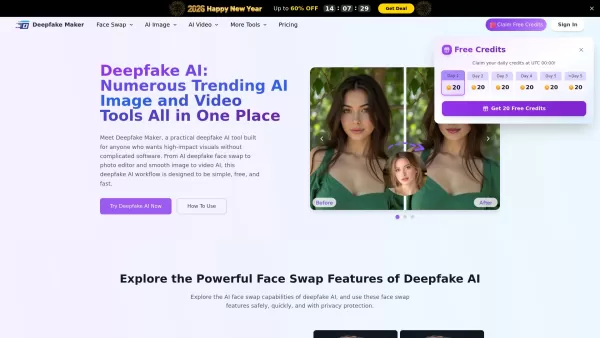
What is Deepfake Maker? Deepfake Maker is a comprehensive, browser-based AI tool for creating deepfakes, tailored for creators, marketers, and designers who need striking visuals without complicated software. It combines multiple AI capabilities: adv
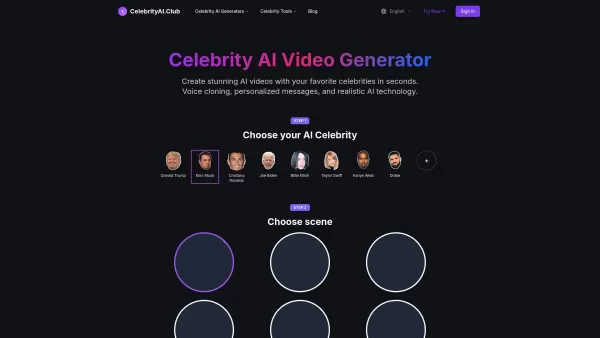
What is Celebrity AI?CelebrityAI revolutionizes digital content creation with its cutting-edge artificial intelligence platform that generates lifelike celebrity videos and voice messages. Using sophisticated technologies including deep neural networ
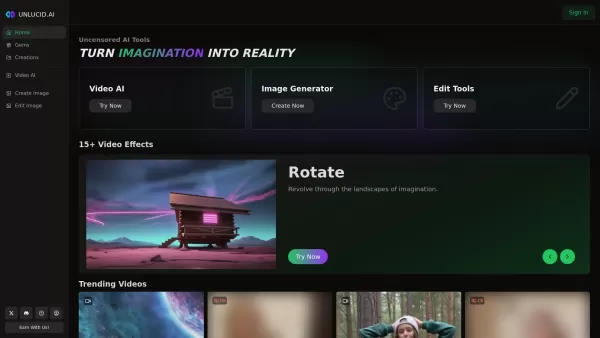
What is Unlucid AI? Unlucid AI provides free, uncensored AI tools empowering creators to craft, edit, and animate videos using advanced AI technology. It transforms imagination into reality with unres
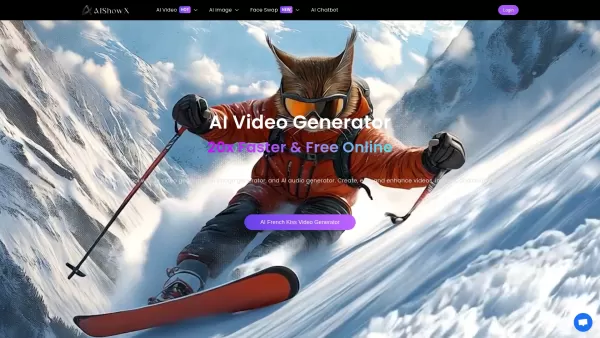
What is AIShowX?AIShowX represents the next generation of creative tools - a comprehensive online platform powered by artificial intelligence that empowers anyone to produce professional-quality videos, images, and audio content with remarkable ease.
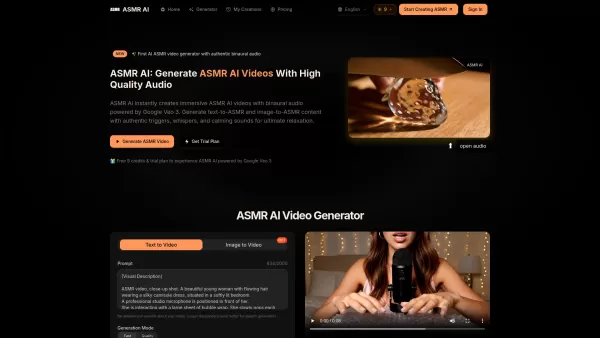
What is ASMR AI?ASMR AI represents the cutting edge of digital relaxation technology - an AI-driven platform specializing in hyper-realistic ASMR video generation. Harnessing the power of Google's Veo 3 technology, it crafts immersive binaural audio
Rokoko Vision Product Information
What is Rokoko Vision?
Rokoko Vision gives creators cutting-edge motion capture technology, instantly transforming live human movement into digital animation. By harnessing AI, it automates the animation workflow, minimizing reliance on traditional techniques while delivering precise, high-quality results. This innovative solution is built for filmmakers, game developers, and animators who want to accelerate their production pipeline and bring characters to life with realistic, accurately tracked motions.
Who uses Rokoko Vision?
- Filmmakers
- Game Developers
- Animators
- Content Creators
- Virtual Reality Developers
How do you use Rokoko Vision?
- Step 1: Download and install the Rokoko Vision software.
- Step 2: Connect your compatible motion capture hardware.
- Step 3: Configure your filming space and setup.
- Step 4: Begin the mocap session by performing your actions.
- Step 5: Export the captured animations to your chosen software for integration.
Platform
- macOS
- Windows
Rokoko Vision's Core Features & Benefits
The Core Features
- Real-Time Motion Capture
- AI-Powered Animation
- Broad Animation Software Compatibility
- Intuitive, User-Friendly Interface
- Flexible Export Options
The Benefits
- Boosts animation production efficiency
- Reduces manual keyframing and labor
- Improves realism in character motion
- Simplifies and speeds up creative workflows
- Works across multiple platforms
Rokoko Vision's Main Use Cases & Applications
- Film and Video Production
- Video Game Development and Animation
- Virtual Reality (VR) Experiences
- Online Content Creation for YouTube, Twitch, etc.
- Training Simulations and Educational Materials
Rokoko Vision's Pros & Cons
The Pros
Free, unlimited use for recordings up to 15 seconds long
Accessible directly via webcam and browser—no extra equipment necessary
Dual-camera mode for improved tracking accuracy
Export formats that work with major 3D applications
Active community and extensive learning tutorials
Effective for both novices and expert users
The Cons
Longer or complex motion sequences need a paid upgrade or dedicated hardware
Requires post-processing; animations are not generated in real time
Tracking precision can be affected by occlusion and camera angles in single-camera mode
The free video-based version lacks finger and facial tracking
Not available as an open-source tool
Rokoko Vision's Pricing
Has free plan | YES |
|---|---|
Free trial details | |
Pricing model | Freemium |
Is credit card required | No |
Paid from | 20 USD |
Has lifetime plan | No |
Billing frequency | Monthly |
Details of Pricing Plan
Starter
0 USD
- View & record Smartsuit Pro II & Smartgloves mocap data
- Rokoko Vision AI mocap for clips up to 15 seconds
- Access to cleanup filters
- Export animations to .FBX format
- Unlimited cloud storage for assets
Plus
20 USD
- All Starter plan features
- Live stream to Unreal Engine, Blender, Maya, and others
- Rokoko Vision AI mocap with unlimited recording duration
- Import and retarget custom character rigs
- Advanced export settings (.BVH, custom FPS, skeleton presets)
- Chat & email support with 48-hour first response (business days)
- Studio Preview access: smoothing filter & loop tools
- Includes Face Capture functionality
Pro
50 USD
- All Plus plan features
- Face Capture
- Advanced command API access
- 21 days of offline usage
- UDP trigger messages
- Export to .CSV format
- Dedicated Customer Success Manager
- Studio Preview access: smoothing filter & loops
Enterprise
USD
- All Pro plan capabilities
- Tailored custom services
For the most current pricing, visit: https://www.rokoko.com/pricing
FAQs of Rokoko Vision
What is Rokoko Vision?
Rokoko Vision is an AI-powered motion capture software that generates animations in real-time from live movement.
Who can benefit from using Rokoko Vision?
Filmmakers, game developers, and animators will see significant improvements in their animation workflow efficiency.
What platforms does Rokoko Vision support?
It is fully compatible with both Windows and macOS operating systems.
How does real-time motion capture work?
The system uses specialized sensors or cameras to track human motion and immediately converts it into digital character animation.
Can I export my animations?
Absolutely. You can export your motion data to a variety of industry-standard 3D and animation applications.
Do I need special equipment?
For best results, using compatible motion capture suits or devices is recommended, though a basic webcam can be used for some features.
Is Rokoko Vision easy to use?
Yes, its intuitive interface is designed to make professional-grade motion capture accessible and straightforward.
What industries can use Rokoko Vision?
It's widely adopted in film production, video game development, virtual reality, and educational/training sectors.
Do you offer customer support?
Yes, Rokoko provides comprehensive customer support through email, chat, and a rich library of online resources.
Is there a trial version available?
Yes, a free version is available to try, with the option to upgrade to paid plans for advanced features.
Rokoko Vision Company Information
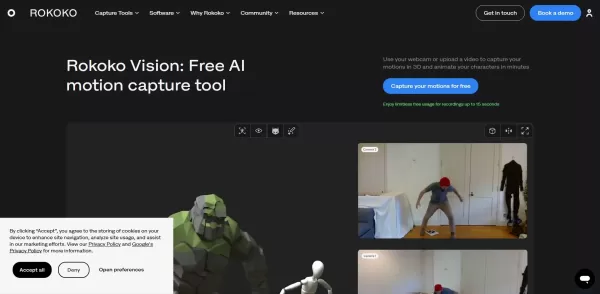
Rokoko Vision Screenshot
2026 Latest Best AI Lip-Sync Generators for Dialogue-Driven Character Animation and Motion Scenes! XIX.AI has curated a top-rated list of powerful, game-changing tools that deliver flawless synchronized lip movements for animated characters. Each option undergoes rigorous real-world tests to ensure reliability, and our weekly updated rankings help you find the must-try solution that boosts your animation workflow efficiency. Explore now to discover your perfect tool!
 9 tools
 xix.ai
2026 Latest Best Top-rated AI Motion Capture Cleanup Tools for Character Animation are here on XIX.AI! This curated list includes powerful, game-changing solutions that go through real-world tests to deliver flawless results. Get a free vs paid comparison and see how they boost your animation workflow efficiency. Explore now to discover your perfect tool for smoother character creation!
10 tools
xix.ai

2026 Latest Best Top-rated AI Motion Cleanup Tools for Mocap Retargeting in Shorts, Ads, and Game Trailers! XIX.AI has curated a powerful game-changing collection featuring weekly updated rankings, free vs paid comparison, and real-world tests to help you find the must-try solution that boosts productivity and unlocks your creative edge. Explore now to discover your perfect tool for flawless motion edits.
9 tools
xix.ai
2026 Latest Best Top-rated AI Character Animation Tools for Short Clips! XIX.AI has curated a powerful, game-changing collection of must-try tools that go through rigorous real-world tests for speed and quality. You’ll find detailed free vs paid comparison data, updated weekly rankings, and insights to help you pick the perfect option to boost your creativity and slash production time. Explore now to unlock your AI edge!
9 tools
xix.ai

2026 Latest Best Top-Rated AI Animation Tools for Short Videos! XIX.AI has curated a powerful game-changing collection of must-try tools, all going through rigorous real-world tests. You’ll find detailed rankings, free vs paid comparison insights, and tips to boost your creation efficiency. Explore now to discover your perfect tool and unlock your AI edge in short video content creation.
9 tools
xix.ai
2026 Latest Best Top-rated AI Storyboard-to-Animation Platforms Curated for speed up video previews, these powerful game-changing tools have undergone rigorous real-world tests. The rankings highlight their ability to boost creativity and streamline workflows dramatically. XIX.AI offers a comprehensive free vs paid comparison to help you discover your perfect tool. Explore now to unlock your AI edge in video production!
11 tools
xix.ai


