


 Home
Home#1 AI Speech/Video To Text Tool



Helps TikTok sellers, brands, MCNs, and TAPs discover winning products and find creators.

HelpLook is an AI-powered all-in-one knowledge base tool that helps businesses quickly build knowledge bases, help centers, and...

Your AI Workspace

302.AI is an enterprise-grade AI resource platform with pay-as-you-go pricing, API access to a full range of AI models, and ready-to-use online applications.

剧火AI — AI Screenwriter + Director, a One-Person Short Drama Studio In one sentence, what is it?
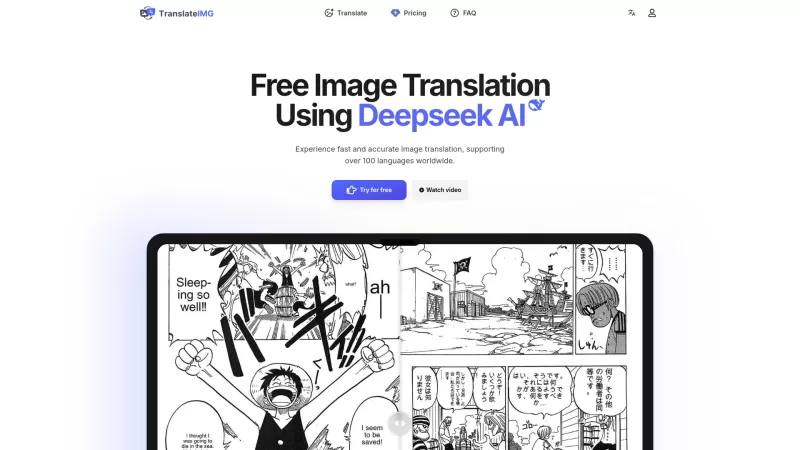
Ever stumbled upon an image with text in a language you can't understand? That's where Deepseek R1 comes in, a nifty online tool that transforms text within images into over 100 different languages. Whether it's a manga page, an e-commerce product descrip
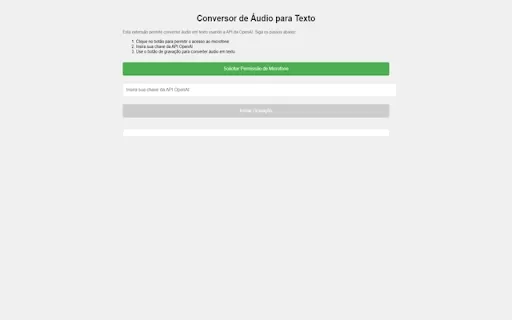
Ever wished you could magically transform your audio recordings into neatly typed text? Well, the Conversor de Áudio para Texto AI Chrome extension is here to make that wish come true! This nifty tool harnesses the power of OpenAI's advanced API to turn y
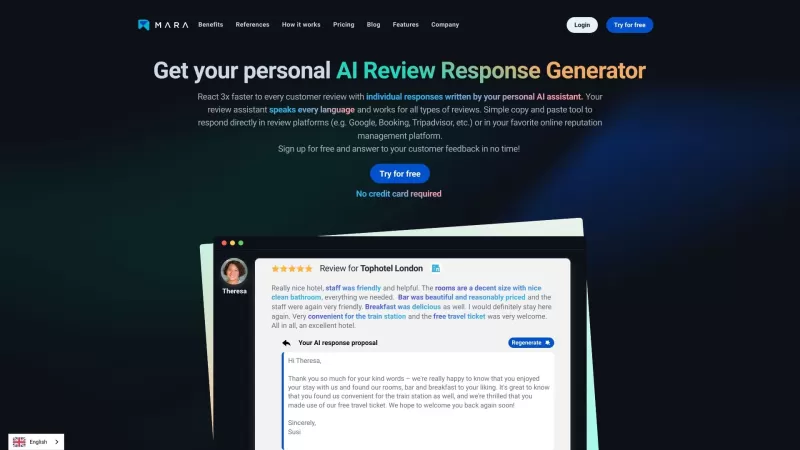
Ever found yourself staring blankly at customer reviews, wondering how to respond in a way that feels genuine and personal? That's where the AI Review Response Generator comes in—a nifty tool designed to take the hassle out of crafting those responses. Cr
Ever wondered how to breathe life into your scripts without spending hours in a recording booth? Meet Cugent, your new best friend in the world of AI voiceovers. This nifty tool takes your scripts—whether they're in PDF, Docs, or just plain text—and transforms them into professional, high-quality vo
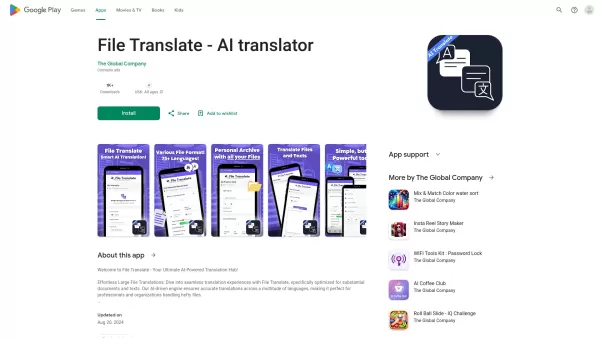
Ever found yourself staring at a mountain of documents, wishing you could magically translate them into another language? Well, that's where File Translator AI comes in—your new best friend for tackling those translation woes. This isn't just any translat
#1 AI Speech/Video To Text Tool Product Information
What is the Leading AI Speech-to-Text and Video Transcription Tool?
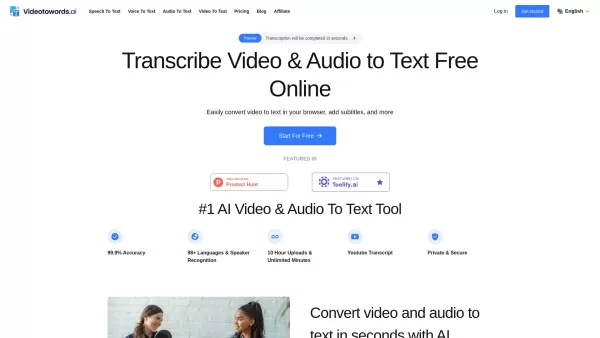
Videotowords.ai is an advanced AI-powered transcription platform designed to efficiently convert audio and video content into accurate text. Boasting a 99.9% accuracy rate and support for over 98 languages, it serves diverse industries including education, business, and media. The platform handles lengthy files of up to 10 hours with precision, offering features like speaker identification and intuitive editing tools. It is an ideal solution for individuals and organizations seeking to improve the accessibility and usability of their audio-visual materials.
Who is the Ideal User for the Top AI Speech-to-Text Tool?
- Business professionals requiring accurate meeting transcriptions
- Educators and students creating lecture notes
- Content creators producing video summaries
- Researchers gathering data for analysis
- Journalists documenting interviews and reports
How to Use the Best AI Speech-to-Text Tool?
- Step 1: Navigate to the Videotowords.ai website.
- Step 2: Register for a new account or log in.
- Step 3: Upload your audio or video file.
- Step 4: Choose the target language for transcription.
- Step 5: Start the transcription process.
- Step 6: Review and edit the generated text as necessary.
- Step 7: Download or export the final transcript.
Supported Platforms
- Web Browser
- macOS
- Windows
- Linux
Key Features and Benefits of the Top AI Speech-to-Text Tool
Core Features
- High-precision transcription (99.9% accuracy)
- Support for 98+ languages
- Advanced speaker recognition
- Batch processing for multiple files
- Intuitive editing interface
Key Benefits
- Significant time savings through automation
- Improved accessibility for audio-visual content
- Versatile application across various professions
- Enhanced productivity for content creators
- Reliable and accurate record-keeping
Main Use Cases and Applications
- Transcribing academic lectures for students
- Generating subtitles for video content
- Recording interviews for journalistic accuracy
- Summarizing business meetings for easy reference
- Creating transcripts for podcast episodes
Advantages and Disadvantages of the Top AI Speech-to-Text Tool
Advantages
Delivers highly accurate AI transcription with 99.9% precision.
Compatible with over 98 languages and multiple file formats.
Fast processing powered by GPU technology.
User-friendly editor with multiple export options.
Handles long files up to 10 hours and large batch uploads.
Prioritizes security and data privacy.
Pricing Structure for the Top AI Speech-to-Text Tool
Free Plan Available | Yes |
|---|---|
Free Trial Details | Available with email registration; no credit card required |
Pricing Model | Freemium |
Credit Card Required? | No |
Starting Price | $16.58 USD |
Lifetime Plan Available? | No |
Billing Frequency | Monthly |
Pricing Plan Details
Free Plan
$0 USD
- 3 Transcripts per Day
- 30-Minute Upload Limit per File
- Translation into 100 Languages
- Bulk Export Options
- Access to All Transcription Modes
- Unlimited Storage
- Highest Priority Processing
Unlimited Monthly Plan
$19 USD
- Unlimited Transcriptions
- 10-Hour Upload Limit per File
- Translation into 100 Languages
- Bulk Export Options
- Access to All Transcription Modes
- Unlimited Storage
- Highest Priority Processing
Unlimited Annual Plan
$199 USD
- Unlimited Transcriptions
- 10-Hour Upload Limit per File
- Translation into 100 Languages
- Bulk Export Options
- Access to All Transcription Modes
- Unlimited Storage
- Highest Priority Processing
For the most current pricing, please visit: https://www.videotowords.ai/
Frequently Asked Questions About the Top AI Speech-to-Text Tool
What is Videotowords.ai?
Videotowords.ai is a state-of-the-art, AI-driven transcription service that converts audio and video files into precise text.
Is Videotowords.ai Free to Use?
Videotowords.ai offers a free trial; certain advanced features may require a paid subscription.
Does Videotowords.ai Support Multiple Languages?
Yes, it supports transcription in over 98 languages.
What File Formats Are Supported?
It supports various formats, including MP3, MP4, WAV, and others.
What is the Maximum File Length?
Videotowords.ai can transcribe files up to 10 hours in length.
Can I Edit the Generated Transcripts?
Yes, you can easily edit the transcripts using the user-friendly interface.
How Accurate Are the Transcriptions?
The transcription accuracy is 99.9%.
Is Customer Support Available?
Yes, customer support is available to assist users.
Can I Download the Transcripts?
Yes, users can download transcripts in various formats.
Is There a Limit on the Number of Files?
The free version allows a limited number of daily transcriptions; premium plans offer greater flexibility.
Company Information for the Top AI Speech-to-Text Tool
- Videotowords AI
- https://www.videotowords.ai
#1 AI Speech/Video To Text Tool Screenshot

2026 Latest Best Top-Rated AI Wellness Tools for Sleep and Habit Tracking! XIX.AI curates a powerful, game-changing collection of must-try tools that offer real-world tests and detailed free vs paid comparison. These top-rated solutions help users boost sleep quality, monitor daily habits effectively, and unlock significant productivity improvements. Explore now to Discover your perfect tool and Start creating today to Unlock your AI edge!
 11 tools
 xix.ai
2026 Latest Best Top-rated AI Vendor Due Diligence Platforms for Procurement Reviews and Risk Screening! This curated list features powerful game-changing tools that go through rigorous real-world tests to deliver accurate rankings. You’ll find a free vs paid comparison, helping you identify the must-try solutions that boost procurement efficiency and cut risks. Backed by XIX.AI, it’s updated weekly. Explore now to discover your perfect tool for smarter sourcing! 238 characters
10 tools
xix.ai
2026 Latest Best Top-Rated AI Video Generators for Demos are curated here, offering powerful game-changing solutions to turn scripts into professional explainer videos fast. XIX.AI provides weekly updated rankings based on real-world tests, including free vs paid comparison details. Must-try tools help boost productivity significantly. Explore now to discover your perfect demo video creation tool!
9 tools
xix.ai
2026 Latest Best Top-rated AI Cash Flow Forecasting Tools for Small Business Finance are here on XIX.AI! Our curated list features powerful, game-changing solutions that go through real-world tests to help small business owners boost financial accuracy, plan budgets more effectively, and avoid cash flow issues. Get a free vs paid comparison and explore now to find your perfect tool for seamless financial management.
7 tools
xix.ai

2026 Latest Best Top-Rated AI Coding Chatbots Curated for Developers! Experience powerful game-changing tools that help you debug Python, JS, and SQL issues quickly. Get a free vs paid comparison along with real-world tests and detailed rankings to find the perfect fit for boosting your coding productivity. Try XIX.AI today to unlock your AI edge! Explore now.
12 tools
xix.ai
2026 Latest Best Top-rated AI Prompt Versioning Platforms for Reusable Playbooks are here on XIX.AI! Our curated list includes powerful game-changing tools that help you keep track of all prompts, test variations efficiently, and boost productivity across writing, content creation, and more. Get a free vs paid comparison along with real-world tests and updated rankings weekly. Explore now to discover your perfect tool for staying ahead in AI tasks!
9 tools
xix.ai


