


 Home
Homewriteapp.co
WriteApp: AI Essay Writing Tool



Helps TikTok sellers, brands, MCNs, and TAPs discover winning products and find creators.

HelpLook is an AI-powered all-in-one knowledge base tool that helps businesses quickly build knowledge bases, help centers, and...

Your AI Workspace

302.AI is an enterprise-grade AI resource platform with pay-as-you-go pricing, API access to a full range of AI models, and ready-to-use online applications.

剧火AI — AI Screenwriter + Director, a One-Person Short Drama Studio In one sentence, what is it?
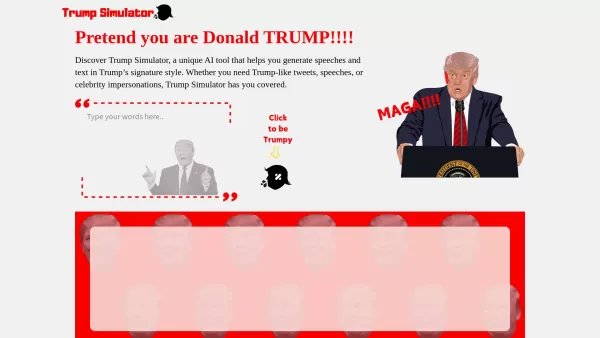
Ever wondered what it would be like to channel the unique flair of Donald Trump in your own words? Enter the Trump Simulator—an AI tool that's all about capturing the essence of Trump's distinctive style in speeches, tweets, and dialogues. It's like
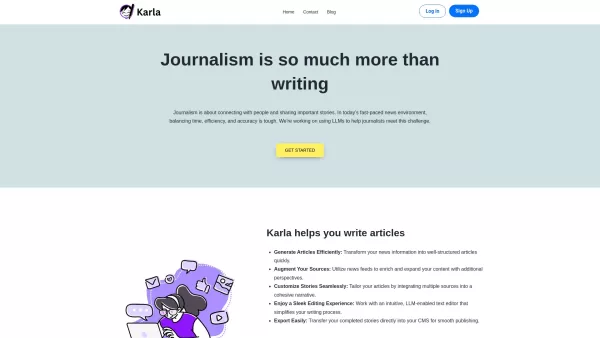
If you're a journalist navigating the fast-paced world of news, Karla might just be your new best friend. This nifty text editor is designed to take the chaos of raw information and mold it into beautifully structured articles, all thanks to the power of
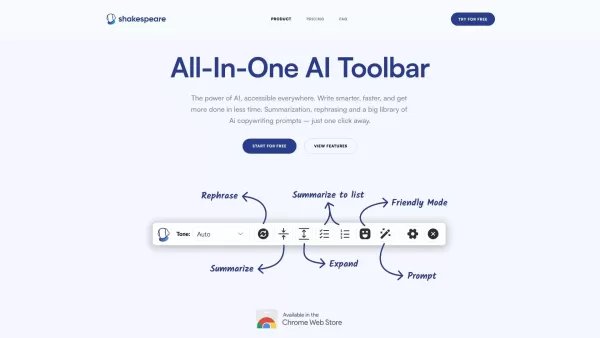
What is the Shakespeare AI Writing Toolbar?The Shakespeare Toolbar is a Chrome extension powered by AI that enhances your writing efficiency and quality. It provides tools for summarization, rewording, and other functions, helping you generate excell
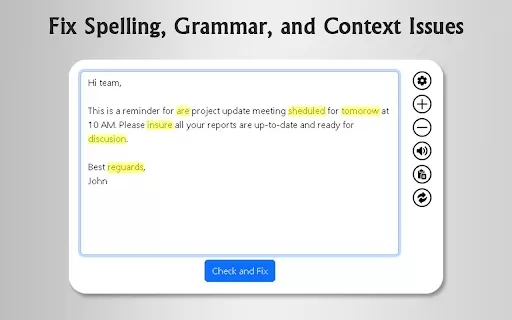
What is GrammFix?GrammFix is a cutting-edge browser extension that helps users elevate their writing. Leveraging advanced AI, it instantly identifies and fixes grammar, spelling, and punctuation errors. Ideal for students, professionals, and anyone l
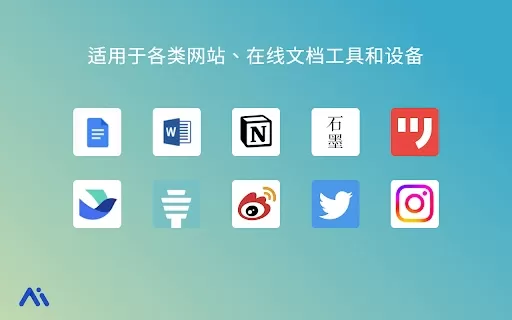
Ever found yourself staring at a blank screen, unsure of how to make your words sparkle? Well, let me introduce you to the Mita Writing Cat AI Chrome Extension, a nifty little tool that's like having a personal writing coach right in your browser. It's de
writeapp.co Product Information
What is writeapp.co?
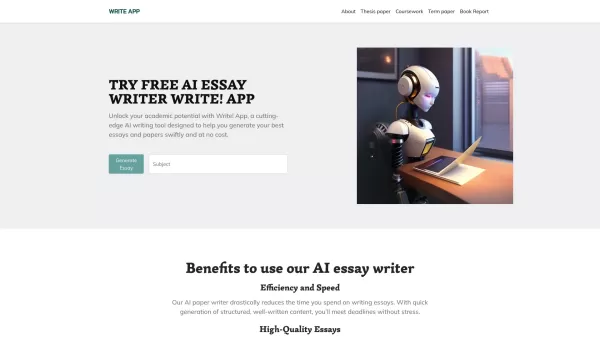
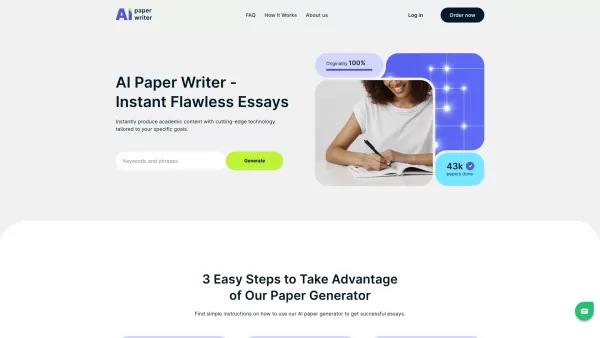
WriteApp is an AI-powered application that streamlines the writing process for students and professionals. It offers comprehensive tools for drafting, editing, and polishing essays to meet high standards. Featuring an intuitive interface, WriteApp assists users in crafting engaging and accurate content efficiently. The platform's AI capabilities include error identification and improvement recommendations, guaranteeing top-tier final results. Designed for ease of use, it saves time and boosts productivity.
Who uses writeapp.co?
- Students
- Professionals
- Writers
- Academic Researchers
How to use writeapp.co
- Step 1: Create your WriteApp account on the official website.
- Step 2: Log in and go to the essay writing dashboard.
- Step 3: Input your essay topic along with any specific guidelines.
- Step 4: Generate an initial draft using the integrated AI tools.
- Step 5: Revise and improve the draft based on AI feedback and suggestions.
- Step 6: Finalize and export your completed essay.
Platform
- Web
writeapp.co's Core Features & Benefits
The Core Features
- AI-assisted essay generation
- Grammar and error correction
- Plagiarism detection
- Intuitive, user-friendly interface
- Customizable writing prompts
The Benefits
- Time-saving
- Elevates writing quality
- Increases productivity
- Guarantees original, plagiarism-free content
- Simple to operate
writeapp.co's Main Use Cases & Applications
- Academic essay composition
- Professional report creation
- Blog content development
- Research paper writing
writeapp.co's Pros & Cons
The Pros
AI-driven essay and document creation reduces effort and accelerates the writing process.
Straightforward interface enables easy requirement input and personalized content adjustments.
Compatible with various academic formats, including research papers and dissertations.
Rapid content generation with integrated review, editing, and export functions.
The Cons
No details regarding open source availability or developer community engagement.
Undisclosed pricing may impact user transparency and decision-making.
Absence of a mobile app or browser extension restricts cross-platform usage.
FAQs about writeapp.co
What is WriteApp?
WriteApp is an AI-based writing assistant that helps users efficiently produce high-quality, original essays and documents.
How do I use WriteApp?
Register on the site, log in, input your topic and guidelines, create a draft, refine it with suggestions, and download the final version.
Is WriteApp free to use?
WriteApp provides a free tier with essential features. Enhanced capabilities may be available through premium plans.
On which platforms is WriteApp available?
WriteApp is accessible via web browsers.
Can WriteApp detect plagiarism?
Yes, WriteApp incorporates a plagiarism detection feature to verify content originality.
What kinds of writing can I do with WriteApp?
You can compose academic essays, business reports, blog posts, and research papers.
Do I need writing experience to use WriteApp?
No, WriteApp is built to be accessible to novices as well as seasoned writers.
How does WriteApp improve writing quality?
It offers error spotting, enhancement tips, and plagiarism screening to ensure superior output.
Can I customize the writing prompts in WriteApp?
Yes, users can enter detailed instructions and tailor writing prompts to their needs.
Does WriteApp include editing tools?
Yes, WriteApp includes features for revising and fine-tuning drafts for better results.
writeapp.co Company Information
Website:
https://writeapp.coCompany Name:
WriteAppSupport Email:
Facebook:
https://www.facebook.com/Wri.ttApp/X(Twitter):
https://twitter.com/writtappYouTube:
https://www.youtube.com/user/WriteAppInstagram:
NATikTok:
NALinkedIn:
NA
writeapp.co Screenshot

2026 Latest Top-rated AI Illustration Tools: Our curated list features the best powerfully designed tools for creating stunning editorial scenes and eye-catching cover art quickly. Each option has gone through rigorous real-world tests, offering a free vs paid comparison to help you find the perfect match for your workflow. Try these must-try solutions today to unlock your AI edge and boost your creative productivity. Explore now at XIX.AI.
 10 tools
 xix.ai

2026 Latest Top-Rated Best AI Tutors for Exam Prep are here on XIX.AI! Our curated list features powerful game-changing tools that offer free vs paid comparison, real-world tests, and weekly updated rankings. They help boost your writing efficiency, simplify complex topic learning, and unlock your academic potential. Explore now to Discover your perfect exam prep tool and Start creating today to Unlock your AI edge!
10 tools
xix.ai

2026 Latest Best Top-Rated AI Budget Planning Tools for Personal Money Management are here on XIX.AI! This curated collection features powerful, game-changing solutions that help you conduct real-world tests, understand spending habits, and create personalized plans to boost productivity. Enjoy a free vs paid comparison along with detailed rankings. Must-try tools designed to simplify money management and unlock your AI edge. Explore now!
11 tools
xix.ai

2026 Latest Best Top-Rated AI Sleep Tracking Assistants curated for ultimate recovery. This fully updated weekly guide features powerful tools that deliver real-world tests, free vs paid comparison, and detailed rankings to help you find the must-try solution that boosts sleep quality and supports better bedtime habits. Explore now at XIX.AI to Unlock your AI edge.
10 tools
xix.ai

2026 Latest Best Top-Rated AI SQL Copilots for Product and Revenue Analytics! XIX.AI has curated a powerful, game-changing collection of must-try tools that undergo real-world tests through weekly updated rankings. These tools help users boost productivity significantly by accelerating data analysis, streamlining complex queries, and generating accurate insights to drive smarter business decisions. Explore now to Discover your perfect tool for unlocking your AI edge!
14 tools
xix.ai

2026 Latest Best Top-Rated AI Homework Helpers That Teach Core Concepts Not Just Answers Powerful Tools for Students Must-Try Curated List Weekly Updated Free vs Paid Comparison Real-World Tests Accurate Rankings to Help You Unlock Your Full Learning Potential Explore now to Discover your perfect tool for smarter studying.
10 tools
xix.ai


