


 Home
HomeVidnoz AI
Vidnoz AI: Free Video Creation Tools



Helps TikTok sellers, brands, MCNs, and TAPs discover winning products and find creators.

HelpLook is an AI-powered all-in-one knowledge base tool that helps businesses quickly build knowledge bases, help centers, and...

Your AI Workspace

302.AI is an enterprise-grade AI resource platform with pay-as-you-go pricing, API access to a full range of AI models, and ready-to-use online applications.

剧火AI — AI Screenwriter + Director, a One-Person Short Drama Studio In one sentence, what is it?
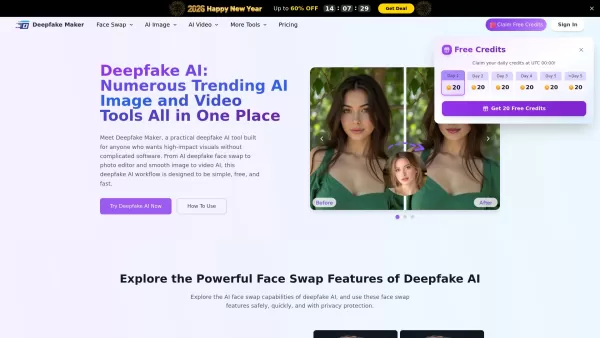
What is Deepfake Maker? Deepfake Maker is a comprehensive, browser-based AI tool for creating deepfakes, tailored for creators, marketers, and designers who need striking visuals without complicated software. It combines multiple AI capabilities: adv
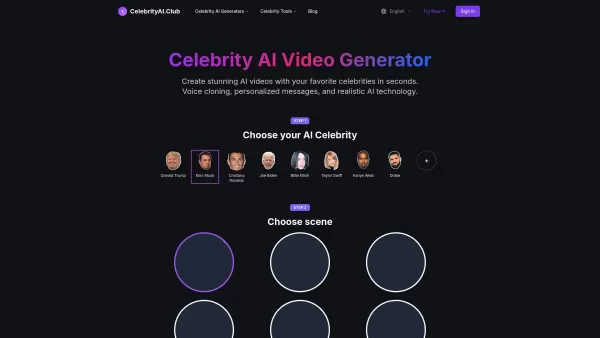
What is Celebrity AI?CelebrityAI revolutionizes digital content creation with its cutting-edge artificial intelligence platform that generates lifelike celebrity videos and voice messages. Using sophisticated technologies including deep neural networ
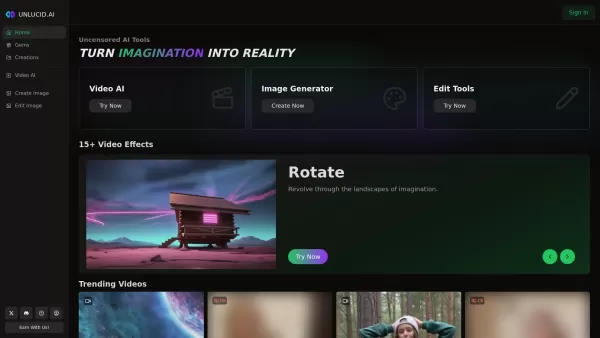
What is Unlucid AI? Unlucid AI provides free, uncensored AI tools empowering creators to craft, edit, and animate videos using advanced AI technology. It transforms imagination into reality with unres
What is Makefilm?Makefilm revolutionizes video creation as a comprehensive AI-powered platform that streamlines professional-quality video production. This innovative solution combines multiple smart tools into one seamless workflow - transforming te
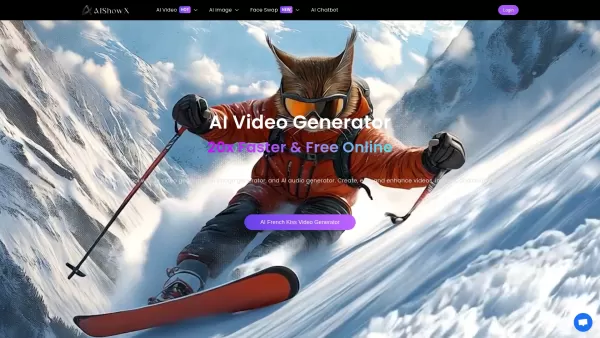
What is AIShowX?AIShowX represents the next generation of creative tools - a comprehensive online platform powered by artificial intelligence that empowers anyone to produce professional-quality videos, images, and audio content with remarkable ease.
Vidnoz AI Product Information
What is Vidnoz AI?
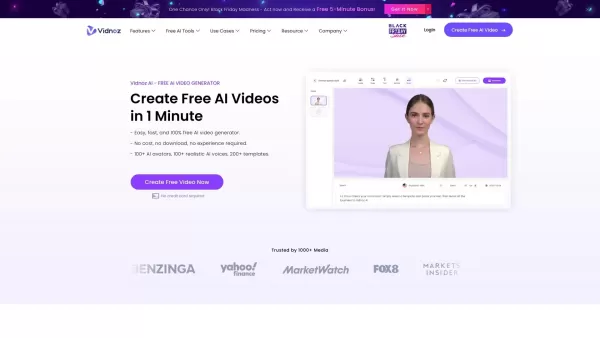
Vidnoz stands as the premier provider of complimentary online video creation solutions driven by AI and smart automation. It empowers users to produce impressive videos within minutes using a wide selection of AI-enhanced tools and templates. The platform streamlines video production, making it approachable for individuals of all skill levels. With features ranging from automated text-to-speech to personalized avatars, Vidnoz delivers everything needed to elevate your video content development.
Who will use Vidnoz AI?
- Content creators
- Marketers
- Educators
- Businesses
- Freelancers
How to use the Vidnoz AI?
- Step 1: Register for a free Vidnoz account.
- Step 2: Pick a video template or start a new project.
- Step 3: Insert your content, including text and images.
- Step 4: Personalize your video with AI-powered features like voiceovers and avatars.
- Step 5: Review the video and apply any adjustments.
- Step 6: Download or distribute your finished video.
Platform
- Web
Vidnoz AI's Core Features & Benefits
The Core Features
- AI-driven video creation
- Text-to-speech conversion
- Customizable avatars
- Extensive template library
- User-friendly editing tools
The Benefits
- Speedy and straightforward video creation
- Boosts audience engagement
- Cuts down production expenses
- No previous expertise required
- Delivers superior video quality
Vidnoz AI's Main Use Cases & Applications
- Marketing initiatives
- Educational materials
- Social media content
- Product demonstrations
- Corporate training videos
Vidnoz AI's Pros & Cons
The Pros
No-cost, intuitive AI video creation platform
Extensive collection of AI avatars, voices, and templates
Includes voice cloning and multi-language video translation
Facilitates rapid, budget-friendly video production
Strict security and privacy compliance, including ISO/IEC 27001:2022
Diverse applications for both commercial and personal projects
The Cons
Not open-source
No public GitHub repository available
Mobile application not listed in app stores
Limited details about offline functionality or advanced editing options
Vidnoz AI's Pricing
Offers free plan | Yes |
|---|---|
Free trial specifics | |
Pricing structure | Freemium |
Credit card mandatory | No |
Paid plans start from | $2 USD |
Lifetime subscription option | No |
Billing cycle | Monthly |
Details of Pricing Plan
Free
$0 USD
- Up to 1 minute of video per day
- Access to 1,500+ AI Avatars
- Selection of 2,300+ Video Templates
- 650 Voice options
- 720P video resolution
- 2,000 characters per scene
- 20 AI-generated scripts daily
Starter
$2 USD
- 15 minutes of video per month maximum
- Maximum video length of 60 minutes
- Over 1,600 AI Avatars
- More than 2,500 Video Templates
- 1,832 Voice choices
- 1080P high-definition resolution
- 5,000 characters per scene
- Videos without watermark
- Expressive voice options
- SCORM-compliant export
- Accelerated video processing
Business
$2.5 USD
- 30 minutes of video monthly maximum
- Maximum video duration of 60 minutes
- Over 1,600 AI Avatars
- More than 2,500 Video Templates
- 1,832 Voice selections
- Unlimited AI-generated images
- Voice cloning capability
- Single-click video translation
- Brand kit integration
- Dedicated branded video page
- Call-to-action on video pages
- Video embedding functionality
- Team collaboration tools
- SAML/SSO support
- Comprehensive video analytics
- Enhanced video processing speed
Enterprise
$0 USD
- Customized minutes and pricing
- All Business plan features, plus:
- Advanced avatar options
- Assisted video creation support
- Tailored solutions
- Private data center
- Dedicated account management
- Assigned solution engineer
- Access to Vidnoz API
- Maximum video processing speed
Special offer:
Save 25% on your first month
For current pricing information, please visit: https://www.vidnoz.com/pricing.html
FAQs of Vidnoz AI
What is Vidnoz?
Vidnoz is an AI-supported platform that enables quick and free creation of compelling videos.
Is Vidnoz free to use?
Yes, Vidnoz offers free video creation tools.
What are the main features of Vidnoz?
Vidnoz provides AI-driven video production, text-to-speech functionality, adjustable avatars, diverse templates, and intuitive editing features.
Can I use Vidnoz on mobile platforms?
Vidnoz is currently accessible through web browsers.
Who can benefit from using Vidnoz?
Content creators, marketing professionals, educational instructors, companies, and independent contractors can all gain advantages from using Vidnoz.
Do I need advanced skills to use Vidnoz?
No, Vidnoz is built for simplicity and ease of use.
How quickly can I create a video on Vidnoz?
You can produce impressive videos in just minutes using Vidnoz's AI capabilities.
What type of videos can I create with Vidnoz?
You can develop marketing content, educational resources, social media clips, product showcases, and business training videos.
Does Vidnoz offer customizable templates?
Yes, Vidnoz provides an extensive variety of adaptable templates.
Can I add voiceovers to my videos using Vidnoz?
Yes, Vidnoz includes text-to-speech technology for incorporating voiceovers into your videos.
Vidnoz AI Company Information
Website:
https://www.vidnoz.comCompany Name:
VidnozSupport Email:
Facebook:
https://www.facebook.com/vidnoz/X(Twitter):
NAYouTube:
NAInstagram:
NATikTok:
NALinkedIn:
NA
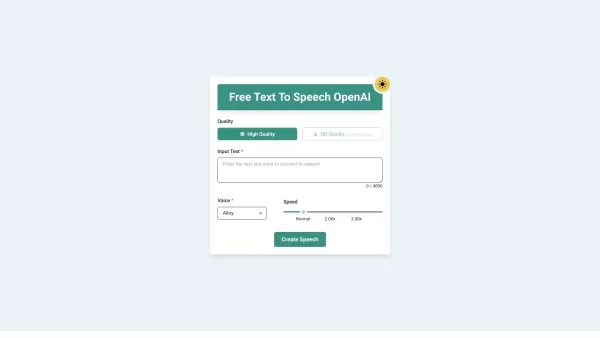
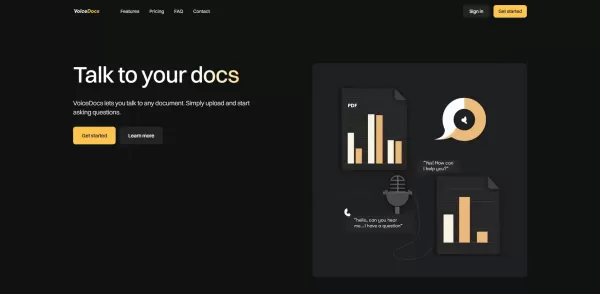
Vidnoz AI Screenshot

2026 Latest Best Top-Rated AI Bug Triage Tools for Engineering Teams! XIX.AI has curated a powerful, game-changing collection of must-try tools that go through rigorous real-world tests to deliver accurate issue analysis and efficient resolution. Get a free vs paid comparison along with detailed rankings to help you find the perfect solution that boosts your team’s productivity significantly. Explore now to unlock your AI edge!
 9 tools
 xix.ai
2026 Latest Best Top-rated AI Portrait Enhancers curated for ultimate image quality. These powerful tools deliver game-changing results by boosting lighting, skin tone, and sharpness effortlessly, perfect for creators needing to enhance photos quickly. XIX.AI provides a free vs paid comparison along with real-world tests and weekly updated rankings. Discover your perfect tool to unlock your AI edge today. Explore now!
7 tools
xix.ai
2026 Latest Best Top-rated AI Technical Documentation Tools for API Guides Release Notes and Onboarding Docs. This curated list features powerful game-changing solutions that streamline content creation boost writing efficiency and save time across all project phases. XIX.AI provides weekly updated rankings along with free vs paid comparison results from real-world tests. Explore now to Discover your perfect tool and Unlock your AI edge.
10 tools
xix.ai
2026 Latest Best AI Dashboard Wireframing Tools for B2B Product Teams! XIX.AI has curated a top-rated list of powerful, game-changing tools that go through rigorous real-world tests to deliver exceptional results. You’ll find detailed free vs paid comparison insights and updated weekly rankings showing which options offer the most value for streamlining product design workflows and boosting overall productivity. Must-try choices are clearly highlighted to help you unlock your AI edge. Explore now!
11 tools
xix.ai
2026 Latest Best AI Proposal Writing Assistants for Agencies: XIX.AI curates a top-rated list of powerful tools that go through rigorous real-world tests to deliver game-changing results. These must-try solutions help agencies craft highly persuasive client pitches faster, boosting productivity significantly. Get a free vs paid comparison and see the rankings for yourself before exploring now to find your perfect tool.
8 tools
xix.ai
2026 Latest Best AI TikTok Hook Generators for Short-Form Creators! XIX.AI has curated a top-rated list of powerful, game-changing tools that go through real-world tests to deliver must-try hooks every week. You’ll find easy free vs paid comparison options along with detailed rankings to help you find the perfect solution for boosting your content creation efficiency. Explore now to Unlock your AI edge!
16 tools
xix.ai


Vidnoz AIを少し試してみました。無料でありながら操作がとても簡単で、AIアバターのクオリティもなかなかいいですね✨ 初心者でもプロみたいな動画が作れそう。でも無料プランのAI効果はどうしても限界があるかな…気になります。


