


 Home
HomeDeepfake Maker



Helps TikTok sellers, brands, MCNs, and TAPs discover winning products and find creators.

HelpLook is an AI-powered all-in-one knowledge base tool that helps businesses quickly build knowledge bases, help centers, and...

Your AI Workspace

302.AI is an enterprise-grade AI resource platform with pay-as-you-go pricing, API access to a full range of AI models, and ready-to-use online applications.

剧火AI — AI Screenwriter + Director, a One-Person Short Drama Studio In one sentence, what is it?

What is Kontext AI? Kontext AI is a cutting-edge, free image generation and editing tool powered by FLUX Kontext technology. It uses context-aware artificial intelligence to produce, alter, and improve images with remarkable speed and precision. The
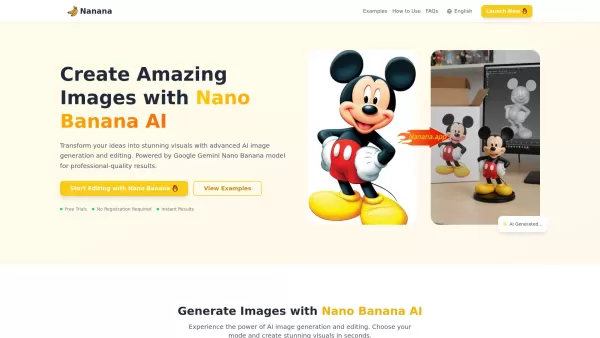
What is Nano Banana | Nanana AI? Nanana AI is the leading AI image generator and AI image editor on the market. It taps into the full potential of Google's revolutionary Nano Banana model to offer unmatched image creation and editing power. As an ear
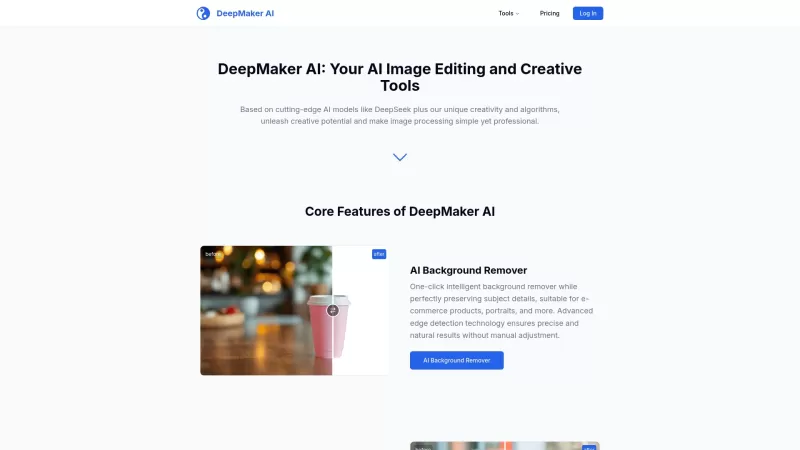
DeepMaker AI is your go-to platform for transforming your images and videos with the latest AI technology. From removing backgrounds to generating stunning tattoos, this service has it all. What sets DeepMaker AI apart is its pay-as-you-go model—no subscr
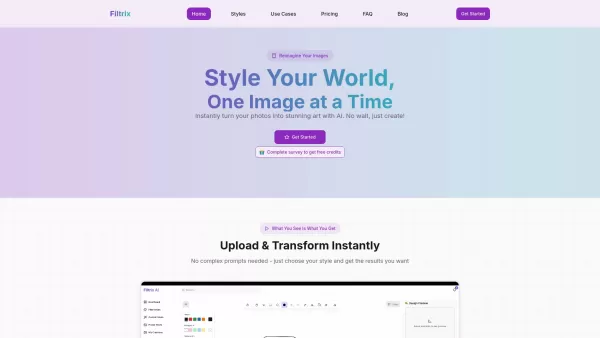
What is Filtrix AI? Filtrix AI is an intuitive AI image editor and generator that turns everyday photos into exceptional visual creations. It leverages artificial intelligence to manage the technical complexities, empowering users to concentrate on c
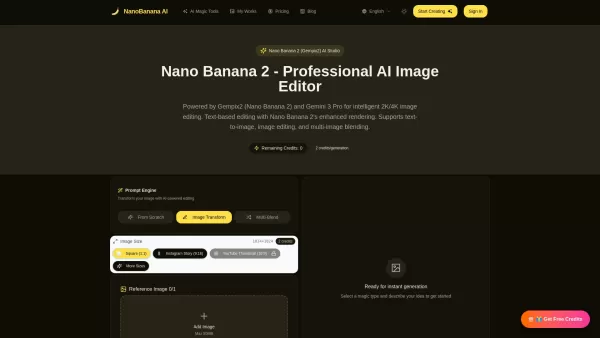
What is Nano Banana 2 (Gempix2)? Nano Banana 2 (Gempix2) is a cutting-edge 4K AI image generator and editor, powered by Google Gemini 3 Pro. It delivers advanced capabilities such as superior text rendering, infographic design, and multi-image blendi
Deepfake Maker Product Information
What is Deepfake Maker?
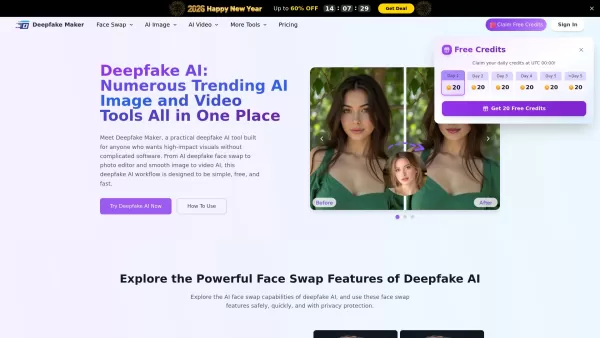
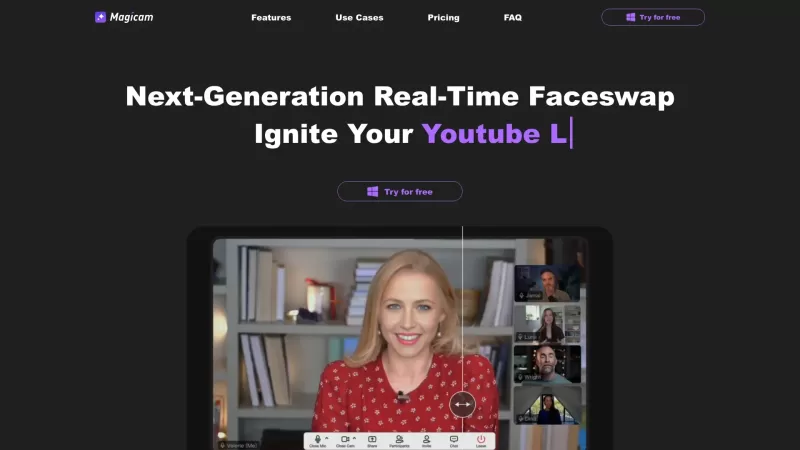
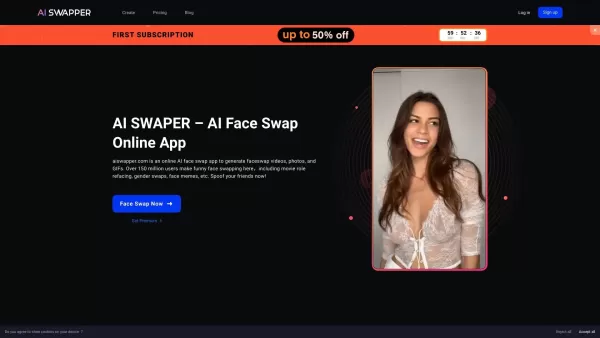
Deepfake Maker is a comprehensive, browser-based AI tool for creating deepfakes, tailored for creators, marketers, and designers who need striking visuals without complicated software. It combines multiple AI capabilities: advanced face swapping for photos, videos, and GIFs; a prompt-based AI Photo Editor for altering backgrounds, removing objects, and changing styles; and an Image to Video AI generator. The platform focuses on speed, privacy, natural-looking results, and an intuitive workflow, delivering polished, consistent outcomes perfect for social media, advertising, and professional projects.
How to use Deepfake Maker?
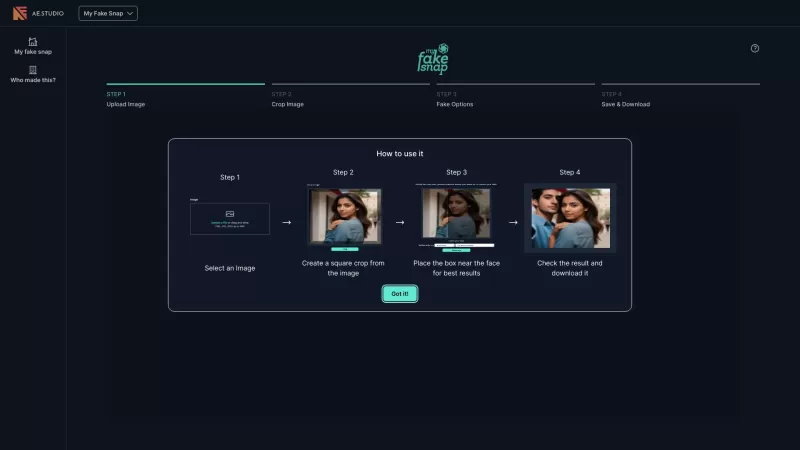
Using Deepfake Maker is a straightforward, three-step process: 1. Select your desired AI tool, such as face swap, photo editor, or image-to-video. 2. Upload your image or video, adjust the settings, and click generate to create your AI content. 3. Download and share your final, watermark-free result.
Deepfake Maker's Core Features
AI Deepfake Face Swap (Photo, Video, GIF)
AI Photo Editor (background replacement, object removal, enhancement)
Image to Video AI generation
Nano Banana Pro high-end image generation mode
Deepfake Maker's Use Cases
Creating realistic profile pictures, cosplay concepts, posters, and thumbnails using Photo Face Swap.
Producing smooth, convincing short clips for Reels, Shorts, UGC-style ads, and skits with Video Face Swap and Image to Video AI.
Refreshing classic reactions and memes into new, shareable content using GIF Face Swap.
Handling practical image edits like background replacement, object removal, and quality improvement for marketing materials.
FAQ from Deepfake Maker
What is Deepfake AI and what can I do with it on Deepfake Maker?
Deepfake AI uses artificial intelligence to generate and alter media, transforming faces, images, and motion. On Deepfake Maker, you can perform face swaps in photos, videos, and GIFs; edit images using prompts to change backgrounds, remove objects, or adjust styles; and create videos from still images. This lets you move from a simple upload to a finished, post-ready piece quickly.
How do Deepfake Maker credits work?
Credits are the currency used for each generation or edit. Consumption depends on the feature used—for example, per image, per second of video, or per GIF frame. Credit packs are one-time purchases that do not auto-renew, and your balance never expires.
Can I use Deepfake Maker results commercially?
Yes. Most plans include a commercial license for the content you generate, as long as you have all required permissions and adhere to the platform's Terms of Service, such as having consent for any faces used and respecting intellectual property rights.
Deepfake Maker Support Email & Customer service contact & Refund contact etc.
For customer support, contact Deepfake Maker at: [email protected] . For additional contact options, please visit the contact us page(https://deepfakemaker.io/contact-us/)
Deepfake Maker Company
Deepfake Maker Company name: Deepfake Maker .
Deepfake Maker Company address: .
To learn more about Deepfake Maker, visit the about us page().
Deepfake Maker Login
Deepfake Maker Login Link:
Deepfake Maker Sign up
Deepfake Maker Sign up Link:
Deepfake Maker Facebook
Deepfake Maker Facebook Link: https://www.facebook.com/deepfakemaker/
Deepfake Maker Twitter
Deepfake Maker Twitter Link: https://x.com/DeepfakeMaker
Deepfake Maker Pinterest
Deepfake Maker Pinterest Link: https://www.pinterest.com/deepfakemaker/
Deepfake Maker Screenshot

2026 Latest Top-rated AI Illustration Tools: Our curated list features the best powerfully designed tools for creating stunning editorial scenes and eye-catching cover art quickly. Each option has gone through rigorous real-world tests, offering a free vs paid comparison to help you find the perfect match for your workflow. Try these must-try solutions today to unlock your AI edge and boost your creative productivity. Explore now at XIX.AI.
 10 tools
 xix.ai

2026 Latest Top-Rated Best AI Tutors for Exam Prep are here on XIX.AI! Our curated list features powerful game-changing tools that offer free vs paid comparison, real-world tests, and weekly updated rankings. They help boost your writing efficiency, simplify complex topic learning, and unlock your academic potential. Explore now to Discover your perfect exam prep tool and Start creating today to Unlock your AI edge!
10 tools
xix.ai

2026 Latest Best Top-Rated AI Budget Planning Tools for Personal Money Management are here on XIX.AI! This curated collection features powerful, game-changing solutions that help you conduct real-world tests, understand spending habits, and create personalized plans to boost productivity. Enjoy a free vs paid comparison along with detailed rankings. Must-try tools designed to simplify money management and unlock your AI edge. Explore now!
11 tools
xix.ai

2026 Latest Best Top-Rated AI Sleep Tracking Assistants curated for ultimate recovery. This fully updated weekly guide features powerful tools that deliver real-world tests, free vs paid comparison, and detailed rankings to help you find the must-try solution that boosts sleep quality and supports better bedtime habits. Explore now at XIX.AI to Unlock your AI edge.
10 tools
xix.ai

2026 Latest Best Top-Rated AI SQL Copilots for Product and Revenue Analytics! XIX.AI has curated a powerful, game-changing collection of must-try tools that undergo real-world tests through weekly updated rankings. These tools help users boost productivity significantly by accelerating data analysis, streamlining complex queries, and generating accurate insights to drive smarter business decisions. Explore now to Discover your perfect tool for unlocking your AI edge!
14 tools
xix.ai

2026 Latest Best Top-Rated AI Homework Helpers That Teach Core Concepts Not Just Answers Powerful Tools for Students Must-Try Curated List Weekly Updated Free vs Paid Comparison Real-World Tests Accurate Rankings to Help You Unlock Your Full Learning Potential Explore now to Discover your perfect tool for smarter studying.
10 tools
xix.ai


