


 Home
HomeVeo 3.1 AI



Helps TikTok sellers, brands, MCNs, and TAPs discover winning products and find creators.

HelpLook is an AI-powered all-in-one knowledge base tool that helps businesses quickly build knowledge bases, help centers, and...

Your AI Workspace

302.AI is an enterprise-grade AI resource platform with pay-as-you-go pricing, API access to a full range of AI models, and ready-to-use online applications.

剧火AI — AI Screenwriter + Director, a One-Person Short Drama Studio In one sentence, what is it?
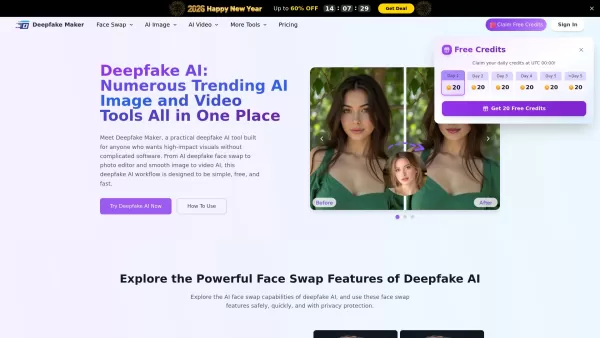
What is Deepfake Maker? Deepfake Maker is a comprehensive, browser-based AI tool for creating deepfakes, tailored for creators, marketers, and designers who need striking visuals without complicated software. It combines multiple AI capabilities: adv
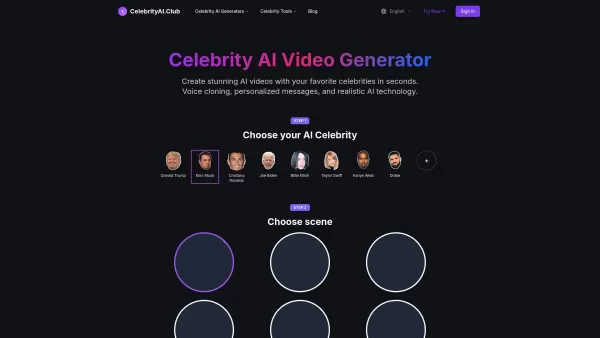
What is Celebrity AI?CelebrityAI revolutionizes digital content creation with its cutting-edge artificial intelligence platform that generates lifelike celebrity videos and voice messages. Using sophisticated technologies including deep neural networ
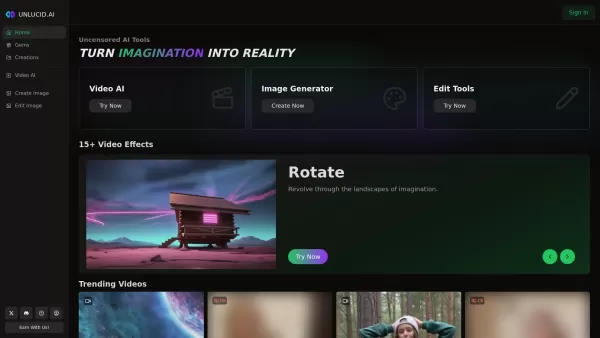
What is Unlucid AI? Unlucid AI provides free, uncensored AI tools empowering creators to craft, edit, and animate videos using advanced AI technology. It transforms imagination into reality with unres
What is Makefilm?Makefilm revolutionizes video creation as a comprehensive AI-powered platform that streamlines professional-quality video production. This innovative solution combines multiple smart tools into one seamless workflow - transforming te
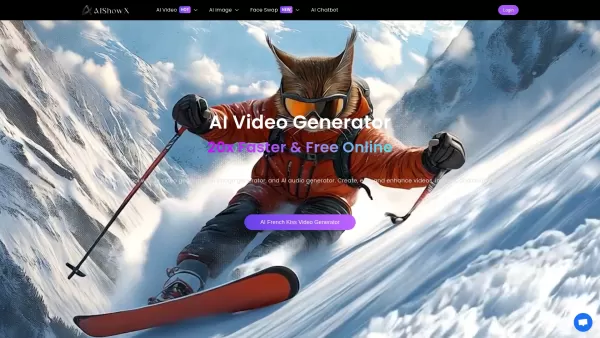
What is AIShowX?AIShowX represents the next generation of creative tools - a comprehensive online platform powered by artificial intelligence that empowers anyone to produce professional-quality videos, images, and audio content with remarkable ease.
Veo 3.1 AI Product Information
What Is Veo 3.1 AI?
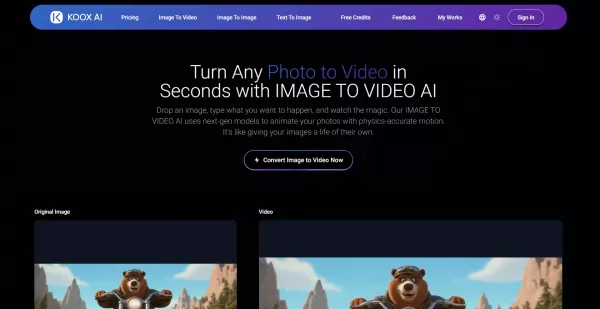
Veo 3.1 AI is a cutting-edge, AI-driven video generation tool that turns static images into stunning videos. It leverages intelligent prompt expansion powered by LLM technology to enhance motion and animation based on user-provided text descriptions. The tool supports a range of video resolutions from 480p to 1080p, audio integration in WAV and MP3 formats, and flexible video lengths of 5 or 10 seconds, making it ideal for content creators who need high-quality output for social media, presentations, or commercial projects.
Who Uses Veo 3.1 AI?
- Content creators
- Social media marketers
- Video editors
- Digital artists
- Marketing professionals
How to Use Veo 3.1 AI?
- Step 1: Upload a static image (JPEG, PNG, BMP, or WEBP) up to 10 MB.
- Step 2: Enter a motion prompt describing the desired movement or action.
- Step 3: Choose video settings (aspect ratio, quality — 480p, 720p, or 1080p, and duration — 5 or 10 seconds).
- Step 4: Optionally add audio in WAV or MP3 format.
- Step 5: Click "Generate Video" and wait 1–3 minutes for processing.
- Step 6: Download or share the generated video.
Platform
- Web
Veo 3.1 AI's Core Features and Benefits
The Core Features
- AI-powered image-to-video transformation
- Motion control driven by text prompts
- Audio integration with WAV/MP3 support
- Multiple video resolutions and durations
- Advanced prompt expansion using LLM
The Benefits
- Easily create dynamic videos from static images
- Flexible video and audio customization options
- Suitable for a wide range of video production needs
- Commercial usage rights included
- Fast processing times with high-quality output
Veo 3.1 AI's Main Use Cases and Applications
- Social media video content creation
- Marketing and promotional videos
- Presentation and educational materials
- Digital art and animation projects
- Product demos and explainer videos
Veo 3.1 AI's Pros and Cons
The Pros
Professional-quality video generation
Supports multiple resolutions and durations
Easy-to-use interface with prompt enhancements
Commercial usage and unrestricted content policy
The Cons
No mobile or desktop apps — web only
Credits required for video generation
Limited video duration (5–10 seconds)
No open-source code available
Veo 3.1 AI's Pricing
Free Plan Available? | No |
|---|---|
Free Trial Details | |
Pricing Model | Paid |
Credit Card Required? | No |
Starting Price | 19.9 USD |
Lifetime Plan Available? | No |
Billing Frequency | Monthly |
Details of Pricing Plan
Starter
19.9 USD
- 1,000 credits per month
- 720p video generation
- 1-minute videos
- Audio support
- 12,000 credits with annual billing
- Unrestricted content policy
- Commercial license
Premium
34.9 USD
- 2,000 credits per month
- 1080p video generation
- Priority processing
- Audio integration
- 24,000 credits with annual billing
- Unrestricted content policy
- Commercial license and priority support
Advanced
62.9 USD
- 5,000 credits per month
- Unlimited 1080p generation
- Fastest processing speed
- Full audio features
- 60,000 credits with annual billing
- Unrestricted content policy
- Commercial license
Large Add-on Package
100 USD
- 5,000 credits
- 1080p generation
- Permanent history
- No subscription
Small Add-on Package
50 USD
- 2,000 credits
- 720p generation
- Permanent history
- No subscription
Discount:
Save 50% with annual billing
For the latest prices, please visit: https://veo31ai.io/pricing
FAQs of Veo 3.1 AI
What Video Resolutions Does Veo 3.1 AI Support?
Veo 3.1 AI supports video generation in 480p, 720p, and 1080p, with processing times of 1–3 minutes.
What Video Durations Can I Generate in Veo 3.1?
You can generate videos in 5- or 10-second durations.
Can I Add Audio to My Videos in Veo 3.1?
Yes, audio integration supports WAV and MP3 formats with automatic duration handling.
What Image Formats Are Supported?
Supported image formats include JPEG, JPG, PNG, BMP, and WEBP, with a maximum file size of 10 MB.
What Is Prompt Expansion in Veo 3.1 AI?
Prompt expansion uses LLM technology to enhance text prompts for better video generation.
How Long Does Video Processing Take?
Processing typically takes 1–3 minutes, depending on resolution and duration.
Can I Use Veo 3.1 AI for Commercial Projects?
Yes, all paid plans include commercial licensing rights.
How Does the Credit System Work?
Video generation consumes credits based on video resolution and duration; higher quality uses more credits.
Is There a Free Trial for Veo 3.1 AI?
Yes, a free trial with limited credits is available.
What Platforms Does Veo 3.1 AI Support?
Currently, Veo 3.1 AI is accessible via the web platform only.
Veo 3.1 AI Company Information
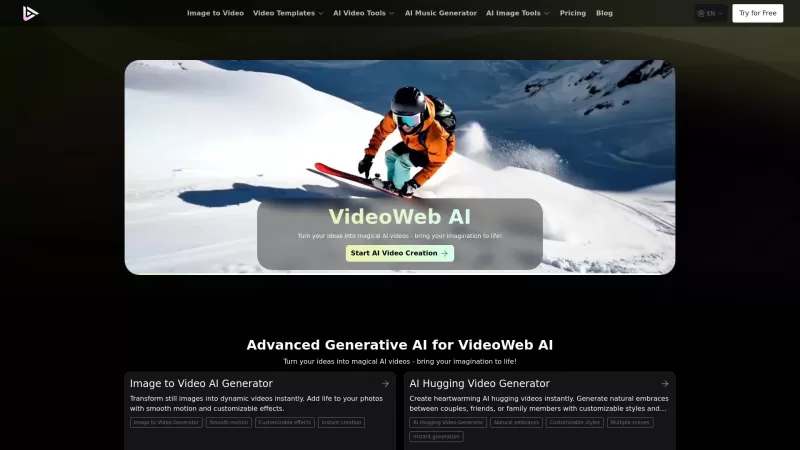
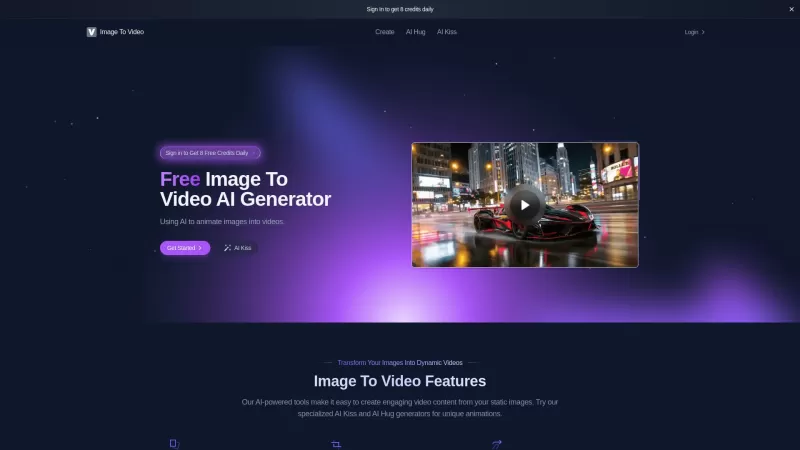
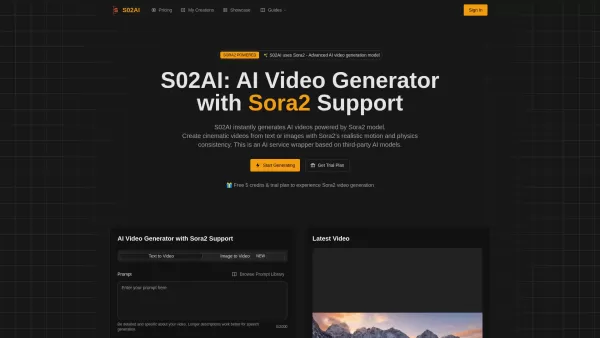
Veo 3.1 AI Screenshot


2026 Latest Best Top-rated AI Anomaly Detection Tools for Dashboard Monitoring are here on XIX.AI! This curated list features powerful, game-changing solutions that deliver accurate real-world tests through weekly updated rankings. You’ll find a free vs paid comparison and insights into how these tools boost productivity by helping users spot issues fast, streamlining workflow efficiency. Discover your perfect tool to unlock your AI edge today. Explore now!
 9 tools
 xix.ai
2026 Latest Best AI Lip-Sync Generators for Dialogue-Driven Character Animation and Motion Scenes! XIX.AI has curated a top-rated list of powerful, game-changing tools that deliver flawless synchronized lip movements for animated characters. Each option undergoes rigorous real-world tests to ensure reliability, and our weekly updated rankings help you find the must-try solution that boosts your animation workflow efficiency. Explore now to discover your perfect tool!
9 tools
xix.ai

2026 Latest Best Top-rated AI Social Reply Assistants for Brand Community Management! XIX.AI has curated a powerful game-changing collection of must-try tools, all going through rigorous real-world tests to deliver consistent top-quality results. You can find detailed free vs paid comparison insights and up-to-date weekly updated rankings here. Explore now to unlock your AI edge in efficient community management!
12 tools
xix.ai

2026 Latest Top-Rated AI Daily Planner Apps make creating realistic deep work schedules effortless. This curated list features powerful, game-changing tools that go through real-world tests to ensure accuracy and effectiveness. You’ll find a free vs paid comparison along with detailed rankings based on usability and results. XIX.AI is part of this trusted collection. Explore now to discover your perfect tool and unlock your AI edge for staying focused and productive every day.
11 tools
xix.ai

2026 Latest Best Top-rated AI Chart Builder Tools for Fast Reporting are here on XIX.AI! This curated list features powerful game-changing tools that deliver accurate professional charts with just a few clicks, helping you boost writing efficiency and streamline content creation. Get a free vs paid comparison along with real-world tests and detailed rankings to find the must-try solution for your needs. Explore now to unlock your AI edge!
9 tools
xix.ai

2026 Latest Best Top-rated AI Live Chat Routing Tools for Ecommerce Queues, VIP Buyers, and Return Requests. This curated list features powerful game-changing solutions that boost productivity dramatically through real-world tests. It includes a free vs paid comparison along with detailed rankings to help you find the perfect fit. XIX.AI stands out as a trusted provider in this space. Explore now to Unlock your AI edge!
9 tools
xix.ai


