


 Home
HomeVeo 3.1 AI Video Generator



Helps TikTok sellers, brands, MCNs, and TAPs discover winning products and find creators.

HelpLook is an AI-powered all-in-one knowledge base tool that helps businesses quickly build knowledge bases, help centers, and...

Your AI Workspace

302.AI is an enterprise-grade AI resource platform with pay-as-you-go pricing, API access to a full range of AI models, and ready-to-use online applications.

剧火AI — AI Screenwriter + Director, a One-Person Short Drama Studio In one sentence, what is it?

What is AIShowX?AIShowX represents the next generation of creative tools - a comprehensive online platform powered by artificial intelligence that empowers anyone to produce professional-quality videos, images, and audio content with remarkable ease.
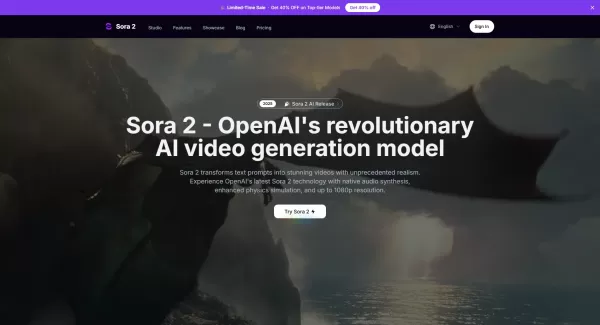
What is Sora 2 Video Generator?Sora 2 is an advanced AI video generation service built on OpenAI's Sora 2 model. It transforms text prompts and optional reference images into realistic short videos, typically lasting up to 20 seconds. Key features in
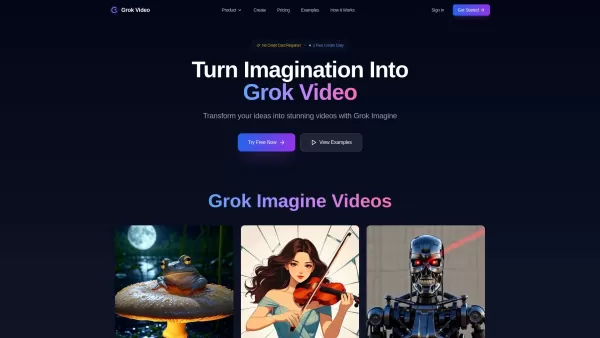
What is Grok Video AI? Grok Video AI revolutionizes content creation by transforming simple inputs into professional-quality videos. This cutting-edge platform leverages artificial intelligence to convert text descriptions and static images into dyn
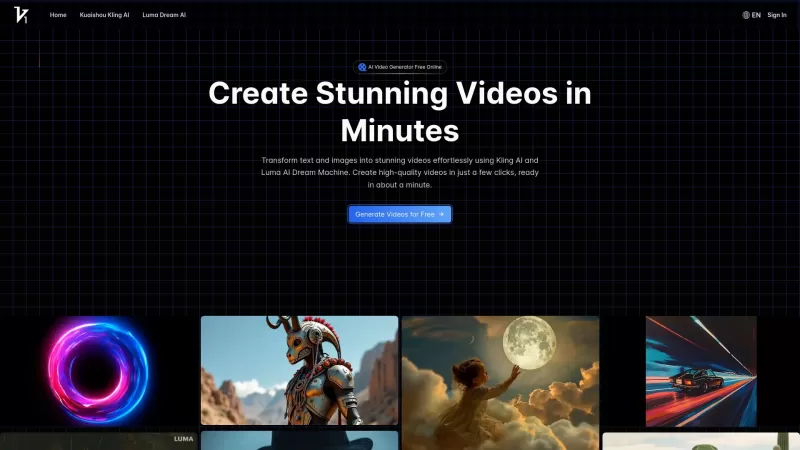
Vidful.ai is a game-changer for anyone looking to create engaging videos without breaking a sweat. This AI-powered platform is like your personal video wizard, turning your text and images into dynamic, professional-looking videos in no time. Whether you'
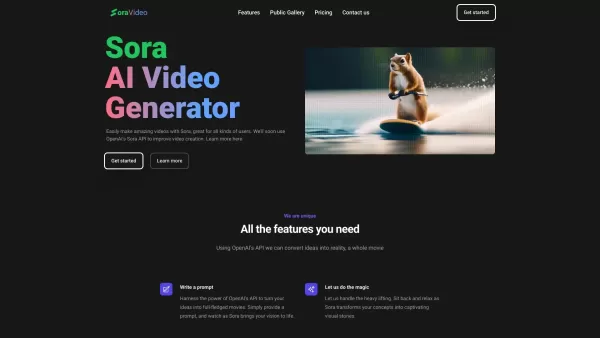
Ever wondered what Sora Video AI is all about? It's like having a magic wand for video creation! This tool, powered by OpenAI's official Sora technology, transforms your text into stunning videos with just a few clicks. Whether you're a creator, marketer,
Veo 3.1 AI Video Generator Product Information
What is Veo 3.1 AI Video Generator?
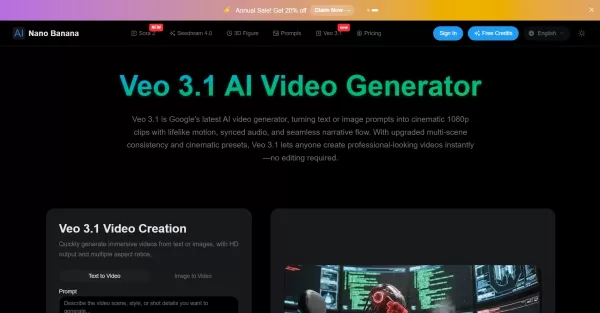
Veo 3.1 AI Video Generator is an advanced tool from Google DeepMind that turns text descriptions or images into short, high-quality 1080p video clips. It creates cinematic scenes with realistic motion, synchronized audio (including dialogue, sound effects, and music), and offers precise control through keyframes, multi-scene consistency, and professional lighting and camera presets. This enables powerful video storytelling without the need for manual editing.
Who will use Veo 3.1 AI Video Generator?
- Content Creators
- Marketing Professionals
- Social Media Managers
- Filmmakers and Storytellers
- Educators and Trainers
How to use the Veo 3.1 AI Video Generator?
- Step 1: Upload an image or select a frame to set your scene.
- Step 2: Write a text prompt describing the action, mood, or visual style you want.
- Step 3: Click ‘Generate’ to create a video clip with synchronized audio and motion.
- Step 4: Optionally, extend existing videos or control start/end frames for precise editing.
- Step 5: Apply cinematic presets for professional lighting and camera effects.
Platform
- Web
Veo 3.1 AI Video Generator's Core Features & Benefits
The Core Features
- Text-to-video and image-to-video generation
- Multi-scene consistency with smooth transitions
- Synchronized audio including voice, music, and effects
- Frame-perfect video control via keyframes
- Use up to three reference images for style guidance
- Hollywood-quality cinematic presets for lighting and camera moves
- Video extension capabilities to lengthen clips
The Benefits
- Rapid video creation without manual editing
- Professional cinematic quality output
- Enhanced storytelling with synchronized audio and visuals
- User-friendly interface accessible via a browser
- Supports multi-shot narratives with scene coherence
Veo 3.1 AI Video Generator's Main Use Cases & Applications
- Creating marketing and social media videos
- Producing short cinematic storytelling clips
- Educational content with engaging visuals and narration
- Rapid prototyping of video ideas
- Video content for advertisements and promotions
Veo 3.1 AI Video Generator's Pros & Cons
The Pros
High-quality 1080p cinematic videos
Integrated and synchronized audio generation
Easy to use with no editing skills required
Supports multi-scene and frame-level video control
Cloud-based, requiring no special hardware
The Cons
Maximum clip duration limited to about 8 seconds per generation
Currently no dedicated mobile or desktop apps
Paid credits required beyond the free trial
No open-source availability
Limited to the web platform
Veo 3.1 AI Video Generator's Pricing
Has free plan | No |
|---|---|
Free trial details | New users receive free credits upon registration |
Pricing model | Paid |
Is credit card required | YES |
Paid from | 7.99 USD |
Has lifetime plan | No |
Billing frequency | Annually |
Details of Pricing Plan
Basic
7.99 USD
- 3600 Credits for 1 year
- 30-day history
- 4 running jobs at once
- Priority generation queue
- No Watermark
- Private generations
- Commercial License
- Cancel anytime
Pro
15.99 USD
- 9600 Credits for 1 year
- 60-day history
- 4 running jobs at once
- Priority generation queue
- No Watermark
- Private generations
- Commercial License
- Cancel anytime
Max
39.99 USD
- 36000 Credits for 1 year
- 90-day history
- 4 running jobs at once
- Priority generation queue
- No Watermark
- Private generations
- Commercial License
- Cancel anytime
Discount:
Save 20% on annual plans
For the latest prices, please visit: https://nano-banana.io/pricing
FAQs of Veo 3.1 AI Video Generator
Can Veo 3.1 generate long videos?
No, videos are typically limited to around 8 seconds per generation but can be extended using video extension features to create clips up to around one minute in length.
Do I need any special hardware?
No, all video processing is cloud-based and accessible via a standard web browser.
Can I use generated videos commercially?
Yes, commercial use is permitted, subject to Google's and Veo 3.1's terms of service.
Is Veo 3.1 free to use?
New users receive free credits upon signup; paid credits are required for extended use beyond the trial.
Do I need video editing skills?
No, Veo 3.1 automates animation, audio synchronization, and cinematic effects, so no prior editing experience is needed.
What input types does Veo 3.1 support?
It supports text prompts, uploaded images, and keyframe-based frame inputs for control.
Can I guide video style?
Yes, you can guide the style by providing up to three reference images and selecting from cinematic presets.
Is the service cloud-based?
Yes, it is entirely cloud-based; all computation happens on remote servers.
Does Veo 3.1 support multi-scene videos?
Yes, it supports creating videos with multiple scenes, featuring seamless transitions and consistent characters.
Are there limitations on video resolution?
Videos are generated at a high cinematic resolution of 1080p.
Veo 3.1 AI Video Generator Company Information
- Nano Banana
- https://nano-banana.io
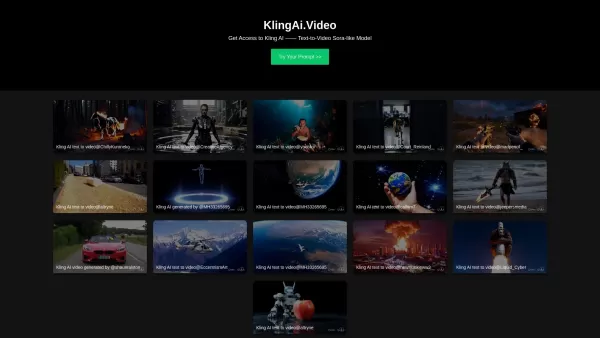
Veo 3.1 AI Video Generator Screenshot

2026 Latest Best Top-rated AI Conversation Trainer Tools for Interview Practice are here on XIX.AI! This curated collection features powerful, game-changing tools that go through rigorous real-world tests to deliver accurate feedback. You’ll find a free vs paid comparison and detailed rankings to help you choose the must-try option that boosts your confidence and skills. Explore now to Discover your perfect tool for interview success!
 12 tools
 xix.ai

2026 Latest Best Top-rated AI Style Transfer Tools for Creative Experiments! XIX.AI has curated a powerful, game-changing collection of must-try tools that deliver exceptional results through real-world tests and rigorous rankings. These top solutions help creatives boost productivity significantly by accelerating content creation and unlocking endless creative possibilities. Explore now to discover your perfect tool and start creating today!
9 tools
xix.ai

2026 Latest Best Top-Rated AI Dialogue Bubble Tools for Visual Storytelling are here on XIX.AI! This curated collection features powerful, game-changing tools that help creators boost productivity and overcome creative bottlenecks. Get a free vs paid comparison, see real-world tests, and check the latest rankings to find the must-try solutions perfect for crafting engaging visual narratives. Explore now to discover your ideal tool!
10 tools
xix.ai

2026 Latest Top-Rated Best AI Meeting Summary Tools for Clear Decision Tracking and Effortless Follow-Ups. This curated list showcases powerful, game-changing solutions that boost productivity dramatically by automating meeting notes, identifying key action items, and streamlining team coordination across all projects. Get a free vs paid comparison along with real-world tests and weekly updated rankings to help you find the perfect tool. Explore now to unlock your AI edge!
9 tools
xix.ai

2026 Latest Best Top-rated AI Data Cleaning Tools for quick fixing of missing values and duplicates. This curated list showcases powerful, game-changing solutions that boost productivity significantly. Each option has undergone rigorous real-world tests to ensure reliability. Get a free vs paid comparison and discover the must-try tool that fits your needs best. Explore now at XIX.AI to Unlock your AI edge.
11 tools
xix.ai

2026 Latest Best Top-Rated AI Creative Ideation Tools for Artists are curated by XIX.AI to help creators break through visual blocks and boost creativity instantly. These powerful game-changing tools offer real-world tests, detailed free vs paid comparison, and weekly updated rankings. Discover your perfect tool to accelerate content creation and unlock your AI edge today. Explore now!
14 tools
xix.ai


