


 Home
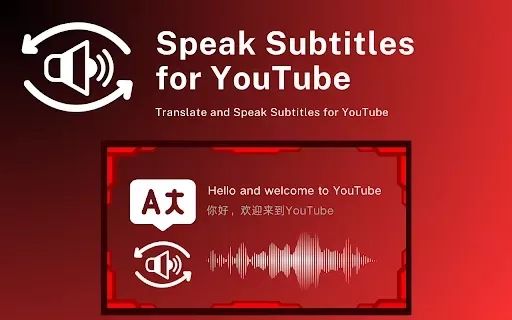
HomeTranslate and Speak Subtitles for YouTube
YouTube Subtitles to AI Audio



Helps TikTok sellers, brands, MCNs, and TAPs discover winning products and find creators.

HelpLook is an AI-powered all-in-one knowledge base tool that helps businesses quickly build knowledge bases, help centers, and...

Your AI Workspace

302.AI is an enterprise-grade AI resource platform with pay-as-you-go pricing, API access to a full range of AI models, and ready-to-use online applications.

剧火AI — AI Screenwriter + Director, a One-Person Short Drama Studio In one sentence, what is it?
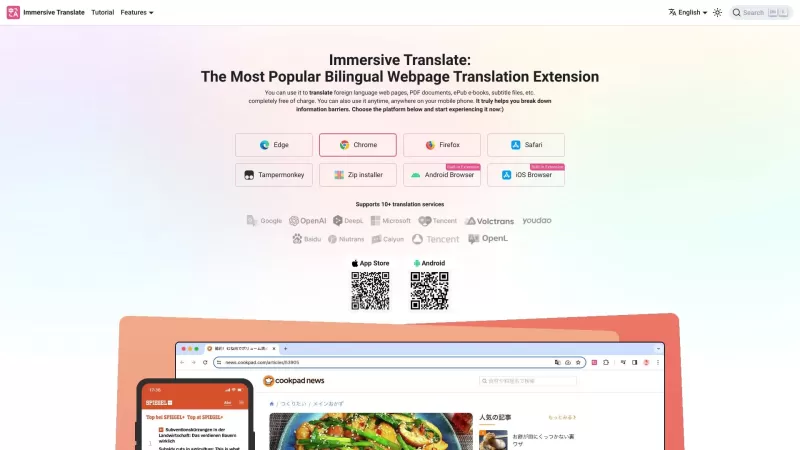
Ever stumbled upon a webpage or document in a foreign language and wished you could understand it? That's where Immersive Translate comes in handy. It's a nifty tool that offers free bilingual cross-referenced translations for webpages and various document formats. Whether you're trying to read a PD
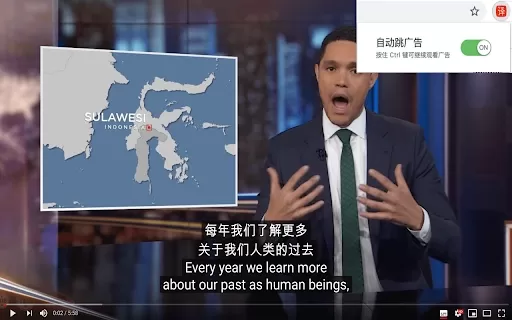
Ever stumbled upon a cool YouTube video only to realize it's in a language you don't speak? That's where the YouTube AutoTranslate AI Chrome Extension swoops in to save the day. This nifty browser plugin not only pauses your YouTube videos at the perfect moment but also automatically translates the
What Is Subsbee?Imagine a tool that takes your videos and audio files and magically spits out subtitles, translations, and transcripts faster than you can blink. That’s Subsbee—a nifty online platform designed to automate the process of turning speec
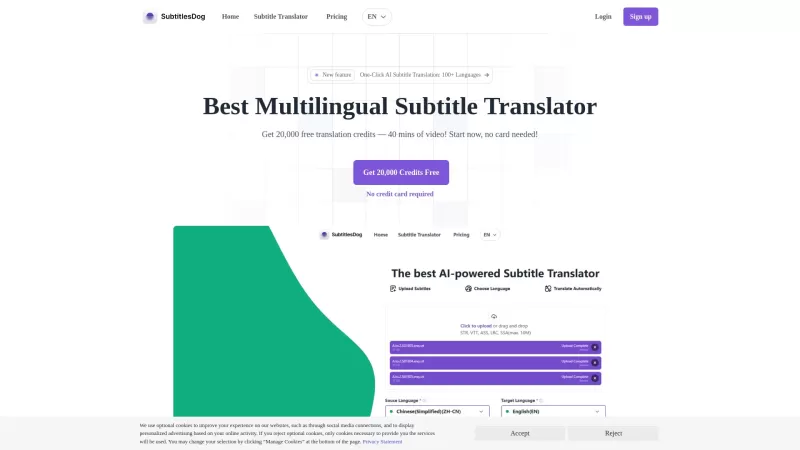
Ever stumbled upon a video that's just perfect, but it's in a language you don't understand? Enter SubtitlesDog, your new best friend for breaking down language barriers in video content. This AI-powered tool is like a linguistic wizard, whipping up high-quality translations across more than 100 lan
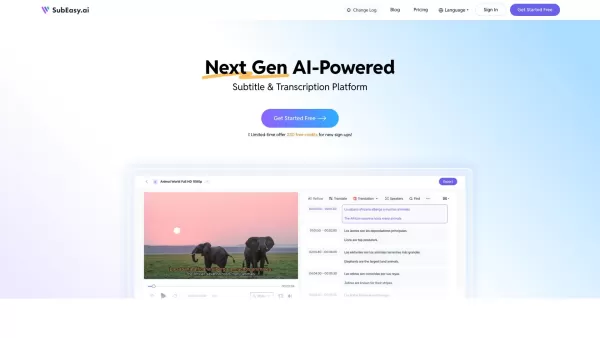
What is SubEasy?SubEasy is more than just another tool—it’s a game-changer in the world of subtitles and translations. Powered by advanced AI, SubEasy takes care of transcription and translation tasks with pinpoint accuracy. Whether you need transcripts,
Translate and Speak Subtitles for YouTube Product Information
What is Translate and Speak Subtitles for YouTube?
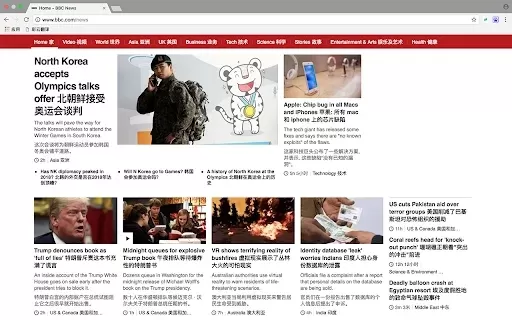
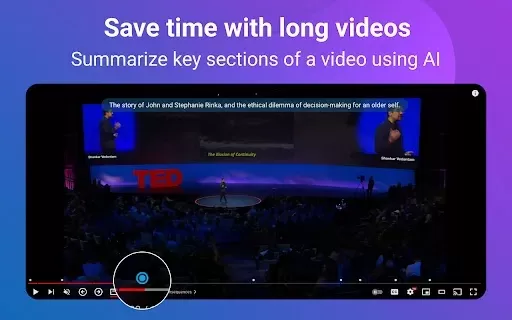
This Chrome extension translates YouTube subtitles and converts them into natural-sounding speech. Whether you're enjoying foreign films or learning from educational videos, this tool provides real-time translation and spoken audio, helping you better understand and appreciate content in other languages. Its user-friendly design improves your viewing experience by delivering clear audio versions of on-screen text.
Who is Translate and Speak Subtitles for YouTube designed for?
- Students
- Language learners
- Educators
- Content creators
- Anyone who watches foreign media
How to use Translate and Speak Subtitles for YouTube
- Step 1: Install the 'Translate and Speak Subtitles' extension from the Chrome Web Store.
- Step 2: Open a YouTube video that has subtitles.
- Step 3: Click the extension icon in your Chrome toolbar.
- Step 4: Choose your preferred language for translation.
- Step 5: Enjoy the video with translated and spoken subtitles.
Platform
- Web
- Chrome
Translate and Speak Subtitles for YouTube: Core Features & Benefits
Key Features
- Real-time subtitle translation
- Natural-sounding speech synthesis
- Multi-language support
Key Benefits
- Better accessibility for non-native speakers
- An enhanced learning experience for students
- Easy viewing of international content
Primary Use Cases & Applications
- Learning new languages through video content
- Watching foreign films without language barriers
- Improving understanding of educational material
Frequently Asked Questions
Does it work on mobile devices?
The extension is built specifically for the desktop version of the Chrome browser.
How do I uninstall the extension?
You can uninstall it via the Chrome extensions management page.
Is there a limit on translations?
No, you can translate videos without any restrictions.
How does the extension work?
It uses AI technology to convert subtitle text into speech.
Is it free to use?
Yes, the extension is completely free on the Chrome Web Store.
Can I change the language settings?
Yes, you can select from a variety of available languages.
Does it work with all YouTube videos?
Yes, it is compatible with any YouTube video that includes subtitles.
Do I need an internet connection?
Yes, an active internet connection is required for the extension to work.
Can I choose multiple languages?
Currently, translation is available for one language at a time.
Does it support voice customization?
You can adjust the speech rate and choose from available voice options.
Company Information
Website:
https://5-letter-words.comCompany Name:
NASupport Email:
NAFacebook:
NAX(Twitter):
NAYouTube:
NAInstagram:
NATiktok:
NALinkedIn:
NA
Translate and Speak Subtitles for YouTube Screenshot

2026 Latest Best Top-rated AI Style Transfer Tools for Creative Experiments! XIX.AI has curated a powerful, game-changing collection of must-try tools that deliver exceptional results through real-world tests and rigorous rankings. These top solutions help creatives boost productivity significantly by accelerating content creation and unlocking endless creative possibilities. Explore now to discover your perfect tool and start creating today!
 9 tools
 xix.ai

2026 Latest Best Top-Rated AI Dialogue Bubble Tools for Visual Storytelling are here on XIX.AI! This curated collection features powerful, game-changing tools that help creators boost productivity and overcome creative bottlenecks. Get a free vs paid comparison, see real-world tests, and check the latest rankings to find the must-try solutions perfect for crafting engaging visual narratives. Explore now to discover your ideal tool!
10 tools
xix.ai

2026 Latest Top-Rated Best AI Meeting Summary Tools for Clear Decision Tracking and Effortless Follow-Ups. This curated list showcases powerful, game-changing solutions that boost productivity dramatically by automating meeting notes, identifying key action items, and streamlining team coordination across all projects. Get a free vs paid comparison along with real-world tests and weekly updated rankings to help you find the perfect tool. Explore now to unlock your AI edge!
9 tools
xix.ai

2026 Latest Best Top-rated AI Data Cleaning Tools for quick fixing of missing values and duplicates. This curated list showcases powerful, game-changing solutions that boost productivity significantly. Each option has undergone rigorous real-world tests to ensure reliability. Get a free vs paid comparison and discover the must-try tool that fits your needs best. Explore now at XIX.AI to Unlock your AI edge.
11 tools
xix.ai

2026 Latest Best Top-Rated AI Creative Ideation Tools for Artists are curated by XIX.AI to help creators break through visual blocks and boost creativity instantly. These powerful game-changing tools offer real-world tests, detailed free vs paid comparison, and weekly updated rankings. Discover your perfect tool to accelerate content creation and unlock your AI edge today. Explore now!
14 tools
xix.ai

2026 Latest Best AI Beat Makers for TikTok Background Tracks, Reels Audio, and Creator Promo Music! XIX.AI has curated a top-rated list of powerful game-changing tools that go through real-world tests to deliver flawless music for every content need. You’ll find detailed free vs paid comparison data, weekly updated rankings, and must-try options to help you boost creativity and productivity. Explore now to discover your perfect tool!
11 tools
xix.ai


