


 Home
HomeTiptap Editor 3.0
Headless Rich Text Editor for Developers


What is NOA?NOA Tech provides innovative technology solutions to enhance your business productivity. Utilizing advanced AI tools and custom automation, we identify operational bottlenecks, implement automation strategies, and empower your team to con

What is OCR Markdown? OCR Markdown is a powerful tool that transforms scanned images and PDF documents into editable Markdown text. It provides a free, client-side OCR solution for basic conversions and a Premium upgrade featuring AI-enhanced recogni
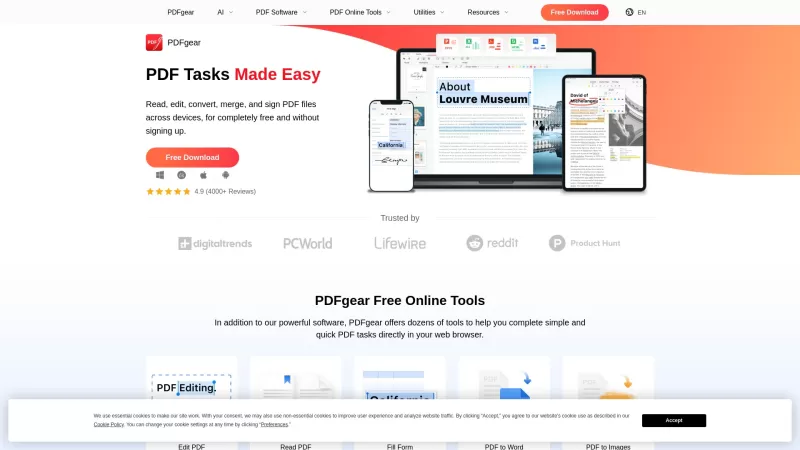
PDFgear is your go-to free PDF management tool, perfect for editing, converting, and managing your PDF files without any pesky watermarks or the need to sign up. It's designed to work seamlessly on Windows, Mac, and mobile devices, offering a full suite o

Proposa isn't just another tool in the vast sea of business software; it's a game-changer for anyone looking to streamline their proposal process. Imagine having a platform where you can whip up stunning sales proposals and documents with ease, all from t

Ever found yourself wrestling with a PDF, wishing there was an easier way to handle it? Enter LightPDF, your new best friend in the world of PDF management. This AI-powered tool isn't just another PDF editor; it's a comprehensive solution designed to tack
Tiptap Editor 3.0 Product Information
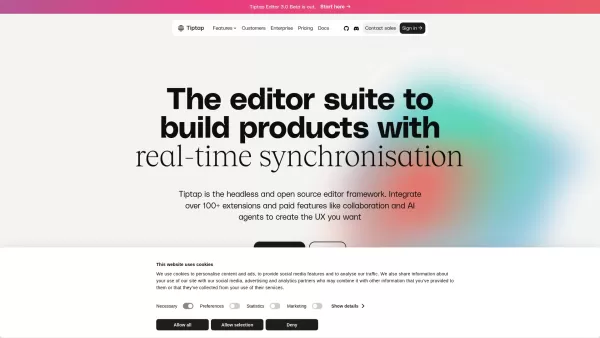
Ever wondered what the buzz around Tiptap Editor 3.0 is all about? Let me break it down for you. Tiptap Editor 3.0 is the latest evolution in headless rich text editors, crafted by the vibrant open-source community. It's not just another editor; it's a powerhouse designed for developers who dream of crafting sleek, Notion-like editing experiences with ease. With Tiptap, you're not just editing; you're creating a whole new world of content with tools that support real-time collaboration and AI-powered content transformation.
Getting Started with Tiptap Editor 3.0
So, you're eager to dive in? Here's how you can start using Tiptap Editor 3.0. First off, sign up for free on their platform. Once you're in, you get to pick and choose from a variety of features and extensions. Whether you're aiming to build a custom editor or set up collaborative tools, Tiptap gives you the freedom to tailor your workspace exactly as you need it. It's like having a Swiss Army knife for your editing needs!
Unpacking the Core Features of Tiptap Editor 3.0
Real-time Collaboration
Imagine working on a document with your team, and everyone's edits show up in real-time. That's the magic of Tiptap's real-time collaboration feature. It's like being in the same room, even if you're continents apart.
AI Content Transformation
Ever wished your text could be smarter? Tiptap's AI content transformation can help turn your rough drafts into polished masterpieces, suggesting edits and improvements as you type.
Headless Editor Framework
Tiptap's headless framework is a developer's dream. It lets you build and customize your editor from the ground up, giving you complete control over the user experience.
Open-source Architecture
What's better than a powerful tool? A powerful tool that's open-source. Tiptap's architecture invites the community to contribute, ensuring it stays cutting-edge and secure.
Exploring Use Cases for Tiptap Editor 3.0
Creating Notion-like Editor Experiences
Want to build something as slick as Notion? Tiptap gives you the tools to create those seamless, integrated editing experiences that users love.
Building Collaborative Document Editors
Whether it's for a team project or a global community, Tiptap's real-time features make collaborative editing a breeze.
Developing AI-assisted Writing Tools
With AI at your fingertips, you can develop writing tools that not only help users write but also think and create more effectively.
Frequently Asked Questions about Tiptap Editor 3.0
- What exactly is Tiptap Editor 3.0?
- Tiptap Editor 3.0 is an advanced, open-source, headless rich text editor designed for developers to build custom editing experiences with features like real-time collaboration and AI assistance.
- Can I use Tiptap for real-time collaboration?
- Absolutely! Tiptap Editor 3.0 is equipped with robust real-time collaboration features that make it perfect for team projects and joint editing.
- Is Tiptap Editor free to use?
- Yes, you can start using Tiptap Editor 3.0 for free. However, there might be premium features available for a fee, so it's worth checking out their pricing page.
For any support or customer service inquiries, you can reach out to Tiptap at [email protected]. If you need more contact options, their contact us page has all the details you'll need.
Tiptap Editor 3.0 is brought to you by Tiptap, a company that's all about empowering developers to create amazing editing experiences. You can find more about them on their LinkedIn or follow their updates on Twitter. If you're a coder, you'll definitely want to check out their GitHub page too.
Ready to join the Tiptap community? You can sign up or log in here. And if you're curious about what it might cost, take a peek at their pricing page.
Tiptap Editor 3.0 Screenshot
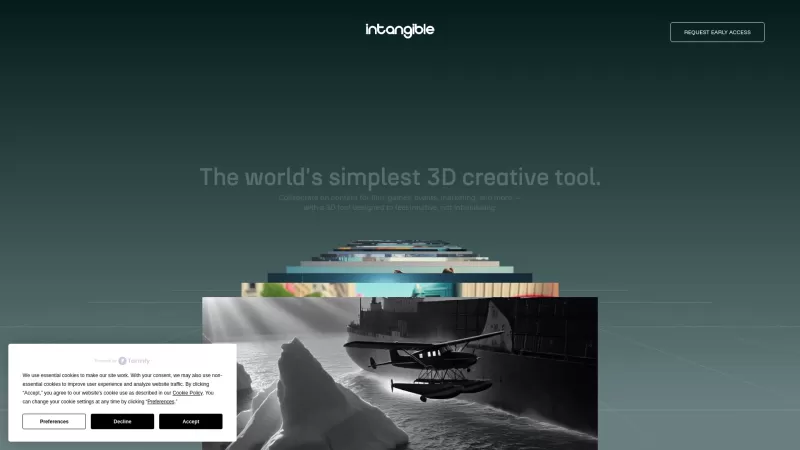
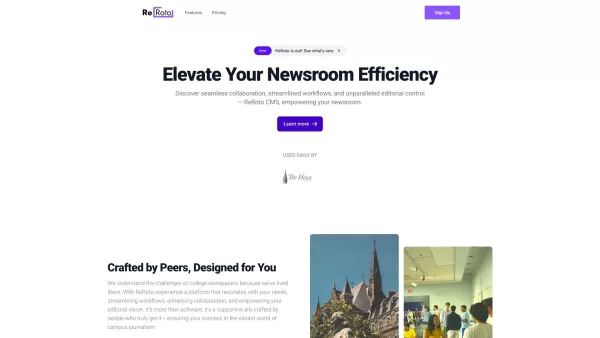
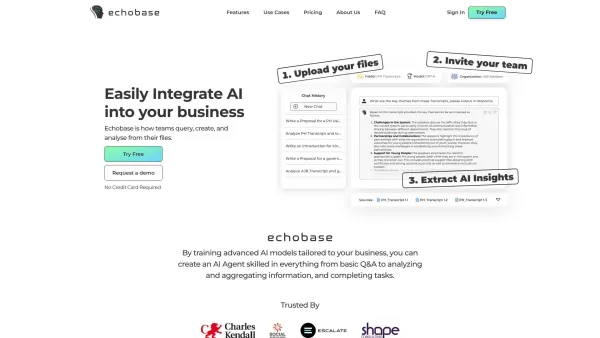

Discover the 2026 best AI branding kits for social media. XIX.AI's curated list features top-rated, game-changing tools to maintain perfectly consistent brand visuals across all channels. Compare free vs paid options with real-world tests. Unlock your brand's visual edge today.
 10 tools
 xix.ai

Discover the 2026 latest top-rated AI companion tools for immersive roleplay and connection. XIX.AI's curated guide features powerful, game-changing apps with weekly updated rankings, free vs. paid comparisons, and real-world tests. Find your perfect match and unlock meaningful digital companionship today.
10 tools
xix.ai

Discover the 2026 best AI assistants for crafting epic xianxia & wuxia tales. XIX.AI's curated list features top-rated, game-changing tools to master cultivation progression and martial arts choreography. Compare free vs paid options with real-world tests. Unlock your creative potential and start writing today!
10 tools
xix.ai

Discover the 2026 best AI mobile app coding tools for Flutter & React Native. Our curated, top-rated list features powerful, game-changing solutions that generate cross-platform code from prompts. Compare free vs paid options with real-world tests. Unlock faster development and build better apps. Explore the rankings on XIX.AI now!
10 tools
xix.ai
Discover the 2026 best AI Chrome extension generators on XIX.AI. Our curated list features top-rated, must-try tools that let you create custom browser add-ons with zero coding. Compare free vs paid options, see real-world tests, and unlock your productivity. Explore the latest rankings and find your perfect tool today!
10 tools
xix.ai
Discover the 2026 best AI multilingual TTS tools for authentic native-accent speech in 50+ languages. Explore our top-rated, curated rankings with free vs paid comparisons and real-world tests. Find your perfect voice tool on XIX.AI and unlock global communication today.
10 tools
xix.ai


Just tried Tiptap Editor 3.0 for a side project and it's honestly a game-changer. The headless setup is so clean and the community extensions are a lifesaver. Feels way more flexible than other bloated editors out there. My only tiny gripe is the learning curve for custom nodes, but that's probably just me being impatient 😅. Can't wait to see what the community builds with this!
Tiptap Editor 3.0 is a game-changer! Super flexible and easy to integrate with React. The headless design gives me full control over the UI, and the new AI features are 🔥. Only gripe? The docs could be a bit clearer for newbies. Still, it’s a solid tool for building slick editors!


