


 Home
HomeTextAIssist - AI Writing and Grammar Tool



Helps TikTok sellers, brands, MCNs, and TAPs discover winning products and find creators.

HelpLook is an AI-powered all-in-one knowledge base tool that helps businesses quickly build knowledge bases, help centers, and...

Your AI Workspace

302.AI is an enterprise-grade AI resource platform with pay-as-you-go pricing, API access to a full range of AI models, and ready-to-use online applications.

剧火AI — AI Screenwriter + Director, a One-Person Short Drama Studio In one sentence, what is it?
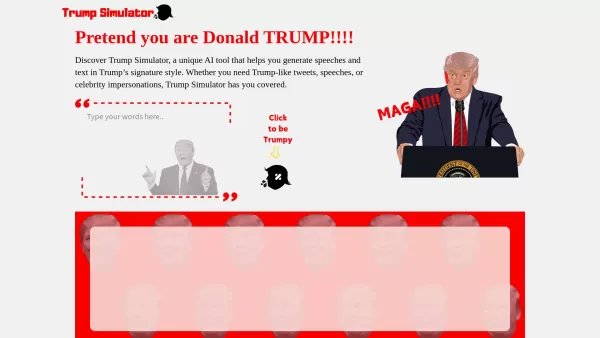
Ever wondered what it would be like to channel the unique flair of Donald Trump in your own words? Enter the Trump Simulator—an AI tool that's all about capturing the essence of Trump's distinctive style in speeches, tweets, and dialogues. It's like
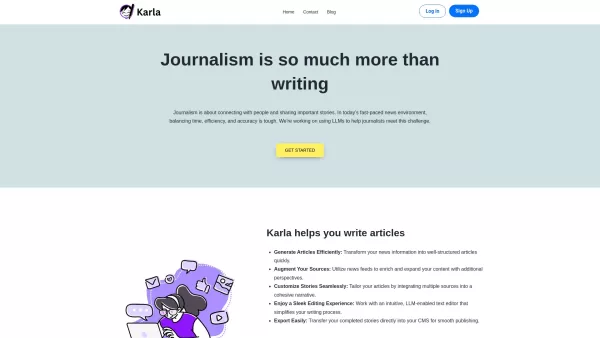
If you're a journalist navigating the fast-paced world of news, Karla might just be your new best friend. This nifty text editor is designed to take the chaos of raw information and mold it into beautifully structured articles, all thanks to the power of
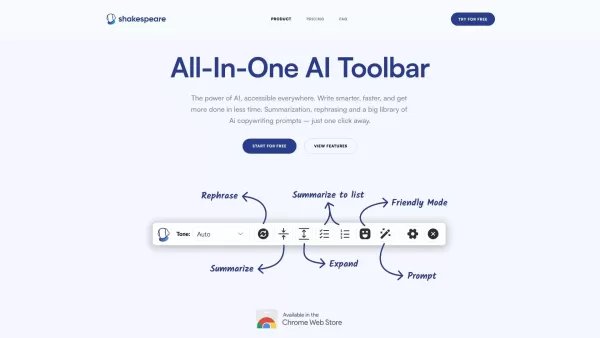
What is the Shakespeare AI Writing Toolbar?The Shakespeare Toolbar is a Chrome extension powered by AI that enhances your writing efficiency and quality. It provides tools for summarization, rewording, and other functions, helping you generate excell
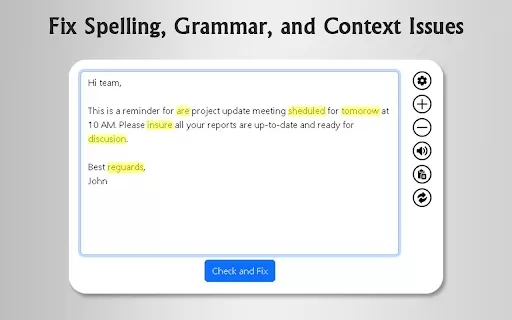
What is GrammFix?GrammFix is a cutting-edge browser extension that helps users elevate their writing. Leveraging advanced AI, it instantly identifies and fixes grammar, spelling, and punctuation errors. Ideal for students, professionals, and anyone l
Ever found yourself staring at a blank screen, unsure of how to make your words sparkle? Well, let me introduce you to the Mita Writing Cat AI Chrome Extension, a nifty little tool that's like having a personal writing coach right in your browser. It's de
TextAIssist - AI Writing and Grammar Tool Product Information
What Is TextAissist? – The AI Writing and Grammar Tool
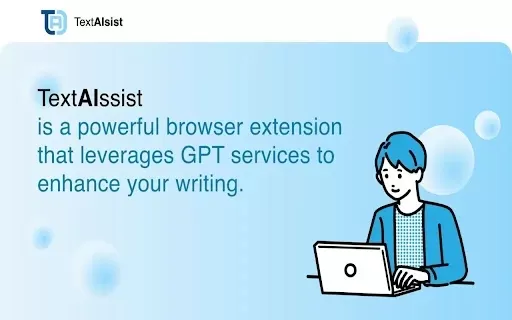
TextAissist is a cutting-edge AI writing assistant that simplifies and streamlines your writing process. It detects and corrects grammar errors and adjusts the tone of your messages, helping you effortlessly improve the quality of emails, reports, and other documents. Whether you need a formal tone for a business email or a casual style for personal notes, TextAissist has you covered. Boost your writing efficiency and effectiveness instantly, so you can focus on your content without worrying about mistakes or tone mismatches.
Who Uses TextAissist? – The AI Writing and Grammar Tool
- Professionals
- Students
- Writers
- Marketers
- Business Owners
How to Use TextAissist – The AI Writing and Grammar Tool
- Step 1: Install the TextAissist extension from the Chrome Web Store.
- Step 2: Open your email or document editor where you want to write.
- Step 3: Type your message or content in the text area.
- Step 4: Click the TextAissist icon to check for grammar errors and tone.
- Step 5: Review suggested corrections and apply them with one click.
Platform
- Web
- Chrome
TextAissist – AI Writing and Grammar Tool's Core Features & Benefits
The Core Features
- Grammar Correction
- Tone Adjustment
- One-Click Editing
The Benefits
- Enhances Writing Clarity
- Saves Time on Edits
- Improves Communication Professionalism
TextAissist – AI Writing and Grammar Tool's Main Use Cases & Applications
- Writing Professional Emails
- Creating Reports
- Composing Content for Social Media
- Drafting Personal Messages
FAQs About TextAissist – AI Writing and Grammar Tool
What Does TextAissist Do?
TextAissist enhances your writing by correcting grammar and adjusting tone.
Is TextAissist Free?
TextAissist offers a free version with limited features.
Can I Use TextAissist Offline?
No, TextAissist requires an internet connection to function.
How Do I Install TextAissist?
You can install it from the Chrome Web Store.
What Browsers Support TextAissist?
TextAissist is specifically designed for Google Chrome.
Can I Use TextAissist on Mobile?
Currently, TextAissist is available only on the Chrome browser for desktop.
What Types of Content Can I Improve with TextAissist?
You can use TextAissist for emails, reports, and general text writing.
Does TextAissist Store My Data?
TextAissist does not store your personal writing data.
Can TextAissist Help with Creative Writing?
Yes, it can assist in polishing creative writing projects.
Is There a Limit on Corrections?
No, you can use TextAissist for multiple corrections as needed.
TextAissist – AI Writing and Grammar Tool Company Information
- TextAissist
- https://www.textaissist.com
TextAIssist - AI Writing and Grammar Tool Screenshot
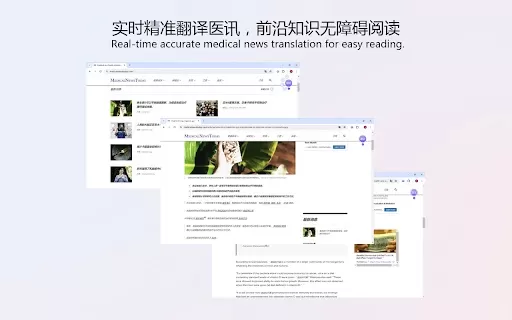
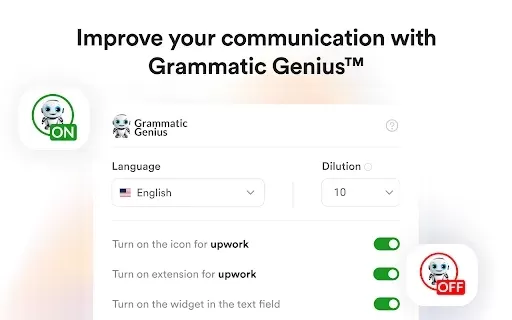
2026 Latest Best Canva AI Brand Kit Assistants for Social Creatives, Decks, and Campaign Assets! This curated top-rated list features powerful game-changing tools that help social creatives streamline content creation, boost writing efficiency, and produce high-quality assets fast through real-world tests. XIX.AI offers a free vs paid comparison to help you find the perfect fit. Explore now to unlock your AI edge!
 12 tools
 xix.ai
2026 Latest Best AI Integration Tools for No Code Automation Teams are here on XIX.AI! This curated list features top-rated, powerful solutions that help teams streamline workflows, boost productivity, and tackle complex automation tasks with ease. We conduct real-world tests to deliver accurate rankings and a free vs paid comparison, making it simple to find the must-try option that fits your needs. Explore now to uncover your perfect tool for seamless no code integration!
8 tools
xix.ai
2026 Latest Best Top-rated AI screen recording editors curated by XIX.AI for product demos, walkthroughs, and training clips. These powerful game-changing tools offer real-world tests, free vs paid comparison, and weekly updated rankings to help you boost productivity significantly. Explore now to Discover your perfect tool for streamlining creative workflows! 238 characters
10 tools
xix.ai
2026 Latest Best Top-rated AI screen recording editors for product demo videos are here on XIX.AI! This curated list features powerful, game-changing tools that help you create professional-quality demos fast, boost writing efficiency, and deliver seamless results. Get a free vs paid comparison, see real-world tests, and check our updated weekly rankings. Explore now to discover your perfect tool and unlock your AI edge!
9 tools
xix.ai

2026 Latest Best Top-Rated AI Logo Drafting Tools for Early Brand Concepts! This curated list features powerful game-changing solutions that help entrepreneurs and creatives quickly create professional logo designs, boost branding efficiency, and stay ahead in the competitive market. XIX.AI offers a free vs paid comparison along with real-world tests and weekly updated rankings to help you find the perfect tool. Explore now to Unlock your AI edge!
9 tools
xix.ai

2026 Latest Best Top-Rated AI Short-Form Video Hook Generators for Reels and Shorts are here on XIX.AI! This curated collection features powerful, game-changing tools that go through rigorous real-world tests to deliver must-try content ideas fast. You’ll also find a detailed free vs paid comparison along with updated weekly rankings. Explore now to discover your perfect tool and boost your creativity instantly!
10 tools
xix.ai


