


 Home
HomeScribens : correcteur d'orthographe puissant



Helps TikTok sellers, brands, MCNs, and TAPs discover winning products and find creators.

HelpLook is an AI-powered all-in-one knowledge base tool that helps businesses quickly build knowledge bases, help centers, and...

Your AI Workspace

302.AI is an enterprise-grade AI resource platform with pay-as-you-go pricing, API access to a full range of AI models, and ready-to-use online applications.

剧火AI — AI Screenwriter + Director, a One-Person Short Drama Studio In one sentence, what is it?

Ever wondered how to get a leg up in *Call of Duty: Mobile*? Well, redeem codes are your golden ticket to a whole bunch of in-game goodies. These codes can give you a sweet boost to your Weapon XP or Battle Pass XP, making it a breeze to level up your arsenal and unlock those coveted new weapons, at
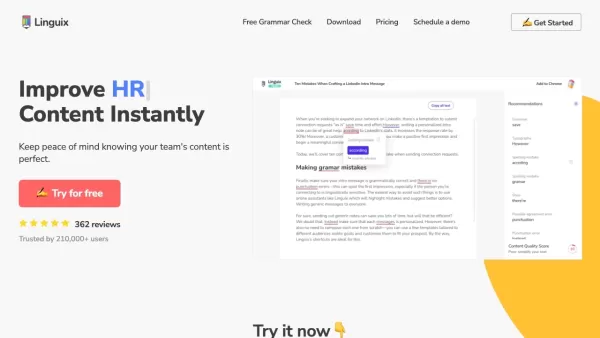
Ever find yourself staring at a blank screen, trying to craft the perfect email or nail that final paper? Enter Linguix, your new best friend in the world of writing. This free writing assistant isn't just another tool; it's like having a personal ed
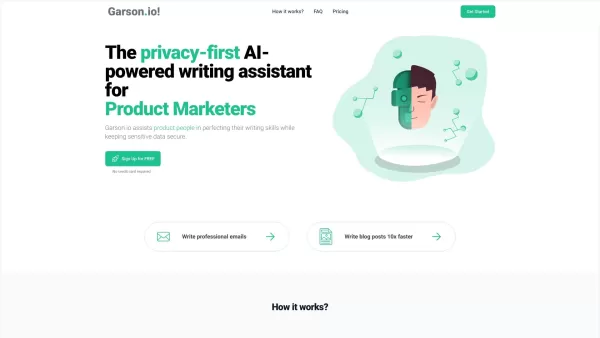
What is Garson.io? Garson.io offers a secure AI writing assistant specifically crafted for professionals who prioritize data privacy. This intelligent tool enhances your writing quality while maintaining strict confidentiality over sensitive informat

What is the You.com AI Chrome Extension? You.com is a private, personalized AI chatbot and search engine that delivers direct answers, summarizes content, composes emails, writes code, and more. It features a conversational interface for faster resul
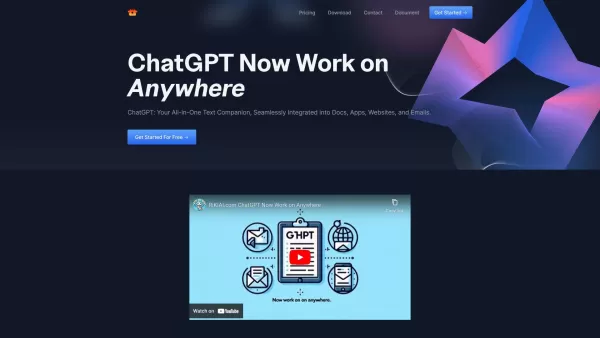
Riki AI is a game-changing tool designed to bring the power of ChatGPT directly into your workflow, no matter where you are or what you’re doing. Imagine having a personal assistant that helps you write, edit, summarize, translate, and even debug—all at t
Scribens : correcteur d'orthographe puissant Product Information
What Is Scribens: A Powerful Spelling and Grammar Checker?
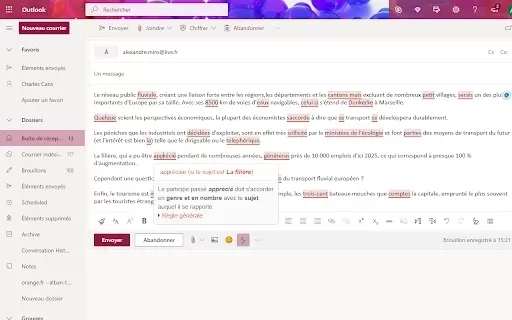
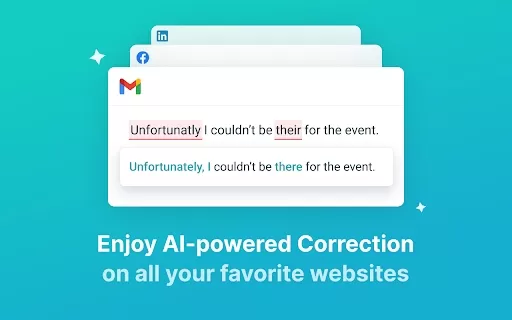
Scribens is a comprehensive tool that corrects over 250 types of spelling and grammar errors, including verbs, nouns, pronouns, punctuation, and more. With its intuitive interface, it provides real-time error detection and clear explanations, helping users write with confidence. Available as both a web application and a browser extension, Scribens works seamlessly across emails, documents, and social media platforms.
Who Will Use Scribens: A Powerful Spelling and Grammar Checker?
- Students
- Professionals
- Writers
- Teachers
- Anyone looking to improve their writing skills
How to Use Scribens: A Powerful Spelling and Grammar Checker
- Step 1: Install the Scribens extension on your browser.
- Step 2: Open the document or text you want to check for errors.
- Step 3: Write or paste your text into the provided space.
- Step 4: Review highlighted mistakes and suggestions.
- Step 5: Click on the suggestions to apply corrections.
Platform
- Web
- Windows
- iOS
- Android
- Chrome
Scribens: A Powerful Spelling and Grammar Checker's Core Features & Benefits
The Core Features
- Real-time Grammar and Spelling Checks
- Detailed Explanations for Errors
- Compatibility with Multiple Platforms
- User-friendly Interface
- Support for Both English and French Languages
The Benefits
- Enhances Writing Quality
- Improves Understanding of Grammar Rules
- Saves Time on Editing
- Boosts Confidence in Writing Skills
Scribens: A Powerful Spelling and Grammar Checker's Main Use Cases & Applications
- Editing Academic Papers
- Proofreading Business Emails
- Writing Social Media Posts
- Creating Blog Content
FAQs of Scribens: A Powerful Spelling and Grammar Checker
Can I Use Scribens Offline?
No, Scribens requires an internet connection to access its features.
What Types of Mistakes Can Scribens Correct?
Scribens can correct over 250 types of mistakes, including spelling, grammar, punctuation, and style errors.
Is Scribens Available in Multiple Languages?
Yes, Scribens supports both English and French.
Can I Use Scribens for Free?
Yes, Scribens offers a free version with all basic features.
What Platforms Support Scribens?
Scribens is available on Web, Chrome, Android, iOS, and Windows.
Is There a Mobile App for Scribens?
Yes, Scribens has mobile applications available for both Android and iOS.
How Does Scribens Help Improve My Writing?
Scribens provides real-time corrections and detailed explanations to help users understand and learn from their mistakes.
Does Scribens Offer a Premium Version?
Yes, there is a premium version that offers additional features.
How Do I Install the Scribens Extension?
You can easily install the Scribens extension through the Chrome Web Store.
Can Scribens Check My Texts on Social Media?
Yes, Scribens can check texts in various applications including social media platforms.
Scribens: A Powerful Spelling and Grammar Checker Company Information
Website:
https://www.scribens.comCompany Name:
ScribensSupport Email:
Facebook:
N/AX(Twitter):
N/AYouTube:
N/AInstagram:
N/ATiktok:
N/ALinkedIn:
N/A
Scribens : correcteur d'orthographe puissant Screenshot


2026 Latest Best Top-Rated AI Manga Layout Tools for Webtoon Creators! XIX.AI has curated a powerful, game-changing collection of must-try tools that go through rigorous real-world tests. You’ll find detailed weekly updated rankings, free vs paid comparison info, and insights on how these tools can boost your workflow, help you create high-quality content faster, and unlock your full creative potential. Explore now to discover your perfect tool!
 9 tools
 xix.ai

2026 Latest Best AI Dashboard Wireframing Tools for B2B SaaS, Admin Panels, and Data-Heavy Products! XIX.AI has curated a top-rated list of powerful game-changing tools that go through rigorous real-world tests to deliver exceptional results. You’ll find detailed free vs paid comparison data, comprehensive rankings, and useful insights to help you choose the perfect solution for boosting productivity and streamlining your workflow. Explore now to unlock your AI edge!
8 tools
xix.ai

2026 Latest Best AI Sleep Insight Tools for Better Recovery Habits are here on XIX.AI! This curated list features top-rated, powerful solutions that offer real-world tests and weekly updated rankings. You’ll find a free vs paid comparison to help you choose the must-try option that boosts productivity and helps you build consistent recovery habits. Explore now to unlock your AI edge!
7 tools
xix.ai
2026 Latest Best Top-rated AI Research Assistants for Streamlining Literature Reviews and Citation Tracking. XIX.AI curates a powerful game-changing selection, backed by rigorous real-world tests and weekly updated rankings. You’ll find must-try options that boost productivity significantly, helping you overcome research bottlenecks faster. Explore now to discover your perfect tool and unlock your AI edge in academic work.
10 tools
xix.ai

2026 Latest Best Top-Rated AI meal planning apps for building smarter nutrition routines. This curated list includes powerful tools that offer real-world tests and weekly updated rankings. You can find a free vs paid comparison to help you choose the must-try solution that boosts productivity and helps you create balanced meals effortlessly. Explore now at XIX.AI to unlock your AI edge.
12 tools
xix.ai

2026 Latest Top-rated AI SEO Auditors for Small Teams are here on XIX.AI! Our curated list features powerful tools that help you fix hidden issues fast, boost your rankings, and save time. Get a free vs paid comparison along with real-world tests to choose the best option for your needs. Explore now to Discover your perfect tool and Unlock your AI edge.
11 tools
xix.ai


