


 Home
HomeRetroFix - AI Photo Restore & Color Tool
AI Photo Restoration - RetroFix



Helps TikTok sellers, brands, MCNs, and TAPs discover winning products and find creators.

HelpLook is an AI-powered all-in-one knowledge base tool that helps businesses quickly build knowledge bases, help centers, and...

Your AI Workspace

302.AI is an enterprise-grade AI resource platform with pay-as-you-go pricing, API access to a full range of AI models, and ready-to-use online applications.

剧火AI — AI Screenwriter + Director, a One-Person Short Drama Studio In one sentence, what is it?
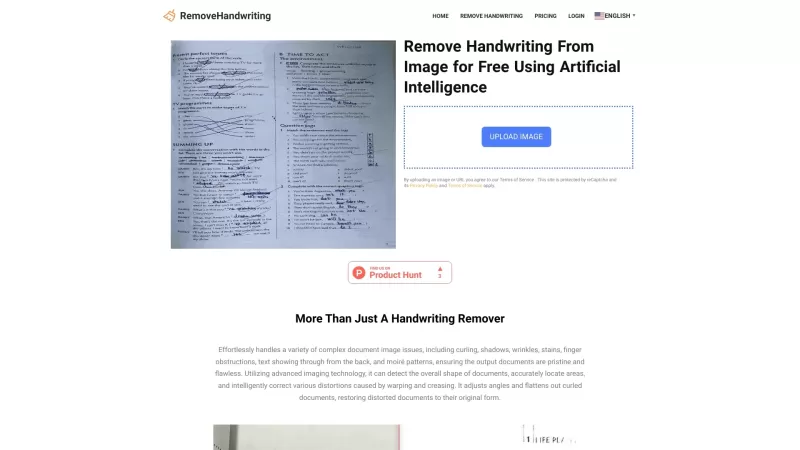
What is RemoveHandwriting?RemoveHandwriting is an innovative online AI tool designed to effortlessly remove handwriting from images and PDFs. It's like having a magic eraser for your documents, making them look clean and professional in no time!How to Use RemoveHandwriting?Using RemoveHandwriting is
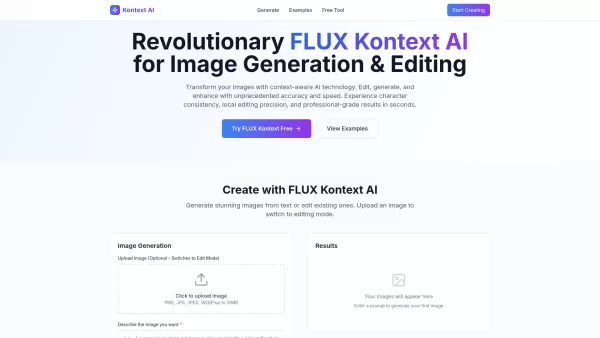
What is Kontext AI? Kontext AI is a cutting-edge, free image generation and editing tool powered by FLUX Kontext technology. It uses context-aware artificial intelligence to produce, alter, and improve images with remarkable speed and precision. The
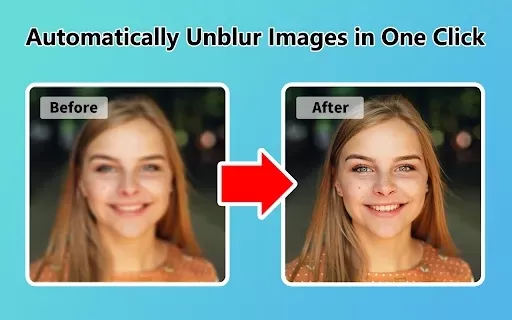
What is Unblur Image?Unblur Image is a smart Chrome extension that automatically sharpens blurry images. Leveraging advanced AI, it precisely identifies and corrects blurry sections in your photos, only enhancing the affected areas. Whether you're wo
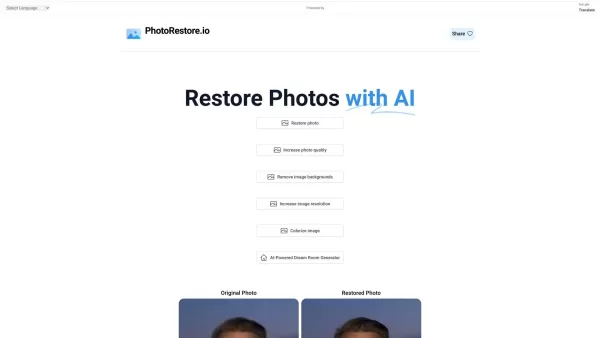
What is Photo Restore?PhotoRestore.io provides a specialized, free AI photo restoration service dedicated to reviving old, blurry, or damaged photographs. Utilizing advanced artificial intelligence, it repairs fading, enhances clarity, and improves o

Ever wished you could transform your old, pixelated photos into crisp, stunning 4K masterpieces? Well, that's where the 4K AI Upscaler comes into play! This nifty online tool harnesses the power of advanced AI technology to breathe new life into your imag
RetroFix - AI Photo Restore & Color Tool Product Information
What is RetroFix - AI Photo Restore & Color Tool?
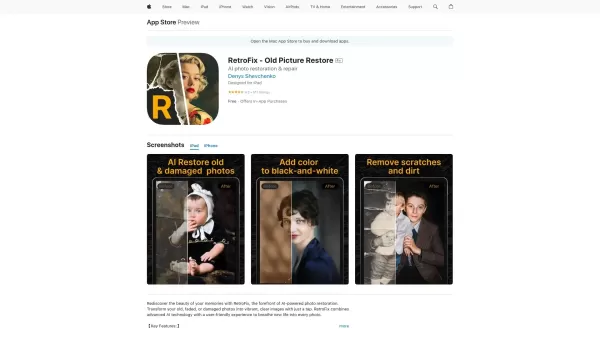
RetroFix employs cutting-edge AI to revive old, faded, or damaged photographs, transforming them into vibrant, high-quality images. Its suite of tools—including blur reduction, intelligent colorization, and precision adjustments for light and sharpness—simplifies the restoration process. It's ideal for correcting underexposed shots, eliminating scratches, and bringing black-and-white photos to life with color. Delivering instant results, RetroFix combines powerful functionality with an intuitive, efficient user experience, perfect for preserving and enhancing your valued memories.
Who is RetroFix - AI Photo Restore & Color Tool for?
- Photography enthusiasts
- Historians and archivists
- Families preserving old photo albums
- Professional artists and photo restoration specialists
How to use RetroFix - AI Photo Restore & Color Tool
- Step 1: Download RetroFix from the App Store.
- Step 2: Launch the app and upload your old photograph.
- Step 3: Apply the AI tools to restore, colorize, and enhance your image.
- Step 4: Save and share your newly restored photo.
Platform
- macOS
- iOS
RetroFix - AI Photo Restore & Color Tool's Core Features & Benefits
The Core Features
- AI-Powered Photo Restoration
- Smart Old Photo Colorizer
- Repair and Enhancement Tools
- Scratch & Damage Removal
The Benefits
- Instant photo transformation
- User-friendly, intuitive interface
- Comprehensive restoration capabilities
- Fast and straightforward operation
RetroFix - AI Photo Restore & Color Tool's Main Use Cases & Applications
- Restoring and preserving family photo albums
- Colorizing historical black-and-white imagery
- Enhancing image clarity for professional or personal projects
- Repairing scratched or physically damaged photographs
FAQs of RetroFix - AI Photo Restore & Color Tool
What types of photos can RetroFix restore?
RetroFix can restore a wide range of photos, including old, faded, damaged, and black-and-white images.
Is RetroFix easy to use?
Absolutely. RetroFix features a user-friendly interface and delivers instant, visible results.
What platforms is RetroFix available on?
RetroFix is available for iOS and macOS devices.
Can RetroFix colorize black-and-white photos?
Yes. Its dedicated colorizer tool adds realistic, vibrant colors to black-and-white pictures.
Does RetroFix offer in-app purchases?
Yes, RetroFix provides various in-app purchase options to unlock advanced features.
Can RetroFix remove scratches from photos?
Yes, RetroFix includes specialized tools to effectively remove scratches and repair other types of damage.
How immediate are the restoration results?
RetroFix provides instant results, allowing you to see improvements in real-time.
What are the key benefits of using RetroFix?
Key benefits include advanced AI-driven restoration, exceptional ease of use, instant outcomes, and a comprehensive set of repair tools.
Can RetroFix improve underexposed photos?
Yes, RetroFix contains tools specifically designed to adjust lighting and enhance the quality of underexposed photos.
Is there a free version available?
Yes, a free version of RetroFix with basic features is available.
RetroFix - AI Photo Restore & Color Tool Company Information
- Denys Shevchenko
- https://retrofix.app
RetroFix - AI Photo Restore & Color Tool Screenshot
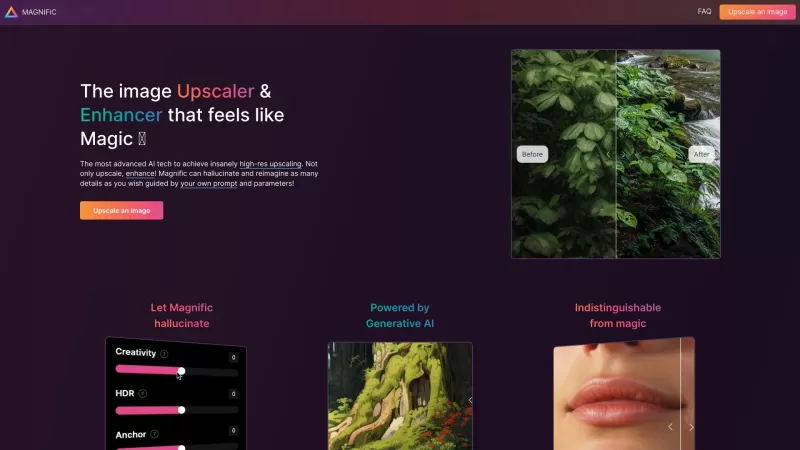
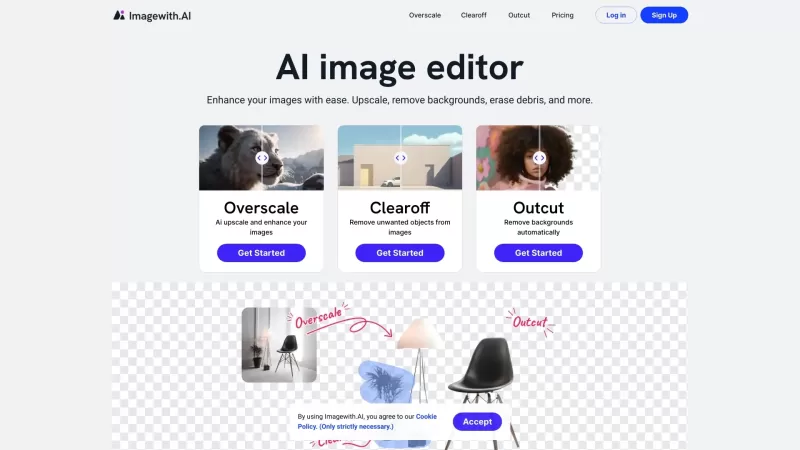
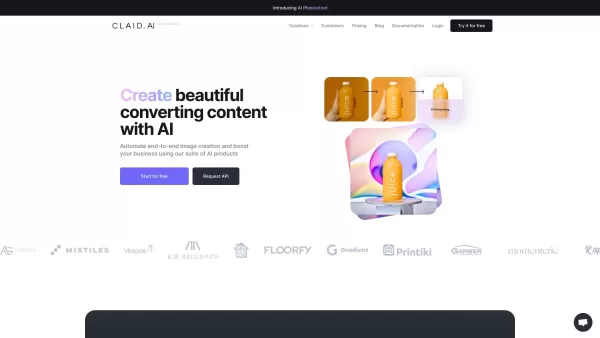
2026 Latest Top-Rated Best AI Image Restoration Tools for Fixing Blur, Noise, and Old Photo Damage. This curated list features powerful game-changing solutions that go through rigorous real-world tests to deliver outstanding results. XIX.AI provides a free vs paid comparison to help you choose the perfect option for your needs. Explore now to Discover your perfect tool for restoring damaged photos instantly and Unlock your AI edge in creative work.
 9 tools
 xix.ai


