


 Home
HomePixwit



Helps TikTok sellers, brands, MCNs, and TAPs discover winning products and find creators.

HelpLook is an AI-powered all-in-one knowledge base tool that helps businesses quickly build knowledge bases, help centers, and...

Your AI Workspace

302.AI is an enterprise-grade AI resource platform with pay-as-you-go pricing, API access to a full range of AI models, and ready-to-use online applications.

剧火AI — AI Screenwriter + Director, a One-Person Short Drama Studio In one sentence, what is it?
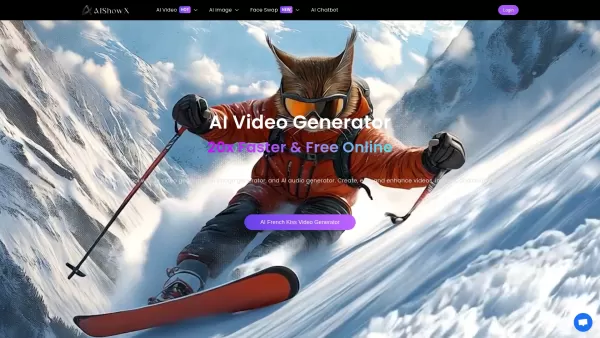
What is AIShowX?AIShowX represents the next generation of creative tools - a comprehensive online platform powered by artificial intelligence that empowers anyone to produce professional-quality videos, images, and audio content with remarkable ease.
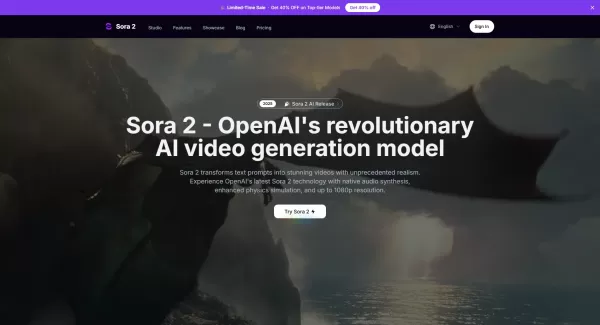
What is Sora 2 Video Generator?Sora 2 is an advanced AI video generation service built on OpenAI's Sora 2 model. It transforms text prompts and optional reference images into realistic short videos, typically lasting up to 20 seconds. Key features in
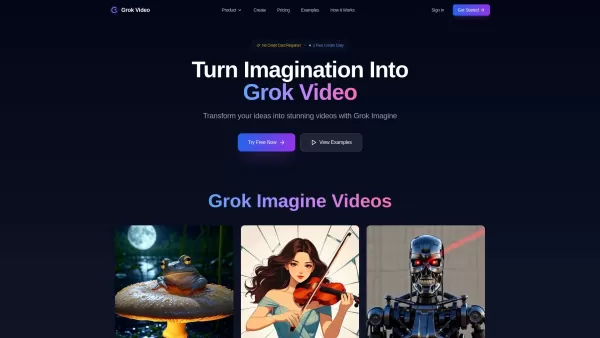
What is Grok Video AI? Grok Video AI revolutionizes content creation by transforming simple inputs into professional-quality videos. This cutting-edge platform leverages artificial intelligence to convert text descriptions and static images into dyn
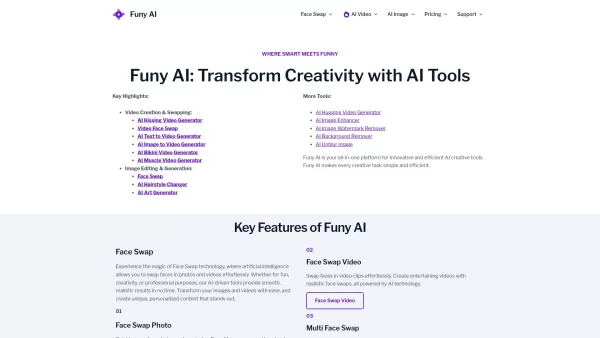
Welcome to the world of Funy AI—a playground for creators where imagination meets innovation. Whether you're looking to craft an AI kissing video, experiment with face swapping, or transform static images into dynamic stories, Funy AI has got you covered.
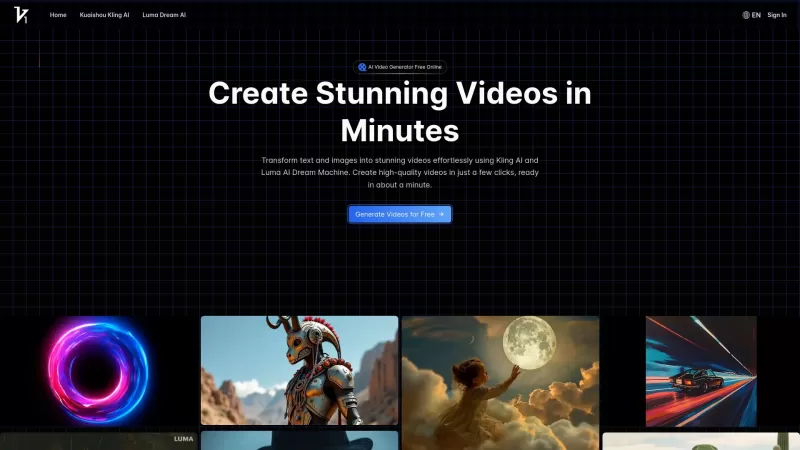
Vidful.ai is a game-changer for anyone looking to create engaging videos without breaking a sweat. This AI-powered platform is like your personal video wizard, turning your text and images into dynamic, professional-looking videos in no time. Whether you'
Pixwit Product Information
What is Pixwit?
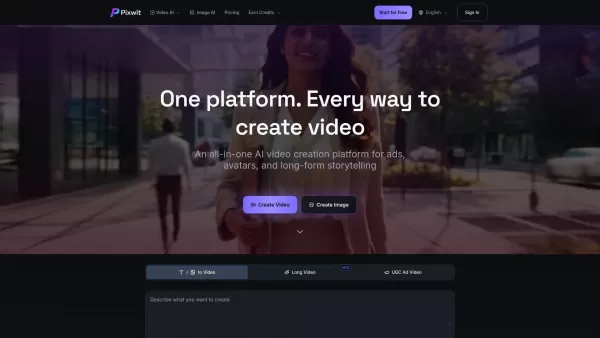
Pixwit.ai is the ultimate all-in-one AI video creation platform. This powerful, browser-based AI video generation tool transforms how creators bring their ideas to life. Designed for everyone—from social media influencers and marketers to educators, storytellers, and businesses—Pixwit combines cutting-edge artificial intelligence with an intuitive workflow. It turns text, images, and simple prompts into high-quality, professional videos in minutes.
How to use Pixwit?
Pixwit.ai is a powerful AI-powered video creation platform that makes it easy to produce stunning videos from text, images, and avatars. With its user-friendly interface and advanced AI tools, Pixwit helps creators of all skill levels generate professional-quality content in minutes. Follow these steps to use the platform effectively:
Step 1: Sign Up and Log In
Visit Pixwit.ai to create an account. After signing up, log into your dashboard. You’ll receive free credits to explore and test the platform.
Step 2: Choose Your Project Type
Pixwit offers multiple video generation options:
Text to Video: Enter a script or describe your scene, and Pixwit’s AI will create a fully-rendered video with matching visuals. Customize scene transitions and layout as needed.
Image to Video: Upload an image, and Pixwit will animate it into a dynamic video with cinematic transitions and effects. Great for product promos or animated visuals.
AI Avatar Videos: Upload a portrait or selfie to create a talking avatar. Select a voice, and the AI will sync lip movements for realistic results. Ideal for personal branding, explainer videos, or digital spokespeople.
Long-Form Video Creation: Build multi-scene videos with personalized characters, smooth transitions, and interactive scene flows for storytelling.
UGC Ad and Social Video Generator: Quickly generate platform-optimized social media videos for Instagram, TikTok, YouTube, and more, in multiple aspect ratios.
Step 3: Customize Your Content
After selecting your project type, personalize your video with these options:
Scene Settings: Adjust video length, style, and layout.
Text Customization: Add or modify text, change fonts, and update on-screen messages.
Aspect Ratio: Choose the right ratio for your platform (e.g., 16:9 for YouTube, 1:1 for Instagram).
Step 4: Add Music or Voiceover (AI Avatar Only)
For AI Avatar Videos, select from AI-generated voice options and add background music. Note: Music and voiceovers are only available for this video type.
Step 5: Generate and Preview Your Video
Click Generate to let the AI process your video. This usually takes just a few minutes. Preview the result to ensure it meets your expectations.
Step 6: Download or Share
Once satisfied, download your video in MP4, MOV, or other formats. All videos are watermark-free and ready for professional or social media use.
Why Choose Pixwit.ai?
Pixwit.ai simplifies video creation with AI-powered tools, including Text to Video, Image to Video, Long-Form Video, and AI Avatar Videos. Customize text, layout, and duration, and enjoy fast generation with watermark-free output. It’s a versatile platform that saves time while offering creative freedom.
Pixwit's Core Features
Text to Video
Image to Video
UGC Ad Video
Long Video
Start-End Image to Video
Reference Image to Video
AI Avatar Video
AI Image Generator
Pixwit's Use Cases
Social Media Influencers and Content Creators
Use Case: Quick Social Media Videos
Social media influencers can use Pixwit.ai to create engaging, high-quality videos for platforms like Instagram, TikTok, and YouTube. With Text to Video, they can turn trending topics or personal stories into captivating content without complex editing. Quickly produce UGC-style videos with smooth transitions and dynamic visuals optimized for social media.
Example: An influencer writes a short script for a product review, and Pixwit generates a video with matching visuals. They can share it on Instagram or TikTok to engage their audience with minimal effort.
Digital Marketers and Advertisers
Use Case: Ad Campaigns and Promotional Videos
Marketers can efficiently produce video ads for paid campaigns across social and digital platforms. Using Image to Video and Text to Video, they generate attention-grabbing ads in various aspect ratios, tailored for Facebook, Instagram, and YouTube.
Example: A digital marketer uses Text to Video to create promotional content for a limited-time offer, pairing a product description with relevant visuals and a call to action. The final video can be used in Instagram Stories or Facebook Ads.
Educators and Trainers
Use Case: Educational Videos and Tutorials
Educators can turn lecture notes and lesson plans into visual content that enhances learning. By creating Long-Form Videos or using Text to Video and Image to Video, teachers break down complex topics into engaging, digestible videos.
Example: A teacher inputs key points about the water cycle into Text to Video, and Pixwit generates an animated video explaining the process, making the lesson more engaging for students.
Businesses and Corporate Marketing Teams
Use Case: Brand Storytelling and Corporate Videos
Businesses use Pixwit.ai for corporate videos, brand stories, and internal training. The Long-Form Video feature lets teams create detailed, multi-scene videos that showcase products or tell the company’s story. AI avatars can serve as virtual spokespeople for customer service or brand videos.
Example: A company launching a new product uses Text to Video to create an explainer video with company branding in minutes. They can also make AI Avatar Videos for customer support, where a digital avatar explains FAQs.
Real Estate Agents and Agencies
Use Case: Property Tours and Virtual Showcases
Real estate agents create virtual property tours by uploading high-quality images and turning them into Image to Video animations. This provides an interactive way for potential buyers to explore properties.
Example: An agent uploads house images, and Pixwit animates them into a dynamic tour with smooth transitions, showing different rooms and exterior shots. The video can be shared on listings or social media to attract buyers.
Small Business Owners and E-commerce Stores
Use Case: Product Demonstrations and Marketing Videos
Small businesses quickly create product demonstration videos using Text to Video. Describe key features, and Pixwit generates a polished video for websites, online stores, or social media.
Example: A kitchen gadget seller inputs a product description, and Pixwit creates a video highlighting features and demonstrating use. This video can be added to their online store or used in Facebook ads to boost sales.
Event Planners and Conference Organizers
Use Case: Promotional Videos for Events
Event planners generate promotional videos for conferences, workshops, and expos using Text to Video. Create event teasers, countdowns, or highlight reels to promote or recap events.
Example: An organizer inputs event details like speaker names and topics into Text to Video, and Pixwit generates an engaging video for email newsletters, social media, and the event website.
Personal Branding and Influencer Marketing
Use Case: Personal Branding with AI Avatars
Influencers and personal brands use AI Avatar Videos to create unique content without being on camera. Upload a photo to create a digital avatar that represents them in videos.
Example: A lifestyle influencer uploads a selfie, and Pixwit generates a talking avatar that shares motivational quotes, product reviews, or updates in the influencer’s voice, strengthening brand identity.
FAQ from Pixwit
What is Pixwit and how does it work?
Pixwit is an AI-powered tool that converts text or images into stunning video artworks. Using advanced AI models, it brings your creative ideas to life effortlessly.
What AI models are supported?
Pixwit supports several advanced AI models, including Kling V2.5, Wan 2.5, Sora 2, Sora 2 Pro, Veo 3.1 (Quality & Fast), Runway Gen 3, and SeeDance V1. Each model offers unique strengths in quality, speed, or visual style to meet your needs.
Pixwit Support Email & Customer service contact & Refund contact etc.
For customer service, contact Pixwit support at: [email protected]. For more contact options, visit the contact us page.
Pixwit Company
Pixwit Company name: Pixwit.
Pixwit Company address: .
Learn more about Pixwit on the about us page.
Pixwit Login
Pixwit Login Link: https://pixwit.ai/
Pixwit Sign up
Pixwit Sign up Link:
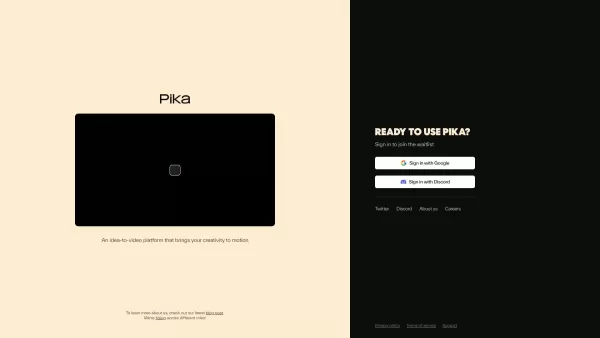
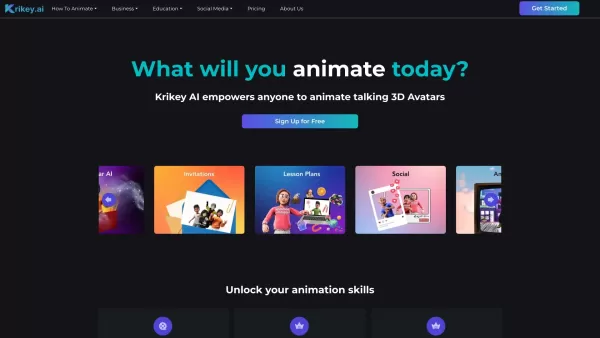
Pixwit Screenshot

2026 Latest Top-rated AI Illustration Tools: Our curated list features the best powerfully designed tools for creating stunning editorial scenes and eye-catching cover art quickly. Each option has gone through rigorous real-world tests, offering a free vs paid comparison to help you find the perfect match for your workflow. Try these must-try solutions today to unlock your AI edge and boost your creative productivity. Explore now at XIX.AI.
 10 tools
 xix.ai

2026 Latest Top-Rated Best AI Tutors for Exam Prep are here on XIX.AI! Our curated list features powerful game-changing tools that offer free vs paid comparison, real-world tests, and weekly updated rankings. They help boost your writing efficiency, simplify complex topic learning, and unlock your academic potential. Explore now to Discover your perfect exam prep tool and Start creating today to Unlock your AI edge!
10 tools
xix.ai

2026 Latest Best Top-Rated AI Budget Planning Tools for Personal Money Management are here on XIX.AI! This curated collection features powerful, game-changing solutions that help you conduct real-world tests, understand spending habits, and create personalized plans to boost productivity. Enjoy a free vs paid comparison along with detailed rankings. Must-try tools designed to simplify money management and unlock your AI edge. Explore now!
11 tools
xix.ai

2026 Latest Best Top-Rated AI Sleep Tracking Assistants curated for ultimate recovery. This fully updated weekly guide features powerful tools that deliver real-world tests, free vs paid comparison, and detailed rankings to help you find the must-try solution that boosts sleep quality and supports better bedtime habits. Explore now at XIX.AI to Unlock your AI edge.
10 tools
xix.ai

2026 Latest Best Top-Rated AI SQL Copilots for Product and Revenue Analytics! XIX.AI has curated a powerful, game-changing collection of must-try tools that undergo real-world tests through weekly updated rankings. These tools help users boost productivity significantly by accelerating data analysis, streamlining complex queries, and generating accurate insights to drive smarter business decisions. Explore now to Discover your perfect tool for unlocking your AI edge!
14 tools
xix.ai

2026 Latest Best Top-Rated AI Homework Helpers That Teach Core Concepts Not Just Answers Powerful Tools for Students Must-Try Curated List Weekly Updated Free vs Paid Comparison Real-World Tests Accurate Rankings to Help You Unlock Your Full Learning Potential Explore now to Discover your perfect tool for smarter studying.
10 tools
xix.ai


