


 Home
HomePDF AI Sheet
PDF AI Sheets: Extract & Chat with PDF Data



Helps TikTok sellers, brands, MCNs, and TAPs discover winning products and find creators.

HelpLook is an AI-powered all-in-one knowledge base tool that helps businesses quickly build knowledge bases, help centers, and...

Your AI Workspace

302.AI is an enterprise-grade AI resource platform with pay-as-you-go pricing, API access to a full range of AI models, and ready-to-use online applications.

剧火AI — AI Screenwriter + Director, a One-Person Short Drama Studio In one sentence, what is it?
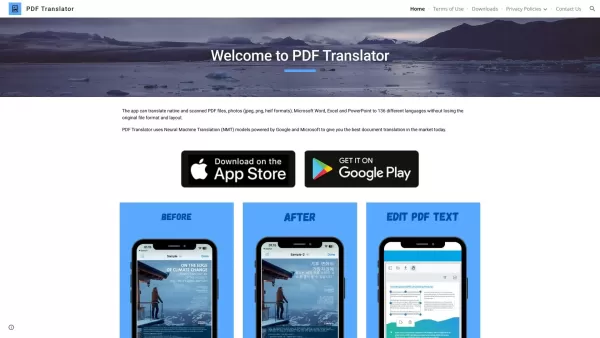
What is PDF Translator & Editor?PDF Translator & Editor is an all-in-one solution for translating and editing PDFs. It allows you to convert native PDFs, scanned files, and other formats like Word, Excel, PowerPoint, and images across 136 languages.

What is PDFY?PDFY.AI is an AI-powered application that allows users to interact with PDF files, websites, audio, and video content. It uses artificial intelligence to answer your questions, generate summaries, and pinpoint specific details within you
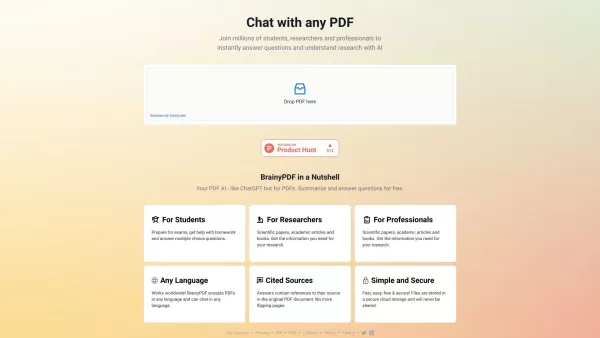
What is BrainyPDF?BrainyPDF is an AI-powered platform that enables users to ask questions and get detailed answers directly from any PDF. It includes intelligent features like context-aware text adjustments, AI-driven editing, and multi-language supp
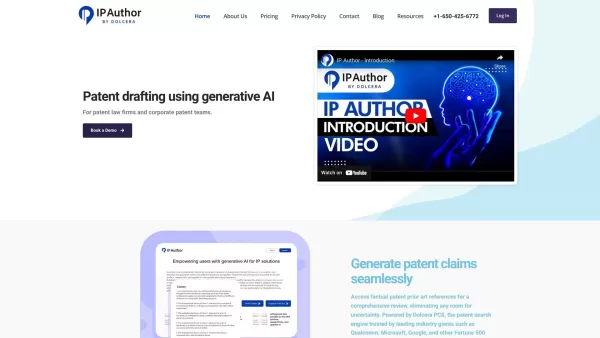
What is IP Author?IP Author is a specialized AI software platform designed for patent drafting. It employs sophisticated artificial intelligence to streamline the entire patent creation journey, from generating claims to conducting prior art searches
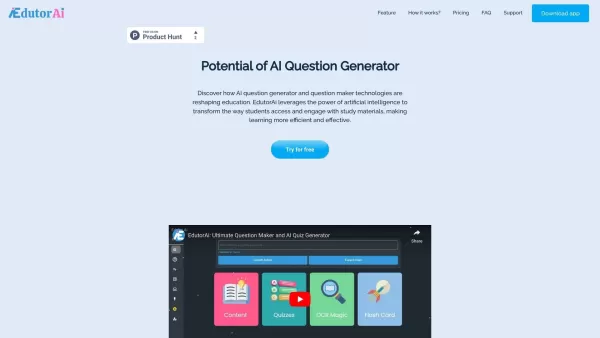
What is Edutor AI?EdutorAI is an AI-driven educational platform that delivers personalized learning experiences for students. It leverages sophisticated algorithms to adapt content according to individual learning styles and needs, enhancing the effi
PDF AI Sheet Product Information
What is PDF AI Sheet?
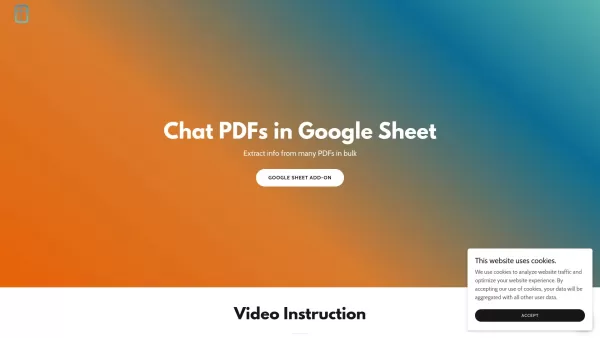
PDF AI Sheet is a Google Sheets add-on that enables bulk information extraction from multiple PDFs using artificial intelligence. By integrating this tool into Google Sheets, you can upload PDFs, generate unique PDF IDs, and use a custom formula to query and extract data. Ask questions about your documents and receive detailed answers with specific page references, making it an efficient solution for processing large document volumes.
Who uses PDF AI Sheet?
- Researchers
- Data Analysts
- Administrative Professionals
- Students
- Educators
How to use PDF AI Sheet?
- Step 1: Install the PDF AI Sheet add-on from the Google Workspace Marketplace.
- Step 2: Activate the add-on under 'Extensions' in a Google Sheet.
- Step 3: Upload your PDFs at https://capgo.ai/doc-at-scale to create PDF IDs.
- Step 4: Use the formula =ai_pdf(prompt, PDF_ID) to ask questions within your PDFs.
- Step 5: Drag the formula across cells to apply it to multiple PDFs simultaneously.
- Step 6: Append a '1' to the formula to include source page numbers in the results.
Platform
- Web
PDF AI Sheet's Core Features & Benefits
The Core Features
- Bulk PDF Data Extraction
- Custom Query Formula
- Google Sheets Integration
- Reference Page Numbers
The Benefits
- Boosts Productivity
- Streamlines Data Extraction
- Manages Multiple PDFs Effectively
- Delivers Detailed Information
PDF AI Sheet's Main Use Cases & Applications
- Academic Research
- Legal Document Analysis
- Business Reporting
- Document Management
- Content Analysis
PDF AI Sheet's Pros & Cons
The Pros
Allows for bulk PDF data extraction and querying directly within Google Sheets.
Uses AI-powered natural language queries to simplify interaction with document content.
Provides exact page number references for all extracted data points.
Available as a familiar Google Sheets add-on, ensuring an easy setup for users.
The Cons
Requires uploading documents to an external site for PDF ID generation, which could be a privacy consideration.
No GitHub repository or open-source information is publicly listed.
Exclusively for Google Sheets; it is not available as a standalone tool.
The website lacks detailed pricing information and structure.
PDF AI Sheet's Pricing
Has free plan | No |
|---|---|
Free trial details | |
Pricing model | |
Is credit card required | No |
Paid from | |
Has lifetime plan | No |
Billing frequency |
For the latest pricing, visit: https://pdfaisheet.com
FAQs of PDF AI Sheet
What is PDF AI Sheet?
PDF AI Sheet is a Google Sheets add-on that lets users extract and interact with data from multiple PDFs using AI.
How do I install the add-on?
Download the add-on from the Google Workspace Marketplace and enable it under 'Extensions' within Google Sheets.
How can I generate PDF IDs?
Upload your PDFs at https://capgo.ai/doc-at-scale to obtain their unique PDF IDs.
What formula do I use to ask questions to PDFs?
Utilize the formula =ai_pdf(prompt, PDF_ID) to query the content of your PDFs.
Can I handle multiple PDFs at once?
Absolutely. You can drag the formula to apply it across numerous PDFs for bulk processing.
How do I include reference page numbers in the output?
Include a '1' at the end of the formula like this: =ai_pdf(prompt, PDF_ID, 1) to get page number citations.
What kind of PDFs can I upload?
You can upload any standard PDF files for processing and ID generation.
Is there customer support if I need help?
Yes, contact support at [email protected] or send a direct message via the contact page.
Is the add-on free to use?
Refer to the Google Workspace Marketplace for current pricing and subscription models.
Where can I find more information?
Visit https://pdfaisheet.com for comprehensive details, video tutorials, and support resources.
PDF AI Sheet Company Information
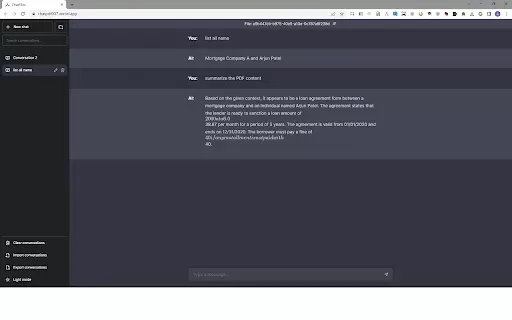
PDF AI Sheet Screenshot

2026 Latest Best Top-rated AI Outline Generators for Long-Form SEO Articles, Briefs, and Pillar Pages. XIX.AI curates a powerful game-changing collection that undergoes weekly updated real-world tests to deliver must-try tools perfect for boosting writing efficiency, streamlining content creation, and unlocking your AI edge. Explore now to discover your perfect tool for top SEO results.
 11 tools
 xix.ai

2026 Latest Best Top-Rated AI Voice-to-Minutes Assistants Guide! XIX.AI has curated a highly powerful, game-changing collection of tools designed to transform every team conversation into flawless, organized notes instantly. Our weekly updated rankings cover free vs paid options, along with real-world tests showing their effectiveness for boosting productivity across all work scenarios. Must-try for anyone looking to unlock their AI edge. Explore now!
9 tools
xix.ai

2026 Latest Best Top-Rated AI Lip-Sync Generators for Dialogue Scenes are here on XIX.AI! This curated collection features powerful, game-changing tools that deliver flawless synchronized lip movements for any script, boosting your video editing efficiency significantly. Enjoy a free vs paid comparison along with real-world tests and weekly updated rankings to help you find the must-try perfect fit. Explore now to unlock your AI edge!
8 tools
xix.ai
2026 Latest Best Top-Rated AI Prompt Optimizers Curated for Maximum Output Quality! XIX.AI delivers powerful game-changing solutions that help you refine instructions effortlessly, boost writing efficiency, and unlock higher-quality results every time. Get a free vs paid comparison along with real-world tests and weekly updated rankings. Explore now to Discover your perfect tool and Unlock your AI edge!
16 tools
xix.ai

2026 Latest Best Runway AI Motion Tools Top-rated curated powerful game-changing options for creating ad storyboards character scenes and visual prototypes through real-world tests Weekly updated free vs paid comparison rankings Help you boost productivity significantly Explore now
9 tools
xix.ai

2026 Latest Best Top-Rated AI Dataset Discovery Tools for Academic Projects! XIX.AI has curated a powerful, game-changing collection of highly reliable options, all going through strict real-world tests and updated weekly. You can find detailed free vs paid comparison info to help you pick the perfect tool that boosts your research efficiency and delivers top-quality results. Explore now to unlock your AI edge!
16 tools
xix.ai


