


 Home
HomeNano Photo



Helps TikTok sellers, brands, MCNs, and TAPs discover winning products and find creators.

HelpLook is an AI-powered all-in-one knowledge base tool that helps businesses quickly build knowledge bases, help centers, and...

Your AI Workspace

302.AI is an enterprise-grade AI resource platform with pay-as-you-go pricing, API access to a full range of AI models, and ready-to-use online applications.

剧火AI — AI Screenwriter + Director, a One-Person Short Drama Studio In one sentence, what is it?

What is AIShowX?AIShowX represents the next generation of creative tools - a comprehensive online platform powered by artificial intelligence that empowers anyone to produce professional-quality videos, images, and audio content with remarkable ease.
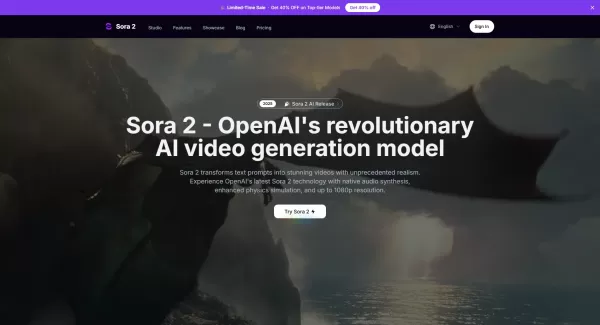
What is Sora 2 Video Generator?Sora 2 is an advanced AI video generation service built on OpenAI's Sora 2 model. It transforms text prompts and optional reference images into realistic short videos, typically lasting up to 20 seconds. Key features in
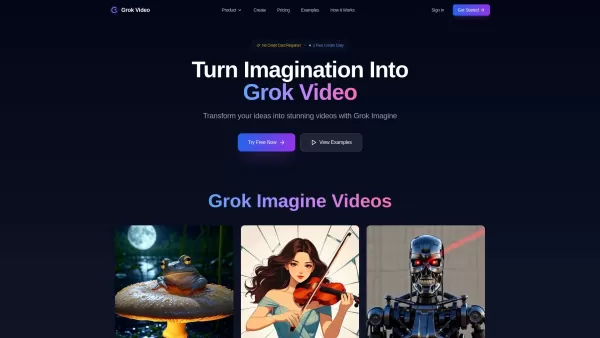
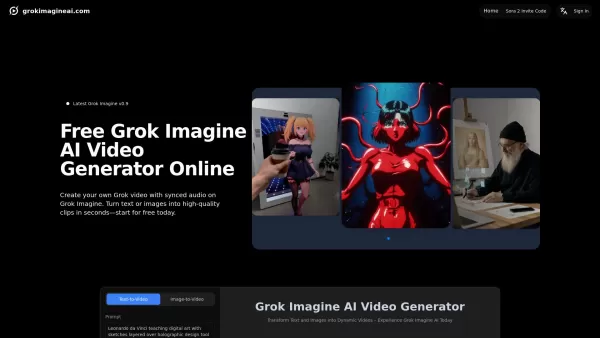
What is Grok Video AI? Grok Video AI revolutionizes content creation by transforming simple inputs into professional-quality videos. This cutting-edge platform leverages artificial intelligence to convert text descriptions and static images into dyn
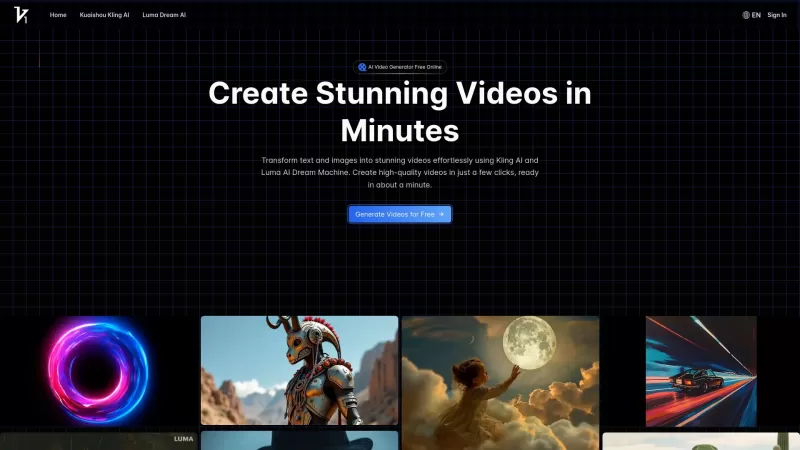
Vidful.ai is a game-changer for anyone looking to create engaging videos without breaking a sweat. This AI-powered platform is like your personal video wizard, turning your text and images into dynamic, professional-looking videos in no time. Whether you'
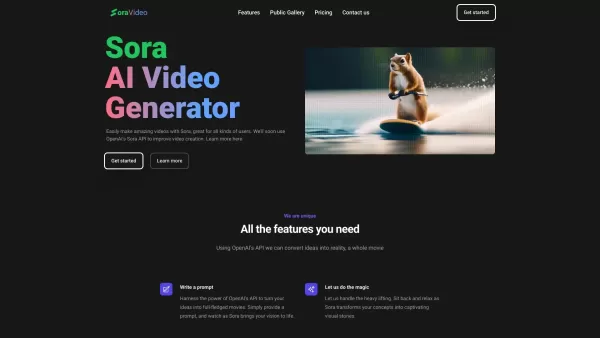
Ever wondered what Sora Video AI is all about? It's like having a magic wand for video creation! This tool, powered by OpenAI's official Sora technology, transforms your text into stunning videos with just a few clicks. Whether you're a creator, marketer,
Nano Photo Product Information
What is Nano Photo?
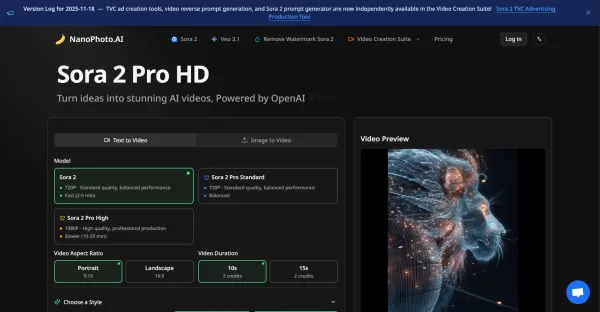
NanoPhoto.AI is a comprehensive AI platform that empowers users to create stunning videos and professionally edit photos. It features tools like Sora 2 for AI video generation with various models and aspect ratios, and Nano Banana for AI photo editing, supporting multiple styles such as hair color changes, photo restoration, and creative design. The platform also offers free image conversion and compression, boosting creativity and workflow efficiency.
Who will use Nano Photo?
- Photographers
- Graphic Designers
- Content Creators
- E-commerce Managers
- UI/UX Designers
- Social Media Influencers
- Wedding Photographers
- Online Store Owners
- Photo Retouchers
- Entrepreneurs
- Digital Artists
- Photo Studio Owners
How to use Nano Photo?
- Step 1: Sign up or log in to NanoPhoto.AI.
- Step 2: Choose between AI video creation or AI photo editing.
- Step 3: For video, select the Sora 2 model, input a prompt, and choose your style and aspect ratio.
- Step 4: Generate the video and preview it.
- Step 5: For photo editing, upload your images (supports JPG, PNG, WebP, HEIC).
- Step 6: Select the desired editing style (e.g., hairstyle change, remove people, restoration).
- Step 7: Apply the edits and preview the results.
- Step 8: Download your final videos or edited photos.
Platform
- Web
Nano Photo's Core Features & Benefits
The Core Features
- AI video creation with multiple quality and aspect ratio options
- AI photo editing with 11 professional styles
- AI image generation
- Free image conversion (HEIC to PNG, WebP to JPG)
- Free image compression
The Benefits
- Enhances creativity with powerful AI tools
- Saves time and reduces design costs
- Improves post-processing efficiency
- Supports multiple image formats
- Increases user workflow efficiency
Nano Photo's Main Use Cases & Applications
- Creating AI-generated videos for marketing or creative projects
- Editing photos with advanced AI restoration and style changes
- Generating prompts for video content
- Converting and compressing images for web use
- Producing high-quality visuals for e-commerce stores
Nano Photo's Pros & Cons
The Pros
Comprehensive AI video and photo editing capabilities
User-friendly web-based platform
Multiple professional editing styles
Supports free image conversion and compression
Backed by advanced AI models
The Cons
No dedicated mobile or desktop apps
Processing times can vary depending on video quality
Limited to web platform usage
Nano Photo's Pricing
Has free plan | YES |
|---|---|
Free trial details | |
Pricing model | Paid |
Is credit card required | No |
Paid from | 7.5 USD |
Has lifetime plan | No |
Billing frequency | Monthly |
Details of Pricing Plan
Basic
7.5 USD
- 150 credits/month
- 75 Sora 2 videos
- Up to 5 Sora 2 Pro videos
- 30 Veo 3.1 video shots
- 150 watermark-free Sora 2 videos
- 75 AI Photo Editor edits
- All style templates included
- No batch processing
- No priority queue
Pro
19.5 USD
- 800 credits/month
- 400 Sora 2 videos
- Up to 26 Sora 2 Pro videos
- 160 Veo 3.1 video shots
- 800 watermark-free Sora 2 videos
- 400 AI Photo Editor edits
- All style templates included
- Priority generation queue
- No dedicated support
Max
40 USD
- 1600 credits/month
- 800 Sora 2 videos
- Up to 53 Sora 2 Pro videos
- 320 Veo 3.1 video shots
- 1600 watermark-free Sora 2 videos
- 800 AI Photo Editor edits
- All style templates included
- Dedicated support
Ultra
444 USD
- 24000 credits/month
- 12000 Sora 2 videos
- Up to 800 Sora 2 Pro videos
- 4800 Veo 3.1 video shots
- 24000 watermark-free Sora 2 videos
- 12000 AI Photo Editor edits
- Highest priority queue
- Dedicated support
Discount:
Limited Time: Save 50% with Annual Billing
For the latest prices, please visit: https://nanophoto.ai/pricing
FAQs of Nano Photo
What is Nano Banana Photo AI?
It is NanoPhoto.AI's AI-powered photo editor, offering multiple editing styles and creative tools.
What features does Nano AI photo editor support?
It supports hairstyle changes, removing people, changing hair color, photo restoration, and creative designs, among others.
How does Photo Banana AI ensure image quality?
It uses advanced Google GEMINI models for professional-grade photo processing.
What image formats does Banana Photo AI support?
It supports JPG, PNG, WebP, and HEIC formats, with files up to 50MB.
How to get started with Nano Banana AI?
Upload images on the website, select your desired editing styles, and apply the edits.
Can I generate AI videos on NanoPhoto.AI?
Yes, using the Sora 2 AI video creation suite.
What video quality options are available?
Options include 720P Standard quality and 1080P High professional quality.
Does NanoPhoto.AI offer free image conversion?
Yes, it offers free image format conversion tools.
Is there a mobile app for NanoPhoto.AI?
Currently, the platform is web-based only.
How is pricing handled?
Pricing details are available on the pricing page of their website.
Nano Photo Company Information
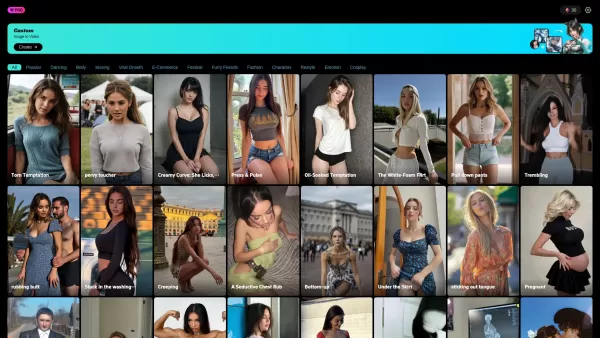
Nano Photo Screenshot
2026 Latest Best Top-rated AI Persona Builders help you turn valuable CRM data into actionable customer profiles quickly. This curated list showcases powerful, game-changing tools that go through real-world tests to deliver accurate insights. Get a free vs paid comparison and discover which option suits your needs best. XIX.AI is also included in this must-try selection. Explore now to Unlock your AI edge!
 9 tools
 xix.ai

2026 Latest Best Top-rated AI SQL Analysis Tools for Business Intelligence Teams! XIX.AI has curated a powerful, game-changing collection that goes through rigorous real-world tests. You’ll find a free vs paid comparison, detailed rankings, and in-depth insights to help you boost productivity significantly. Must-try options are available to unlock your AI edge. Explore now!
11 tools
xix.ai
2026 Latest Best Top-rated AI Batch Background Removal Tools for Catalog Images are curated by XIX.AI for quick, powerful removal of backgrounds from multiple images at once. These tools offer real-world tests and free vs paid comparison to help you find the most efficient solution that boosts your productivity significantly. Must-try options are regularly updated weekly. Explore now to Discover your perfect tool and Unlock your AI edge.
14 tools
xix.ai
2026 Latest Best Top-Rated AI Academic Writing Helpers for Students & Researchers! XIX.AI has curated a powerful, game-changing collection of tools that undergo real-world tests to boost writing efficiency significantly. You’ll find detailed free vs paid comparison, weekly updated rankings, and insights on how these tools can help refine abstracts, structure papers, and overcome common academic writing challenges. Must-try for anyone aiming to unlock their AI edge in academic work. Explore now!
8 tools
xix.ai

2026 Latest Best Top-rated AI Comic Generators ranked by actual user performance. This curated collection features powerful game-changing tools that help creators turn unique story ideas into polished illustrated panels fast, boosting productivity significantly. XIX.AI offers a detailed free vs paid comparison along with real-world tests to guide your choice. Explore now and Discover your perfect tool to unlock your AI edge in comic creation.
15 tools
xix.ai
2026 Latest Best Top-rated AI Scene Animation Tools for Social Media Content are curated here by XIX.AI. These powerful game-changing tools offer real-world tests and detailed free vs paid comparison, helping creators boost productivity significantly. Explore now to unlock your AI edge.
9 tools
xix.ai


