


 Home
HomeMovart AI



Helps TikTok sellers, brands, MCNs, and TAPs discover winning products and find creators.

HelpLook is an AI-powered all-in-one knowledge base tool that helps businesses quickly build knowledge bases, help centers, and...

Your AI Workspace

302.AI is an enterprise-grade AI resource platform with pay-as-you-go pricing, API access to a full range of AI models, and ready-to-use online applications.

剧火AI — AI Screenwriter + Director, a One-Person Short Drama Studio In one sentence, what is it?
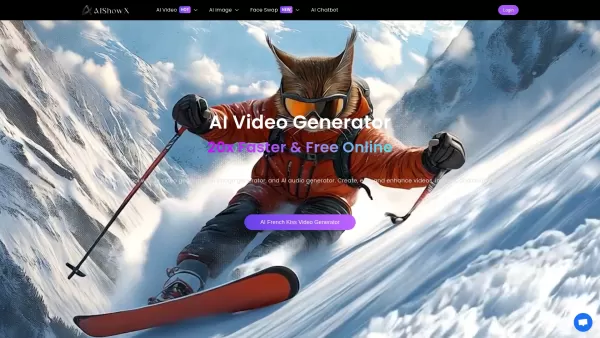
What is AIShowX?AIShowX represents the next generation of creative tools - a comprehensive online platform powered by artificial intelligence that empowers anyone to produce professional-quality videos, images, and audio content with remarkable ease.
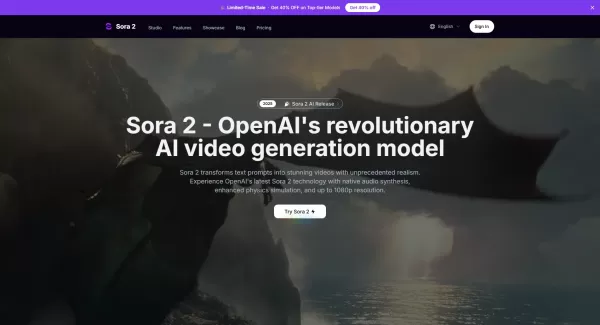
What is Sora 2 Video Generator?Sora 2 is an advanced AI video generation service built on OpenAI's Sora 2 model. It transforms text prompts and optional reference images into realistic short videos, typically lasting up to 20 seconds. Key features in
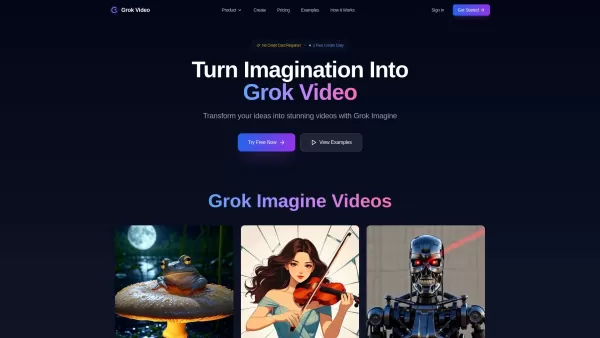
What is Grok Video AI? Grok Video AI revolutionizes content creation by transforming simple inputs into professional-quality videos. This cutting-edge platform leverages artificial intelligence to convert text descriptions and static images into dyn
Welcome to the world of Funy AI—a playground for creators where imagination meets innovation. Whether you're looking to craft an AI kissing video, experiment with face swapping, or transform static images into dynamic stories, Funy AI has got you covered.
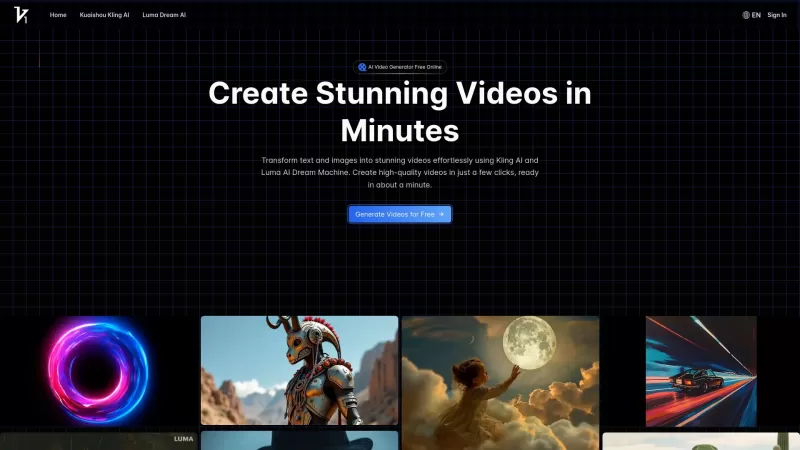
Vidful.ai is a game-changer for anyone looking to create engaging videos without breaking a sweat. This AI-powered platform is like your personal video wizard, turning your text and images into dynamic, professional-looking videos in no time. Whether you'
Movart AI Product Information
What is Movart AI?
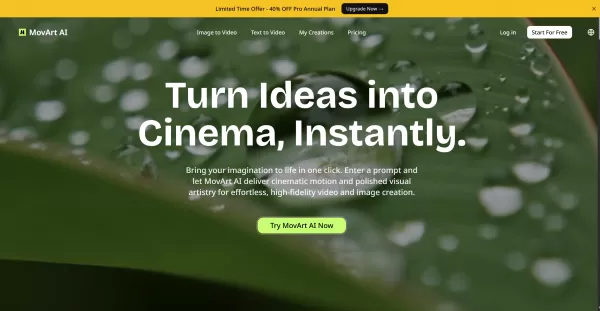
MovArt AI is a browser-based generative media platform that transforms text prompts and still images into refined, high-quality videos and animated multi-view images. It offers both text-to-video and image-to-video pipelines, a curated selection of industry-leading AI models within a single subscription, and built-in editing and preview tools. Users can upload images or enter text prompts, choose from various styles or models, and the AI rapidly renders cinematic motion and visual effects. The resulting content is optimized for social media, marketing campaigns, storytelling, and professional media production.
Who uses Movart AI?
- Content creators and social media influencers
- Marketing teams and advertising professionals
- Independent filmmakers and video editors
- Product designers and e-commerce specialists
- Game developers and animators
- Photographers and visual artists
- Educators and trainers creating instructional visuals
How to use Movart AI
- Step 1: Go to movart.ai and sign up or log into your account.
- Step 2: Select your preferred workflow—Text to Video or Image to Video—from the main dashboard.
- Step 3: Input a text description or upload an image you wish to animate.
- Step 4: Pick a model, style, resolution, and any additional settings or audio options.
- Step 5: Initiate generation and allow the AI time to process your content.
- Step 6: Preview the generated video, apply any available edits, then download or share your final asset.
Platform
- Web
Movart AI's Core Features & Benefits
Core Features
- Text-to-video generation using natural language prompts
- Image-to-video animation and multi-angle image creation
- Multiple proprietary AI models included in subscription
- Rapid AI processing with preview and download options
- Templates and sample prompts for quick starts
Benefits
- Produce cinematic videos quickly without complex software
- Convert static images into dynamic animated content
- Access multiple specialized models under one subscription
- Speed up content creation for social media and marketing
- User-friendly workflow suitable for non-technical users
Movart AI's Main Use Cases & Applications
- Short videos and reels for social media
- Marketing advertisements and product demonstration videos
- Visual storytelling and cinematic concept previews
- Animating photos for promotional and website use
- Rapid prototyping for game or film concept art
- Educational visualizations and training videos
Movart AI's Pros & Cons
Pros
Generates cinematic video and animated images from simple inputs
Web-based—no local GPU needed
Multiple specialized models included in one subscription
Fast turnaround for content production
Simple three-step workflow ideal for beginners
Cons
Limited to web platform (no native mobile or desktop apps)
No clear public open-source offering
Limited output control and fine-tuning compared to full video editors
Possible content and copyright restrictions depending on models
Movart AI's Pricing
Free plan available | No |
|---|---|
Free trial details | |
Pricing model | Paid |
Credit card required | No |
Starts from | 10 USD |
Lifetime plan available | No |
Billing frequency | Monthly |
Details of Pricing Plan
Lite
14 USD
- 200 Credits per month
- Up to 40 videos or 100 images
- Purchase additional credit packs as needed
- Top-quality video models
- Image & Text-to-Video
- 720P Output
- 100+ AI video templates and effects
- Cross-video character consistency
- AI video ads, AI avatar, AI music
- Fast generation mode
- Private creation
- No watermarks
- Full commercial use
Pro
35 USD
- 600 Credits per month
- Up to 120 videos or 300 images
- Purchase additional credit packs as needed
- Top-quality video models
- Image & Text-to-Video
- 1080P Output
- 100+ AI video templates and effects
- Cross-video character consistency
- AI video ads, AI avatar, AI music
- Fast generation mode
- Private creation
- No watermarks
- Full commercial use
Premium
159 USD
- 3000 Credits per month
- Up to 600 videos or 1500 images
- Purchase additional credit packs as needed
- Top-quality video models
- Image & Text-to-Video
- 1080P Output
- 100+ AI video templates and effects
- Cross-video character consistency
- AI video ads, AI avatar, AI music
- Fast generation mode
- Private creation
- No watermarks
- Full commercial use
- Priority support
Discount:
40% off with code movart
For the latest prices, please visit: https://movart.ai/pricing
FAQs of Movart AI
What is MovArt AI technology?
MovArt AI is a web-based generative media platform that uses multiple AI models to convert text prompts and images into cinematic videos and animated visuals.
How does MovArt AI generation work?
You provide a text prompt or upload an image, select a model or style and adjust settings, then the platform's AI processes your input to generate a video or animated output that you can preview and download.
What can I use MovArt AI for?
Use it to create social media videos, marketing materials, animated product visuals, concept art for films or games, and educational visual content.
Is there a free trial for MovArt AI?
The website suggests starting and exploring user creations; visit the pricing page at https://movart.ai/pricing for current trial or free tier information.
Do I need special hardware to use MovArt AI?
No—MovArt AI operates in your browser and handles processing on cloud servers, eliminating the need for high-end local hardware.
What file types can I upload for Image to Video?
Common image formats like JPG and PNG are typically supported; check the upload interface or help documentation for specific file type requirements.
Can I edit generated videos after creation?
The platform includes preview and basic editing or adjustment features; for advanced editing, export the output to a dedicated video editing software.
How long does generation take?
Generation time depends on the model, resolution, and queue length, but MovArt AI is designed for speed—typically delivering results within seconds to a few minutes.
Are there usage or content restrictions?
Yes—like most generative platforms, MovArt AI enforces content policies and copyright guidelines; review the site's terms of service and usage policies.
How do I get support or contact MovArt AI?
Use the contact form on the website at https://movart.ai/contact for support and inquiries.
Movart AI Company Information
- MovArt AI
- https://movart.ai

How to install?
Movart AI Screenshot
2026 Latest Best Top-Rated AI Coding Tools for Python and JavaScript are here on XIX.AI’s curated list. These powerful game-changing tools have undergone rigorous real-world tests to deliver exceptional results for writing efficient code, fixing bugs, and boosting productivity. Get a free vs paid comparison and see which options suit your needs. Explore now to Discover your perfect coding tool and Unlock your AI edge.
 10 tools
 xix.ai

2026 Latest Best Top-Rated AI Citation Mapping Tools for Research Discovery! XIX.AI has curated a powerful, game-changing collection of must-try tools that go through rigorous real-world tests to deliver accurate results. You’ll find detailed free vs paid comparisons, weekly updated rankings, and insights to help you boost your research efficiency and uncover valuable data faster. Explore now to discover your perfect tool for academic work! 238 characters
11 tools
xix.ai
2026 Latest Best Top-rated AI Meta Tag Tools for Faster On Page SEO! XIX.AI has curated a powerful, game-changing collection of highly reliable tools that undergo rigorous real-world tests. You’ll find a free vs paid comparison along with detailed rankings to help you choose the perfect option for boosting your content’s search visibility and improving writing efficiency. Explore now to Unlock your AI edge!
9 tools
xix.ai

2026 Latest Best AI Habit Tracking Tools for Personal Health Goals are here on XIX.AI! Our curated top-rated list includes powerful, game-changing solutions that help you stay consistent with your goals through real-world tests and strict rankings. We also offer a free vs paid comparison to help you choose the perfect fit. Explore now to Unlock your AI edge in achieving better health outcomes.
10 tools
xix.ai
2026 Latest Best Top-rated AI Anomaly Detection Tools for Dashboard Monitoring are here on XIX.AI! This curated list features powerful, game-changing solutions that deliver accurate real-world tests through weekly updated rankings. You’ll find a free vs paid comparison and insights into how these tools boost productivity by helping users spot issues fast, streamlining workflow efficiency. Discover your perfect tool to unlock your AI edge today. Explore now!
9 tools
xix.ai
2026 Latest Best AI Lip-Sync Generators for Dialogue-Driven Character Animation and Motion Scenes! XIX.AI has curated a top-rated list of powerful, game-changing tools that deliver flawless synchronized lip movements for animated characters. Each option undergoes rigorous real-world tests to ensure reliability, and our weekly updated rankings help you find the must-try solution that boosts your animation workflow efficiency. Explore now to discover your perfect tool!
9 tools
xix.ai


