


 Home
HomeMeetingtor: Record online meetings
MeetingTor: Record & Transcribe Online Meetings



Helps TikTok sellers, brands, MCNs, and TAPs discover winning products and find creators.

HelpLook is an AI-powered all-in-one knowledge base tool that helps businesses quickly build knowledge bases, help centers, and...

Your AI Workspace

302.AI is an enterprise-grade AI resource platform with pay-as-you-go pricing, API access to a full range of AI models, and ready-to-use online applications.

剧火AI — AI Screenwriter + Director, a One-Person Short Drama Studio In one sentence, what is it?
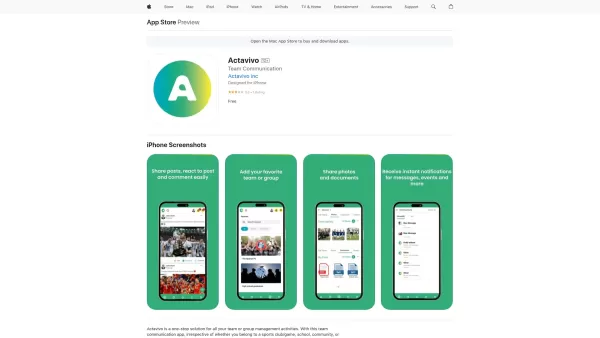
Ever wondered what Actavivo is all about? Well, let me tell you, it's not just another app—it's your go-to solution for keeping your team, sports club, or any group connected and organized. And the best part? It's totally free! Whether you're juggling sch
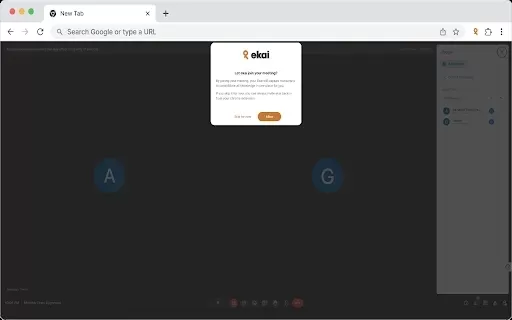
What is Ekai?Ekai is an innovative browser extension that redefines how you capture, access, and engage with meeting content and web data. Featuring meeting intelligence, recording controls, a knowledge base builder, Slack integration, AI-powered cha
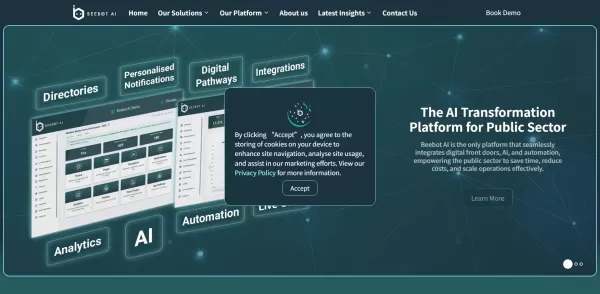
What is Beebot AI?Beebot AI provides organizations with advanced conversational AI capabilities. This tool helps businesses automate repetitive tasks, streamline team communication, and manage workflows more effectively. Leveraging natural language p
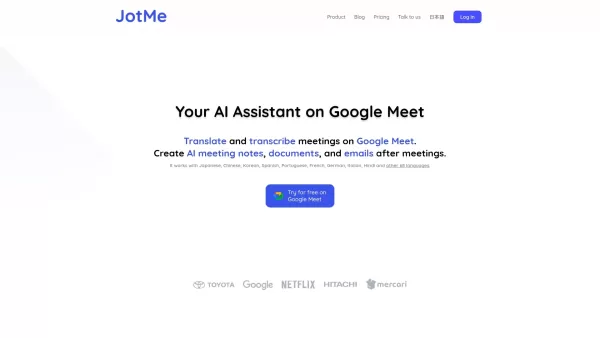
What is JotMe for Google Meet?JotMe is an AI-powered assistant that provides real-time transcription and translation directly within Google Meet. It supports 77 languages, breaking down communication barriers to foster clearer collaboration. Users be

Ever wondered what makes a project management tool stand out? Let me introduce you to Height, a dynamic tool that's designed to grow right alongside your company. It's not just another app; it's your new command center for all things project-related. Imag
Meetingtor: Record online meetings Product Information
What is Meetingtor: Record Online Meetings?
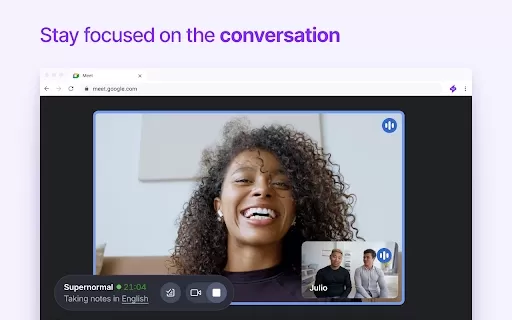
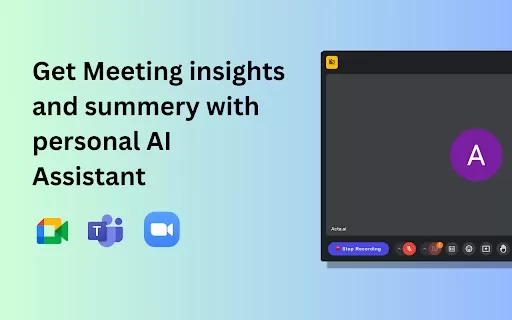
Meetingtor is a smart Chrome extension that enables users to record virtual meetings on Google Meet, Zoom, Microsoft Teams, and similar platforms. It captures video, audio, and shared screen content, delivering accurate transcripts and concise summaries. You can easily manage your meeting notes and share recordings with others, improving teamwork and workflow efficiency. Ideal for distributed teams, Meetingtor keeps everyone aligned—whether they attended or missed the meeting—by capturing and sharing essential meeting insights.
Who is Meetingtor: Record Online Meetings for?
- Remote employees
- Companies and organizations
- Teachers and trainers
- Students
- Teams using video conferencing tools
How to Use Meetingtor: Record Online Meetings
- Step 1: Install the Meetingtor extension from the Chrome Web Store.
- Step 2: Open the video meeting you want to record.
- Step 3: Click the Meetingtor icon in the browser toolbar.
- Step 4: Press the 'Record' button to begin capturing the meeting.
- Step 5: Click 'Stop' when finished—your recording will be saved automatically.
- Step 6: Review and share your recordings, transcripts, and summaries via the Meetingtor dashboard.
Platform
- web
- chrome
Meetingtor: Record Online Meetings Core Features & Benefits
Core Features
- Online meeting recording
- Automated audio transcription
- Meeting summary generation
- Easy recording sharing
Benefits
- Boosts team collaboration
- Captures key details
- Reduces time spent on notes
- Provides on-demand access to recordings
Meetingtor: Record Online Meetings Main Use Cases & Applications
- Documenting team meetings
- Transcribing educational lectures
- Creating quick meeting summaries
- Sharing updates with team members who couldn't attend
Meetingtor: Record Online Meetings FAQs
How do I install the Meetingtor extension?
Visit the Chrome Web Store, find Meetingtor, and click “Add to Chrome.”
Can I record meetings on any platform?
Yes, Meetingtor supports Google Meet, Zoom, and Microsoft Teams.
Is there a limit on recording time?
No, you can record meetings of any length.
Do I need an account to use Meetingtor?
Yes, signing up is required to unlock all features.
Are my recordings stored securely?
Yes, all recordings are safely stored on secured servers.
Can I share my recordings?
Yes, you can easily share recordings with others.
Is there any cost to use Meetingtor?
Meetingtor has a free plan with premium upgrades available.
What if I face technical issues?
Reach out to our support team via the website for help.
Can I edit the recordings after saving?
Editing isn’t currently available, but you can download the files.
Does it support multiple languages for transcription?
Yes, Meetingtor offers transcription in 100+ languages.
Meetingtor: Record Online Meetings Company Information
- Transkriptor
- https://transkriptor.com
- https://www.facebook.com/transkriptorapp
- https://twitter.com/TranskriptorApp
- https://www.youtube.com/@transkriptor
- https://www.instagram.com/transkriptor.app
- https://www.tiktok.com/@transkriptor
- https://www.linkedin.com/company/transkriptor
Meetingtor: Record online meetings Screenshot

2026 Latest Best Top-Rated AI Melody Writing Tools for Song Drafts! XIX.AI has curated a highly powerful game-changing collection that goes through rigorous real-world tests to deliver the best writing experience. You can find detailed free vs paid comparisons, accurate rankings, and must-try options designed to help you create stunning song drafts effortlessly and boost your creative productivity significantly. Explore now to discover your perfect tool!
 8 tools
 xix.ai

2026 Latest Best Top-rated AI Conversation Trainer Tools for Interview Practice are here on XIX.AI! This curated collection features powerful, game-changing tools that go through rigorous real-world tests to deliver accurate feedback. You’ll find a free vs paid comparison and detailed rankings to help you choose the must-try option that boosts your confidence and skills. Explore now to Discover your perfect tool for interview success!
12 tools
xix.ai

2026 Latest Best Top-rated AI Style Transfer Tools for Creative Experiments! XIX.AI has curated a powerful, game-changing collection of must-try tools that deliver exceptional results through real-world tests and rigorous rankings. These top solutions help creatives boost productivity significantly by accelerating content creation and unlocking endless creative possibilities. Explore now to discover your perfect tool and start creating today!
9 tools
xix.ai

2026 Latest Best Top-Rated AI Dialogue Bubble Tools for Visual Storytelling are here on XIX.AI! This curated collection features powerful, game-changing tools that help creators boost productivity and overcome creative bottlenecks. Get a free vs paid comparison, see real-world tests, and check the latest rankings to find the must-try solutions perfect for crafting engaging visual narratives. Explore now to discover your ideal tool!
10 tools
xix.ai

2026 Latest Top-Rated Best AI Meeting Summary Tools for Clear Decision Tracking and Effortless Follow-Ups. This curated list showcases powerful, game-changing solutions that boost productivity dramatically by automating meeting notes, identifying key action items, and streamlining team coordination across all projects. Get a free vs paid comparison along with real-world tests and weekly updated rankings to help you find the perfect tool. Explore now to unlock your AI edge!
9 tools
xix.ai

2026 Latest Best Top-rated AI Data Cleaning Tools for quick fixing of missing values and duplicates. This curated list showcases powerful, game-changing solutions that boost productivity significantly. Each option has undergone rigorous real-world tests to ensure reliability. Get a free vs paid comparison and discover the must-try tool that fits your needs best. Explore now at XIX.AI to Unlock your AI edge.
11 tools
xix.ai


