


 Home
HomeLine Art Maker
Line Art Maker: Convert Photos to Sketches



Helps TikTok sellers, brands, MCNs, and TAPs discover winning products and find creators.

HelpLook is an AI-powered all-in-one knowledge base tool that helps businesses quickly build knowledge bases, help centers, and...

Your AI Workspace

302.AI is an enterprise-grade AI resource platform with pay-as-you-go pricing, API access to a full range of AI models, and ready-to-use online applications.

剧火AI — AI Screenwriter + Director, a One-Person Short Drama Studio In one sentence, what is it?
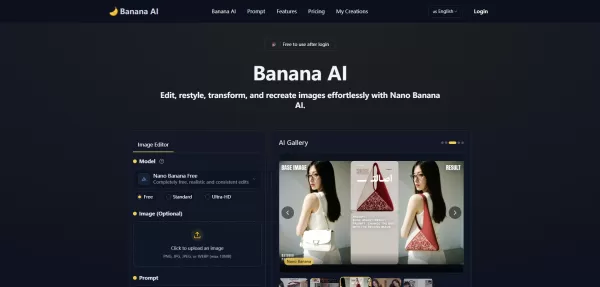
What is Banana AI - Free AI Photo Editor?Banana AI is a free, AI-driven photo editor that uses Google's Nano Banana technology (Gemini 2.5 Flash Image) to transform your pictures with simple text commands. Easily remove unwanted objects, swap backgro
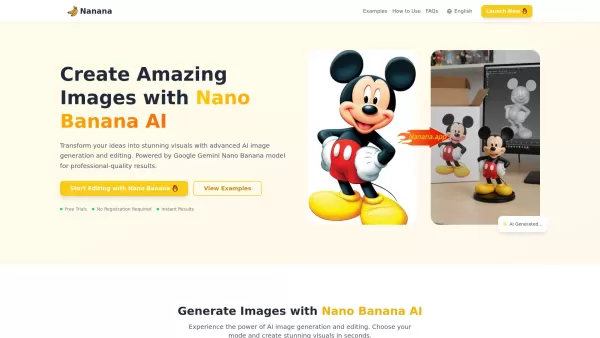
What is Nano Banana | Nanana AI? Nanana AI is the leading AI image generator and AI image editor on the market. It taps into the full potential of Google's revolutionary Nano Banana model to offer unmatched image creation and editing power. As an ear
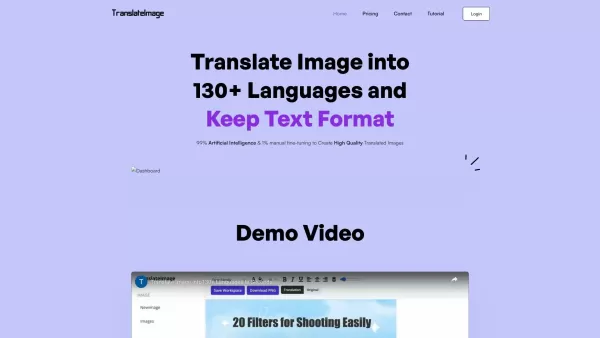
What is TranslateImages?AI Image Translator is an advanced tool that precisely translates text embedded in images, keeping the original layout and format intact. It supports over a dozen languages, such as English, Hindi, Arabic, Chinese, Japanese, K
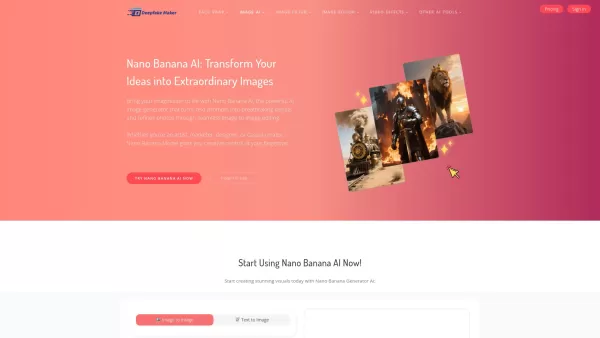
What is Deepfake Maker Nano Banana AI? Nano Banana AI is an advanced artificial intelligence platform that generates stunning images from text descriptions and facilitates seamless image-to-image transformations. This cutting-edge AI model revolution

What is AIAI.com? AIAI.com is your all-in-one creative suite for artificial intelligence. Craft amazing images and videos, engage in conversations with AI, and leverage powerful enhancement tools—all within a single, unified platform. Effortlessly ad
Line Art Maker Product Information
What is Line Art Maker?
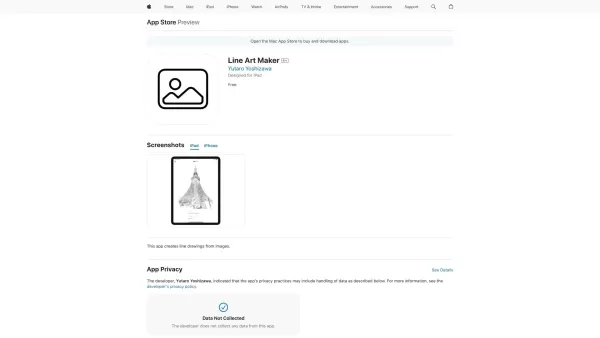
Line Art Maker is an intuitive application that effortlessly transforms your photos into stunning line drawings. Powered by sophisticated algorithms, it precisely identifies outlines and turns your images into detailed sketches. With a variety of customizable tools, you can refine and personalize your artwork, making each creation one-of-a-kind. Ideal for artists, designers, or anyone passionate about creativity, Line Art Maker provides a straightforward way to convert your pictures into eye-catching line art.
Who uses Line Art Maker?
- Artists
- Graphic Designers
- Photography Enthusiasts
- Social Media Influencers
- DIY Project Lovers
How to use the Line Art Maker
- Step 1: Download and install Line Art Maker from the App Store.
- Step 2: Open the app and select the photo you wish to convert.
- Step 3: Adjust the settings to customize your line drawing effect.
- Step 4: Preview and apply final tweaks to your artwork.
- Step 5: Save or share your completed line drawing.
Platform
- iOS
Line Art Maker's Core Features & Benefits
The Core Features
- Convert photos to line drawings
- Adjustable settings for drawing effects
- Preview and edit your artwork
- Simple save and share options
The Benefits
- Easy-to-use interface
- High-quality line art results
- Personalized adjustments for unique designs
- Quick sharing to social media platforms
Line Art Maker's Main Use Cases & Applications
- Crafting artwork for social media
- Designing original graphics for personal or professional projects
- Producing sketches for DIY creations
- Converting photos into hand-drawn-style illustrations
FAQs of Line Art Maker
What is Line Art Maker?
Line Art Maker is a mobile application that uses advanced algorithms to convert your photos into line drawings.
How do I use Line Art Maker?
Download the app, choose your photo, customize the settings, preview the result, and save or share your line drawing.
Is Line Art Maker free?
The app is free to download on the App Store, though some premium features might require in-app purchases.
Can I customize my line drawings?
Yes, the app offers multiple settings to adjust and perfect your line drawings.
Which platforms support Line Art Maker?
Currently, Line Art Maker is available exclusively on iOS.
How can I share my line drawings?
You can save your artwork and share it directly on social media or through email.
Does Line Art Maker support multiple languages?
Refer to the App Store description for the latest details on supported languages.
Is an internet connection required to use Line Art Maker?
No, you can create line drawings without an internet connection.
Are tutorials available?
Visit the app's support section or official website for guides and tips.
Can I use the app for commercial projects?
Yes, the generated line art can be used in both personal and commercial projects.
Line Art Maker Company Information
Website:
https://5-letter-words.comCompany Name:
NASupport Email:
NAFacebook:
NAX(Twitter):
NAYouTube:
NAInstagram:
NATiktok:
NALinkedIn:
NA
Line Art Maker Screenshot
Discover the 2026 best AI line art extractors at XIX.AI. Our top-rated, curated list features powerful tools that clean up hand-drawn sketches into professional inked lines. Compare free vs paid options with real-world tests and weekly updated rankings. Find your perfect tool to elevate your digital art today.
 10 tools
 xix.ai
Discover the top-rated AI tools for manga, webtoon art & inking in 2026, curated by XIX.AI. Explore the best free and paid options, with weekly updated rankings and real-world tests to boost your illustration workflow. Find your perfect game-changing tool and unlock your creative edge today.
10 tools
xix.ai
Discover the 2026 Latest and Top-Rated AI tools for animation cleanup and line refinement. Our curated list features powerful, game-changing solutions to perfect your artwork, streamline production, and elevate animation quality. Compare free vs paid options with real user insights. Find your best match at XIX.AI. Explore the rankings now!
10 tools
xix.ai


Just tried Line Art Maker on my pet's photo and wow, it turned my fluffy cat into a minimalist masterpiece! 😻 The outlines are surprisingly crisp. I wonder if it could handle a busy landscape next. Super fun tool for quick art projects!


