


 Home
HomeLetterbot AI - Chrome Extension
AI Email Generator Chrome Extension



Helps TikTok sellers, brands, MCNs, and TAPs discover winning products and find creators.

HelpLook is an AI-powered all-in-one knowledge base tool that helps businesses quickly build knowledge bases, help centers, and...

Your AI Workspace

302.AI is an enterprise-grade AI resource platform with pay-as-you-go pricing, API access to a full range of AI models, and ready-to-use online applications.

剧火AI — AI Screenwriter + Director, a One-Person Short Drama Studio In one sentence, what is it?
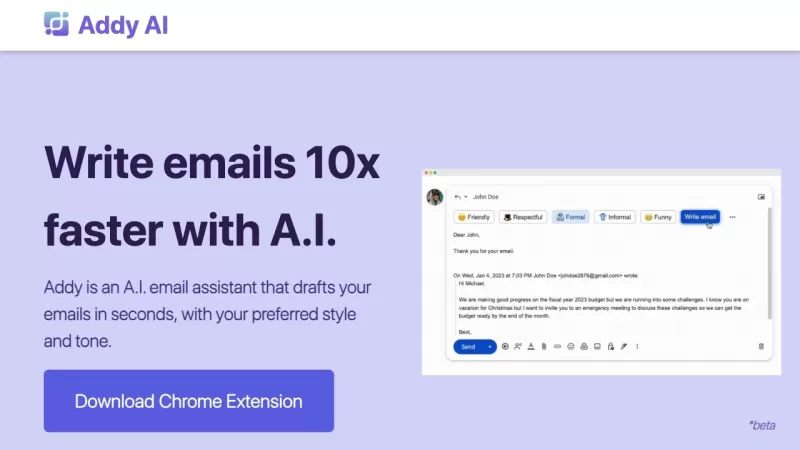
Ever wished you had a personal assistant to handle your emails? Meet Addy, your new AI-powered email buddy that can whip up emails in seconds, perfectly tailored to your style and tone. Whether you're crafting a formal business email or a casual note to a
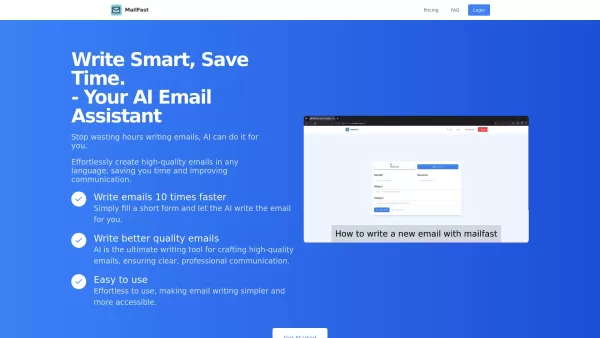
Ever found yourself staring at a blank email, wondering how to get your point across without sounding like a robot? Enter MailFast—an AI-powered email writing tool that's here to save the day. It's like having a personal email assistant that whips up high
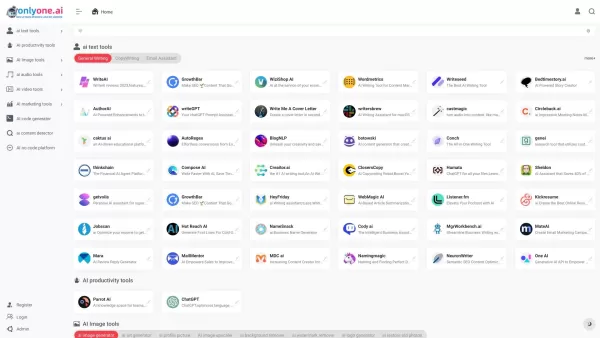
Only one AI is your go-to destination for a comprehensive collection of AI tools, boasting the largest directory on the web. Whether you're a tech enthusiast or a professional looking to streamline your workflow, this platform has something for every
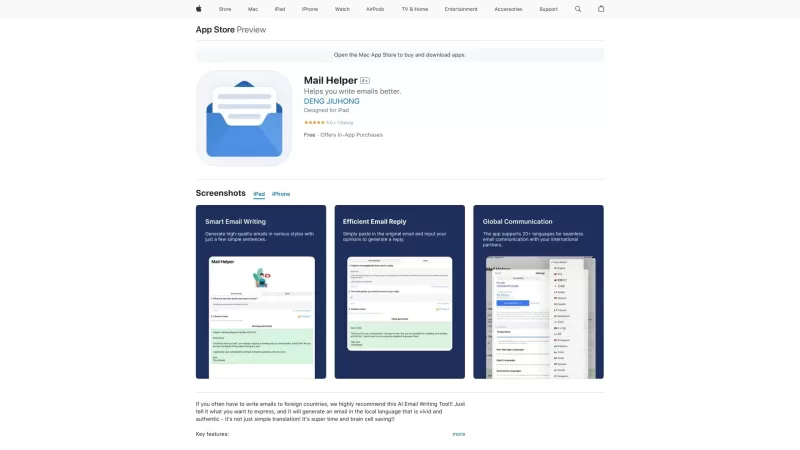
Ever found yourself drowning in a sea of emails, wishing for a lifeline? Enter Mail Helper, your personal on-the-go email assistant that's here to transform your email experience. It's not just about sending and receiving emails anymore; it's about doing
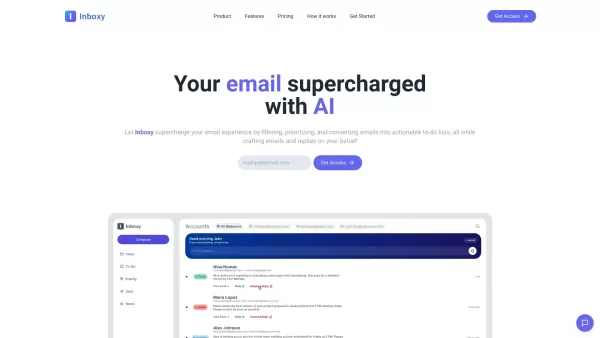
Ever felt overwhelmed by the sheer volume of emails flooding your inbox? That's where Inboxy comes to the rescue. It's not just another email tool; it's an AI-powered email assistant designed to make your life easier. Think of it as your personal email gu
Letterbot AI - Chrome Extension Product Information
What is the Letterbot AI Chrome Extension?
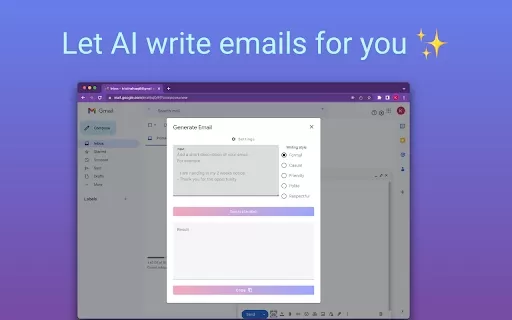
The Letterbot AI Chrome Extension automates email writing. It leverages advanced language models to create polished email drafts from a few user-provided sentences. The tool manages spelling, grammar, and formal structure, enabling you to concentrate on your message's core content and desired tone.
How to Use the Letterbot AI Chrome Extension
1. Open your Gmail account. 2. Start composing a new email. 3. Click the 'Letterbot AI' icon located near the 'Send' button. 4. The Letterbot interface will appear. 5. Briefly describe the intent of your email in a few sentences. 6. Insert the AI-generated email text directly into your composer.
Letterbot AI Chrome Extension's Core Features
AI-Powered Email Generation
Letterbot AI Chrome Extension's Use Cases
Quickly draft emails for a wide range of purposes.
FAQ from Letterbot AI
Which languages are supported?
Is a desktop version of the extension available?
Letterbot AI - Chrome Extension Screenshot

2026 Latest Top-rated AI Illustration Tools: Our curated list features the best powerfully designed tools for creating stunning editorial scenes and eye-catching cover art quickly. Each option has gone through rigorous real-world tests, offering a free vs paid comparison to help you find the perfect match for your workflow. Try these must-try solutions today to unlock your AI edge and boost your creative productivity. Explore now at XIX.AI.
 10 tools
 xix.ai

2026 Latest Top-Rated Best AI Tutors for Exam Prep are here on XIX.AI! Our curated list features powerful game-changing tools that offer free vs paid comparison, real-world tests, and weekly updated rankings. They help boost your writing efficiency, simplify complex topic learning, and unlock your academic potential. Explore now to Discover your perfect exam prep tool and Start creating today to Unlock your AI edge!
10 tools
xix.ai

2026 Latest Best Top-Rated AI Budget Planning Tools for Personal Money Management are here on XIX.AI! This curated collection features powerful, game-changing solutions that help you conduct real-world tests, understand spending habits, and create personalized plans to boost productivity. Enjoy a free vs paid comparison along with detailed rankings. Must-try tools designed to simplify money management and unlock your AI edge. Explore now!
11 tools
xix.ai

2026 Latest Best Top-Rated AI Sleep Tracking Assistants curated for ultimate recovery. This fully updated weekly guide features powerful tools that deliver real-world tests, free vs paid comparison, and detailed rankings to help you find the must-try solution that boosts sleep quality and supports better bedtime habits. Explore now at XIX.AI to Unlock your AI edge.
10 tools
xix.ai

2026 Latest Best Top-Rated AI SQL Copilots for Product and Revenue Analytics! XIX.AI has curated a powerful, game-changing collection of must-try tools that undergo real-world tests through weekly updated rankings. These tools help users boost productivity significantly by accelerating data analysis, streamlining complex queries, and generating accurate insights to drive smarter business decisions. Explore now to Discover your perfect tool for unlocking your AI edge!
14 tools
xix.ai

2026 Latest Best Top-Rated AI Homework Helpers That Teach Core Concepts Not Just Answers Powerful Tools for Students Must-Try Curated List Weekly Updated Free vs Paid Comparison Real-World Tests Accurate Rankings to Help You Unlock Your Full Learning Potential Explore now to Discover your perfect tool for smarter studying.
10 tools
xix.ai


Finally an email writer that doesn't make me sound like a robot 😅 Letterbot actually understands context and keeps my tone natural. Been using it for a week and it's saved me hours. Only worry is privacy since it reads my drafts, but the extension seems secure enough. Would recommend!


