


 Home
HomeLet's Enhance
AI Image Enhancer & Upscaler Tool



Helps TikTok sellers, brands, MCNs, and TAPs discover winning products and find creators.

HelpLook is an AI-powered all-in-one knowledge base tool that helps businesses quickly build knowledge bases, help centers, and...

Your AI Workspace

302.AI is an enterprise-grade AI resource platform with pay-as-you-go pricing, API access to a full range of AI models, and ready-to-use online applications.

剧火AI — AI Screenwriter + Director, a One-Person Short Drama Studio In one sentence, what is it?
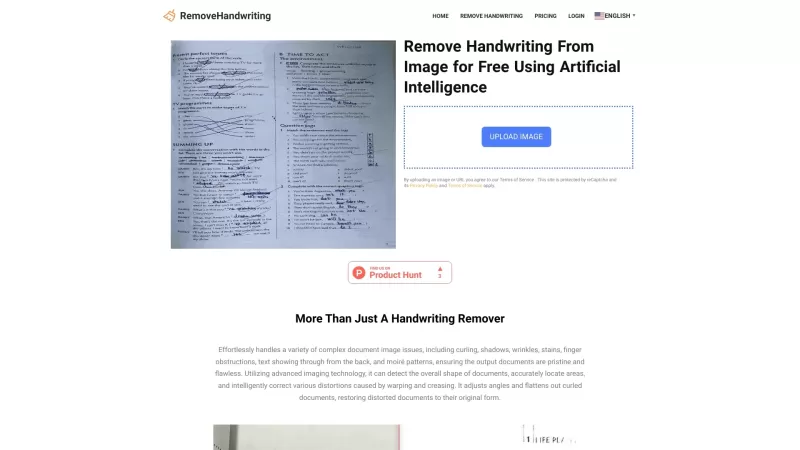
What is RemoveHandwriting?RemoveHandwriting is an innovative online AI tool designed to effortlessly remove handwriting from images and PDFs. It's like having a magic eraser for your documents, making them look clean and professional in no time!How to Use RemoveHandwriting?Using RemoveHandwriting is
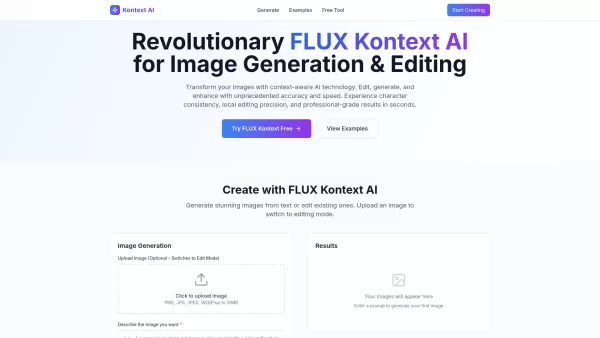
What is Kontext AI? Kontext AI is a cutting-edge, free image generation and editing tool powered by FLUX Kontext technology. It uses context-aware artificial intelligence to produce, alter, and improve images with remarkable speed and precision. The
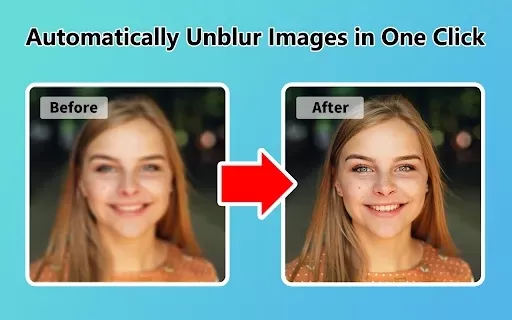
What is Unblur Image?Unblur Image is a smart Chrome extension that automatically sharpens blurry images. Leveraging advanced AI, it precisely identifies and corrects blurry sections in your photos, only enhancing the affected areas. Whether you're wo
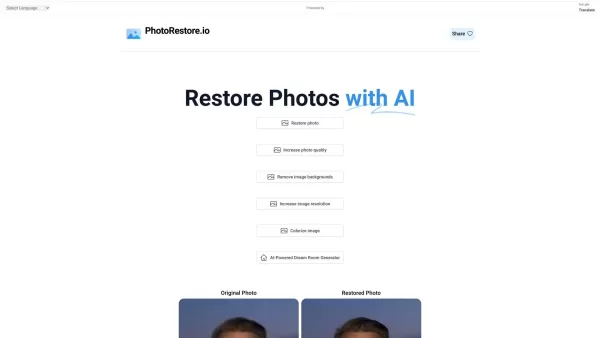
What is Photo Restore?PhotoRestore.io provides a specialized, free AI photo restoration service dedicated to reviving old, blurry, or damaged photographs. Utilizing advanced artificial intelligence, it repairs fading, enhances clarity, and improves o

Ever wished you could transform your old, pixelated photos into crisp, stunning 4K masterpieces? Well, that's where the 4K AI Upscaler comes into play! This nifty online tool harnesses the power of advanced AI technology to breathe new life into your imag
Let's Enhance Product Information
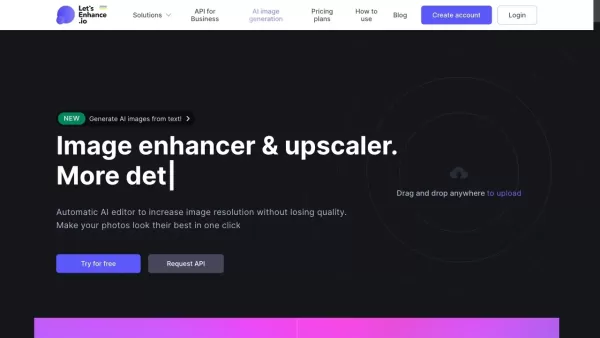
What is Let's Enhance?
Let's Enhance is an intuitive online platform that uses advanced AI to upscale and enhance images, turning low-resolution or blurry photos into stunning, high-quality visuals with just a few clicks. Designed as an alternative to complex editing software, it offers smart upscaling, deblurring, and sharpening. It supports JPG, PNG, and WebP formats and enables users to significantly boost image resolution and quality. The service caters to both free and paid users, with paid plans offering higher limits on image size and resolution.
Who uses Let's Enhance?
- Photographers
- Graphic Designers
- E-commerce Sellers
- Marketing Professionals
- Social Media Influencers
- Real Estate Agents
- Art Enthusiasts
- Web Developers
How to use Let's Enhance
- Step 1: Go to letsenhance.io and sign in or create an account.
- Step 2: Upload your image (JPG, PNG, or WebP format).
- Step 3: Select your desired enhancements (deblurring, upscaling, sharpening).
- Step 4: Adjust resolution and DPI if needed.
- Step 5: Click 'Enhance' to start processing.
- Step 6: Download your enhanced image once processing is complete.
Platform
- Web
Let's Enhance Core Features & Benefits
Core Features
- AI-powered upscaling
- Deblurring
- Image sharpening
- Smart Enhance algorithm
- Supports JPG, PNG, WebP formats
- Resolution and DPI settings
Benefits
- User-friendly interface
- High-quality image output
- Fast processing
- Versatile for various uses
- Saves time on manual editing
- Improves low-resolution images
Let's Enhance Main Use Cases & Applications
- Enhancing personal photos
- Improving product images for e-commerce
- Restoring old photographs
- Creating high-quality social media visuals
- Enhancing graphics for marketing materials
- Upscaling images for print
Let's Enhance Pros & Cons
Pros
Uses AI to automatically improve image quality and resolution
Upscales images while preserving fine details
Offers noise reduction and color enhancement
Easy-to-use platform suitable for all user levels
Speeds up the image editing workflow
Cons
Not an open-source tool
Free usage has limits; full features require a subscription
Requires an internet connection as it's an online platform
Let's Enhance Pricing
Has free plan | No |
|---|---|
Free trial details | |
Pricing model | Pay-as-you-go |
Is credit card required | No |
Paid from | $0 |
Has lifetime plan | No |
Billing frequency | Monthly |
Details of Pricing Plan
Personal 100
$0
- 100 credits/month
- Unused credits roll over
- Up to 256 MP output
Personal 300
$0
- 300 credits/month
- Unused credits roll over
- Up to 256 MP output
Personal 500
$0
- 500 credits/month
- Unused credits roll over
- Up to 256 MP output
Business 1000
$0
- 1000 credits/month
- No credit roll over
- Up to 500 MP output
Business 2500
$0
- 2500 credits/month
- No credit roll over
- Up to 500 MP output
Business 5000
$0
- 5000 credits/month
- No credit roll over
- Up to 500 MP output
For the latest prices, please visit: https://letsenhance.io/pricing
FAQs about Let's Enhance
What is Let's Enhance?
Let's Enhance is an AI-driven online tool for upscaling, enhancing, and generating high-quality images.
Which image formats are supported?
Let's Enhance supports JPG, PNG, and WebP formats.
Is there a free version available?
Yes, Let's Enhance has a free version with basic features and size limits.
What is the maximum resolution supported?
The free plan supports up to 64 megapixels; paid plans go up to 512 megapixels.
Does Let's Enhance support batch processing?
Yes, Let's Enhance allows batch processing of multiple images at once.
How does the AI upscaling work?
The AI analyzes image details to intelligently increase resolution and improve clarity.
Is it possible to restore old or damaged photos?
Yes, Let's Enhance includes restoration features like deblurring and enhancement for old photos.
Can I manually adjust DPI settings?
Yes, you can set custom DPI metadata when processing your images.
How long does it take to process an image?
Processing usually takes around 25-30 seconds for a standard image.
Is customer support available?
Yes, customer support is available to assist Let's Enhance users.
Let's Enhance Company Information
Website:
https://letsenhance.ioCompany Name:
Let's EnhanceSupport Email:
Facebook:
https://www.facebook.com/letsenhanceX(Twitter):
NAYouTube:
NAInstagram:
https://www.instagram.com/letsenhance_ioTiktok:
NALinkedIn:
https://www.linkedin.com/company/letsenhance
Let's Enhance Screenshot
2026 Latest Best Top-Rated AI Prompt Optimizers Curated for Maximum Output Quality! XIX.AI delivers powerful game-changing solutions that help you refine instructions effortlessly, boost writing efficiency, and unlock higher-quality results every time. Get a free vs paid comparison along with real-world tests and weekly updated rankings. Explore now to Discover your perfect tool and Unlock your AI edge!
 16 tools
 xix.ai

2026 Latest Best Runway AI Motion Tools Top-rated curated powerful game-changing options for creating ad storyboards character scenes and visual prototypes through real-world tests Weekly updated free vs paid comparison rankings Help you boost productivity significantly Explore now
9 tools
xix.ai
2026 Latest Best Top-Rated AI Dataset Discovery Tools for Academic Projects! XIX.AI has curated a powerful, game-changing collection of highly reliable options, all going through strict real-world tests and updated weekly. You can find detailed free vs paid comparison info to help you pick the perfect tool that boosts your research efficiency and delivers top-quality results. Explore now to unlock your AI edge!
16 tools
xix.ai
2026 Latest Best AI Caption Generators page! XIX.AI curated a top-rated list of must-try powerful tools for writing platform-specific social posts quickly. These tools go through rigorous real-world tests, offering free vs paid comparison and clear rankings to help you find the best option that boosts your productivity and unlocks your AI edge. Explore now!
11 tools
xix.ai

2026 Latest Best AI Sleep Coaching Tools for Shift Workers, Jet Lag Recovery, and Better Routines! XIX.AI has curated a top-rated list of powerful game-changing tools that go through real-world tests to deliver accurate guidance. You can find detailed free vs paid comparison info and see how these must-try solutions help boost sleep quality, speed up jet lag recovery, and build healthier routines. Explore now to discover your perfect tool!
7 tools
xix.ai

2026 Latest Best ChatGPT debugging tools for Python errors, API logs, and stack trace triage are here on XIX.AI. This curated list of top-rated solutions offers a free vs paid comparison, real-world tests, and detailed rankings to help you find the most powerful tool that can significantly boost your productivity and help you solve complex technical issues faster. Explore now to discover your perfect solution!
9 tools
xix.ai


