


 Home
HomeDiagram AI
AI Diagram Maker: Natural Language to Diagrams



Helps TikTok sellers, brands, MCNs, and TAPs discover winning products and find creators.

HelpLook is an AI-powered all-in-one knowledge base tool that helps businesses quickly build knowledge bases, help centers, and...

Your AI Workspace

302.AI is an enterprise-grade AI resource platform with pay-as-you-go pricing, API access to a full range of AI models, and ready-to-use online applications.

剧火AI — AI Screenwriter + Director, a One-Person Short Drama Studio In one sentence, what is it?

What is Undressbaby AI?Undressbaby is a cutting-edge, AI-driven platform that lets users creatively alter their photos and videos. From swapping faces to trying on virtual outfits, it offers a simple yet powerful solution. Just upload your media, and

What is GPT2Markdown?GPT2Markdown is a Chrome extension that streamlines the process of exporting your ChatGPT conversations into Markdown format. With a single click, it allows you to download your chat history as a Markdown (.md) file directly to y
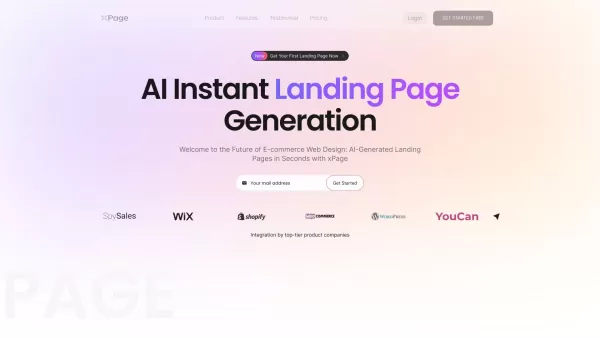
What is xPage?xPage leverages AI to simplify the creation of professional eCommerce landing pages. It provides a wide selection of expert-designed templates that you can tailor to your brand. After choosing your template, the AI engine produces a dyn

What is Lyvia AI?Lyvia is a powerful platform featuring an uncensored AI image generator and versatile face swap tools for both photos and videos. Accessible on your mobile, tablet, or computer, it’s designed to evolve with you through regular update

What is Rubii?Rubii AI provides AI-powered chatbots that deliver lifelike, dynamic conversations for immersive role-playing. It's a platform for users to enjoy intimate, personalized, and diverse chat experiences, simulating unique interactions and e
Diagram AI Product Information
What is Diagram AI?
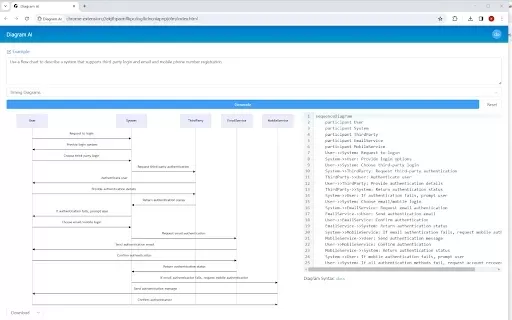
Diagram AI leverages artificial intelligence to convert text prompts into a variety of diagrams, such as flowcharts and mind maps. This tool enables users to quickly visualize ideas and plans without requiring specialized design expertise. Its intuitive interface generates clear, professional diagrams in seconds, enhancing team communication and collaboration efficiency.
Who can benefit from Diagram AI?
- Students
- Professionals
- Project Managers
- Educators
- Software Developers
How to use Diagram AI
- Step 1: Install the Diagram AI extension from the Chrome Web Store.
- Step 2: Open the extension in your browser.
- Step 3: Enter a description of the diagram you wish to create.
- Step 4: Click the 'Generate' button to produce the diagram.
- Step 5: Customize the diagram as needed, then save or export it.
Platform Availability
- Web
- Chrome
Diagram AI's Core Features & Benefits
Key Features
- Text-to-Diagram Conversion
- Multiple Diagram Types (flowcharts, mind maps)
- User-Friendly Interface
- Rapid Diagram Generation
Advantages
- Saves time on diagram creation
- Boosts productivity
- Promotes clear communication
- Suitable for all skill levels
Diagram AI's Primary Use Cases
- Workflow Visualization
- Project Planning
- Educational Instruction
- Software Architecture Design
Diagram AI FAQs
How does Diagram AI function?
Diagram AI employs AI algorithms to transform text descriptions into visual diagrams.
What diagram types are supported?
You can create flowcharts, mind maps, class diagrams, and various other types.
Is Diagram AI free?
Yes, it offers a free tier, with some advanced features potentially requiring a subscription.
Can I export my diagrams?
Yes, diagrams can be saved or exported in multiple formats.
Is there a creation limit for diagrams?
Usage limits may apply, depending on the application's specific policy.
Do I need design experience to use it?
No, the tool is built to be accessible for users of any skill level.
Does it support collaboration?
Yes, you can share diagrams with team members for collaborative work.
Can I edit a generated diagram?
Yes, diagrams are fully customizable and editable after generation.
Is it compatible with mobile devices?
It is primarily designed for web and Chrome browsers at this time.
How can I get technical support?
Assistance is available by contacting customer support via the provided email.
Diagram AI Company Details
Diagram AI Screenshot
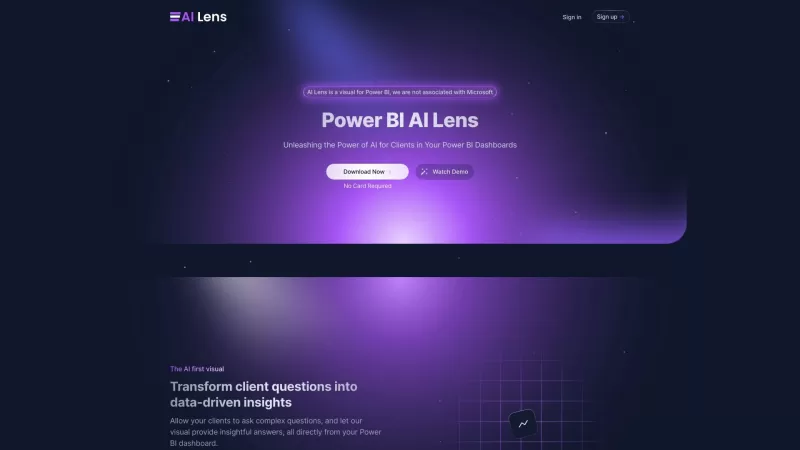
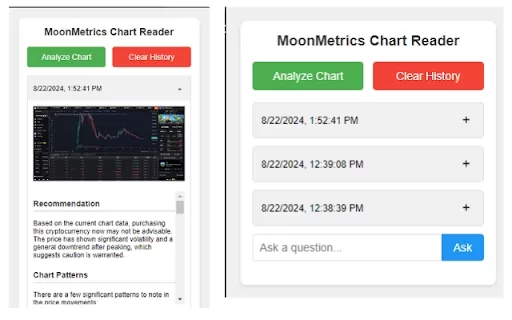

Discover the 2026 best AI flowchart and diagram makers. Explore our top-rated, curated selection at XIX.AI for effortlessly visualizing complex engineering concepts. Compare free vs paid tools with real-world tests. Unlock your visual productivity edge now.
 10 tools
 xix.ai


