


 Home
HomeCode to Flow: Visualize your code



Helps TikTok sellers, brands, MCNs, and TAPs discover winning products and find creators.

HelpLook is an AI-powered all-in-one knowledge base tool that helps businesses quickly build knowledge bases, help centers, and...

Your AI Workspace

302.AI is an enterprise-grade AI resource platform with pay-as-you-go pricing, API access to a full range of AI models, and ready-to-use online applications.

剧火AI — AI Screenwriter + Director, a One-Person Short Drama Studio In one sentence, what is it?
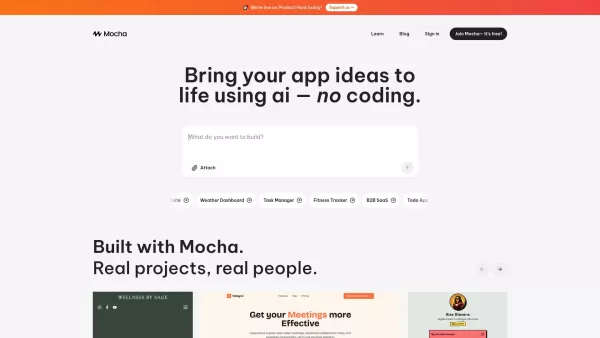
What is Mocha?Mocha is an innovative AI-driven platform that lets anyone create fully functional websites and custom applications without writing a single line of code. Designed for visionaries without technical expertise, it turns verbal description
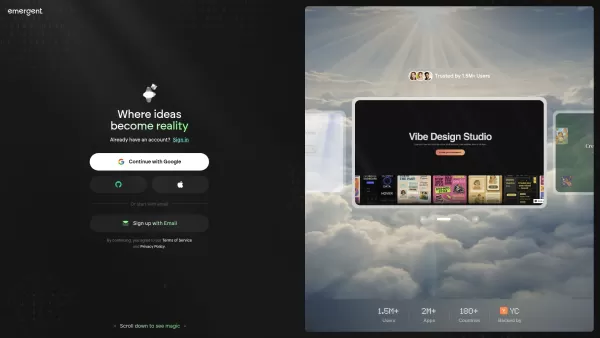
What is Emergent? Emergent is an AI-powered platform for no-code development, allowing users to turn ideas into production-ready web apps, mobile platforms, and custom software through simple conversation—no coding required.How to use Emergent? You c

Workik isn't just another tool in the developer's arsenal; it's a game-changer. Imagine having an AI-powered sidekick that's all about speeding up your backend and frontend code development. That's Workik for you. It's not just about generating code; it's
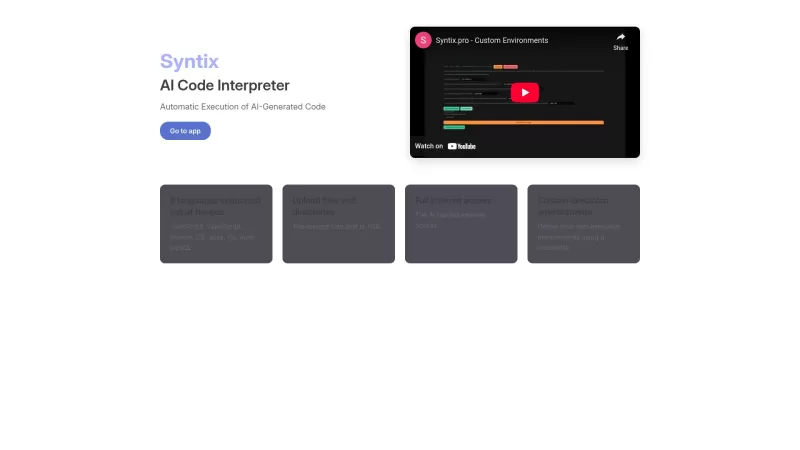
Ever found yourself wrestling with code and wishing you had a trusty sidekick to help you out? Well, let me introduce you to Syntix, your new AI programming assistant. Think of Syntix as that friend who's always ready to dive into any coding problem, no m
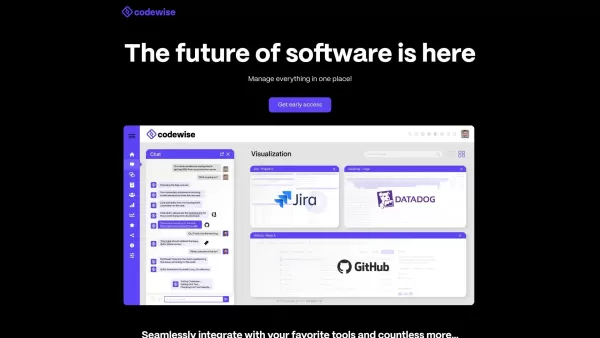
What is Codewise?Codewise AI is an intelligent coding assistant that harnesses artificial intelligence to streamline development workflows. It delivers features such as real-time code completion, automated bug-fixing support, and personalized code re
Code to Flow: Visualize your code Product Information
What is Code to Flow?
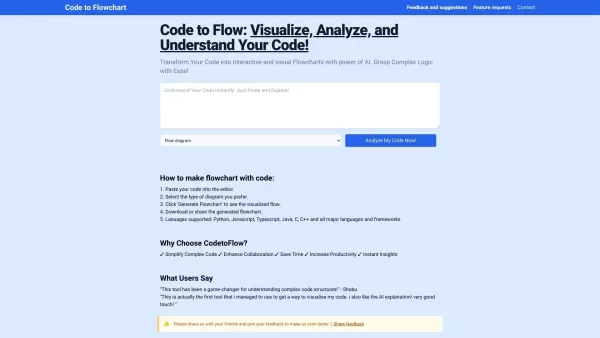
Code to Flow is an AI-powered tool that helps developers visualize their code by transforming it into interactive flowcharts. This makes it easier to analyze complex logic, spot potential problems, and improve your code's overall structure. The tool works with many programming languages and lets you export your diagrams in several formats, making it a flexible choice for solo developers and teams alike.
Who is Code to Flow for?
- Software Developers
- Coders
- Software Engineers
- Tech Leads
- Code Reviewers
How to use Code to Flow
- Step 1: Sign up or log in to the Code to Flow platform.
- Step 2: Upload your code file or paste the code directly into the input field.
- Step 3: Click the 'Generate Flowchart' button to create your visualization.
- Step 4: Examine the interactive flowchart to gain insights into your code's logic.
- Step 5: Export the finished flowchart in your chosen format (SVG, PNG, or PDF).
Platform
- Web
Core Features & Benefits of Code to Flow
Core Features
- Automatically converts code into clear flowcharts
- Interactive diagram visualization
- Support for a wide range of programming languages
- Multiple export formats for your flowcharts
Key Benefits
- Makes complex code easier to understand
- Helps pinpoint potential bugs and inefficiencies
- Aids in optimizing and restructuring code
- Reduces time spent on manual documentation
Main Use Cases & Applications
- Visualizing project and code architecture
- Streamlining code review and analysis
- Documenting legacy or existing codebases
- Teaching programming concepts visually
Pros & Cons of Code to Flow
Pros
Compatible with all major programming languages.
Generates multiple types of interactive diagrams from your code.
Simplifies complex code and enhances the debugging process.
Provides export options including SVG, PNG, and PDF.
Uses AI analysis to map out code structure and logic flow.
Cons
The free plan is limited to 3 flowchart generations per day.
The source code is not open for self-hosting or custom modifications.
Full, unlimited access requires a paid subscription.
Code to Flow Pricing
Has free plan | Yes |
|---|---|
Free trial details | 3 visualizations per day |
Pricing model | One-time & Subscription |
Is credit card required | No for free plan |
Paid from | 26.99 USD |
Has lifetime plan | YES |
Billing frequency | Lifetime / Monthly |
Pricing Plan Details
One-Time Starter
26.99 USD
- 1,000 code visualizations (Never expire)
- Ad-free experience
- AI-powered code optimization suggestions
- Extended code capacity (8k tokens)
- Edit and customize your flowcharts
One-time Unlimited Pro
66.99 USD
- Unlimited visualizations for life
- Ad-free experience
- Advanced AI code optimization suite
- Priority feature requests & updates
- Edit and customize your flowcharts
Monthly Pro
9.99 USD per month
- Unlimited visualizations each month
- Ad-free experience
- Extended code support (8k tokens)
- Early access to new features
- Edit and customize your flowcharts
Special Discount:
Use promo code GPT50 to get 30% off your first month.
For the most current pricing, please visit: https://codetoflow.com
Frequently Asked Questions
What is Code to Flow?
Code to Flow is an AI-based tool that turns your source code into interactive, easy-to-understand flowcharts.
How does Code to Flow work?
You provide your code, and the AI analyzes it to generate a visual flowchart that maps out the structure and logic.
What programming languages does it support?
It supports a variety of languages, including Python, JavaScript, Java, C++, and many others.
Can I export the flowcharts I create?
Yes, you can export your flowcharts as SVG, PNG, or PDF files for use in documentation or presentations.
Is there a free trial?
Yes, there is a free plan that allows you to generate up to 3 flowcharts per day.
How do I sign up?
Simply visit the Code to Flow website and create an account using your email address.
Does it integrate with other tools?
Yes, Code to Flow offers plugins for popular platforms like JIRA and Confluence.
What are the main benefits?
It clarifies complex code, helps find issues, improves code structure, and saves significant documentation time.
Is it good for team collaboration?
Absolutely. Teams can share, comment on, and collaborate using the generated flowcharts.
Can it be used for education?
Yes, it's an excellent resource for instructors and students to visually explain and learn programming concepts.
Company Information
- Code to Flow
- https://codetoflow.com
Code to Flow: Visualize your code Screenshot


2026 Latest Top-rated AI Illustration Tools: Our curated list features the best powerfully designed tools for creating stunning editorial scenes and eye-catching cover art quickly. Each option has gone through rigorous real-world tests, offering a free vs paid comparison to help you find the perfect match for your workflow. Try these must-try solutions today to unlock your AI edge and boost your creative productivity. Explore now at XIX.AI.
 10 tools
 xix.ai

2026 Latest Top-Rated Best AI Tutors for Exam Prep are here on XIX.AI! Our curated list features powerful game-changing tools that offer free vs paid comparison, real-world tests, and weekly updated rankings. They help boost your writing efficiency, simplify complex topic learning, and unlock your academic potential. Explore now to Discover your perfect exam prep tool and Start creating today to Unlock your AI edge!
10 tools
xix.ai

2026 Latest Best Top-Rated AI Budget Planning Tools for Personal Money Management are here on XIX.AI! This curated collection features powerful, game-changing solutions that help you conduct real-world tests, understand spending habits, and create personalized plans to boost productivity. Enjoy a free vs paid comparison along with detailed rankings. Must-try tools designed to simplify money management and unlock your AI edge. Explore now!
11 tools
xix.ai

2026 Latest Best Top-Rated AI Sleep Tracking Assistants curated for ultimate recovery. This fully updated weekly guide features powerful tools that deliver real-world tests, free vs paid comparison, and detailed rankings to help you find the must-try solution that boosts sleep quality and supports better bedtime habits. Explore now at XIX.AI to Unlock your AI edge.
10 tools
xix.ai

2026 Latest Best Top-Rated AI SQL Copilots for Product and Revenue Analytics! XIX.AI has curated a powerful, game-changing collection of must-try tools that undergo real-world tests through weekly updated rankings. These tools help users boost productivity significantly by accelerating data analysis, streamlining complex queries, and generating accurate insights to drive smarter business decisions. Explore now to Discover your perfect tool for unlocking your AI edge!
14 tools
xix.ai

2026 Latest Best Top-Rated AI Homework Helpers That Teach Core Concepts Not Just Answers Powerful Tools for Students Must-Try Curated List Weekly Updated Free vs Paid Comparison Real-World Tests Accurate Rankings to Help You Unlock Your Full Learning Potential Explore now to Discover your perfect tool for smarter studying.
10 tools
xix.ai


