


 Home
HomeChatGPT Share - Chrome Extension
Save ChatGPT Chats: Markdown & PNG


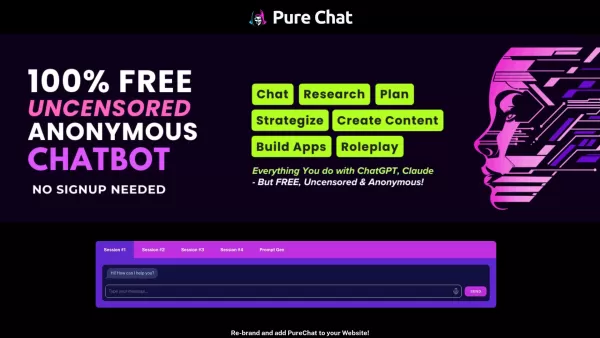
PureChat is a haven for those looking to dive into AI chat without hitting any paywalls or censorship barriers. Powered by the innovative ChatGPT, it offers a platform where your creativity and curiosity can run wild, completely free of charge.How to
Copilot is an innovative suite of plugins and tools designed to enhance productivity and streamline various tasks within the ChatGPT platform. It's like having a digital assistant that's specialized in boosting your workflow, whether you're summarizing documents, searching the web, or managing job a
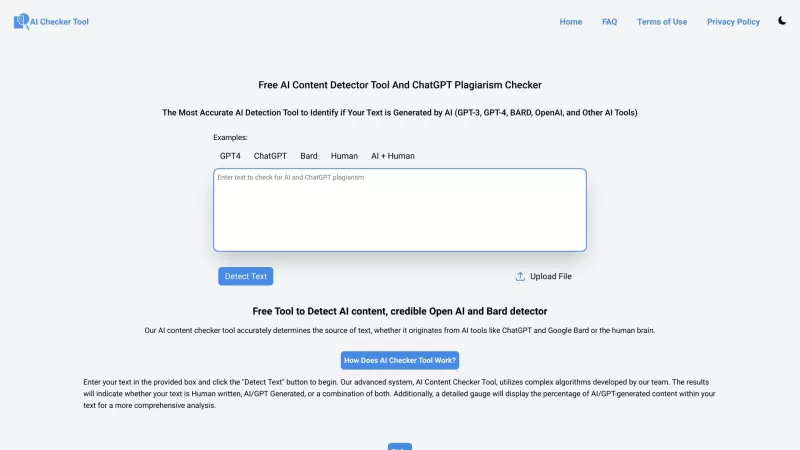
Ever wondered if that essay you just wrote or the latest ChatGPT conversation you had is truly unique? Well, the Free AI Content Detector Tool and ChatGPT Plagiarism Checker is here to put your mind at ease. This handy website uses cutting-edge AI algorit

Ever wished for a trusty sidekick to help you navigate the digital world with ease? Enter Sider, your personal AI companion designed to seamlessly blend into your daily routine. Starting off as a handy Chrome/Edge extension, Sider transforms your browsing
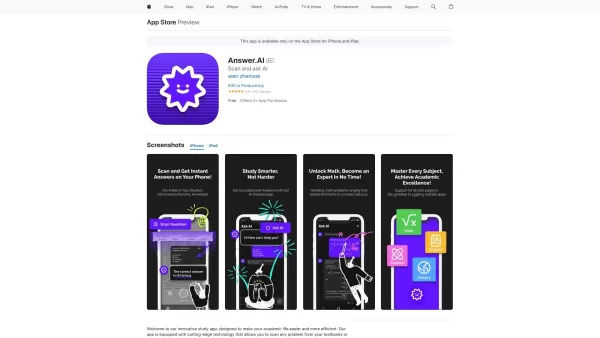
Ever found yourself stuck on a homework problem, staring at your textbook and wishing for a magic solution? Well, meet Answer.ai, your new best friend in the world of homework help. This innovative app, powered by the mighty ChatGPT, is here to transform
ChatGPT Share - Chrome Extension Product Information
What is the ChatGPT Share Chrome Extension?
ChatGPT Share is a powerful Chrome extension that enables users to effortlessly save, manage, and share their ChatGPT conversations. It allows you to export conversations in both Markdown and PNG formats, making it simple to archive, revisit, and share valuable AI-generated content.
How to Use the ChatGPT Share Chrome Extension
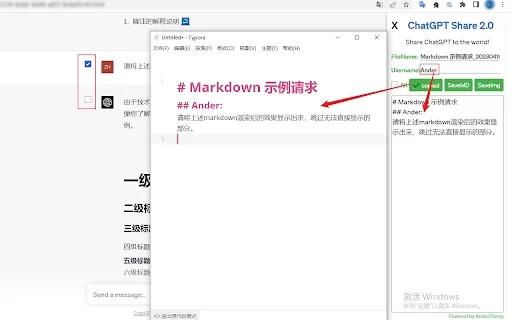
Begin by installing the ChatGPT Share extension from the Chrome Web Store. Navigate to a supported site like chat.openai.com, freegpt.one, or medium.com, and open a conversation. The extension will display options to save your chat as Markdown or a PNG image. You can customize the filename and username (for Markdown files), then click the corresponding button to save or copy the content to your device.
ChatGPT Share Chrome Extension's Core Features
One-click copy and download of ChatGPT conversations into Markdown format.
One-click download of ChatGPT conversations as PNG images.
Customizable username for Markdown files, allowing for enhanced privacy.
Customizable file naming for both Markdown and PNG exports.
Option to select and convert specific parts of your conversations.
ChatGPT Share Chrome Extension's Use Cases
Archiving important ChatGPT discussions for future access and reference.
Sharing your ChatGPT interactions with others in a clear, formatted way.
Creating documentation or reports from ChatGPT outputs.
Preserving valuable content created by AI for your personal archive.
FAQ from ChatGPT Share
What should I do if the extension icon doesn't respond when clicked?
Why does generating a picture sometimes take a while?
Can I save conversations that started after I opened the extension?
What should I do when I switch to a different conversation thread?
ChatGPT Share - Chrome Extension Screenshot


Discover the 2026 best AI data science mentors to master SQL, Pandas & ML workflows. Explore our top-rated, curated selection at XIX.AI for powerful, game-changing guidance. Compare free vs paid options with real-world insights. Unlock your data science mastery today.
 10 tools
 xix.ai

Discover the 2026 best AI flirting and conversation trainers on XIX.AI. Our curated, top-rated selection helps you build social charisma and confidence in real-time. Explore must-try, game-changing tools with free vs paid comparisons and weekly updated rankings. Unlock your social edge today.
10 tools
xix.ai

Discover the 2026 latest top-rated AI tools for automated unit testing. Our curated selection features powerful, game-changing solutions to generate Jest, PyTest & JUnit test cases instantly. Compare free vs paid options with real-world tests and weekly updated rankings on XIX.AI. Unlock your AI edge and boost development productivity today.
10 tools
xix.ai

Discover the 2026 best AI data visualization tools at XIX.AI. Our curated, top-rated selection helps you auto-generate powerful, interactive BI dashboards from raw files instantly. Compare free vs paid options with real-world tests and weekly updated rankings. Unlock your data's potential today.
10 tools
xix.ai

Discover the 2026 best AI branding kits for social media. XIX.AI's curated list features top-rated, game-changing tools to maintain perfectly consistent brand visuals across all channels. Compare free vs paid options with real-world tests. Unlock your brand's visual edge today.
10 tools
xix.ai

Discover the 2026 latest top-rated AI companion tools for immersive roleplay and connection. XIX.AI's curated guide features powerful, game-changing apps with weekly updated rankings, free vs. paid comparisons, and real-world tests. Find your perfect match and unlock meaningful digital companionship today.
10 tools
xix.ai


