


 Home
HomeChatGPT Email Assistant
AI tool for writing and refining emails quickly.



Helps TikTok sellers, brands, MCNs, and TAPs discover winning products and find creators.

HelpLook is an AI-powered all-in-one knowledge base tool that helps businesses quickly build knowledge bases, help centers, and...

Your AI Workspace

302.AI is an enterprise-grade AI resource platform with pay-as-you-go pricing, API access to a full range of AI models, and ready-to-use online applications.

剧火AI — AI Screenwriter + Director, a One-Person Short Drama Studio In one sentence, what is it?
Ever wondered how to get a leg up in *Call of Duty: Mobile*? Well, redeem codes are your golden ticket to a whole bunch of in-game goodies. These codes can give you a sweet boost to your Weapon XP or Battle Pass XP, making it a breeze to level up your arsenal and unlock those coveted new weapons, at
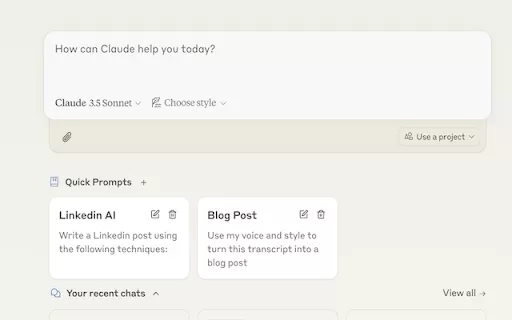
Ever find yourself stuck in a loop, typing the same prompts over and over? Enter Claude, the AI-powered Chrome extension that's here to save your sanity. This nifty tool is all about managing and saving your prompts, so you can keep your creative juices flowing without the frustration of repetition.
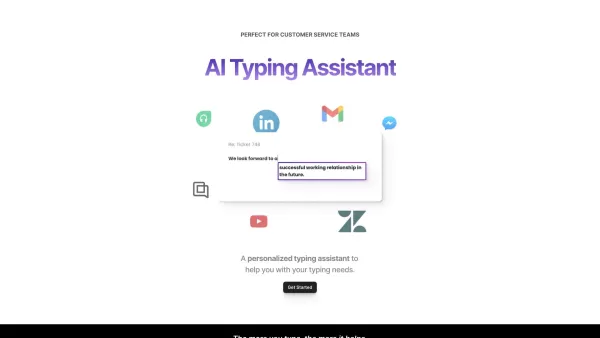
If you're looking to level up your typing game, the AI Typing Assistant is your go-to tool. It's like having a personal coach that tailors its advice just for you, based on how you type. Ever wish you could type faster and with fewer mistakes? This a
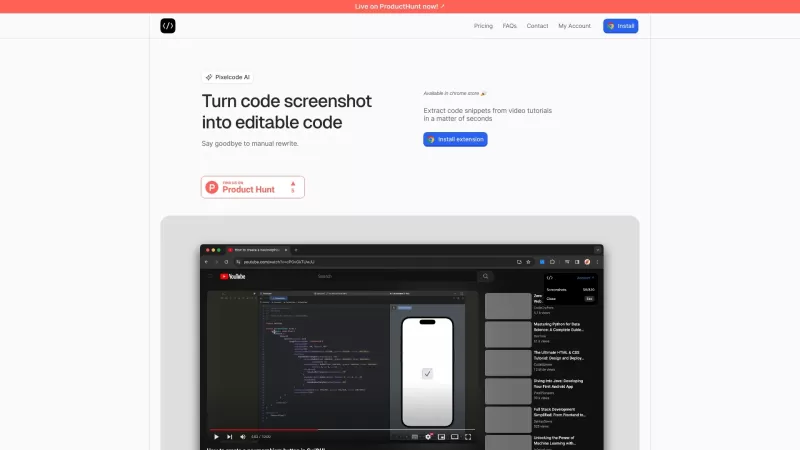
Pixelcode is a revolutionary tool that transforms screenshots of code into editable text, saving you from the tedious task of typing out code manually. Imagine snapping a picture of a code snippet and instantly having it ready to edit in your preferred co
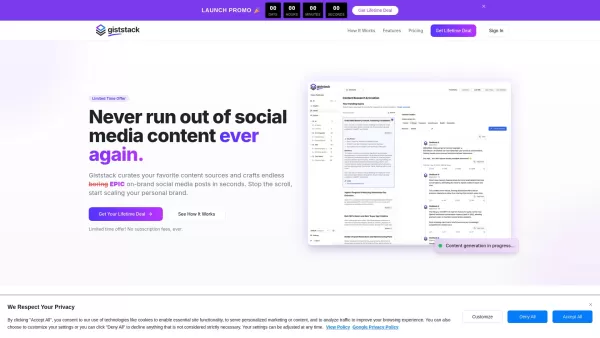
What is Giststack? Giststack is an AI-driven platform that assists users, especially solopreneurs and marketers, in tackling the hurdles of social media content creation. It gathers content from your preferred websites and newsletters, spots trending
ChatGPT Email Assistant Product Information
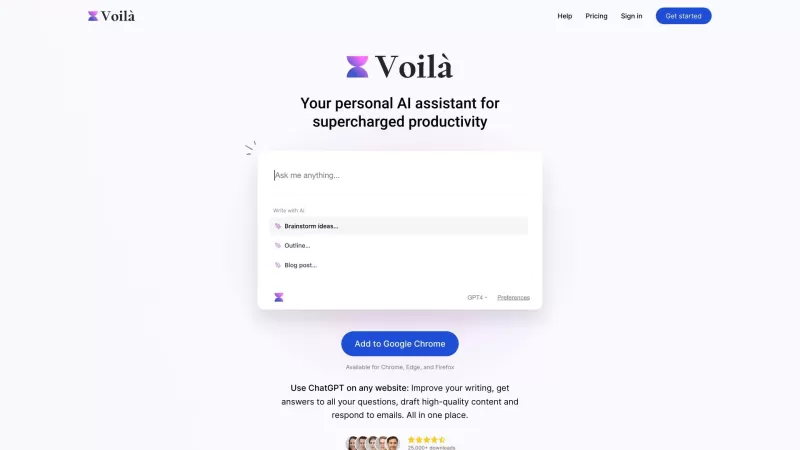
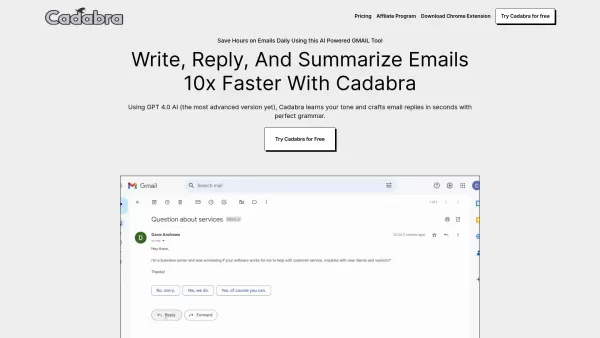
Ever found yourself staring at a blank email, unsure how to start or what tone to strike? Enter the ChatGPT Email Assistant, your new best friend in the world of digital correspondence. This nifty AI tool is here to transform the way you craft, polish, and even translate your emails across platforms like Gmail. It's like having a personal writing coach right in your browser, ready to help you sound your best with minimal effort.
So, how do you get started with this game-changer? It's simple: just install the Chrome extension. Once it's up and running, you can highlight any text or throw a prompt at it, and voila! The ChatGPT Email Assistant will whip up email content for you in a snap. It's like magic, but better because it's real and incredibly useful.
Core Features of ChatGPT Email Assistant
What makes this tool stand out? Let's dive into its core features:
- AI-generated email drafts: Say goodbye to writer's block. The assistant can generate entire email drafts based on your prompts, saving you time and mental energy.
- Grammar refinement: No more embarrassing typos or grammatical errors. The tool polishes your emails to perfection, ensuring you always put your best foot forward.
- Tone adjustment: Whether you need to sound professional, friendly, or somewhere in between, the assistant can tweak the tone of your emails to fit the occasion.
- Multi-language support: Communicating across borders? No problem. The assistant can help you write emails in multiple languages, breaking down language barriers.
- Gmail integration: Seamlessly integrated with Gmail, it's like having a superpower right in your inbox.
Use Cases for ChatGPT Email Assistant
Wondering how you can put this tool to work? Here are some scenarios where it shines:
- Writing professional emails effortlessly in various languages: Whether you're reaching out to international clients or colleagues, the assistant helps you communicate effectively without the language barrier.
- Improving and refining poorly written email drafts: Got a rough draft that needs some love? The assistant can transform it into a polished, professional piece of communication.
FAQ from ChatGPT Email Assistant
- Is ChatGPT Email free to use?
- Yes, there's a free version available, but premium features might require a subscription.
- Can I cancel my premium subscription anytime?
- Absolutely, you can cancel your premium subscription at any time without any hassle.
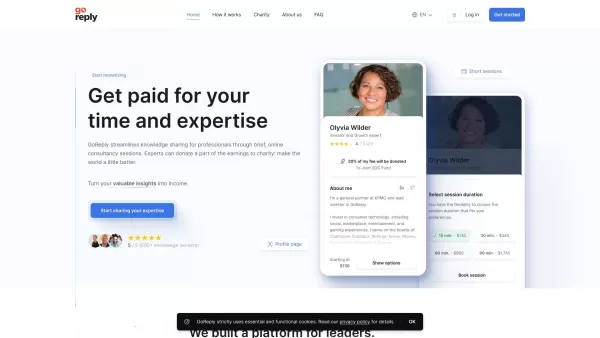
ChatGPT Email Assistant Screenshot

2026 Latest Best AI Art Generators ranking showcases top-rated tools for creating stunning moodboards, exploring diverse styles, and defining visual directions. XIX.AI offers a curated list of powerful, game-changing options that have passed rigorous real-world tests. Get a free vs paid comparison to help you find the perfect fit for boosting your creative workflow. Explore now to Unlock your AI edge in art creation.
 10 tools
 xix.ai

2026 Latest Best AI Email Personalization Platforms for Shopify Flows that boost retention and win-backs. This top-rated curated list features powerful game-changing tools经过real-world tests, offering free vs paid comparison insights. XIX.AI is part of our trusted selection. Discover your perfect tool to unlock your AI edge today. Explore now!
9 tools
xix.ai

2026 Latest Best AI Comic Generators for Webtoon Creators! XIX.AI has curated a top-rated list of powerful, game-changing tools that help creators boost productivity significantly. You’ll find detailed weekly updated rankings, free vs paid comparison, and real-world tests to help you choose the perfect fit. Must-try options are available to overcome creation bottlenecks and deliver high-quality content faster. Explore now to Discover your perfect tool for smarter comic making!
9 tools
xix.ai
2026 Latest Best Top-rated AI Illustration Tools for Digital Artists! XIX.AI has curated a powerful, game-changing collection of top tools designed to help artists unlock their full creative potential. These best options feature weekly updated rankings, real-world tests, and free vs paid comparison details to help you find the perfect fit for boosting your workflow efficiency. Must-try choices across all skill levels are here—Explore now to Discover your perfect tool!
17 tools
xix.ai

2026 Latest Best Top-Rated AI Manga Layout Tools for Webtoon Creators! XIX.AI has curated a powerful, game-changing collection of must-try tools that go through rigorous real-world tests. You’ll find detailed weekly updated rankings, free vs paid comparison info, and insights on how these tools can boost your workflow, help you create high-quality content faster, and unlock your full creative potential. Explore now to discover your perfect tool!
9 tools
xix.ai

2026 Latest Best AI Dashboard Wireframing Tools for B2B SaaS, Admin Panels, and Data-Heavy Products! XIX.AI has curated a top-rated list of powerful game-changing tools that go through rigorous real-world tests to deliver exceptional results. You’ll find detailed free vs paid comparison data, comprehensive rankings, and useful insights to help you choose the perfect solution for boosting productivity and streamlining your workflow. Explore now to unlock your AI edge!
8 tools
xix.ai


Just tried ChatGPT Email Assistant and wow, it's like having a personal writing coach! 🤯 Drafted my toughest client email in minutes with the perfect professional tone. Though I did tweak a few lines - AI still can't fully replace human nuance. 4.5/5!


