


 Home
HomeChatGPT 萬能工具箱 - Chrome Extension
ChatGPT Prompt Automation & Editing Extension



Helps TikTok sellers, brands, MCNs, and TAPs discover winning products and find creators.

HelpLook is an AI-powered all-in-one knowledge base tool that helps businesses quickly build knowledge bases, help centers, and...

Your AI Workspace

302.AI is an enterprise-grade AI resource platform with pay-as-you-go pricing, API access to a full range of AI models, and ready-to-use online applications.

剧火AI — AI Screenwriter + Director, a One-Person Short Drama Studio In one sentence, what is it?
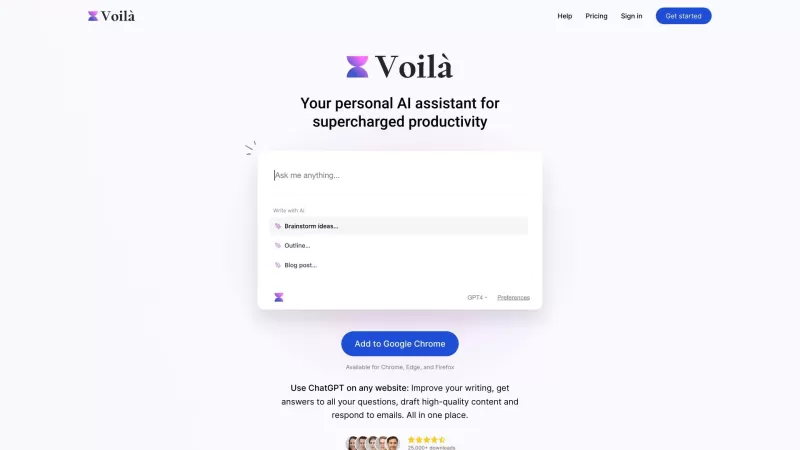
Ever wondered how to get a leg up in *Call of Duty: Mobile*? Well, redeem codes are your golden ticket to a whole bunch of in-game goodies. These codes can give you a sweet boost to your Weapon XP or Battle Pass XP, making it a breeze to level up your arsenal and unlock those coveted new weapons, at
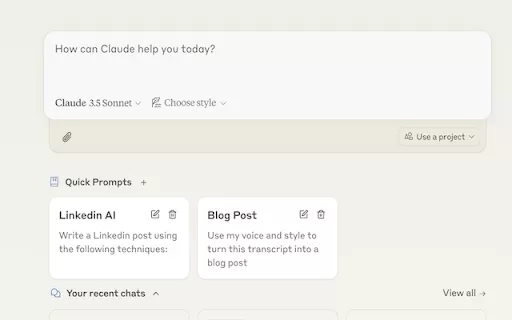
Ever find yourself stuck in a loop, typing the same prompts over and over? Enter Claude, the AI-powered Chrome extension that's here to save your sanity. This nifty tool is all about managing and saving your prompts, so you can keep your creative juices flowing without the frustration of repetition.
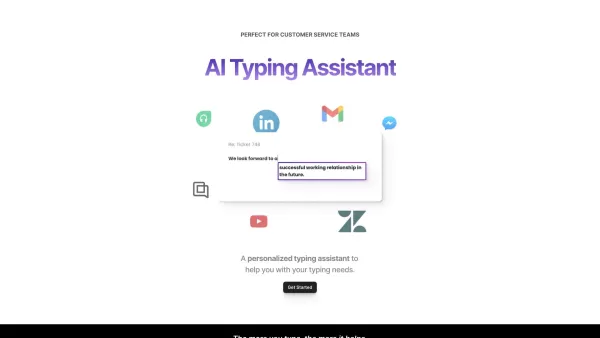
If you're looking to level up your typing game, the AI Typing Assistant is your go-to tool. It's like having a personal coach that tailors its advice just for you, based on how you type. Ever wish you could type faster and with fewer mistakes? This a
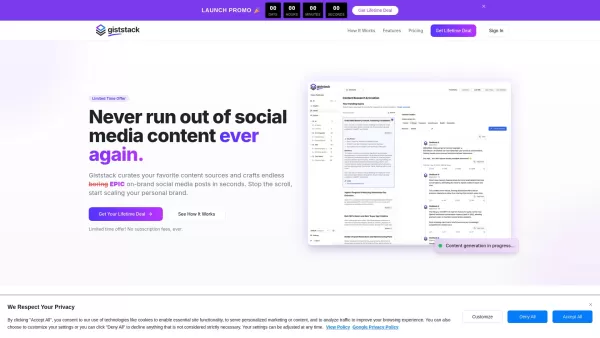
What is Giststack? Giststack is an AI-driven platform that assists users, especially solopreneurs and marketers, in tackling the hurdles of social media content creation. It gathers content from your preferred websites and newsletters, spots trending
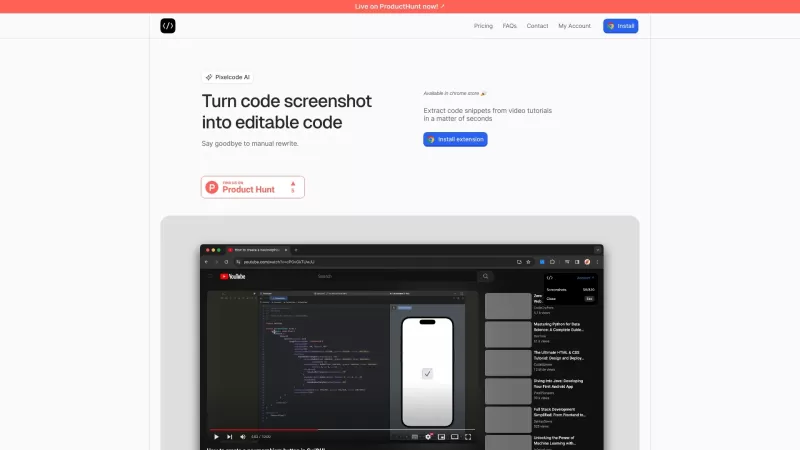
Pixelcode is a revolutionary tool that transforms screenshots of code into editable text, saving you from the tedious task of typing out code manually. Imagine snapping a picture of a code snippet and instantly having it ready to edit in your preferred co
ChatGPT 萬能工具箱 - Chrome Extension Product Information
What is the ChatGPT All-in-One Toolkit AI Chrome Extension?
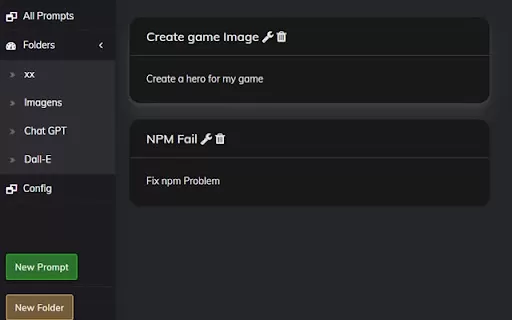
The ChatGPT All-in-One Toolkit is a Chrome/Edge extension that upgrades the ChatGPT website with useful tools to enhance your workflow. Its key features include automatically populating prompts from URLs, adding one-click prompt buttons to ChatGPT responses, and enabling direct prompt editing by double-clicking your avatar or text.
How to Use the ChatGPT All-in-One Toolkit AI Chrome Extension
Install the Chrome/Edge extension, then take advantage of its features: save prompts as bookmarks for quick insertion, use the auto-prompt buttons for common inputs, and double-click your avatar or text to edit prompts directly.
ChatGPT All-in-One Toolkit AI Chrome Extension Core Features
Auto-fill prompts using URLs
One-click prompt buttons in ChatGPT replies
Instant prompt editing by double-clicking
ChatGPT All-in-One Toolkit AI Chrome Extension Use Cases
Quickly insert your go-to prompts without typing or copy-pasting.
Automate routine inputs with pre-made prompt buttons.
Effortlessly tweak and improve your previous prompts for better results.
ChatGPT All-in-One Toolkit FAQ
Which browsers support the ChatGPT All-in-One Toolkit?
What are the primary features of the ChatGPT All-in-One Toolkit?
Does this extension work with AI models other than ChatGPT?
ChatGPT 萬能工具箱 - Chrome Extension Screenshot
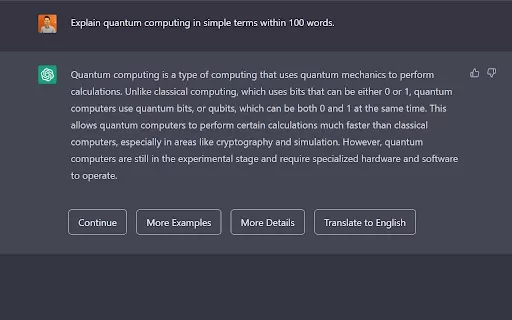
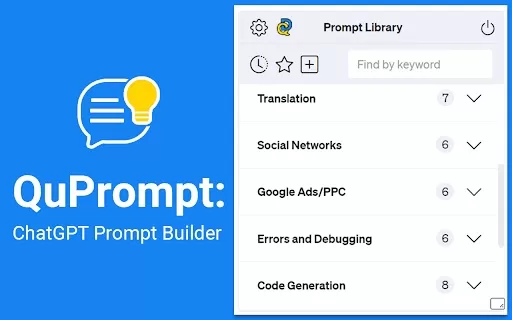
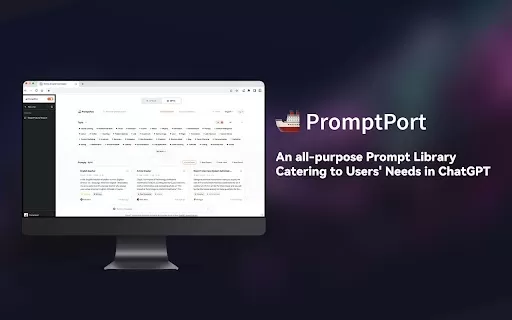
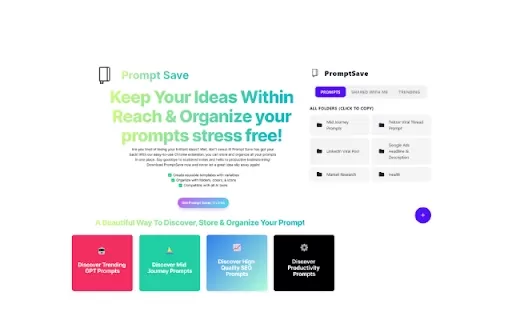
2026 Latest Best Top-rated AI Prompt Libraries for Daily Workflows! XIX.AI has curated a powerful, game-changing collection of must-try tools that significantly boost productivity by streamlining tasks and helping you create high-quality content faster. Each option goes through rigorous real-world tests, featuring free vs paid comparison and updated weekly rankings. Explore now to discover your perfect tool and unlock your AI edge!
 22 tools
 xix.ai


