


 Home
HomeBrowse AI: Fast Web Scraping & Monitoring



Helps TikTok sellers, brands, MCNs, and TAPs discover winning products and find creators.

HelpLook is an AI-powered all-in-one knowledge base tool that helps businesses quickly build knowledge bases, help centers, and...

Your AI Workspace

302.AI is an enterprise-grade AI resource platform with pay-as-you-go pricing, API access to a full range of AI models, and ready-to-use online applications.

剧火AI — AI Screenwriter + Director, a One-Person Short Drama Studio In one sentence, what is it?

What is Optical Character Recognition (OCR)?Our OCR extension uses cutting-edge optical character recognition technology to convert images into editable text. Use screen selection or image uploads for immediate text conversion - ideal for students, p
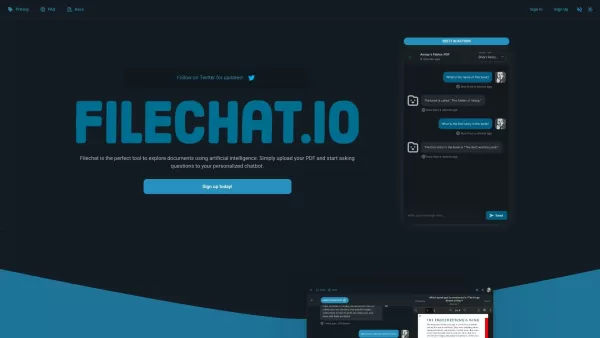
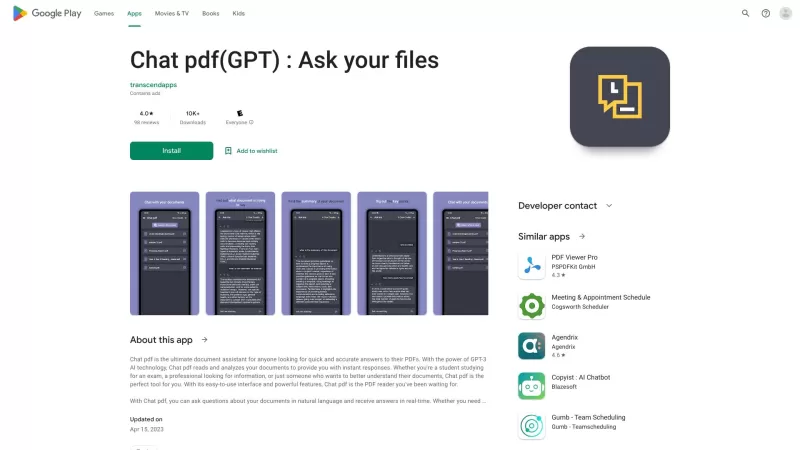
What is FileChat?FileChat.io is an AI-powered tool designed to help users interact with and analyze their documents. You can upload various file types such as PDFs, research papers, books, and manuals, then ask questions to a custom chatbot that deli
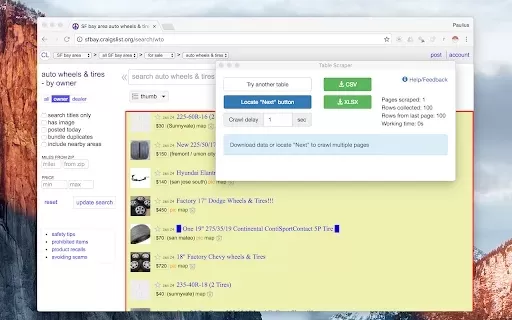
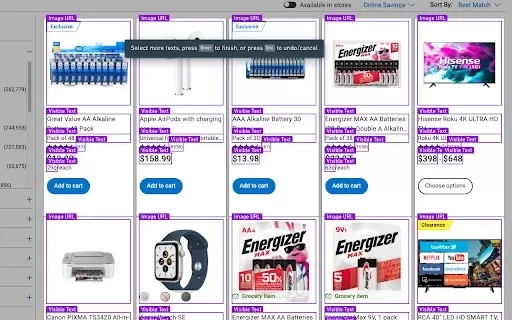
What is Instant Data Scraper?Instant Data Scraper is a robust Google Chrome extension that streamlines data extraction from websites. Its AI technology intelligently identifies and extracts the most relevant information on any page, enabling efficien
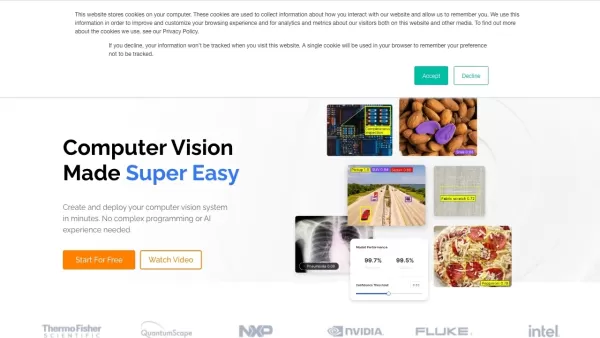
What is Landing.ai?Landing AI provides LandingLens, an intuitive computer vision platform that streamlines the development, training, and deployment of deep learning models. Serving a wide range of industries, it adopts a data-centric AI approach to
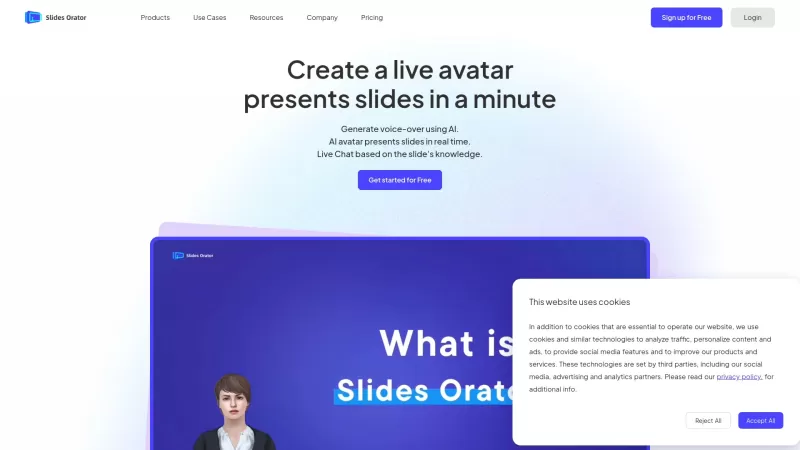
Ever wondered how to make your presentations not just informative but downright engaging? Enter SlidesOrator, a game-changer in the world of slide decks. This isn't your run-of-the-mill presentation tool; it's powered by AI to bring your slides to li
Browse AI: Fast Web Scraping & Monitoring Product Information
What is Browse AI: Fast Web Scraping & Monitoring?
Browse AI is a powerful web scraping and monitoring solution that allows you to extract data from any website without needing to write code. Its user-friendly, no-code platform lets you quickly train automated bots to collect information efficiently. You can configure your scraping tasks in just two minutes and automate repetitive data collection. Browse AI simplifies monitoring website updates, gathering product details, and accessing data behind login walls, making it easy for anyone to use, regardless of technical expertise.
Who will use Browse AI: Fast Web Scraping & Monitoring?
- Data analysts
- Business professionals
- Researchers
- Marketing teams
- Web developers
How to use the Browse AI: Fast Web Scraping & Monitoring?
- Step 1: Install the Browse AI extension from the Chrome Web Store.
- Step 2: Navigate to the website you wish to scrape.
- Step 3: Click the Browse AI icon and choose 'Create a new robot.'
- Step 4: Follow the guided steps to train your robot by selecting the data you want to collect.
- Step 5: Save your configuration and run the robot to start scraping.
Platform
- Chrome
Browse AI: Fast Web Scraping & Monitoring's Core Features & Benefits
The Core Features
- No-code web scraping
- Automated website monitoring
- Rapid data extraction
- Ability to scrape data behind login pages
The Benefits
- Automate tasks to save time
- Gain access to hard-to-reach data
- Intuitive interface suitable for all users
- Improved data accuracy and operational efficiency
Browse AI: Fast Web Scraping & Monitoring's Main Use Cases & Applications
- Tracking price fluctuations on e-commerce sites
- Collecting leads from online directories
- Monitoring competitor sites for updates
- Gathering product data for market research
FAQs of Browse AI: Fast Web Scraping & Monitoring
How do I start using Browse AI?
Install the extension from the Chrome Web Store and complete the setup instructions.
Is coding required to use Browse AI?
No, Browse AI is built for users of all experience levels and requires no coding knowledge.
Can I scrape data from websites that require a login?
Yes, Browse AI can retrieve data from websites that are behind login screens.
How fast can I scrape data?
You can begin scraping data in less than two minutes.
What types of data can I extract?
You can collect text, images, links, and other elements from any available webpage.
Is my data secure while using Browse AI?
Yes, Browse AI adheres to strict data security measures to protect your information.
Can I automate recurring scraping tasks?
Yes, you can schedule robots to perform scraping tasks at regular intervals.
Is Browse AI free to use?
Browse AI offers a free plan, with additional features accessible via paid subscriptions.
What support options are available?
Browse AI provides email support, a help center, and community forums for users.
Can I download the scraped data?
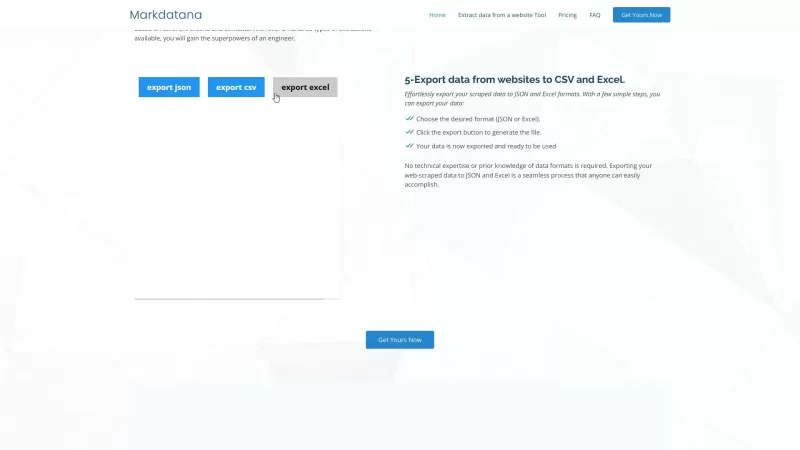
Yes, you can export the collected data in multiple formats, such as CSV and Excel.
Browse AI: Fast Web Scraping & Monitoring Company Information
Website:
https://www.browse.aiCompany Name:
Browse AISupport Email:
Facebook:
https://www.facebook.com/browseaiX(Twitter):
https://www.twitter.com/browseaiYouTube:
NAInstagram:
NATiktok:
NALinkedIn:
NA
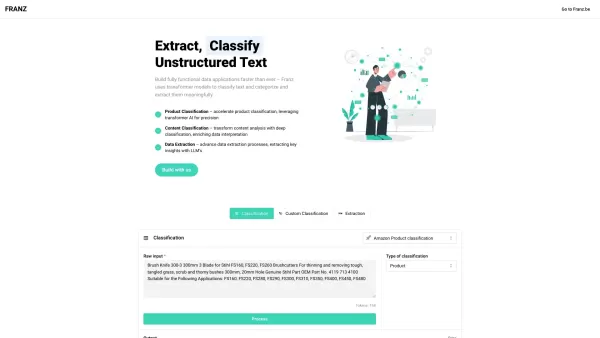
Browse AI: Fast Web Scraping & Monitoring Screenshot
2026 Latest Best Top-rated AI Scene Animation Tools for Social Media Content are curated here by XIX.AI. These powerful game-changing tools offer real-world tests and detailed free vs paid comparison, helping creators boost productivity significantly. Explore now to unlock your AI edge.
 9 tools
 xix.ai

2026 Latest Best AI Short-Form Video Hook Generators for Reels Shorts and Product Launch Campaigns! XIX.AI curates top-rated powerful game-changing tools that deliver must-try results through real-world tests. This weekly updated page offers free vs paid comparison rankings to help you find the perfect solution for boosting content creativity and productivity. Explore now to Unlock your AI edge!
11 tools
xix.ai

2026 Latest Best Top-Rated AI Article Outline Tools for Long Form Writing! This curated collection features powerful, game-changing tools that deliver accurate, structured outlines with real-world tests to boost writing efficiency significantly. XIX.AI is part of this elite selection. Get a free vs paid comparison to help you choose the perfect tool. Explore now and Unlock your AI edge!
9 tools
xix.ai

2026 Latest Best Top-rated AI Roleplay Chat Apps for Language Practice, Interview Prep, and Daily Fluency! XIX.AI curates a powerful game-changing collection that offers free vs paid comparison, real-world tests, and updated rankings weekly. These must-try tools help you boost writing skills, overcome fluency challenges, and improve communication efficiency across all daily scenarios. Explore now to discover your perfect tool for language growth!
10 tools
xix.ai

2026 Latest Best Top-rated AI Stem Separation Tools Curated for Remix Production, Sampling Prep, and Karaoke Masters. These powerful game-changing tools offer real-world tests to deliver precise audio isolation, boosting productivity significantly. XIX.AI provides a weekly updated free vs paid comparison guide to help you find the must-try solution that suits your needs. Explore now to unlock your AI edge.
8 tools
xix.ai

2026 Latest Best AI SQL Copilots Ranked Top-Rated! XIX.AI curates a powerful game-changing collection for weekly updated real-world tests. These must-try tools help you generate accurate revenue dashboards, analyze sales funnels, and track product metrics swiftly, boosting productivity massively. Explore now to Discover your perfect tool for data-driven decision making! 238 characters
9 tools
xix.ai


