


 Home
HomeBitMind



Helps TikTok sellers, brands, MCNs, and TAPs discover winning products and find creators.

HelpLook is an AI-powered all-in-one knowledge base tool that helps businesses quickly build knowledge bases, help centers, and...

Your AI Workspace

302.AI is an enterprise-grade AI resource platform with pay-as-you-go pricing, API access to a full range of AI models, and ready-to-use online applications.

剧火AI — AI Screenwriter + Director, a One-Person Short Drama Studio In one sentence, what is it?
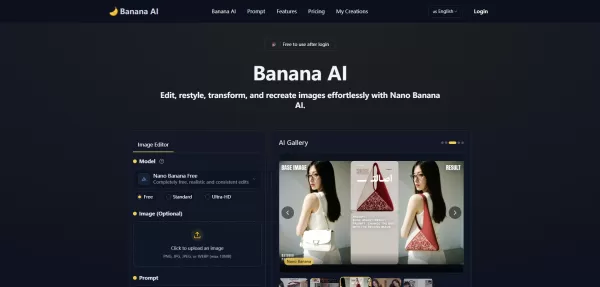
What is Banana AI - Free AI Photo Editor?Banana AI is a free, AI-driven photo editor that uses Google's Nano Banana technology (Gemini 2.5 Flash Image) to transform your pictures with simple text commands. Easily remove unwanted objects, swap backgro
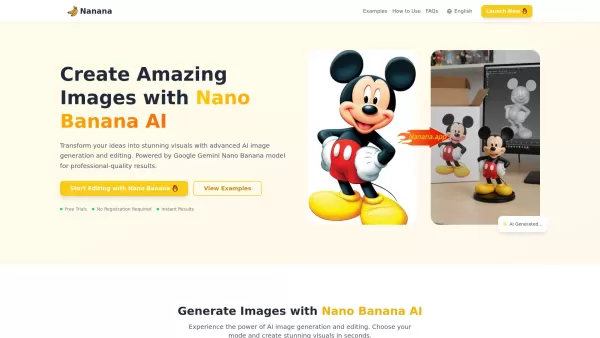
What is Nano Banana | Nanana AI? Nanana AI is the leading AI image generator and AI image editor on the market. It taps into the full potential of Google's revolutionary Nano Banana model to offer unmatched image creation and editing power. As an ear
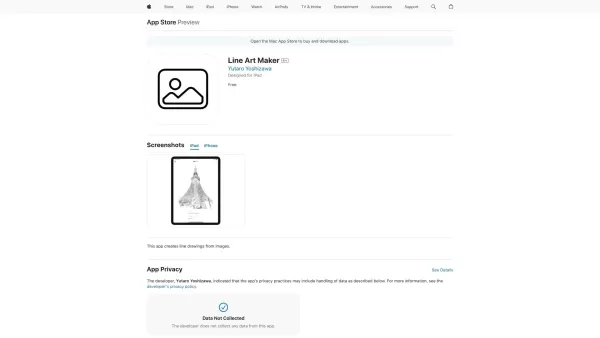
What is Line Art Maker?Line Art Maker is an intuitive application that effortlessly transforms your photos into stunning line drawings. Powered by sophisticated algorithms, it precisely identifies outlines and turns your images into detailed sketches
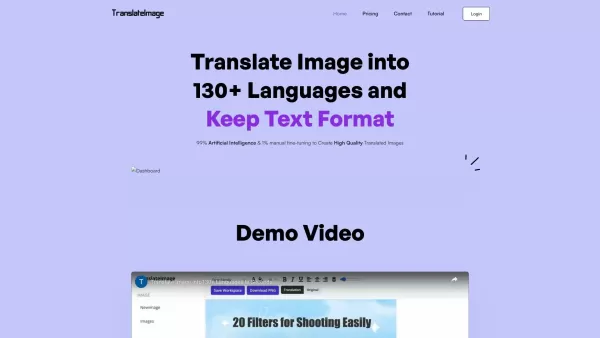
What is TranslateImages?AI Image Translator is an advanced tool that precisely translates text embedded in images, keeping the original layout and format intact. It supports over a dozen languages, such as English, Hindi, Arabic, Chinese, Japanese, K
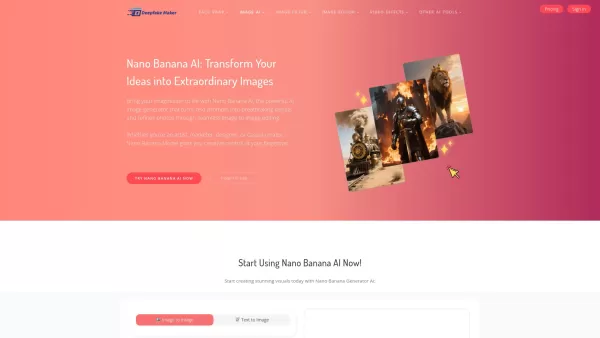
What is Deepfake Maker Nano Banana AI? Nano Banana AI is an advanced artificial intelligence platform that generates stunning images from text descriptions and facilitates seamless image-to-image transformations. This cutting-edge AI model revolution
BitMind Product Information
What is BitMind?
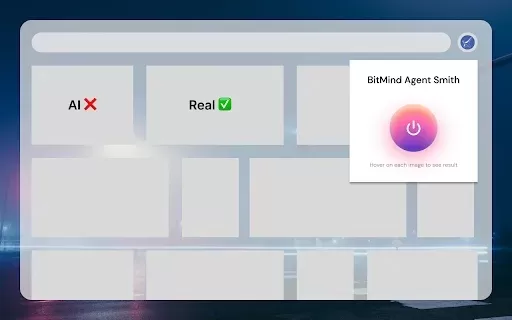
AI Detector - BitMind is a Chrome extension that instantly identifies AI-generated media. By hovering over images or uploading videos, users can detect fake news, AI-created images, and misleading ads. The extension delivers a confidence score for each analysis, powered by advanced detection technology. Whether you're browsing social media, news websites, or online stores, BitMind helps maintain a secure and reliable digital experience. Its mission is to deliver precise detection, curb misinformation, and shield users from scams and manipulated content.
Who uses BitMind?
- Social media users
- Online shoppers
- Security-focused individuals
- People who value digital authenticity
How to use BitMind
- Step 1: Install the AI Detector - BitMind extension from the Chrome Web Store.
- Step 2: Activate the extension.
- Step 3: Hover over images on any site to check for AI generation.
- Step 4: Upload videos to use the Video Detection feature (beta).
- Step 5: Check the confidence score for each result.
- Step 6: Browse safely and stay informed online.
Platform
- Chrome
BitMind's Core Features & Benefits
The Core Features
- Instant AI content detection
- Confidence score display
- Advanced detection technology
- Video detection (beta)
- Safe browsing on all websites
The Benefits
- Enhanced cybersecurity
- Protection from scams and false information
- Defense against misleading ads
- Safe and trustworthy web browsing
BitMind's Main Use Cases & Applications
- Spotting fake news on social media
- Detecting AI-generated product images in online shopping
- Avoiding fraudulent advertisements
- Preventing political manipulation via AI-created visuals
FAQs of BitMind
How do I install AI Detector - BitMind?
Go to the Chrome Web Store, search for AI Detector - BitMind, and select 'Add to Chrome'.
Is AI Detector - BitMind free to use?
Yes, the extension is completely free.
How does the extension detect AI-generated content?
AI Detector - BitMind uses sophisticated detection technology to evaluate images and videos, offering a confidence score for every analysis.
Does AI Detector - BitMind work on social media?
Yes, it works on platforms including Twitter, Instagram, Facebook, and Reddit.
Is my browsing data safe?
Yes, your browsing data and scanned media are secure and never shared with third parties.
How often is the detection model updated?
The detection model is regularly updated to recognize content from the newest AI tools and generators.
Does AI Detector - BitMind work with videos?
Yes, it includes a Video Detection feature (currently in beta) for video analysis.
What if it misses an AI-generated image?
While highly accurate, the system is always improving. We encourage users to report any undetected AI content for refinement.
What platforms support the extension?
AI Detector - BitMind is currently available as a Chrome extension.
How can I get support for issues?
Visit the support hub via the Chrome Web Store page or contact the support team by email.
BitMind Company Information
- BitMind Labs Inc
- https://bitmind.ai
BitMind Screenshot

2026 Latest Top-rated AI Illustration Tools: Our curated list features the best powerfully designed tools for creating stunning editorial scenes and eye-catching cover art quickly. Each option has gone through rigorous real-world tests, offering a free vs paid comparison to help you find the perfect match for your workflow. Try these must-try solutions today to unlock your AI edge and boost your creative productivity. Explore now at XIX.AI.
 10 tools
 xix.ai

2026 Latest Top-Rated Best AI Tutors for Exam Prep are here on XIX.AI! Our curated list features powerful game-changing tools that offer free vs paid comparison, real-world tests, and weekly updated rankings. They help boost your writing efficiency, simplify complex topic learning, and unlock your academic potential. Explore now to Discover your perfect exam prep tool and Start creating today to Unlock your AI edge!
10 tools
xix.ai

2026 Latest Best Top-Rated AI Budget Planning Tools for Personal Money Management are here on XIX.AI! This curated collection features powerful, game-changing solutions that help you conduct real-world tests, understand spending habits, and create personalized plans to boost productivity. Enjoy a free vs paid comparison along with detailed rankings. Must-try tools designed to simplify money management and unlock your AI edge. Explore now!
11 tools
xix.ai

2026 Latest Best Top-Rated AI Sleep Tracking Assistants curated for ultimate recovery. This fully updated weekly guide features powerful tools that deliver real-world tests, free vs paid comparison, and detailed rankings to help you find the must-try solution that boosts sleep quality and supports better bedtime habits. Explore now at XIX.AI to Unlock your AI edge.
10 tools
xix.ai

2026 Latest Best Top-Rated AI SQL Copilots for Product and Revenue Analytics! XIX.AI has curated a powerful, game-changing collection of must-try tools that undergo real-world tests through weekly updated rankings. These tools help users boost productivity significantly by accelerating data analysis, streamlining complex queries, and generating accurate insights to drive smarter business decisions. Explore now to Discover your perfect tool for unlocking your AI edge!
14 tools
xix.ai

2026 Latest Best Top-Rated AI Homework Helpers That Teach Core Concepts Not Just Answers Powerful Tools for Students Must-Try Curated List Weekly Updated Free vs Paid Comparison Real-World Tests Accurate Rankings to Help You Unlock Your Full Learning Potential Explore now to Discover your perfect tool for smarter studying.
10 tools
xix.ai


This extension is a lifesaver! I've been using it to check suspicious images online, and it's surprisingly accurate. Though sometimes it flags real photos as AI-generated, but still a great tool to combat misinformation. 👍
이 BitMind 플러그인 정말 유용해요! 가짜 뉴스나 AI 생성 이미지를 쉽게 식별할 수 있어서 좋네요. 근데 Chrome에서만 되는 게 좀 아쉽다. 다른 브라우저에도 확장됐으면 좋겠어요. 🤔


