


 Home
HomeBing Search Engine



Helps TikTok sellers, brands, MCNs, and TAPs discover winning products and find creators.

HelpLook is an AI-powered all-in-one knowledge base tool that helps businesses quickly build knowledge bases, help centers, and...

Your AI Workspace

302.AI is an enterprise-grade AI resource platform with pay-as-you-go pricing, API access to a full range of AI models, and ready-to-use online applications.

剧火AI — AI Screenwriter + Director, a One-Person Short Drama Studio In one sentence, what is it?

What is AI Dream Factory (Unlimited AI Girlfriend Chinese Version)?Botur Game Factory presents an AI-powered virtual girlfriend, crafted to deliver an immersive and interactive conversational experience. Powered by advanced AI algorithms, this virtua
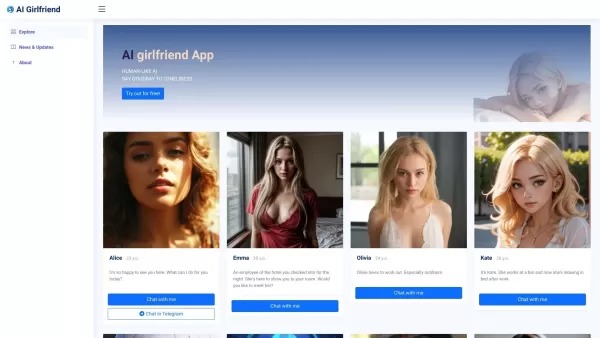
What is AI Girlfriend Alice?AI Girlfriend Alice bridges technology and human connection by offering a customizable virtual partner. Powered by advanced AI, this platform provides a secure and private space for companionship. Users can personalize the
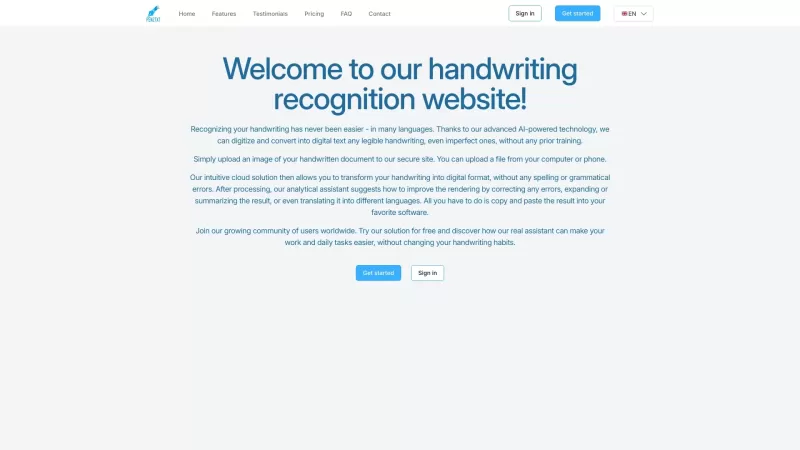
Ever wished you could magically turn your scribbled notes into neat, digital text? That's where Pen2txt comes in—a handy tool that transforms your handwritten notes into editable digital format using cutting-edge Handwritten Text Recognition (HTR) technology. How to Use Pen2txt? Getting started wit
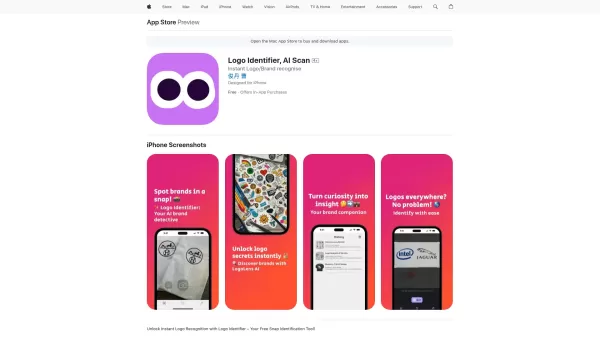
Ever wondered what that cool logo you spotted on your shopping spree or while flipping through a magazine actually represents? Enter Logo Identifier, the nifty AI-powered app that's like having a brand-savvy friend in your pocket. With just a snap of your

Are you gearing up for your DSE oral exams and feeling a bit nervous about your English speaking skills? Fear not! The DSE Speaking Assistant is here to help you ace those exams with confidence. This AI-powered tool is like having a personal tutor at your
Bing Search Engine Product Information
What Is the Bing Search Engine?
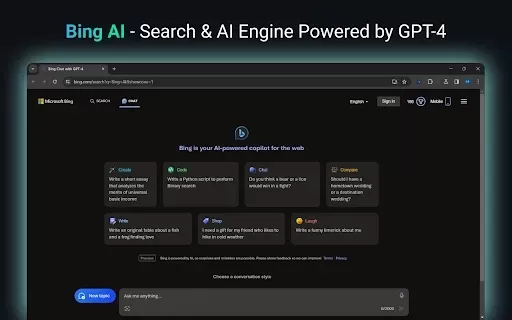
The Bing Search Engine is a Chrome extension that transforms your default search experience. By integrating Bing directly into your browser, users can access quick search results, making browsing more efficient and intuitive. The extension leverages advanced AI technology for better result relevance and supports various web activities, allowing users to search effortlessly. Ideal for anyone looking to enhance their online productivity, the extension makes searching as easy as a single click, ensuring you have access to a powerful search tool right at your fingertips.
Who Will Use the Bing Search Engine?
- General users
- Students
- Professionals
- Researchers
How to Use the Bing Search Engine?
- Step 1: Visit the Chrome Web Store.
- Step 2: Search for the Bing Search Engine extension.
- Step 3: Click 'Add to Chrome' to install the extension.
- Step 4: Follow the prompts to set Bing as your default search engine.
- Step 5: Start searching using the Bing interface directly from your browser.
Platform
- Web
- Chrome
Bing Search Engine's Core Features and Benefits
The Core Features
- Quick search results
- AI-powered answer suggestions
- Seamless integration with Chrome
The Benefits
- Faster search access
- Enhanced search accuracy
- User-friendly browsing experience
Bing Search Engine's Main Use Cases and Applications
- Conducting research efficiently
- Finding information quickly
- Improving browsing productivity
FAQs about the Bing Search Engine
Can I Switch Back to My Old Search Engine?
Yes, you can change your default search engine in your Chrome settings.
Is the Bing Search Engine Free to Use?
Yes, the extension is free to install and use.
Does It Collect My Search Data?
Bing may collect data as per its privacy policy, but user privacy is a priority.
What If I Encounter Issues with the Extension?
You can report issues through the Chrome Web Store or seek help from support.
Can I Use Bing Search on Mobile?
While this extension is for Chrome, Bing can be accessed via mobile browsers.
What Features Does Bing Search Offer?
Bing offers quick search results, AI suggestions, and integration with browsing activities.
Is There Customer Support for This Extension?
Yes, support is typically available through the Microsoft support channels.
Do I Need an Account to Use the Bing Search Engine?
No, an account is not required to use the search engine functionality.
How Can I Uninstall the Bing Search Engine Extension?
Go to Chrome settings, select extensions, and remove the Bing Search Engine extension.
How Do I Install the Bing Search Engine Extension?
Visit the Chrome Web Store, search for the extension, and click 'Add to Chrome'.
Bing Search Engine Company Information
- Microsoft
- https://www.bing.com/images/create
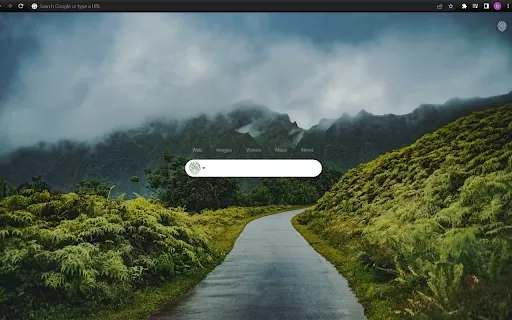
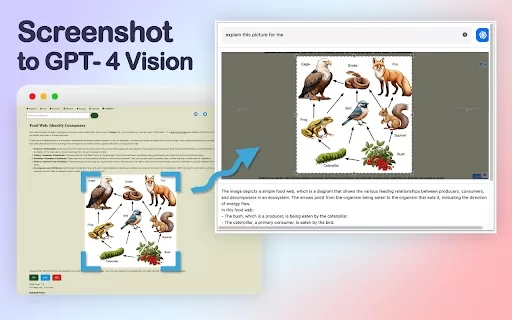
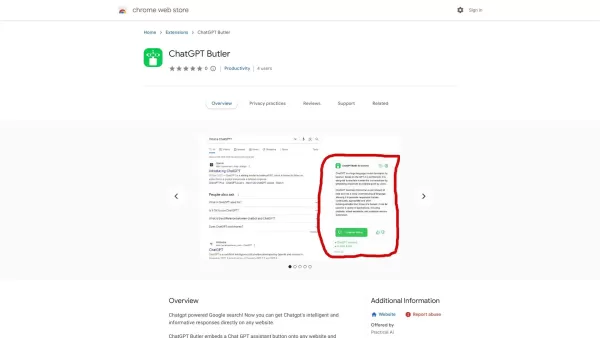
Bing Search Engine Screenshot


2026 Latest Best Top-Rated AI Speech Styling Tools for Natural Voice Output are here on XIX.AI. This curated collection features powerful, game-changing tools that deliver highly customizable voice tones, perfect for boosting writing efficiency and creating engaging content. We conduct real-world tests to provide accurate weekly updated rankings, along with a free vs paid comparison to help you choose the best fit for your needs. Explore now to Discover your perfect tool and Unlock your AI edge.
 20 tools
 xix.ai
2026 Latest Best Top-rated AI Rank Tracking Tools for Google, AI Overviews, and Answer Engine Visibility are here on XIX.AI. This curated list features powerful game-changing tools that go through rigorous real-world tests to deliver accurate rankings data. Get a free vs paid comparison, see top performers, and discover must-try options to boost your content’s visibility across search engines. Explore now to find the perfect tool for your needs.
10 tools
xix.ai

2026 Latest Best Top-Rated AI Second-Brain Organizers for Notes and Tasks! XIX.AI has curated a highly powerful game-changing collection, featuring weekly updated rankings, free vs paid comparison, and real-world tests to help you find the perfect tool that boosts productivity dramatically. Explore now to unlock your AI edge!
11 tools
xix.ai

2026 Latest Best Top-Rated AI Prompt Testing Platforms for ChatGPT and Claude Workflows! XIX.AI curates a powerful game-changing collection, featuring weekly updated rankings, free vs paid comparison, real-world tests, and detailed feature breakdowns to help you identify the must-try tools that boost productivity and deliver flawless outputs. Explore now to discover your perfect solution and unlock your AI edge. (249 characters)
9 tools
xix.ai

2026 Latest Best AI Landing Page Copy Tools for SaaS A/B Tests, Pricing Pages, and Demo Conversion are here on XIX.AI. This curated list of top-rated tools offers powerful game-changing solutions to boost content quality, improve writing efficiency, and enhance overall productivity. We conduct real-world tests and provide a free vs paid comparison along with weekly updated rankings. Must-try options help you break through creation bottlenecks. Explore now to discover your perfect tool and unlock your AI edge!
8 tools
xix.ai

2026 Latest Best Excel AI tools for cash flow planning and expense control are here on XIX.AI’s top-rated curated list. These powerful game-changing solutions help you boost productivity significantly through real-world tests and rigorous rankings. Get a free vs paid comparison to find the perfect fit for your needs. Explore now to unlock your AI edge in financial management.
9 tools
xix.ai


