


 Home
HomeAudioread: Ultra-Realistic Text-to-Speech



Helps TikTok sellers, brands, MCNs, and TAPs discover winning products and find creators.

HelpLook is an AI-powered all-in-one knowledge base tool that helps businesses quickly build knowledge bases, help centers, and...

Your AI Workspace

302.AI is an enterprise-grade AI resource platform with pay-as-you-go pricing, API access to a full range of AI models, and ready-to-use online applications.

剧火AI — AI Screenwriter + Director, a One-Person Short Drama Studio In one sentence, what is it?

What is Celebrity AI?CelebrityAI revolutionizes digital content creation with its cutting-edge artificial intelligence platform that generates lifelike celebrity videos and voice messages. Using sophisticated technologies including deep neural networ
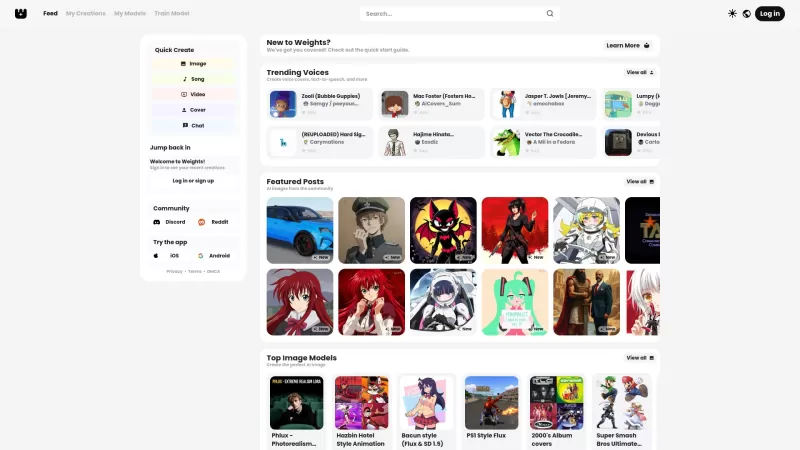
Ever stumbled upon Weights and wondered what it's all about? Well, let me break it down for you. Weights isn't just another AI tool; it's your creative playground where you can whip up AI voice covers, transform text into speech, and conjure up stunning A
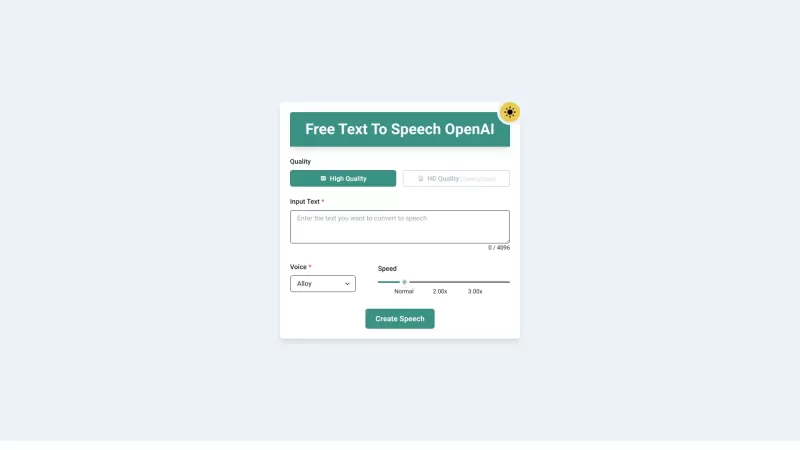
Ever wished you could transform your PDFs and eBooks into something you could listen to while on the go? Well, that's exactly what PDF to Audiobook does—it turns your static text into dynamic audiobooks or MP3 files. Imagine being able to listen to your f
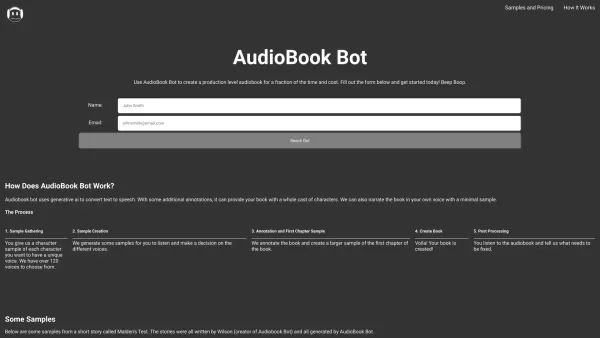
Ever wondered how to transform your written words into captivating audiobooks? Enter AudioBook Bot, your one-click solution to audiobook creation. This nifty software is designed to breathe life into your stories with a variety of voices, making your audi

Ever wondered how to breathe life into your scripts without spending hours in a recording booth? Meet Cugent, your new best friend in the world of AI voiceovers. This nifty tool takes your scripts—whether they're in PDF, Docs, or just plain text—and transforms them into professional, high-quality vo
Audioread: Ultra-Realistic Text-to-Speech Product Information
What Is Audioread: Ultra-Realistic Text-to-Speech?
Audioread is an advanced text-to-speech tool that uses ultra-realistic AI voices to convert written content into audio. It can read articles, PDFs, and emails aloud, providing a personalized listening experience. Users can enjoy their favorite texts as if they were listening to podcasts, making it perfect for multitasking or for those who struggle to find time to read. The AI technology delivers natural, human-like narration, creating an immersive experience. Additionally, Audioread offers features such as personal RSS feeds for easy access.
Who Will Use Audioread: Ultra-Realistic Text-to-Speech?
- Students
- Professionals
- Busy Parents
- Individuals with Visual Impairments
- Podcast Lovers
How to Use Audioread: Ultra-Realistic Text-to-Speech?
- Step 1: Install the Audioread extension from the Chrome Web Store.
- Step 2: Go to an article, PDF, or email you wish to listen to.
- Step 3: Click the Audioread icon to start text-to-speech conversion.
- Step 4: Adjust the voice settings as desired.
- Step 5: Enjoy your text in audio format!
Platform
- Web
- Chrome
Audioread: Ultra-Realistic Text-to-Speech's Core Features and Benefits
Core Features
- Ultra-Realistic AI Voices
- Text-to-Audio Conversion
- Support for Multiple Formats (Articles, PDFs, Emails)
- Personal RSS Feed Creation
Benefits
- Enhanced Multitasking
- Accessibility for All Users
- Convenient Listening Experience
- Natural-Sounding Narration
Audioread: Ultra-Realistic Text-to-Speech's Main Use Cases and Applications
- Listening to Academic Articles While Commuting
- Converting Emails to Audio for Easier Consumption
- Enjoying News Articles in Podcast Format
- Helping Visually Impaired Users Access Content
FAQs About Audioread: Ultra-Realistic Text-to-Speech
How Does Audioread Work?
Audioread uses advanced AI technology to convert text into audio.
What Types of Documents Can I Convert?
You can convert articles, PDFs, and emails.
Is There a Subscription Fee?
Audioread offers both free and paid subscription plans.
Can I Adjust the Voice Settings?
Yes, users can customize voice settings to suit their preferences.
Does It Support Multiple Languages?
Yes, Audioread supports various languages.
Can I Access Audioread on Mobile Devices?
Currently, Audioread is primarily available as a Chrome extension.
Is the Audio Quality High?
Yes, Audioread uses ultra-realistic AI voices to deliver high-quality audio.
Can I Create Personal Playlists?
Audioread allows you to manage your listening preferences, but personal playlists may not be supported.
How Do I Provide Feedback?
Users can submit feedback through the support options available on the website.
Is There a Trial Version Available?
Yes, you can try Audioread's features for free before purchasing a subscription.
Audioread: Ultra-Realistic Text-to-Speech – Company Information
Website:
https://audioread.comCompany Name:
AudioreadSupport Email:
NAFacebook:
NAX (Twitter):
NAYouTube:
NAInstagram:
NATikTok:
NALinkedIn:
https://www.linkedin.com/company/audioread
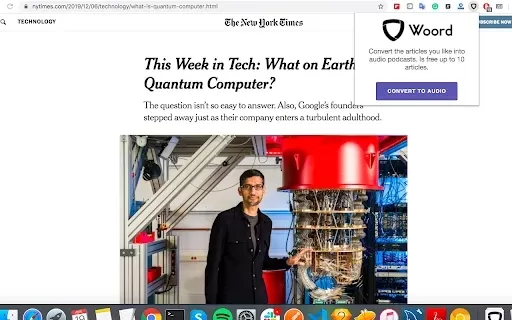
Audioread: Ultra-Realistic Text-to-Speech Screenshot



2026 Latest Best AI Chat Companions Ranking features top-rated, powerful tools known for their ability to hold natural conversations and retain long-term memory. This curated list includes must-try options across free and paid tiers, backed by real-world tests and weekly updated rankings. XIX.AI stands out as a trusted choice in this elite collection. Explore now to discover your perfect AI chat companion and unlock your productivity edge today.
 11 tools
 xix.ai

2026 Latest Best Top-Rated AI Animation Generators! XIX.AI curates a powerful game-changing collection of must-try tools for turning creative ideas into high-quality motion clips swiftly. Each option has undergone rigorous real-world tests, featuring detailed free vs paid comparison and updated weekly rankings to help you find the perfect fit for boosting your animation productivity. Explore now to unlock your AI edge!
11 tools
xix.ai

2026 Latest Top-Rated Best Multilingual AI Voice Generators for Large-Scale Audio Localization. This curated list features powerful, game-changing tools that deliver high-quality localized audio fast. Each option has undergone rigorous real-world tests to ensure reliability. Get a free vs paid comparison and discover the perfect fit for your projects. Explore now at XIX.AI to unlock your AI edge.
18 tools
xix.ai

2026 Latest Best Top-rated AI Outline Generators for Long-Form SEO Articles, Briefs, and Pillar Pages. XIX.AI curates a powerful game-changing collection that undergoes weekly updated real-world tests to deliver must-try tools perfect for boosting writing efficiency, streamlining content creation, and unlocking your AI edge. Explore now to discover your perfect tool for top SEO results.
11 tools
xix.ai

2026 Latest Best Top-Rated AI Voice-to-Minutes Assistants Guide! XIX.AI has curated a highly powerful, game-changing collection of tools designed to transform every team conversation into flawless, organized notes instantly. Our weekly updated rankings cover free vs paid options, along with real-world tests showing their effectiveness for boosting productivity across all work scenarios. Must-try for anyone looking to unlock their AI edge. Explore now!
9 tools
xix.ai

2026 Latest Best Top-Rated AI Lip-Sync Generators for Dialogue Scenes are here on XIX.AI! This curated collection features powerful, game-changing tools that deliver flawless synchronized lip movements for any script, boosting your video editing efficiency significantly. Enjoy a free vs paid comparison along with real-world tests and weekly updated rankings to help you find the must-try perfect fit. Explore now to unlock your AI edge!
8 tools
xix.ai


