


 Home
HomeWoord - Text to Speech
Woord Text to Speech: Convert Text to 60+ Audio Voices


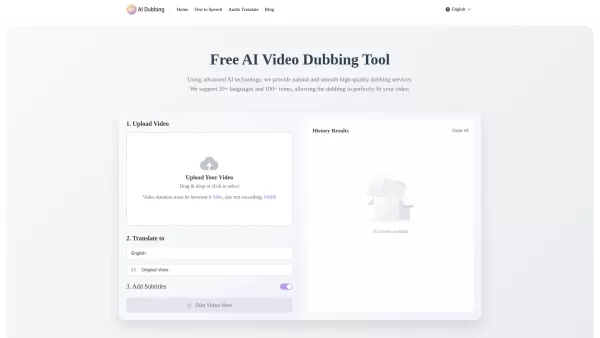
What is AI Dubbing?AI Dubbing is a free online tool that translates videos into various languages, generates speech from text scripts, and delivers precise lip synchronization through advanced AI. It provides natural and fluid high-quality voiceovers
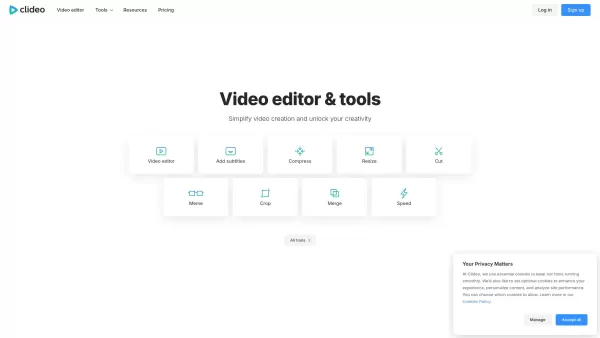
What is Clideo?Clideo is a versatile online editing suite that makes professional-grade video and image editing accessible to everyone. With an intuitive interface and robust features, it empowers users to create polished content without requiring te
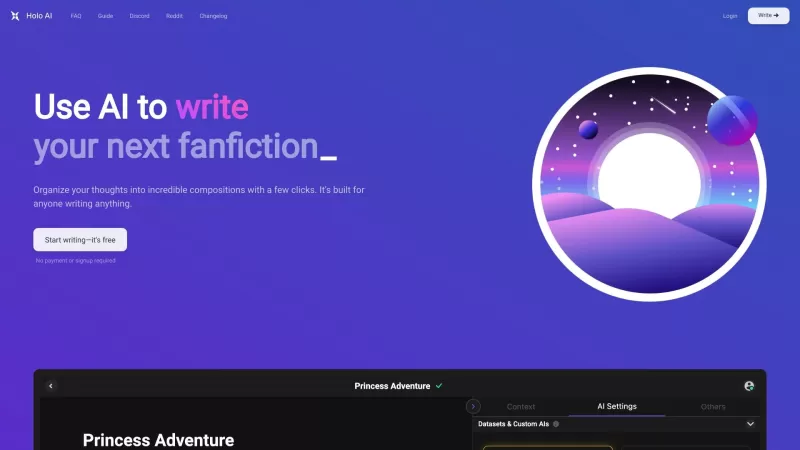
Ever wondered what Holo AI is all about? Well, let me break it down for you. Holo AI is this fantastic AI-powered platform that's all about letting your creativity soar. It's like having a personal assistant that helps you craft novels, whip up short stor
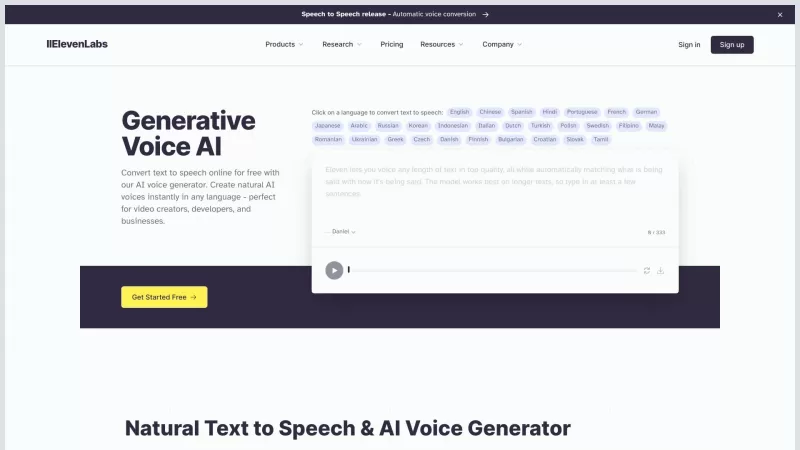
ElevenLabs is your go-to platform for transforming text into speech with an AI voice generator that's nothing short of revolutionary. Whether you're a video creator, developer, or just someone who loves to hear stories come to life, ElevenLabs has got you
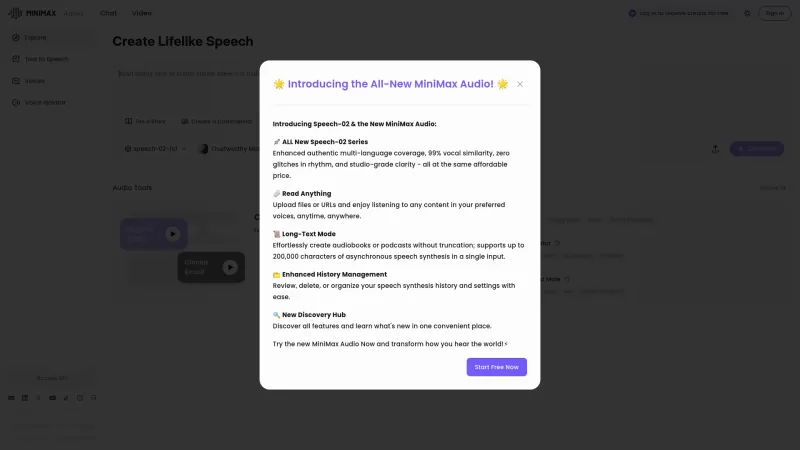
If you're into the world of audio technology, you've got to check out MiniMax Audio. This gem offers ultra-realistic AI voice synthesis that'll blow your mind. Imagine converting your text or URLs into natural-sounding speech in over 30 languages. It's pe
Woord - Text to Speech Product Information
What Is Woord - Text to Speech?
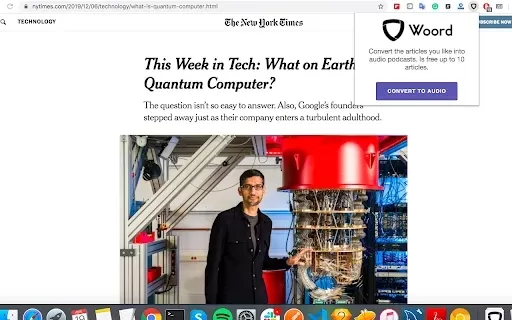
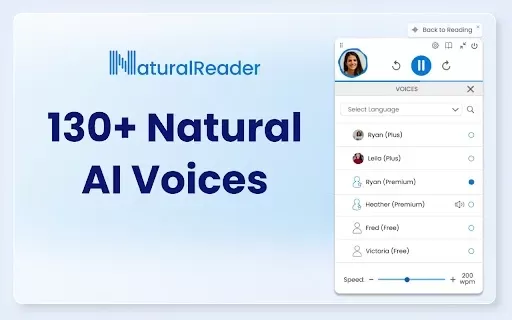
Woord is a Text-to-Speech (TTS) extension that converts written text into natural-sounding audio. Featuring a diverse library of over 60 voices across ten languages, it serves a global audience. Whether transforming articles, PDFs, or other text formats into speech, Woord delivers a straightforward and intuitive solution. Its user-friendly interface lets you pick voices, control speaking speed, and download audio files, making information more accessible.
Who Can Use Woord Text to Speech?
- Content Creators
- Students
- Educators
- Business Professionals
- Researchers
How to Use Woord - Text to Speech
- Step 1: Install the Woord Text to Speech extension from the Chrome Web Store.
- Step 2: Open the extension and paste the text you wish to convert.
- Step 3: Select your preferred voice and language.
- Step 4: Adjust the speech rate as needed.
- Step 5: Click 'Convert' to generate the audio.
- Step 6: Download the audio file or listen within the extension.
Platform
- Web
- Chrome
Woord - Text to Speech's Core Features & Benefits
The Core Features
- 60+ natural-sounding voices
- Support for 10 languages
- Audio download capability
- Customizable speech rate
The Benefits
- Improves accessibility for a broader audience
- Saves time for consuming content
- Aids learning through auditory input
- Suitable for various types of content
Woord - Text to Speech's Main Use Cases & Applications
- Producing audiobooks from written material
- Generating audio versions of articles for podcasts
- Assisting with language learning and pronunciation
- Helping visually impaired users access text content
FAQs of Woord - Text to Speech
What types of voices does Woord offer?
Woord provides a selection of over 60 natural-sounding voices.
Can I use Woord for commercial purposes?
Yes, Woord is suitable for both personal and commercial use.
Is Woord available in multiple languages?
Yes, Woord supports 10 different languages.
Can I adjust the speech rate?
Yes, the speech rate can be easily adjusted in the settings.
Do I need to create an account to use Woord?
No, you can use Woord without registering an account.
Can I download the audio file?
Yes, you can download the generated audio file.
Does Woord support PDF documents?
Yes, Woord can also convert text extracted from PDF documents.
Is Woord free to use?
Woord offers both free and premium plans.
What operating systems can I use Woord on?
Woord is accessible via Chrome extension and web platforms.
Is there a limit to the amount of text I can convert?
While there are no strict limits, longer texts may require more processing time.
Woord - Text to Speech Company Information
Website:
https://www.getwoord.comCompany Name:
WoordSupport Email:
Facebook:
NAX(Twitter):
NAYouTube:
NAInstagram:
NATiktok:
NALinkedIn:
https://uk.linkedin.com/company/getwoord
Woord - Text to Speech Screenshot
Discover the 2026 latest top-rated AI romantic chatbots for building genuine, long-term connections. Our curated list features powerful, consistent personalities, free vs paid comparisons, and real-world tests. Find your perfect companion and start building today at XIX.AI.
 10 tools
 xix.ai

Discover the 2026 best AI data science mentors to master SQL, Pandas & ML workflows. Explore our top-rated, curated selection at XIX.AI for powerful, game-changing guidance. Compare free vs paid options with real-world insights. Unlock your data science mastery today.
10 tools
xix.ai

Discover the 2026 best AI flirting and conversation trainers on XIX.AI. Our curated, top-rated selection helps you build social charisma and confidence in real-time. Explore must-try, game-changing tools with free vs paid comparisons and weekly updated rankings. Unlock your social edge today.
10 tools
xix.ai

Discover the 2026 latest top-rated AI tools for automated unit testing. Our curated selection features powerful, game-changing solutions to generate Jest, PyTest & JUnit test cases instantly. Compare free vs paid options with real-world tests and weekly updated rankings on XIX.AI. Unlock your AI edge and boost development productivity today.
10 tools
xix.ai

Discover the 2026 best AI data visualization tools at XIX.AI. Our curated, top-rated selection helps you auto-generate powerful, interactive BI dashboards from raw files instantly. Compare free vs paid options with real-world tests and weekly updated rankings. Unlock your data's potential today.
10 tools
xix.ai

Discover the 2026 best AI branding kits for social media. XIX.AI's curated list features top-rated, game-changing tools to maintain perfectly consistent brand visuals across all channels. Compare free vs paid options with real-world tests. Unlock your brand's visual edge today.
10 tools
xix.ai


