


 首页
首页


帮助 TikTok 卖家/品牌/MCN/TAP 选爆品、找达人

HelpLook 以一套AI驱动的知识库一体化工具,帮助企业快速搭建知识库、帮助中心与企

你的AI工作台

302.AI是企业级AI资源平台,按用量付费,全模型API接入,应用在线使用

剧火AI — AI编剧+导演,一人短剧工作室 一句话说清楚它是什么: 剧火AI 是一个 AI 驱动的
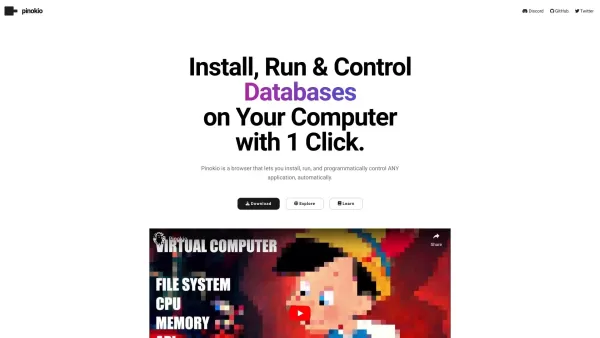
什么是Pinokio ?Pinokio 这是一款功能强大的、专注于人工智能的浏览器,允许您直接在计算机上安装、运行并通过编程方式控制应用程序。它旨在无缝优化和自动化人工智能工作流程。Pinokio 支持庞大的应用生态系统,是开发者、数据科学家和 AI 爱好者轻松构建、训练和部署机器学习模型的理想工具。它让您能够完全掌控应用程序,从而同时提升工作效率和创造潜力。Pinokio 适合哪些人群?开发者A
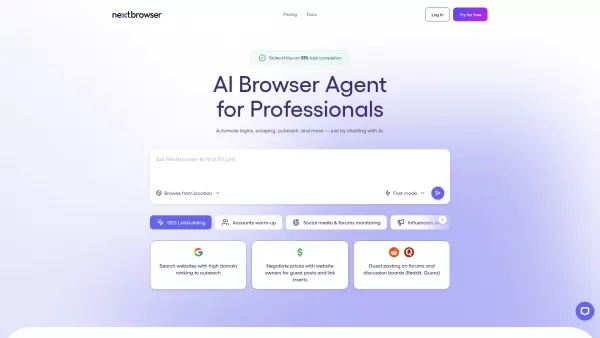
什么是Nextbrowser ? Nextbrowser 该平台助力专业人士、团队和企业利用人工智能实现基于浏览器的任务自动化和规模化。它非常适合市场营销人员、研究人员、人力资源专家以及潜在客户开发团队——凡是需要管理多个账户、执行重复性在线任务或进行大规模地理定位浏览的用户,都能从中受益。 无论您是希望节省数小时手动操作时间的个人,还是旨在优化工作流程的团队,Nextbrowser 都将自动化与
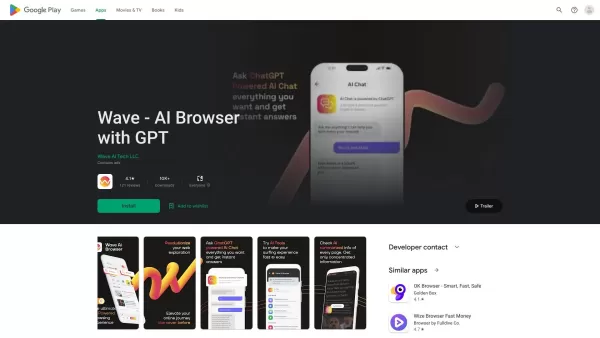
什么是Wave - AI Browser with GPT ?Wave AI 浏览器不仅仅是一个普通的网页浏览器。它作为一款由人工智能驱动的个人助理,将重新定义您的在线体验。通过运用 GPT 等先进技术,它能在浏览器内直接提供个性化内容、文本生成以及详尽的解答。Wave AI 简化了网页浏览流程,并为您提供写作、摘要以及创建图像或其他数字内容的工具,使其成为个人和专业用途中不可或缺的得力助手。谁会

什么是Perplexity Comet ? Perplexity Comet [email protected]是由Perplexity打造的一款创新浏览器,旨在将互联网转变为探索平台。它作为思维伴侣,协助用户提出问题、理解概念、巩固知识、建立思维关联,并高效管理数字活动。通过整合Perplexity的AI技术,它提供快速答疑、内容摘要及多种任务支持,致力于通过重新构想的浏览体验
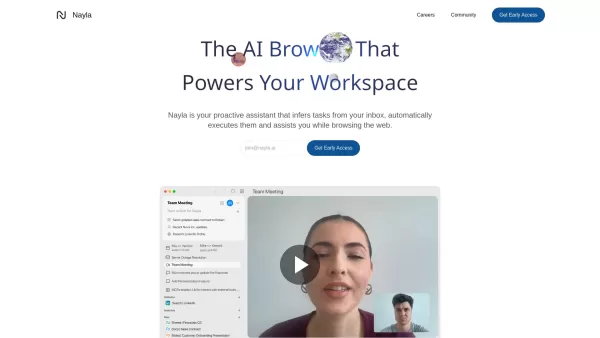
Nayla 它不仅仅是一个普通的工具——更像是浏览器中内置的私人助理。这款由人工智能驱动的浏览器和工作空间集成了强大的功能,无论您是在处理邮件、浏览网页,还是参加视频通话,都能帮助您优化工作流程。不妨将其视为您的一位数字伙伴,它旨在为您节省时间,让生活更轻松。入门指南Nayla使用Nayla 非常简单。首先,下载并安装该浏览器。安装完成后,您就可以在日常浏览过程中开始探索它的各项功能。好奇吗
Dia Browser产品信息
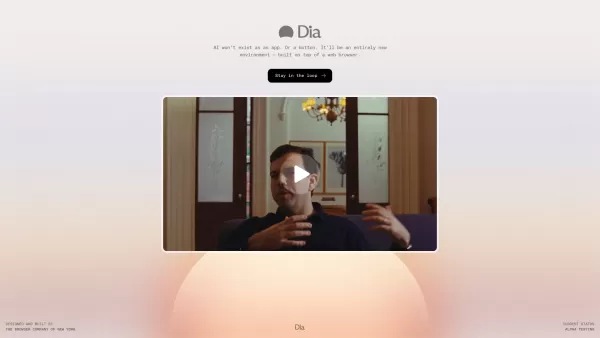
Dia Browser, brought to you by The Browser Company, isn't just another tool in your digital arsenal—it's a game-changer. Imagine a web browser that doesn't just open pages but transforms your entire browsing experience with the power of artificial intelligence. That's Dia for you, a revolution in how we interact with the internet, not just another app or feature but a whole new environment.
How to Dive into Dia Browser?
Ready to experience the future of browsing? Head over to The Browser Company's website, download Dia Browser, and install it on your device. Once you're set up, start surfing the web and let the AI magic unfold as you explore its myriad features.
What Makes Dia Browser Stand Out?
AI Integration for a Smoother Ride
Ever wished your browser could read your mind? Well, with Dia's AI integration, it's as close as you can get. It seamlessly weaves AI into your browsing, making everything from searching to navigating feel like a breeze.
Picture-in-Picture Video Playback
Who says you can't multitask? With Dia's picture-in-picture feature, you can keep an eye on your favorite video while you conquer the web. It's like having your cake and eating it too!
Enhanced Web Navigation
Forget about getting lost in the digital wilderness. Dia Browser's enhanced navigation tools guide you through the web with ease, making every click count.
When to Use Dia Browser?
- Streamline Your Online Workflows: Let AI take the wheel and watch as your productivity soars. Whether you're managing projects or just browsing, Dia's here to help.
- Engage with Video Content: Keep up with your shows or tutorials without missing a beat, thanks to the picture-in-picture feature. It's perfect for those days when you've got a million things to do.
FAQ from Dia Browser
- What is Dia Browser?
- Dia Browser is a revolutionary web browser by The Browser Company that integrates AI to enhance your browsing experience.
- Is Dia Browser currently available for public use?
- Check The Browser Company's website for the latest on Dia Browser's availability. They're always updating, so stay tuned!
And remember, The Browser Company, the brains behind Dia Browser, is based right in the heart of New York. They're pushing the boundaries of what a browser can do, and with Dia, they're taking us on an exciting journey into the future of the internet.
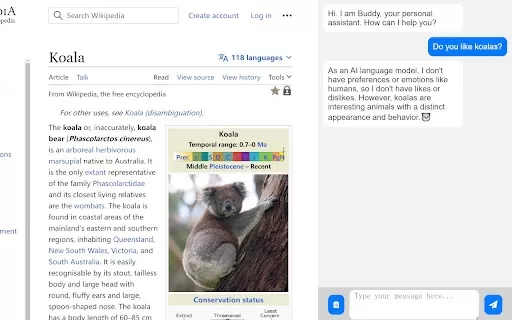
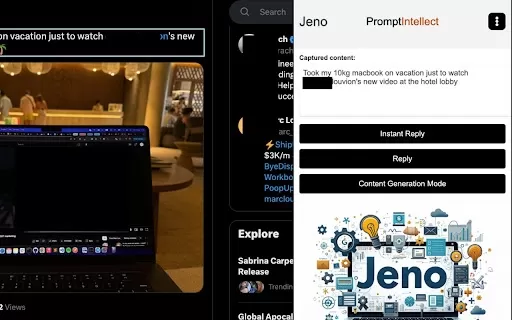
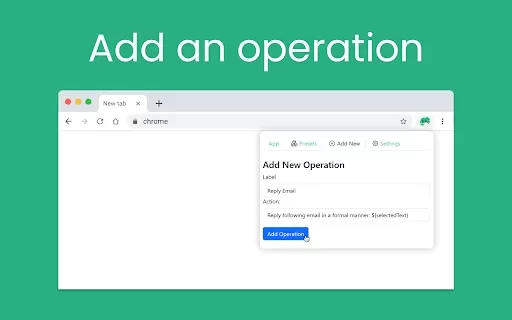
Dia Browser截图

2026年最新、最优秀、评分最高的用于游戏、电影及广告领域环境设计的AI概念艺术平台!这份精心整理的清单涵盖了经过实际应用测试的强大工具,能够快速生成令人惊叹的视觉效果。我们还提供了免费版与付费版的对比信息以及详细的排名数据,助您找到最适合自己的选项,从而大幅提升创作效率与生产力。立即访问XIX.AI,开启您的AI创意优势吧!
 9 个工具
9 个工具
 xix.ai

2026最新推荐:探索我们精心筛选的最佳无代码AI聊天机器人构建工具,轻松实现网站集成。比较顶级高评分工具的免费与付费版本,无需编程即可提升用户互动、自动化客服支持并优化用户体验。立即访问XIX.AI探索!
10 个工具
xix.ai


