


 Home
HomeZotly



Helps TikTok sellers, brands, MCNs, and TAPs discover winning products and find creators.

HelpLook is an AI-powered all-in-one knowledge base tool that helps businesses quickly build knowledge bases, help centers, and...

Your AI Workspace

302.AI is an enterprise-grade AI resource platform with pay-as-you-go pricing, API access to a full range of AI models, and ready-to-use online applications.

剧火AI — AI Screenwriter + Director, a One-Person Short Drama Studio In one sentence, what is it?

Ever wondered what the buzz about Gemini is all about? Let me break it down for you. Gemini is this cool generative AI chatbot, crafted by the brains at Google DeepMind. It's like having a super-smart friend who's been around the internet block, soaking u
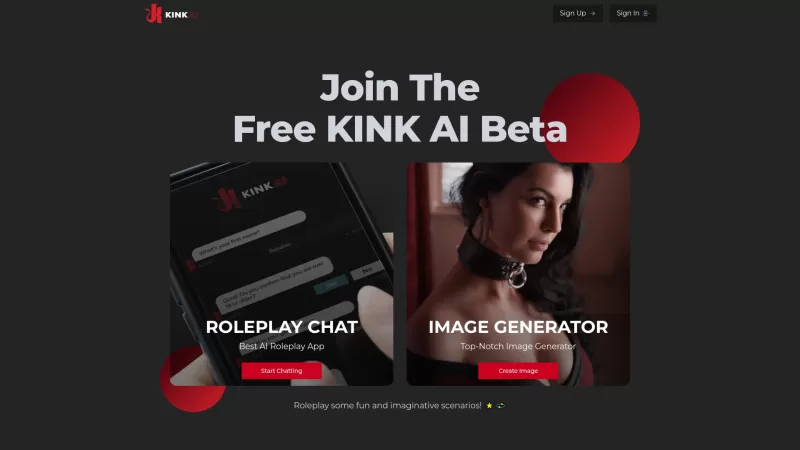
Ever wondered what it's like to dive into your wildest fantasies and roleplay scenarios without leaving your room? Well, Kink AI might just be the ticket you're looking for. This isn't your average chatbot; it's an early access platform designed to push t
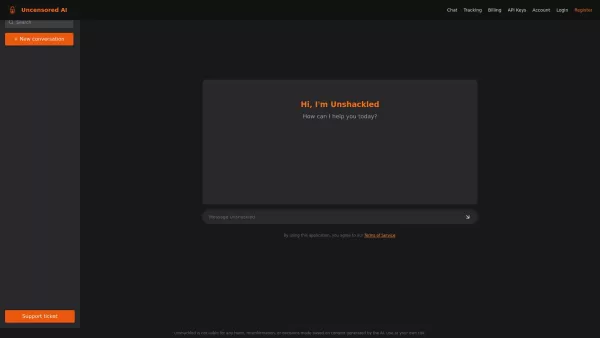
What is Unshackled AI? Unshackled Chat is an AI-driven chatbot enabling free, uncensored conversations. It offers a platform for unrestricted AI interaction, prioritizing open expression. Available mo
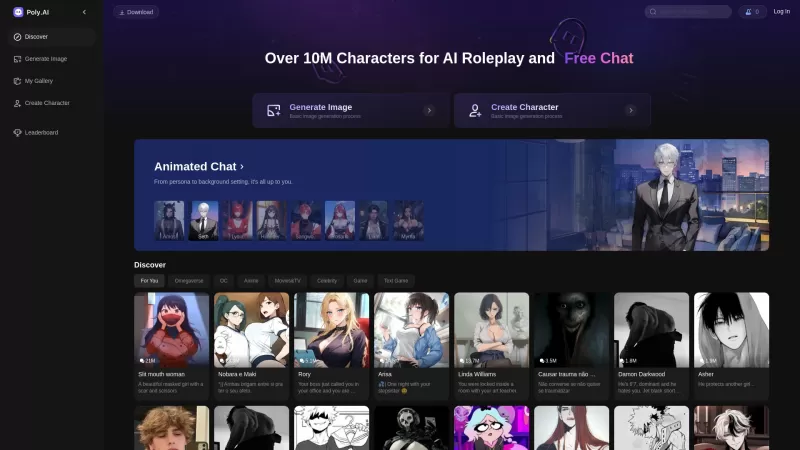
Poly AI is a dynamic platform that's redefining how we interact with artificial intelligence. Imagine diving into a world where you can chat with over 10 million characters, roleplay without limits, and even create your own AI companions. It's like steppi
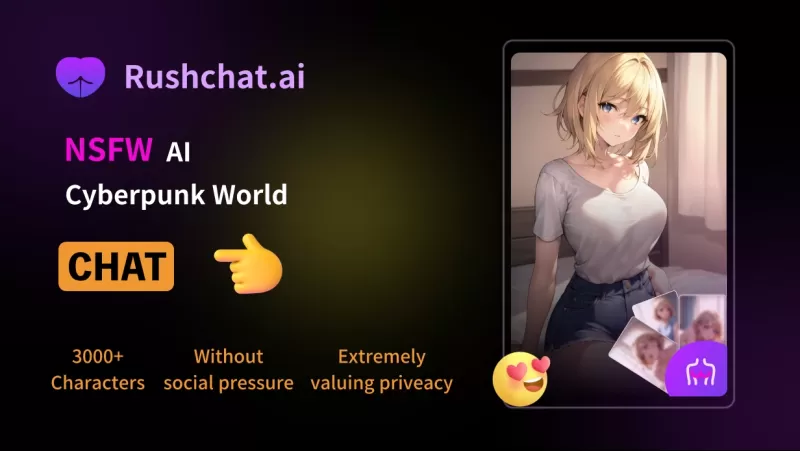
RushChat.AI is a unique platform that caters to those who seek deep, emotionally intense conversations with AI characters. It's all about letting go of any filters and diving into unrestricted dialogues that can take you on quite the emotional journey. Wh
Zotly Product Information
What is Zotly?
Zotly is a powerful AI assistant that simplifies how you create, manage, and share personalized documents. It uses advanced AI to understand your specific needs and generate tailored documents, making the entire process faster and easier than traditional methods. By leveraging natural language processing and machine learning, Zotly anticipates your requirements, making it an indispensable tool for professionals who want to optimize their document workflows. It comes packed with ready-to-use templates, flexible customization, and team collaboration features to boost productivity and ensure smooth document handling.
Who uses Zotly?
- Business Professionals
- Students & Researchers
- Entrepreneurs & Business Owners
How to use Zotly
- Step 1: Go to the Zotly website and sign up for an account.
- Step 2: Select a document template that matches your project.
- Step 3: Add your content and personalize the layout and style.
- Step 4: Proofread your document and apply any final tweaks.
- Step 5: Share it with others online or download a copy for offline use.
Platform Availability
- Web Browser
- iOS App
- Android App
Zotly's Core Features & Benefits
Core Features
- Smart Document Generation
- Extensive Customization Options
- Real-Time Collaboration Tools
- Comprehensive Template Library
- Automatic Formatting
Key Benefits
- Drastically cuts down document creation time
- Boosts overall productivity
- Intuitive, easy-to-use interface
- Facilitates smooth teamwork and co-editing
- Delivers personalized document solutions
Main Use Cases & Applications
- Preparing Business Proposals
- Writing Academic Papers & Reports
- Crafting Professional Resumes and Cover Letters
Zotly's Pros & Cons
Advantages
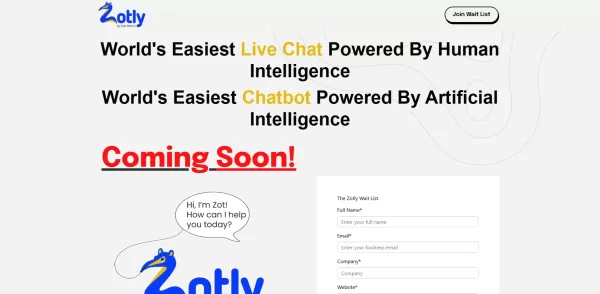
Blends AI chatbot support with live human chat for richer customer engagement.
Designed to boost conversion rates by seamlessly integrating AI and human insights.
Praised for its simplicity as the 'world's easiest' live chat and AI chatbot solution.
Limitations
Pricing details are not easily found on the main website.
No public access to its source code or a GitHub repository.
Limited in-depth information on specific features and technical specifications.
FAQs About Zotly
What type of documents can I create with Zotly?
You can create various documents, such as business proposals, reports, resumes, and more.
Is there a mobile app for Zotly?
Yes, Zotly offers dedicated mobile apps for both Android and iOS devices.
Can I collaborate with others using Zotly?
Yes, Zotly includes collaboration features that allow for real-time team editing.
Do I need any technical skills to use Zotly?
No, Zotly is built to be intuitive and requires no technical expertise.
Is my data safe with Zotly?
Yes, Zotly employs robust security measures to keep your data protected.
Are there any templates available?
Yes, Zotly offers a diverse library of templates for numerous document categories.
What platforms does Zotly support?
Zotly is accessible via web browsers, Android, and iOS.
Can I use Zotly for free?
Zotly provides a free trial; continued use may require a paid subscription.
How do I share documents created with Zotly?
You can share documents directly via email, shareable link, or by downloading them for printing.
Is customer support available?
Yes, Zotly offers customer support to assist with any questions or problems.
Zotly Company Information
Zotly Screenshot

2026 Latest Top-rated AI Illustration Tools: Our curated list features the best powerfully designed tools for creating stunning editorial scenes and eye-catching cover art quickly. Each option has gone through rigorous real-world tests, offering a free vs paid comparison to help you find the perfect match for your workflow. Try these must-try solutions today to unlock your AI edge and boost your creative productivity. Explore now at XIX.AI.
 10 tools
 xix.ai

2026 Latest Top-Rated Best AI Tutors for Exam Prep are here on XIX.AI! Our curated list features powerful game-changing tools that offer free vs paid comparison, real-world tests, and weekly updated rankings. They help boost your writing efficiency, simplify complex topic learning, and unlock your academic potential. Explore now to Discover your perfect exam prep tool and Start creating today to Unlock your AI edge!
10 tools
xix.ai

2026 Latest Best Top-Rated AI Budget Planning Tools for Personal Money Management are here on XIX.AI! This curated collection features powerful, game-changing solutions that help you conduct real-world tests, understand spending habits, and create personalized plans to boost productivity. Enjoy a free vs paid comparison along with detailed rankings. Must-try tools designed to simplify money management and unlock your AI edge. Explore now!
11 tools
xix.ai

2026 Latest Best Top-Rated AI Sleep Tracking Assistants curated for ultimate recovery. This fully updated weekly guide features powerful tools that deliver real-world tests, free vs paid comparison, and detailed rankings to help you find the must-try solution that boosts sleep quality and supports better bedtime habits. Explore now at XIX.AI to Unlock your AI edge.
10 tools
xix.ai

2026 Latest Best Top-Rated AI SQL Copilots for Product and Revenue Analytics! XIX.AI has curated a powerful, game-changing collection of must-try tools that undergo real-world tests through weekly updated rankings. These tools help users boost productivity significantly by accelerating data analysis, streamlining complex queries, and generating accurate insights to drive smarter business decisions. Explore now to Discover your perfect tool for unlocking your AI edge!
14 tools
xix.ai

2026 Latest Best Top-Rated AI Homework Helpers That Teach Core Concepts Not Just Answers Powerful Tools for Students Must-Try Curated List Weekly Updated Free vs Paid Comparison Real-World Tests Accurate Rankings to Help You Unlock Your Full Learning Potential Explore now to Discover your perfect tool for smarter studying.
10 tools
xix.ai


Just tried Zotly for a quick contract draft and it's pretty solid! The AI actually picked up on some niche clauses I mentioned. Saves me so much time compared to digging through templates. Hope they keep the free tier generous though 😅


