


 Home
HomeWhoz LinkedIn Extension - Chrome Extension



Helps TikTok sellers, brands, MCNs, and TAPs discover winning products and find creators.

HelpLook is an AI-powered all-in-one knowledge base tool that helps businesses quickly build knowledge bases, help centers, and...

Your AI Workspace

302.AI is an enterprise-grade AI resource platform with pay-as-you-go pricing, API access to a full range of AI models, and ready-to-use online applications.

剧火AI — AI Screenwriter + Director, a One-Person Short Drama Studio In one sentence, what is it?
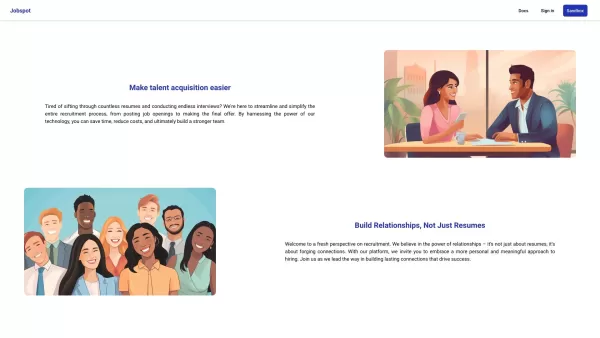
Ever wondered how to streamline your recruitment process and find the perfect candidates without breaking a sweat? Enter Jobspot, your new best friend in the world of hiring. This isn't just another tool; it's an AI-driven powerhouse designed to sift thro
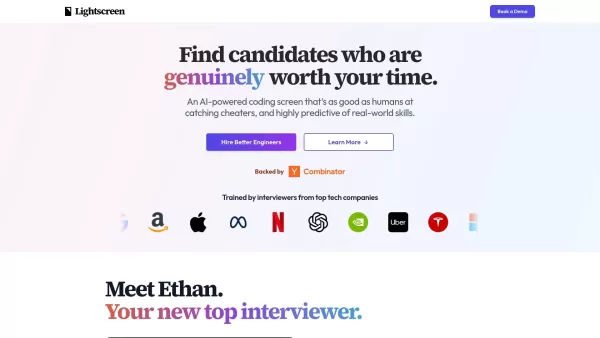
What is Lightscreen AI?Lightscreen AI is an automated screening pipeline for technical hiring. It independently reviews resumes, conducts AI-led introductory conversations, and administers comprehensive technical evaluations to gauge candidates' codi
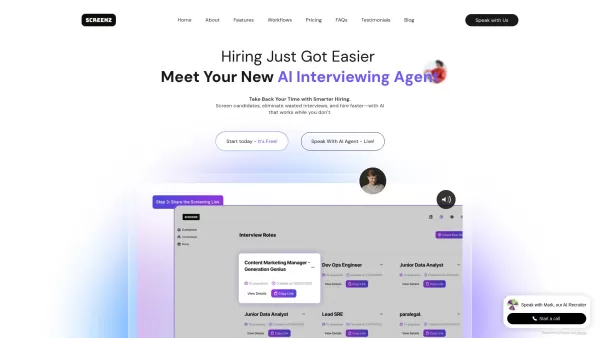
What is Screenz.ai? Screenz.ai is an AI-driven video interview platform that automates initial candidate screening for businesses. It hosts dynamic, one-on-one live interviews in 74 languages, automatically scores responses, and reduces bias to ident
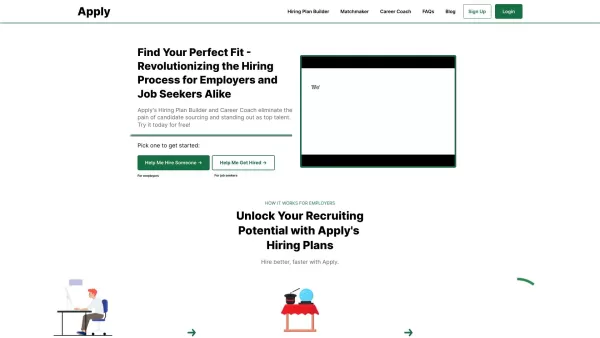
Apply is a game-changing platform designed to streamline the hiring process while empowering individuals to showcase their unique strengths. Think of it as your go-to tool for finding the perfect fit—whether you’re a recruiter hunting for top-tier talent
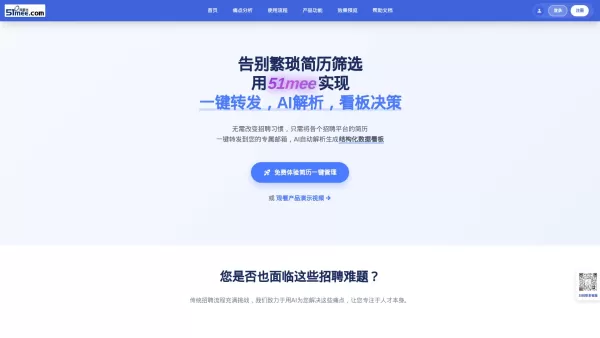
What is 51mee? 51mee.com (I Want Rice) is an AI-powered platform that transforms resume screening and management for HR teams and recruiters. It automates the collection, parsing, and structuring of resumes from multiple hiring channels. By simply fo
Whoz LinkedIn Extension - Chrome Extension Product Information
What is the Whoz LinkedIn Extension for Chrome?
The Whoz LinkedIn Extension enables users to capture LinkedIn profiles and automatically add them to their Whoz talent pool. It simplifies the sourcing workflow by letting users directly import interesting profiles into their Whoz database. The extension uses Whoz’s AI capabilities to detect expertise, evaluate profile relevance, track recruitment progress, and annotate interviews.
How to use the Whoz LinkedIn Extension for Chrome
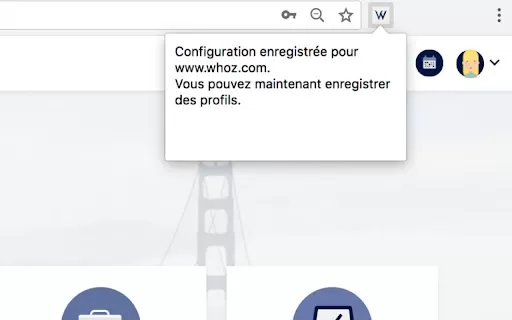
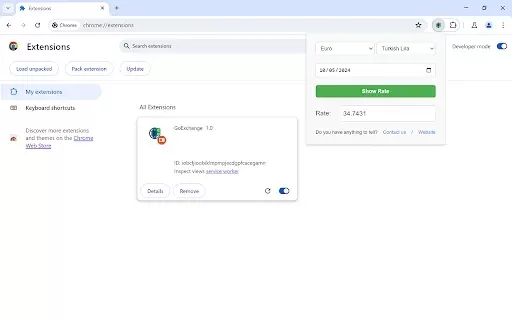
1. Install the extension. 2. Go to Whoz, log in, and access your Whoz workspace (any page beginning with https://www.whoz.com/workspace/...). 3. Click the extension icon; a confirmation message will appear indicating setup is complete. 4. Visit LinkedIn, open a profile, and click the extension icon. You will receive a confirmation that the profile has been successfully added to your Whoz talent pool.
Whoz LinkedIn Extension Core Features
Automatically capture profiles from LinkedIn to Whoz
AI-based expertise and skill identification
AI-driven profile relevance evaluation
Recruitment process monitoring
Interview annotation tools
Whoz LinkedIn Extension Use Cases
Easily save promising LinkedIn profiles to your Whoz talent pool for evaluation and recruitment.
FAQ from Whoz LinkedIn Extension
Where can I get installation support?
How do I locate my Whoz workspace?
Whoz LinkedIn Extension - Chrome Extension Screenshot

2026 Latest Best AI Code Search Tools for Large Repositories ranked by expert teams. This curated list showcases top-rated solutions that deliver powerful, game-changing speed when navigating massive codebases. You’ll find a free vs paid comparison along with real-world tests to help you choose the perfect fit. XIX.AI provides exclusive insights to elevate your productivity. Explore now and unlock your AI edge.
 9 tools
 xix.ai

2026 Latest Best Top-Rated AI Rewrite Tools for Faster Content Refresh are here on XIX.AI! This curated list features powerful game-changing solutions that boost writing efficiency significantly through real-world tests and detailed rankings. You’ll find a free vs paid comparison to help you choose the perfect option. Explore now to Unlock your AI edge!
9 tools
xix.ai
2026 Latest Best Top-rated AI Action Item Tools for Project Follow Up! XIX.AI has curated a powerful, game-changing collection of must-try tools that deliver accurate task tracking, real-time updates, and streamlined workflow management. Every entry undergoes rigorous weekly updated real-world tests to ensure top performance across all use cases. Get a free vs paid comparison to find the perfect fit for boosting your productivity. Explore now to Unlock your AI edge!
10 tools
xix.ai
2026 Latest Best Top-rated AI Agent Builder Tools for Business Process Automation! XIX.AI has curated a powerful, game-changing collection of must-try options that go through rigorous real-world tests. You’ll find detailed free vs paid comparison insights and updated weekly rankings to help you spot the perfect tool for boosting productivity across work tasks. Explore now to Unlock your AI edge!
12 tools
xix.ai
2026 Latest Best Top-Rated AI Content Optimization Tools for On-Page SEO are here on XIX.AI! This curated list features powerful, game-changing solutions that help boost writing efficiency and deliver high-quality content. We conduct real-world tests and provide a free vs paid comparison along with weekly updated rankings to help you find the must-try tool perfect for your needs. Explore now to unlock your AI edge!
9 tools
xix.ai

2026 Latest Best AI Hashtag Tools for Instagram and TikTok Growth! XIX.AI has curated a top-rated list of must-try powerful tools that deliver game-changing results through real-world tests. You’ll find detailed rankings, free vs paid comparison info, and insights to help you boost content reach efficiently. Explore now to discover your perfect tool and unlock your AI edge!
8 tools
xix.ai


