


 Home
HomeUpwork AI Assistant



Helps TikTok sellers, brands, MCNs, and TAPs discover winning products and find creators.

HelpLook is an AI-powered all-in-one knowledge base tool that helps businesses quickly build knowledge bases, help centers, and...

Your AI Workspace

302.AI is an enterprise-grade AI resource platform with pay-as-you-go pricing, API access to a full range of AI models, and ready-to-use online applications.

剧火AI — AI Screenwriter + Director, a One-Person Short Drama Studio In one sentence, what is it?

What is Concisely?Concisely is a cutting-edge Chrome extension that redefines email reading by using advanced AI to deliver one-sentence summaries of entire email threads. It allows busy professionals to capture the main idea instantly, eliminating t
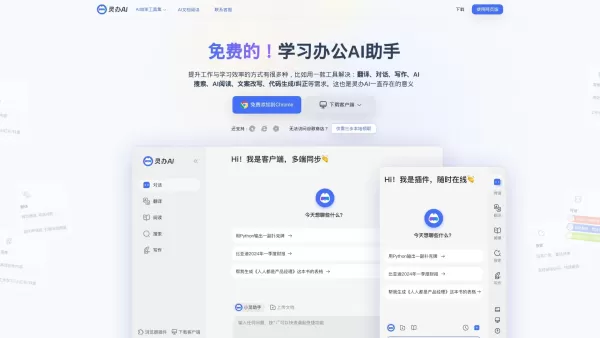
What is Lingban AI - Free AI Assistant?Lingban AI is a versatile, all-in-one AI solution designed for both individuals and professionals. It delivers a robust suite of tools including translation, interactive dialogue, writing assistance, AI-powered
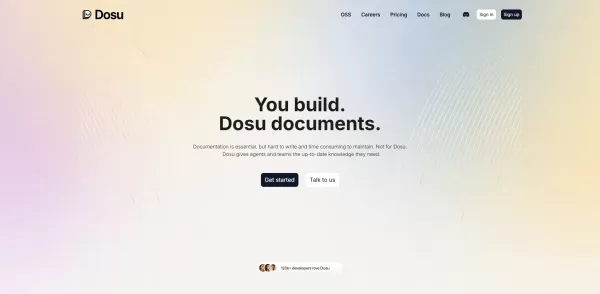
What is Dosu?Dosu is an intelligent AI assistant that uses machine learning to simplify and automate user workflows. It handles repetitive activities, organizes emails, schedules appointments, and delivers tailored support. By utilizing natural langu
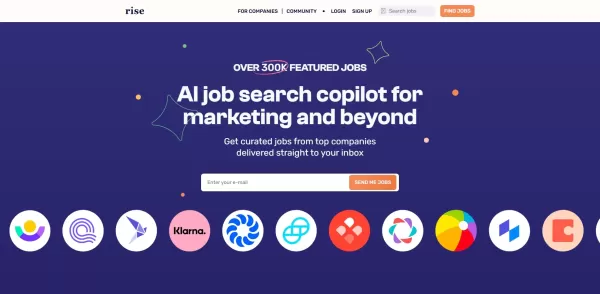
What is Rise?Rise is an advanced AI Agent designed to increase productivity by automating repetitive tasks and managing workflows effectively. It uses sophisticated algorithms to analyze user behavior, predict needs, and streamline operations. With R
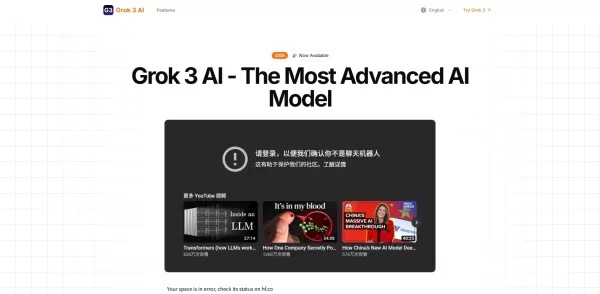
What is Latest Grok 3 AI?Grok 3 AI is a cutting-edge artificial intelligence agent crafted to simplify complex workflows, produce exceptional content, and enable smooth communication. By leveraging state-of-the-art natural language processing, it can
Upwork AI Assistant Product Information
What Is the Upwork AI Assistant?
The Upwork AI Assistant is a web and Chrome extension tool that helps freelancers win more contracts on Upwork. It analyzes job descriptions to generate customized proposals and cover letters in seconds, complete with relevant portfolio highlights. The tool can also schedule interviews based on your availability, send automated follow-ups, and provide analytics on response rates. With one-click integration, it centralizes communication and tasks, freeing up time for actual work and increasing your bid success.
Who Will Use the Upwork AI Assistant?
- Freelancers on Upwork
- Small design and development agencies
- Gig economy consultants
- Remote professionals seeking contracts
How to Use the Upwork AI Assistant?
- Step 1: Sign in and connect your Upwork account to the Assistant.
- Step 2: Install the Chrome extension or access the web dashboard.
- Step 3: Paste or import a job posting URL into the tool.
- Step 4: Review and customize the AI-generated proposal and cover letter.
- Step 5: Send the proposal directly through the Assistant or export to Upwork.
- Step 6: Use the built-in scheduler to set interview times matching your calendar.
- Step 7: Track client responses and send automated follow-up messages.
Platform
- Web
- Chrome
Upwork AI Assistant's Core Features and Benefits
Core Features
- AI-driven proposal and cover letter generation
- Automated follow-up messaging
- Interview scheduling synced to calendar
- Portfolio snippet insertion
- Response analytics dashboard
Benefits
- Saves hours on proposal writing
- Increases bid success rate
- Ensures consistent, professional communication
- Streamlines freelance workflow
- Boosts client engagement
Upwork AI Assistant's Main Use Cases and Applications
- Rapidly generating tailored proposals for multiple job posts
- Automatically scheduling discovery calls with prospective clients
- Sending timely follow-up messages to boost reply rates
- Analyzing past bid performance to refine future proposals
Upwork AI Assistant's Pros and Cons
Pros
Automates job applications on Upwork, saving time and effort.
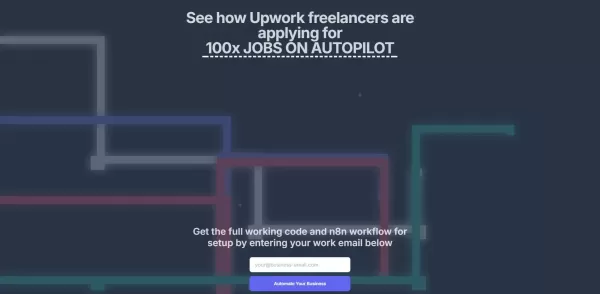
Provides full working code and workflow for easy setup.
Helps users significantly increase their job application volume.
Cons
No detailed pricing information is provided.
Lacks details about support and customization options.
Not open source, which limits transparency and modification.
FAQs About the Upwork AI Assistant
How Do I Connect My Upwork Account?
Go to Settings in the Assistant dashboard and authorize Upwork access via OAuth.
Can I Customize AI-Generated Proposals?
Yes, every proposal can be edited before sending to match your personal style.
Does It Support Multiple Languages?
Currently, it supports English, with other languages coming soon.
How Are Interview Times Scheduled?
The Assistant syncs with your Google or Outlook calendar to propose available slots.
Is There a Usage Limit?
The free tier includes 10 proposals per month, with unlimited proposals on Pro and Team plans.
Can I Track Response Analytics?
Yes, a dashboard shows open rates, reply times, and success metrics.
Is My Data Secure?
All data is encrypted in transit and at rest, following industry best practices.
What Platforms Are Supported?
Accessible via the web dashboard and Chrome extension.
Can I Cancel My Subscription Anytime?
Yes, billing is monthly and you can cancel or downgrade at any time.
Where Can I Get Support?
Contact [email protected] for immediate assistance.
Upwork AI Assistant Company Information
- FY Studio
- mgkcloud
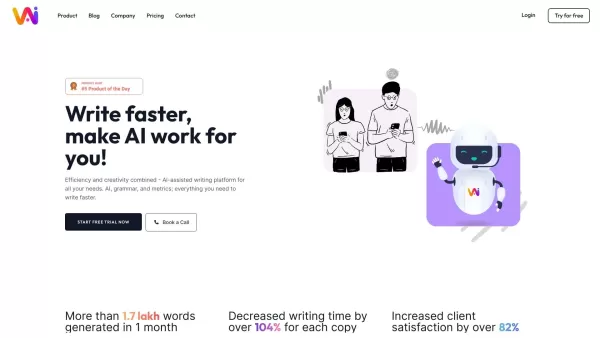
Upwork AI Assistant Screenshot

2026 Latest Best AI Writing Assistants for Long Articles: Outline and Draft Faster. XIX.AI curates the top-rated, must-try tools that offer powerful, game-changing support to boost writing efficiency significantly. You’ll find detailed free vs paid comparison, real-world tests, and updated rankings weekly. Explore now to Discover your perfect tool and Start creating today to Unlock your AI edge.
 8 tools
 xix.ai

2026 Latest Best ChatGPT Study Tools for Exam Revision, Flashcards, and Homework Explanations! XIX.AI has curated a top-rated list of powerful game-changing tools designed to boost your productivity. These must-try solutions offer free vs paid comparison, real-world tests, and detailed rankings to help you find the perfect option for efficient exam preparation and homework support. Explore now to unlock your AI edge!
10 tools
xix.ai

2026 Latest Best Top-Rated AI Study Planner Tools for Exam Preparation are here on XIX.AI! This curated collection features powerful, game-changing tools that help you streamline your review process, boost focus, and create personalized study schedules. We conduct real-world tests to determine the top options, offering a free vs paid comparison along with weekly updated rankings. Must-try solutions designed to maximize your productivity and help you ace every exam. Explore now to find your perfect tool!
14 tools
xix.ai

2026 Latest Best Top-rated AI Keyword Gap Tools for Organic Growth! XIX.AI has carefully curated a powerful, game-changing collection of the best tools available, featuring weekly updated rankings and real-world tests. You can find a detailed free vs paid comparison to help you choose the perfect option that boosts your content creation efficiency and unlocks your AI edge. Explore now!
8 tools
xix.ai

2026 Latest Best Top-Rated AI Internal Link Tools for Better Site Structure are here on XIX.AI! This curated collection features powerful, game-changing solutions that go through real-world tests to deliver superior results. Get a free vs paid comparison, see rankings, and discover must-try options to boost your site’s SEO performance and streamline content organization. Explore now to unlock your AI edge!
11 tools
xix.ai
2026 Latest Best Top-rated AI Note Organizing Tools for Daily Work are here on XIX.AI! This curated list features powerful, game-changing solutions that help boost productivity significantly through real-world tests and rigorous rankings. You’ll find a detailed free vs paid comparison to help you choose the perfect fit for your needs. Explore now to Discover your perfect tool and Unlock your AI edge in daily tasks!
11 tools
xix.ai


