


 Home
HomeUdio AI
Udio AI: Create, Discover, Share Music



Helps TikTok sellers, brands, MCNs, and TAPs discover winning products and find creators.

HelpLook is an AI-powered all-in-one knowledge base tool that helps businesses quickly build knowledge bases, help centers, and...

Your AI Workspace

302.AI is an enterprise-grade AI resource platform with pay-as-you-go pricing, API access to a full range of AI models, and ready-to-use online applications.

剧火AI — AI Screenwriter + Director, a One-Person Short Drama Studio In one sentence, what is it?

Tencent Hunyuan-Large, huh? It's like the Swiss Army knife of AI models developed by the tech giants at Tencent. This beast of an open-source MoE model doesn't just do one thing; it's got a transformer architecture that's been juiced up to handle everythi
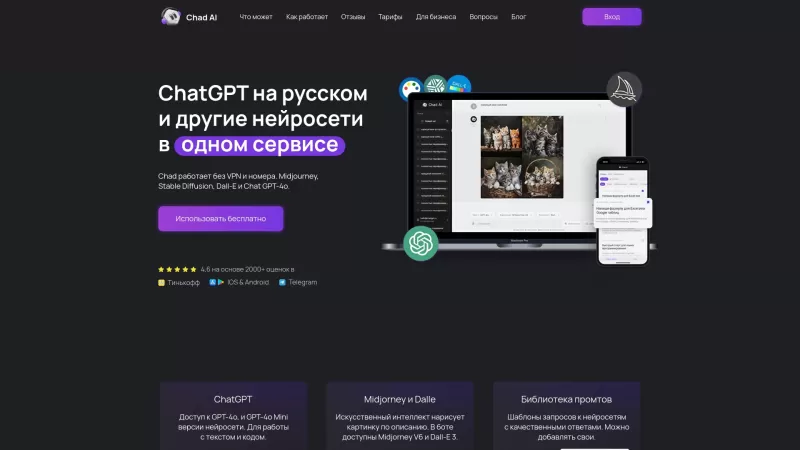
Ever stumbled upon Chad AI and wondered what it's all about? Well, let me break it down for you. Chad AI is essentially a cool AI chatbot that's powered by the same tech behind ChatGPT, but with a twist—it's tailored for Russian speakers. Whether you're l
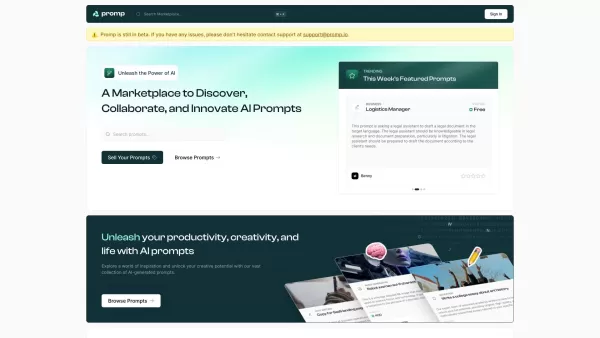
Ever stumbled upon a tool that just clicks with your creative needs? That's what Promp is all about—a bustling marketplace where you can dive into the world of AI-powered prompts. Whether you're looking to buy or sell, Promp has you covered, starting

Ever wondered what EwolveAI is all about? Well, let me break it down for you. EwolveAI isn't just another AI tool; it's your all-in-one AI solution that's here to revolutionize the way you handle content. Whether you're a writer, a marketer, or just someo
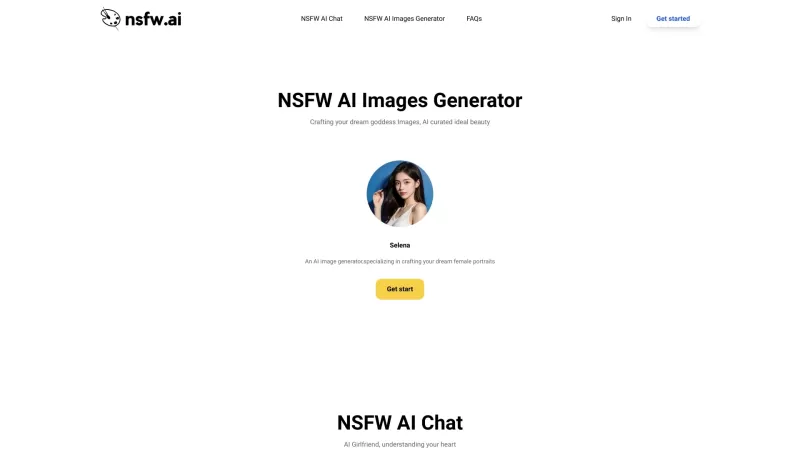
DesireForge is more than just a platform; it's like having an AI girlfriend who's always there to lend an ear and spark your creativity. It uses cutting-edge text generation technology to offer emotional support and inspire you to create heartfelt textual
Udio AI Product Information
What is Udio AI?
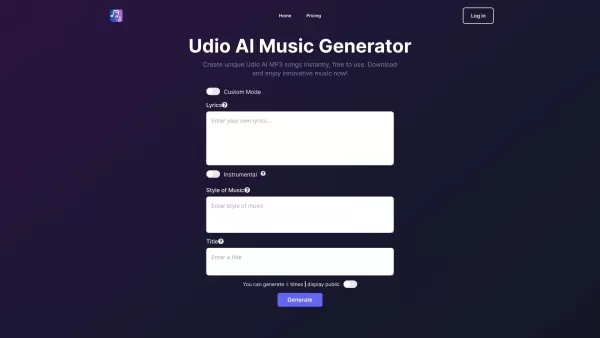
Udio AI is an innovative platform that uses artificial intelligence to empower anyone to create, discover, and share music. It enables users to generate complete, royalty-free songs—including instrumentals, lyrics, and vocals—in a matter of seconds. Designed for everyone from amateurs to professionals, Udio AI makes the music creation process simple and accessible.
Who will use Udio AI?
- Musicians
- Music Producers
- Content Creators
- Hobbyists
- Educators
How to use Udio AI?
- Step 1: Sign up or log in on the Udio AI official website.
- Step 2: Enter a text prompt describing the music you want to create.
- Step 3: Customize preferences such as genre, mood, and instruments.
- Step 4: Click 'Generate' to let the AI create your music.
- Step 5: Review and make any edits to the generated track.
- Step 6: Download or share your final music directly from the platform.
Platform
- Web
Udio AI's Core Features & Benefits
The Core Features
- AI-Powered Music Generation
- Text-to-Music Conversion
- Customizable Genres and Moods
- Instrumental and Vocal Generation
The Benefits
- Effortless Music Creation
- Accessible to All Skill Levels
- Royalty-Free Music for Any Use
- Rapid and Simple Customization
Udio AI's Main Use Cases & Applications
- Creating royalty-free music for videos
- Producing unique songs for podcasts
- Crafting background tracks for presentations
- Composing personalized music for hobby projects
Udio AI's Pros & Cons
The Pros
The Cons
Udio AI's Pricing
Has free plan | No |
|---|---|
Free trial details | |
Pricing model | |
Is credit card required | No |
Paid from | |
Has lifetime plan | No |
Billing frequency |
For the latest pricing information, please visit: https://udioai.ai
FAQs of Udio AI
What is Udio AI?
Udio AI is a platform that uses artificial intelligence to let you create, discover, and share music quickly and easily.
Is Udio AI free to use?
Yes, Udio AI provides a free version that allows users to create music.
How does Udio AI create music?
Udio AI employs advanced AI algorithms to generate music based on text prompts provided by the user.
Can I customize the music generated by Udio AI?
Yes, you can customize various aspects of your music, including genre, mood, and instruments.
Is the music generated by Udio AI royalty-free?
Yes, all music created with Udio AI is royalty-free and can be used for any purpose.
What platforms support Udio AI?
Udio AI is currently available as a web-based platform.
Who can benefit from using Udio AI?
Udio AI is beneficial for musicians, producers, content creators, hobbyists, and educators alike.
How long does it take to generate music using Udio AI?
Udio AI can generate complete songs in just a few seconds.
Does Udio AI generate both instrumentals and vocals?
Yes, Udio AI can generate full tracks complete with instrumentals and vocals.
Can I share the music I create with Udio AI?
Yes, you can easily download or share your finished music directly from the platform.
Udio AI Company Information
Website:
https://udio.com/Company Name:
UdioSupport Email:
NAFacebook:
NAX (Twitter):
NAYouTube:
NAInstagram:
NATikTok:
NALinkedIn:
NA
Udio AI Screenshot

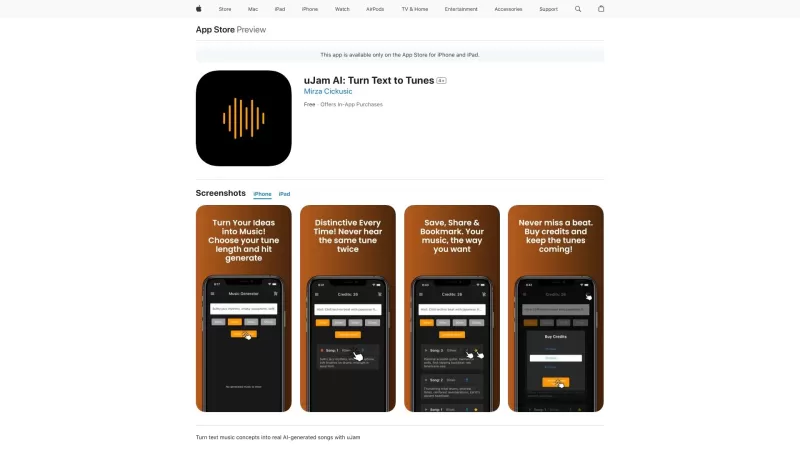
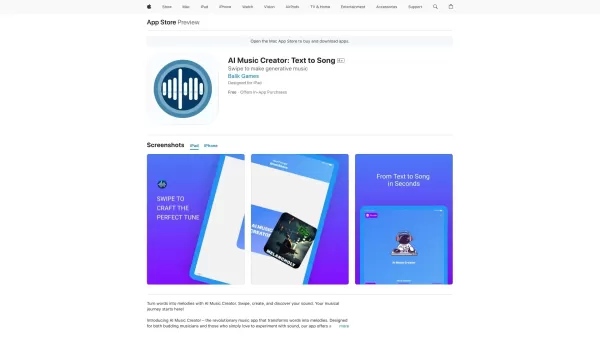
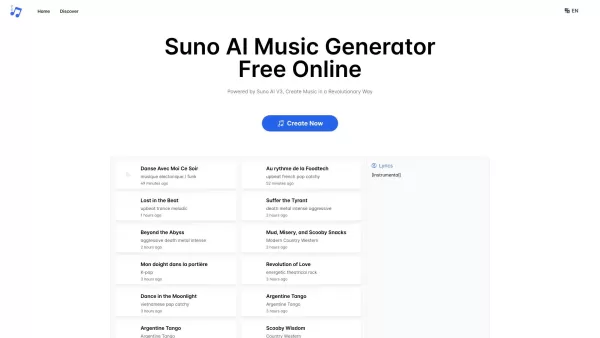

2026 Latest Top-rated AI Illustration Tools: Our curated list features the best powerfully designed tools for creating stunning editorial scenes and eye-catching cover art quickly. Each option has gone through rigorous real-world tests, offering a free vs paid comparison to help you find the perfect match for your workflow. Try these must-try solutions today to unlock your AI edge and boost your creative productivity. Explore now at XIX.AI.
 10 tools
 xix.ai

2026 Latest Top-Rated Best AI Tutors for Exam Prep are here on XIX.AI! Our curated list features powerful game-changing tools that offer free vs paid comparison, real-world tests, and weekly updated rankings. They help boost your writing efficiency, simplify complex topic learning, and unlock your academic potential. Explore now to Discover your perfect exam prep tool and Start creating today to Unlock your AI edge!
10 tools
xix.ai

2026 Latest Best Top-Rated AI Budget Planning Tools for Personal Money Management are here on XIX.AI! This curated collection features powerful, game-changing solutions that help you conduct real-world tests, understand spending habits, and create personalized plans to boost productivity. Enjoy a free vs paid comparison along with detailed rankings. Must-try tools designed to simplify money management and unlock your AI edge. Explore now!
11 tools
xix.ai

2026 Latest Best Top-Rated AI Sleep Tracking Assistants curated for ultimate recovery. This fully updated weekly guide features powerful tools that deliver real-world tests, free vs paid comparison, and detailed rankings to help you find the must-try solution that boosts sleep quality and supports better bedtime habits. Explore now at XIX.AI to Unlock your AI edge.
10 tools
xix.ai

2026 Latest Best Top-Rated AI SQL Copilots for Product and Revenue Analytics! XIX.AI has curated a powerful, game-changing collection of must-try tools that undergo real-world tests through weekly updated rankings. These tools help users boost productivity significantly by accelerating data analysis, streamlining complex queries, and generating accurate insights to drive smarter business decisions. Explore now to Discover your perfect tool for unlocking your AI edge!
14 tools
xix.ai

2026 Latest Best Top-Rated AI Homework Helpers That Teach Core Concepts Not Just Answers Powerful Tools for Students Must-Try Curated List Weekly Updated Free vs Paid Comparison Real-World Tests Accurate Rankings to Help You Unlock Your Full Learning Potential Explore now to Discover your perfect tool for smarter studying.
10 tools
xix.ai


