


 Home
HomeTolgee AI Translator


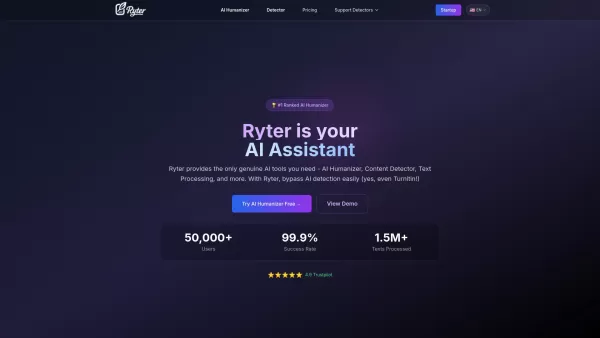
What is Ryter Pro? Ryter Pro is an AI Humanizer tool that transforms AI-generated text from platforms like ChatGPT and GPT-4 into natural, human-like content. This makes it undetectable by major AI detectors including Turnitin, GPTZero, Originality.a
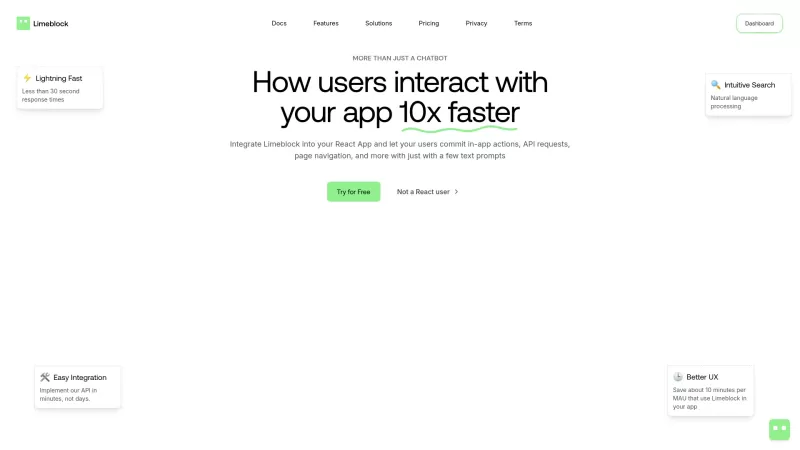
Ever wondered what Limeblock is all about? Well, let me break it down for you. Limeblock is this nifty AI chatbot widget that's designed to make your life easier. With just 3 lines of code, you can let your users zip through pages, make API requests, and
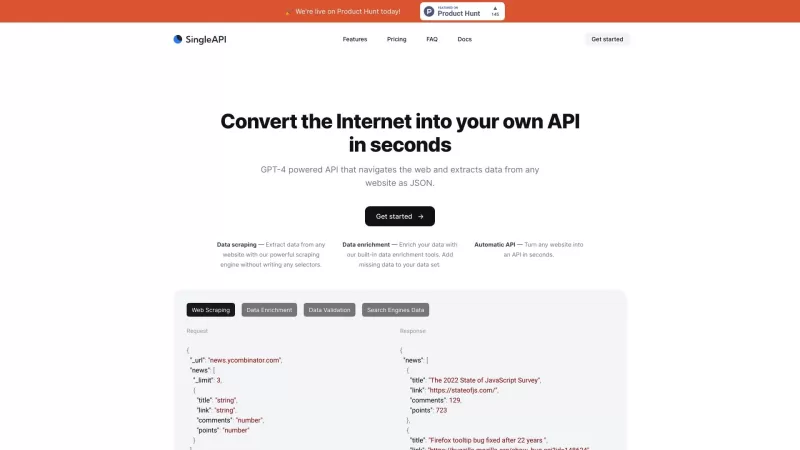
Ever wondered how you could tap into the vast resources of the internet with just a few clicks? That's where SingleAPI comes into play. This nifty tool, powered by the robust capabilities of GPT-4, transforms any website into a treasure trove of data, del
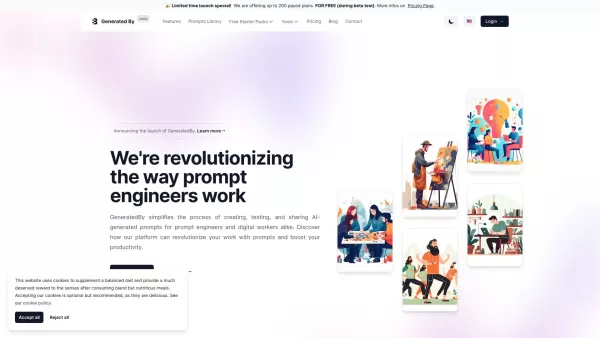
Ever wondered how to streamline your work as a prompt engineer or digital worker? Enter GeneratedBy, a game-changing platform designed to revolutionize how you create, test, and share AI-generated prompts. It's like having a personal assistant for your AI needs, making the whole process not just eas

ENIX isn't just another AI assistant; it's a game-changer for businesses looking to boost their marketing, analytics, and creative output. Think of it as your personal toolkit, where you can craft and tailor AI agents to meet your specific needs. It's all
Tolgee AI Translator Product Information
What is Tolgee AI Translator?
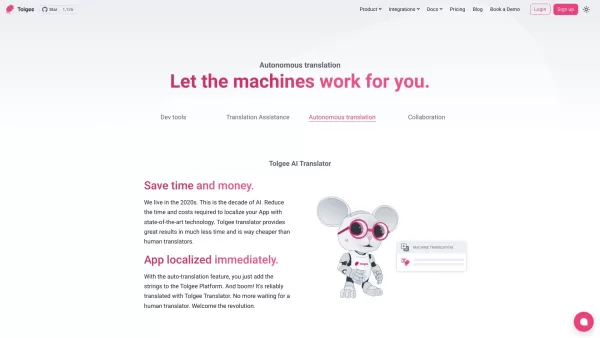
Tolgee is a complete localization solution for software and applications, powered by autonomous translation. It uses advanced AI to understand the context of strings within apps, delivering precise and dependable translations. With capabilities like in-context translation and API integrations, Tolgee automates the process of fetching new translations, making localization smoother. Built for developers and translators, Tolgee offers an intuitive interface that ensures an efficient and user-friendly localization experience.
Who uses Tolgee AI Translator?
- Software Developers
- Project Managers
- Product Managers
- Translators
- Localization Teams
- Software Companies
- Tech Startups
How to use Tolgee AI Translator
- Step 1: Sign up on the Tolgee platform.
- Step 2: Install the Tolgee SDK into your application.
- Step 3: Configure your translation services in settings.
- Step 4: Use the in-context editor to translate your app.
- Step 5: Deploy and automatically retrieve new translations.
- Step 6: Collaborate with your team using Tolgee's tools.
Platform
- Web
- macOS
- Windows
- Linux
- iOS
- Android
- Chrome
Tolgee AI Translator's Core Features & Benefits
Core Features
- Autonomous translation
- In-context translating
- API integrations
- Machine translation services
- Intuitive interface
- Native SDKs
- Translation Memory
Benefits
- Saves time and cost
- Accurate translations
- Streamlined localization process
- Developer and translator-friendly
- Seamless app integration
- Efficient collaboration
Tolgee AI Translator's Main Use Cases & Applications
- Localizing software applications
- Translating mobile apps
- Simplifying workflows for translators and developers
- Automating updates for translation strings
- Improving product-market fit for global audiences
Tolgee AI Translator's Pros & Cons
Pros
Significantly reduces the time and cost of app localization compared to relying only on human translators.
Contextual translation technology enhances accuracy by automatically understanding app-specific context.
Customizable AI prompts let you fine-tune translation outputs to match domain and tone.
Supports integration with multiple major LLM providers and includes smart load balancing.
Includes an AI playground for testing and optimizing AI-generated translations before final use.
Open source platform with an active GitHub repository and community support.
Cons
Translation quality still requires human review for the highest accuracy.
May require user effort to provide adequate project context and notes for optimal results.
No direct mobile app or extension presence noted (e.g., App Store, Google Play, Chrome Web Store).
Tolgee AI Translator's Pricing
Has free plan | YES |
|---|---|
Free trial details | |
Pricing model | Pay-as-you-go |
Is credit card required | No |
Paid from | 49 EUR |
Has lifetime plan | No |
Billing frequency | Monthly |
Details of Pricing Plan
Free
0 EUR
- Includes essential localization tools
- In-context translating
- Translation memory
- Machine translations
- Auto translation
- Activity log
- One-click screenshots
- Single Content Delivery
- Figma plugin
- 500 keys
- 3 seats
- 10,000 MT credits
Team
49 EUR
- All Free features
- Webhooks
- Standard support
- Custom Content Storage
- Professional translation
- 3,000 keys
- 5 seats
- Monthly or Annual billing
- Includes 10,000 MT credits
- Extra 1,000 MT credits cost €0.035
Business
150 EUR
- All Team features
- Granular permissions
- Advanced Content Delivery configurations
- Tasks
- Slack integration
- AI Customization
- Glossaries
- 10,000 keys
- 10 seats
- Monthly or Annual billing
- Includes 1,000,000 MT credits
- Extra 1,000 MT credits cost €0.035
Enterprise
0 EUR
- All Business features
- Single Sign On
- Account manager
- Premium support
- Dedicated Slack channel
- Team training
- Prioritized feature requests
- Negotiable keys and seats
For the latest prices, visit: https://tolgee.io/pricing
FAQs of Tolgee AI Translator
What is Tolgee?
Tolgee is a platform that provides autonomous translation for software and applications, simplifying the localization process.
How does Tolgee work?
Tolgee uses AI and machine translation to deliver accurate translations. It integrates seamlessly into your app and automates the translation workflow.
Who can use Tolgee?
Tolgee is designed for software developers, project managers, product managers, translators, and localization teams.
What platforms does Tolgee support?
Tolgee supports web, Android, iOS, macOS, Windows, Linux, and Chrome.
What are the core features of Tolgee?
Core features include autonomous translation, in-context translating, API integrations, machine translation services, and an intuitive interface.
What benefits does Tolgee offer?
Tolgee saves time and cost, provides accurate translations, and streamlines localization. It is developer and translator-friendly and integrates easily into applications.
How do I get started with Tolgee?
Sign up on the Tolgee platform, install the SDK in your app, configure translation services, and start using the in-context editor.
Can Tolgee update translations automatically?
Yes, Tolgee automatically retrieves and updates new translations using its API integrations.
Is Tolgee suitable for large projects?
Yes, Tolgee can handle projects of any size with its scalable features and efficient translation management.
Is there a free version of Tolgee?
Yes, Tolgee offers a free cloud version for open-source projects and a limited free version for commercial projects.
Tolgee AI Translator Company Information
Website:
https://tolgee.ioCompany Name:
TolgeeSupport Email:
Facebook:
NAX (Twitter):
NAYouTube:
NAInstagram:
NATikTok:
NALinkedIn:
https://www.linkedin.com/company/tolgee
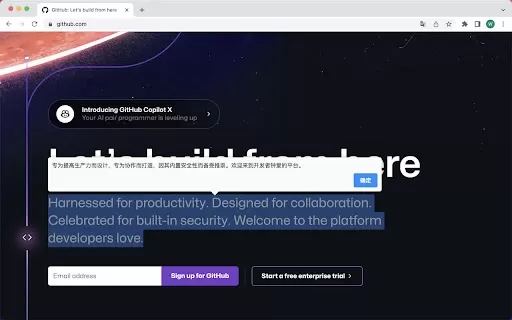
Tolgee AI Translator Screenshot

Discover the 2026 latest top-rated AI tools for automated unit testing. Our curated selection features powerful, game-changing solutions to generate Jest, PyTest & JUnit test cases instantly. Compare free vs paid options with real-world tests and weekly updated rankings on XIX.AI. Unlock your AI edge and boost development productivity today.
 10 tools
 xix.ai

Discover the 2026 best AI data visualization tools at XIX.AI. Our curated, top-rated selection helps you auto-generate powerful, interactive BI dashboards from raw files instantly. Compare free vs paid options with real-world tests and weekly updated rankings. Unlock your data's potential today.
10 tools
xix.ai

Discover the 2026 best AI branding kits for social media. XIX.AI's curated list features top-rated, game-changing tools to maintain perfectly consistent brand visuals across all channels. Compare free vs paid options with real-world tests. Unlock your brand's visual edge today.
10 tools
xix.ai

Discover the 2026 latest top-rated AI companion tools for immersive roleplay and connection. XIX.AI's curated guide features powerful, game-changing apps with weekly updated rankings, free vs. paid comparisons, and real-world tests. Find your perfect match and unlock meaningful digital companionship today.
10 tools
xix.ai

Discover the 2026 best AI assistants for crafting epic xianxia & wuxia tales. XIX.AI's curated list features top-rated, game-changing tools to master cultivation progression and martial arts choreography. Compare free vs paid options with real-world tests. Unlock your creative potential and start writing today!
10 tools
xix.ai

Discover the 2026 best AI mobile app coding tools for Flutter & React Native. Our curated, top-rated list features powerful, game-changing solutions that generate cross-platform code from prompts. Compare free vs paid options with real-world tests. Unlock faster development and build better apps. Explore the rankings on XIX.AI now!
10 tools
xix.ai


Just tried the AI translation feature on a small React app, and the contextual understanding is impressively accurate! Saves so much time compared to manual string handling. Can't wait to integrate it into our main project. 🚀


